PROMPT GUIDE
AI Image Generators Compared (How to Choose by Type)
AI image generators are easier to choose between when you group them by how you write the prompt: tag-based, text-based and chat-based. Tag-based tools suit detailed anime character work, text-based tools suit atmospheric images from a few words, and chat-based tools suit making images while talking it through.
Last updated: approx. 4 min read
The short answer
Group AI image generators by how you write prompts: tag-based, text-based and chat-based. Tag-based suits detailed anime characters, text-based suits a quick atmospheric image, and chat-based suits working things out in conversation. Prices and terms change, so check the official sites.
How do you choose an AI image generator?
The simplest way is to group tools into tag-based, text-based and chat-based by how prompts are written, and pick the type that fits the image you want.
There are a great many tools and new ones keep appearing. Start by sorting them into three types by "how you write the prompt". Tools of the same type share similar prompting habits, so switching later is painless.
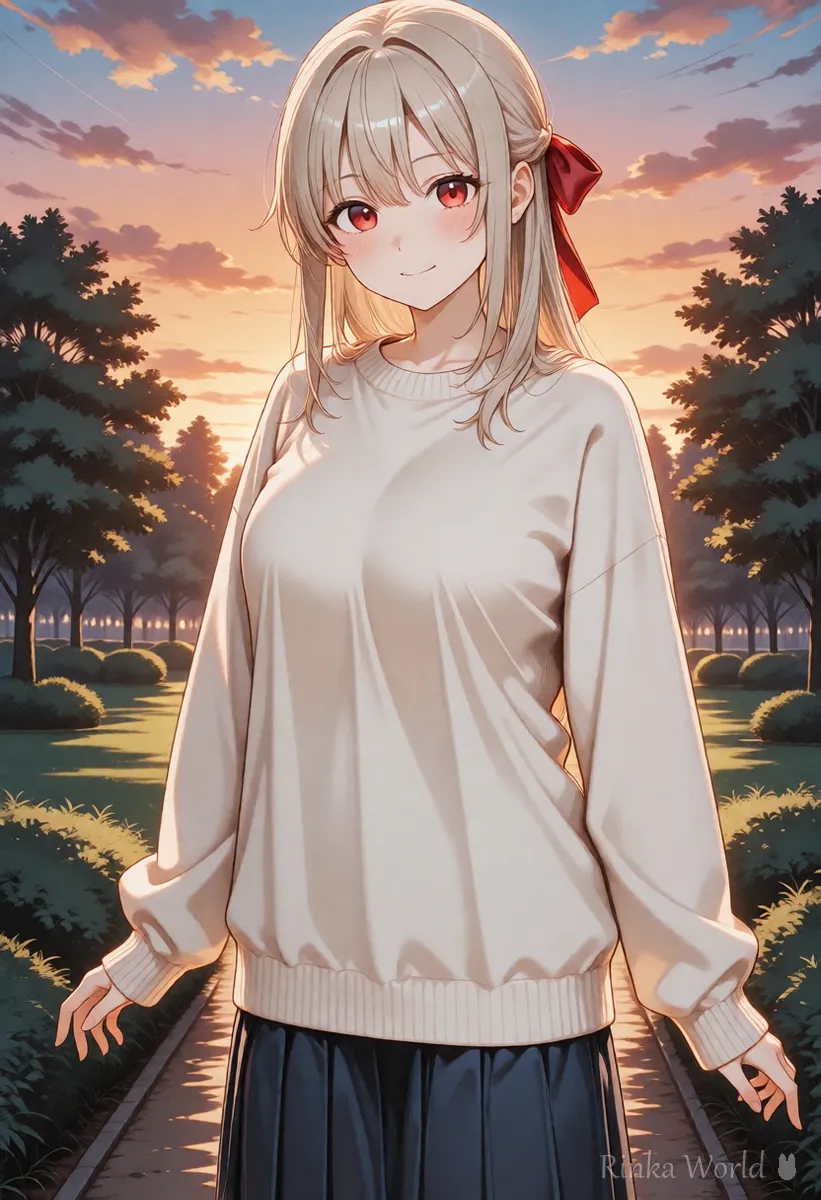
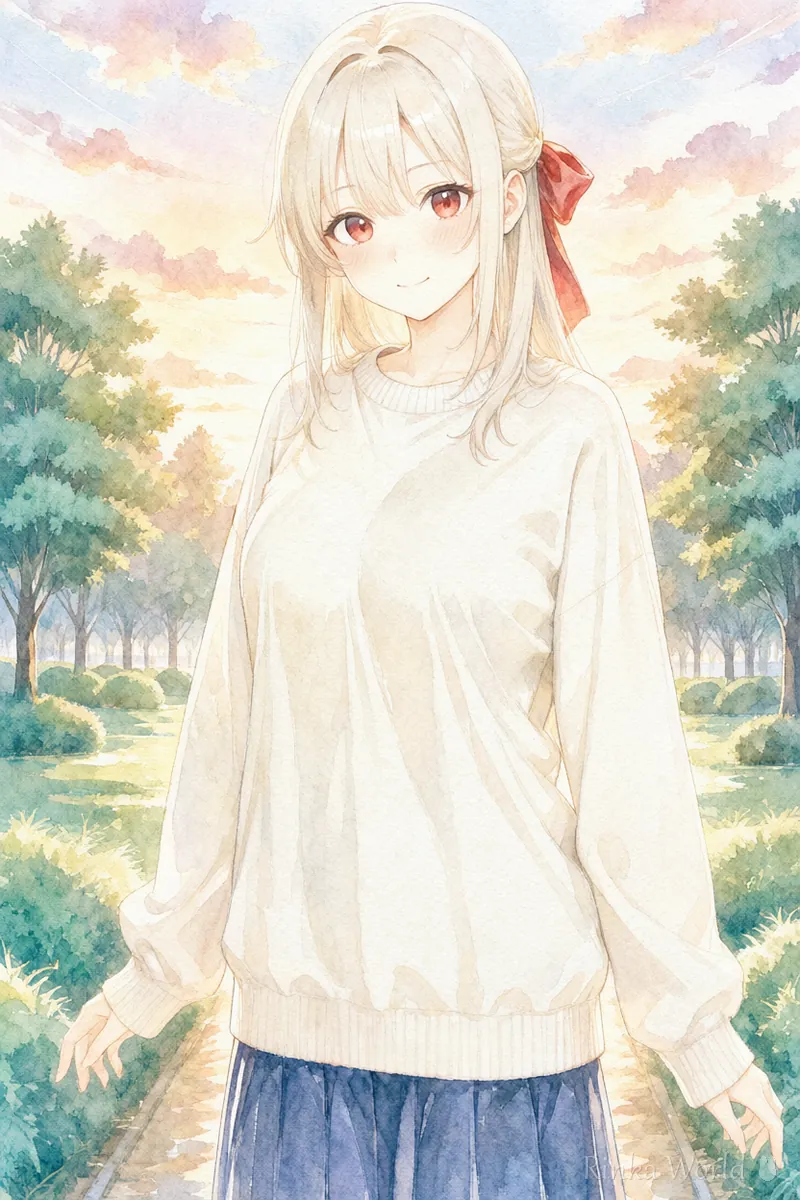
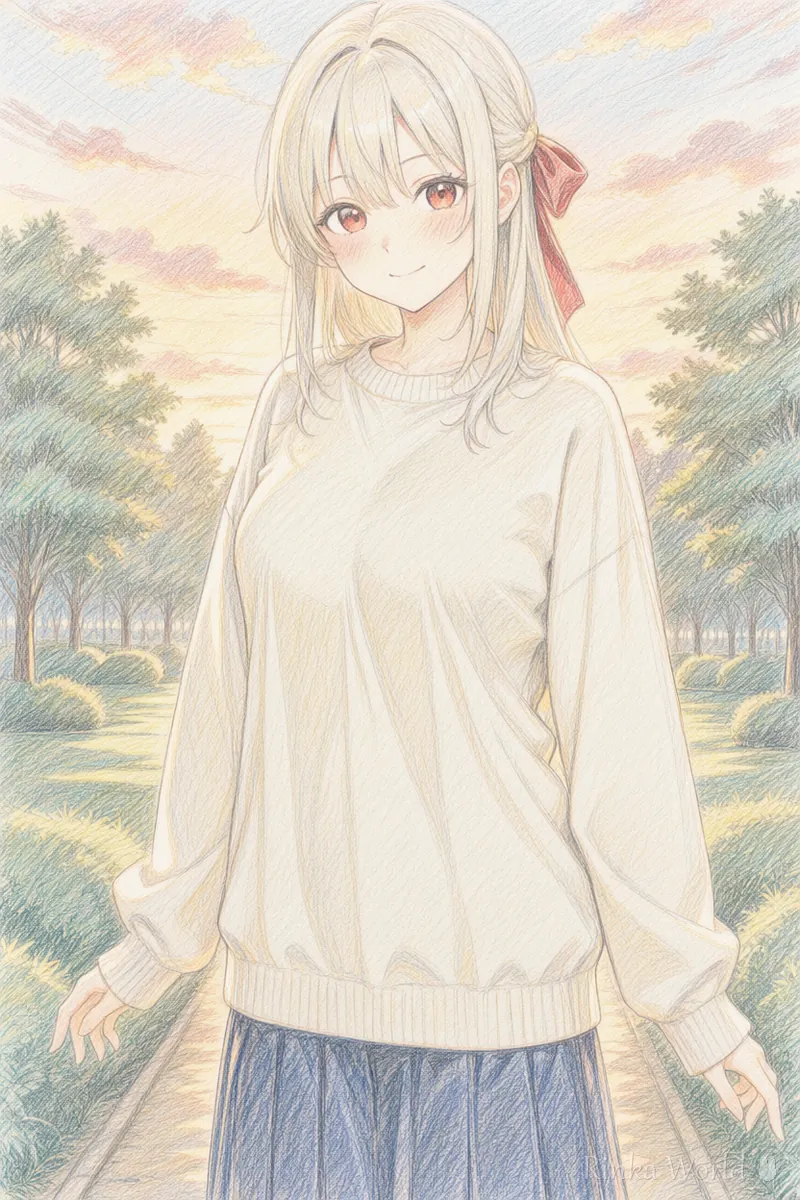
What is the difference between tag, text and chat types?
Tag-based is good at fine control, text-based at a cohesive atmospheric image, and chat-based at refining through conversation.
Tag-based (Stable Diffusion, NovelAI)
Many are anime models trained with Danbooru tags, so you can set hairstyle, outfit, expression and pose one tag at a time. Learning the tags takes effort, but once you know them you can produce the same character and style reliably. You can run them on your own computer or use them through a web service.
Text-based (Midjourney, FLUX and others)
Describe a scene in English and you get a cohesive image including composition and light. Even a few words tend to look good, but fine details such as fingertips or where a prop sits may not come out as intended.
Chat-based (ChatGPT, Gemini and others)
You ask in plain language and refine the result in conversation, saying "fix this". It is also good for adding text and editing your own images. Producing large numbers of images in one consistent style can be harder than with tag-based tools.
Which type for anime art, images with text or social media?
As the table below shows, anime characters suit tag-based tools, while images with text and plain-language requests suit chat-based tools.
How to pick the right tool for you
Steps to choose a tool
- Decide what you want to make (anime character, scenery, image with text and so on)
- Pick the suitable type from the table above
- Try one or two tools of that type within their free range
- Make the same subject in each and compare the style and ease of use
- Check price, commercial use and terms on the official site before using it seriously
What to look at when comparing
- Price and usage limits (these change often, so always check the official site)
- Whether generated images can be used commercially (check the terms)
- Whether the interface supports your language
- Whether it is good at anime art and illustration
- Whether it can edit images or keep a character consistent
- Whether it needs a powerful computer or runs on the web
Rinka's tips
- Do not expect one tool to do everything. Many people sketch ideas with a text-based tool and refine with a tag-based one
- Whatever the type, the habit of deciding five things (subject, look, composition, place, light) is the same
Common mistakes when choosing an AI image tool
The most common are mixing up tool types and not checking the terms.
The same request written for each type
Here is "a girl with a red ribbon looking back and smiling in a park in the evening" written for each of the three types. The wording differs, but the decisions inside are the same.
1girl, solo, long hair, black hair, red eyes, hair ribbon, sweater, smile, looking back, park, sunset, upper bodyAn anime girl with long black hair, red eyes and a red ribbon looks back over her shoulder with a smile in a park at sunset, upper body, warm light, soft illustration --ar 2:3Please make a portrait-format illustration. A girl with long black hair, red eyes and a red ribbon looks back and smiles in a park in the evening. Frame her from the waist up in a soft anime style.If you are making AI art for the first time, see Getting Started with AI Illustration (Beginner Steps) →
For writing tag-based prompts (NovelAI), see How to Write NovelAI Prompts (Emphasis, Quality Tags, UC) →
For writing text-based prompts (Midjourney), see How to Write Midjourney Prompts (Sentences and Parameters) →
For chat-based requests (ChatGPT), see How to Prompt ChatGPT for Images (Asking and Editing) →
FAQ
Frequently Asked Questions
Which tool is best for anime art?
For detailed anime characters, tag-based tools that use Danbooru tags (Stable Diffusion anime models or NovelAI) suit best. For a quick atmospheric image, text-based tools with anime modes are also an option.
Are there free tools?
Some tools have a free range, and some can run on your own computer. Free ranges and conditions change often, so check the official site before you start.
Can images from any tool be used commercially?
Terms differ by tool and plan. Always check the official terms of use before commercial use.
Which type should a beginner start with?
Chat-based tools that accept plain language are the easiest to start with. Once you want detailed anime characters, give tag-based tools a try.
RINKA WORLD
Play in Rinka World
MORE




