PROMPT GUIDE
How to Write NovelAI Prompts (Emphasis, Quality Tags, UC)
NovelAI prompts work best as Danbooru-style tags in the order "number of people, appearance, outfit, expression and pose, place, light", with {} or numbers used only on the parts you want stronger. This guide walks through tag order, emphasis, quality tags and UC (Undesired Content) step by step, so you can get the picture you want without guessing.
Last updated: approx. 5 min read
The short answer
Write NovelAI prompts as Danbooru tags in the order people, appearance, outfit, expression and pose, place, light. Use {} or numeric weights only on the parts that need to be stronger, and put things you do not want in UC. Features change over time, so check the official docs for details.
How do you write a NovelAI prompt?
List Danbooru tags separated by commas, and add a short English phrase only where tags fall short. The basic order is people, appearance, outfit, expression and pose, place, light.
NovelAI image generation leans heavily on Danbooru-style tags (the tags used on a large anime art site), so comma-separated English tags give the most stable results. Newer models can also read short sentences, but building the skeleton with tags first and adding a short phrase only for things tags cannot express keeps failures down.
Rinka's tips
- Think of it as "tags near the front work more strongly" and the order becomes easy to decide
- Do not stack tags with the same meaning (one smile beats smile, smiling, happy)
- Make one image with a short prompt first, then add what is missing one tag at a time
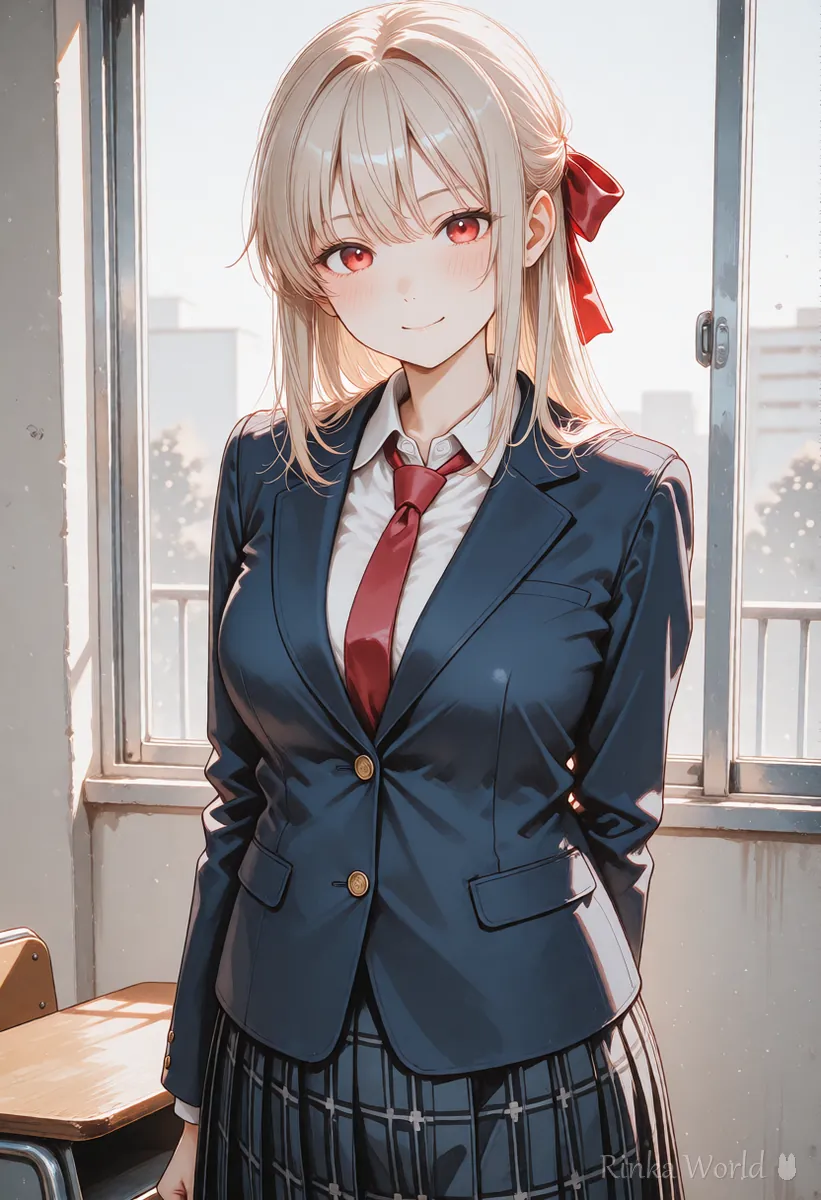
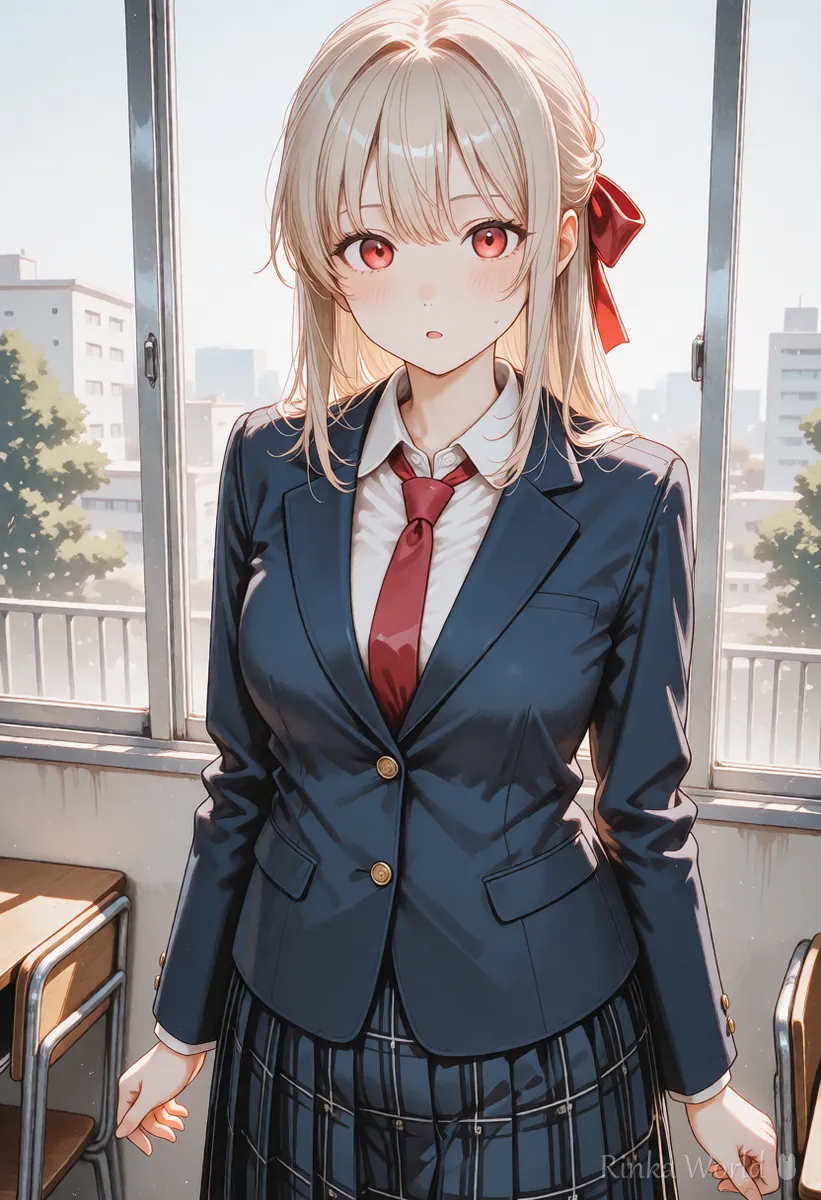
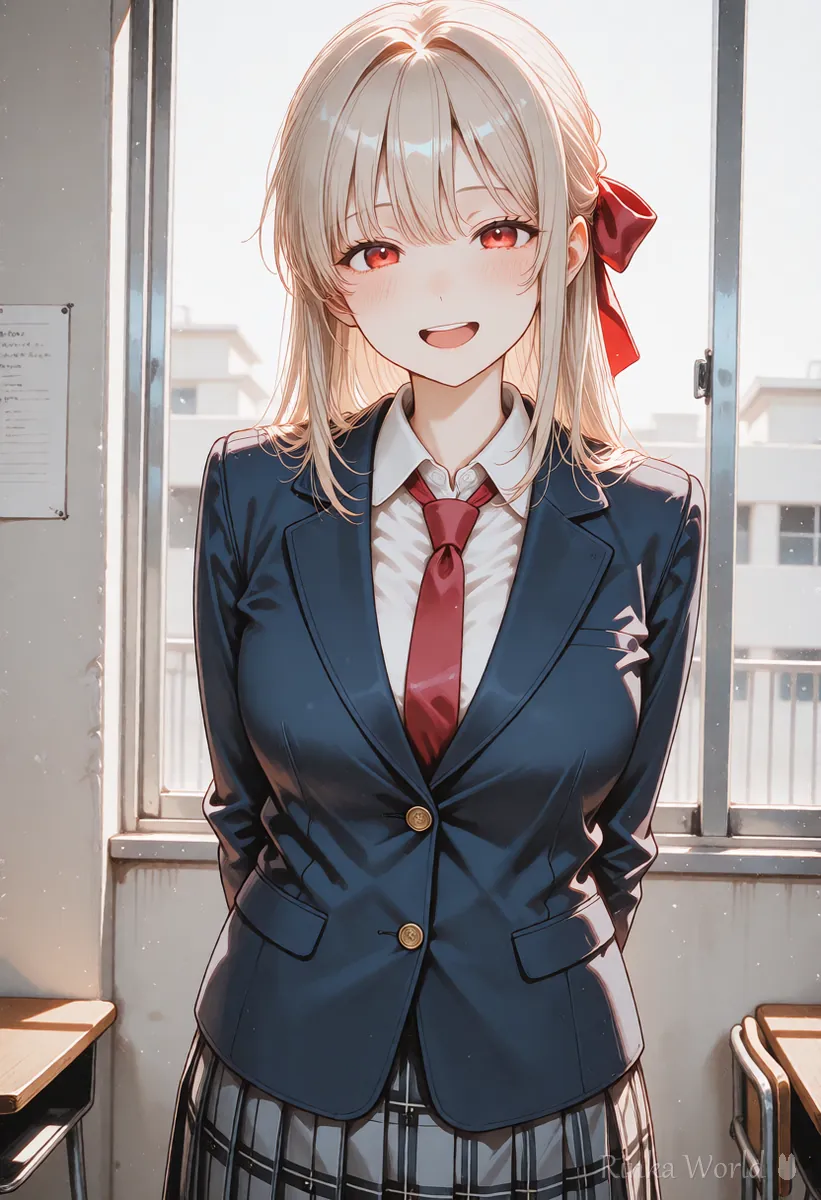
Step-by-step: writing a NovelAI prompt
Steps to make your first image
- Put the number of people (1girl, solo, etc.) at the very front
- Write hair length, hairstyle, hair color and eye color
- Write the outfit as "color + item name"
- Add one or two tags each for expression and pose
- Add place and light tags, then generate one image
- Fix only one thing that differs from what you wanted and try again (this is where emphasis comes in)
1girl, solo, long hair, red eyes, school uniform, cardigan, smile, looking at viewer, upper body, classroom, window, sunlight1girl, solo, short hair, blue eyes, white dress, straw hat, smile, standing, sunflower field, blue sky, summer, wide shotHow does emphasis work in NovelAI? ({}, [] and numbers)
Curly braces {} make a tag stronger and square brackets [] make it weaker. Newer models also support numeric weights such as "1.5::tag::".
In NovelAI, wrapping a tag in {} makes it a little stronger and [] makes it a little weaker. Doubling up, as in {{tag}}, makes it stronger still, but too many layers tends to break the image. Newer models also accept numeric weights like "1.5::tag::". Whether this works, and how strongly, can differ by model and change over time, so check the official docs.
Rinka's tips
- Use emphasis only on the one thing that is not working. If everything is emphasized, nothing stands out
- Stable Diffusion style (tag:1.2) does not mean the same thing in NovelAI, so rewrite it
To compare with Stable Diffusion (tag:1.2) weights, see The Complete Guide to Prompt Weight Syntax and BREAK →
What goes in NovelAI quality tags and UC?
Put quality tags such as best quality at the end of the prompt, and put things you do not want (broken hands, low quality, text) in UC.
NovelAI may offer a setting that adds quality tags automatically and presets for Undesired Content (UC). When quality tags are added for you, you do not need to type them yourself. If you do write them, grouping them at the end of the prompt keeps them separate from the appearance tags and easier to manage.
UC is where you list what you do not want to see. Adding broken hands, text, blur and extra people cuts down on failures. Too much UC can make images stiff, so add items one at a time when a problem appears.
lowres, bad anatomy, bad hands, extra fingers, missing fingers, blurry, jpeg artifacts, text, watermark, signature, multiple viewsFor more on negative prompts (things to exclude), see Recommended Negative Prompts and a Copy-Paste Template →
How do you draw two characters separately in NovelAI?
Write the place and composition in the main prompt, and each character's looks in their own character prompt, so hair and outfit colors do not mix.
Newer versions of NovelAI let you describe each character in a separate character prompt, apart from the main prompt. Putting everything in one box often swaps hair colors or mixes outfits, so keep the place and mood in the main prompt and each person's looks in their own box. Feature names and how they work can change, so check the official interface.
- Main prompt: number of people (2girls, etc.), place, light, composition
- Character prompt: that person's hair, eyes, outfit, expression and pose
- Keep the relationship between them (facing each other, waving) short, in the main prompt
- Start with two people. Three or more breaks easily, so wait until you are used to it
For two-person composition tags, see Duo Composition Tags That Show the Relationship Between Two Characters →
NovelAI not giving the result you want? (Common mistakes and fixes)
Most problems come from tags fighting each other or from too much emphasis. Work through the table below one row at a time.
How is NovelAI different from other tools?
Most tags carry over as they are, but the emphasis syntax and the conventions for quality tags and UC are different.
NovelAI and Stable Diffusion based anime models (Illustrious, NoobAI and others) are both tag-first, so most tags can be reused as they are. What differs is the emphasis syntax and the conventions for quality tags and UC. When you move a prompt to a sentence-based tool such as Midjourney or ChatGPT, rewriting the tags as English sentences gets the idea across better.
For how the different types of tools compare, see AI Image Generators Compared (How to Choose by Type) →
For when to use tags and when to use sentences, see Tag Prompts vs Natural Language Prompts (Which to Use?) →
For more detail on tag order, see Illustrious and NoobAI Prompt Order →
FAQ
Frequently Asked Questions
Can I write NovelAI prompts in languages other than English?
English tags are recommended. Other languages are often not understood as intended, so if you think in another language, convert it to English tags before entering it.
How many layers of {} emphasis can I use in NovelAI?
Two layers is a good limit. Three or more can make that one element extreme and break the image. When something is not working, removing competing tags often helps more than adding emphasis.
Do I need to write quality tags myself?
Not when the setting that adds quality tags automatically is on. Settings and specs can change, so check the explanation in the interface you are using.
What should I put in UC (Undesired Content)?
Start with things that break easily (bad hands), low quality (lowres, blurry) and text (text, watermark). When something unwanted shows up, add that word one at a time.
Can I use Stable Diffusion prompts in NovelAI?
Most tags work as they are. Rewrite emphasis such as (tag:1.2) in NovelAI syntax, though. Syntax that only exists in Stable Diffusion, such as LoRA calls, will not work.
RINKA WORLD
Play in Rinka World
MORE




