PROMPT GUIDE
How to Use Leonardo AI (Writing Prompts and Your First Settings)
Leonardo AI is a service for making images entirely in your browser. Its strength is the range of models and styles, from anime to photo-like. This guide walks through the order beginners get stuck on, choosing a model, writing the prompt and setting options, up to your first image.
Last updated: approx. 3 min read
The short answer
Leonardo AI is a browser-based image generator: choose a model (art style) or style first, then write an English prompt. Stick to one model at first, set the aspect ratio and number of images, and fix the prompt one part at a time to get closer to what you want. Check prices and credits on the official site.
What is Leonardo AI?
It is a browser-based image generator where you pick a model or style and make pictures.
Because nothing needs installing, it is easy to start even without a GPU. It offers anime, illustration and photo-like models and styles, and the same prompt can look very different depending on which you pick. There are also editing features such as redrawing part of an image, but names and details change, so check the on-screen guidance when you use them.
How do you make your first image in Leonardo AI?
Choose a model or style, write the prompt, set the ratio and count, and generate.
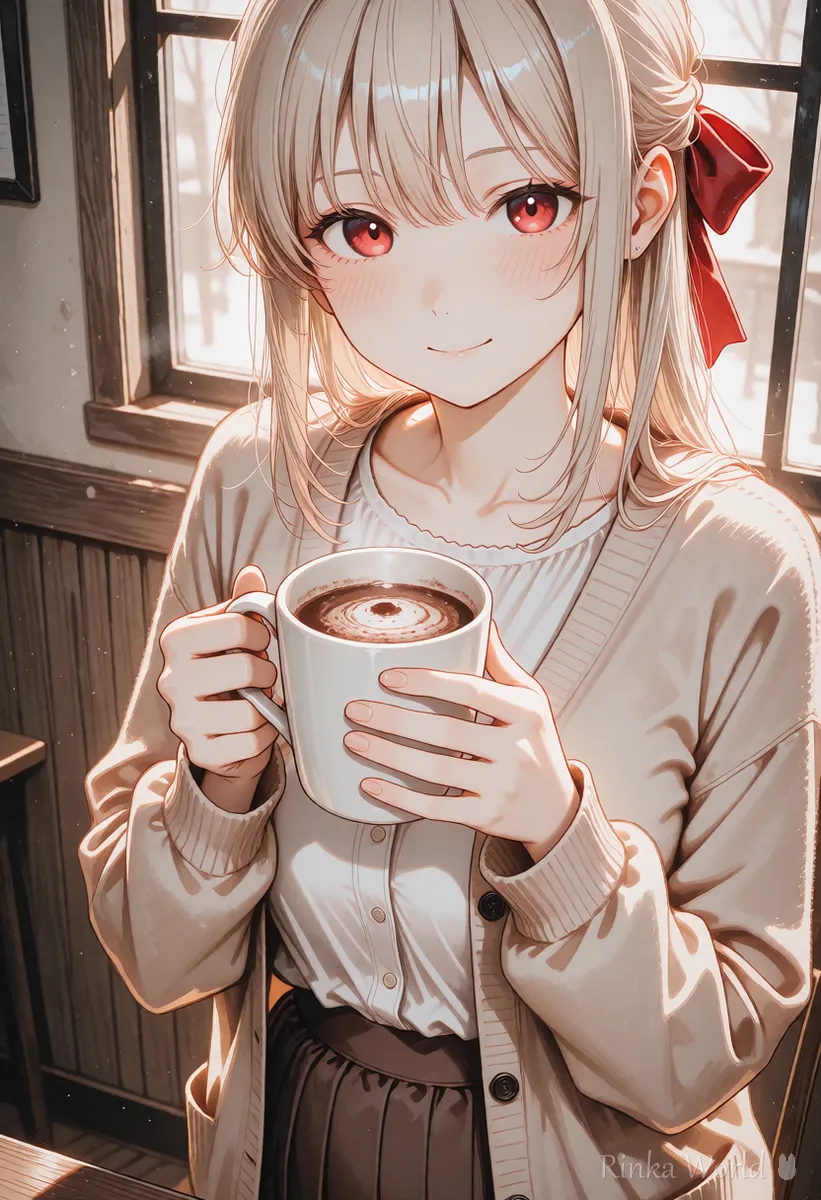
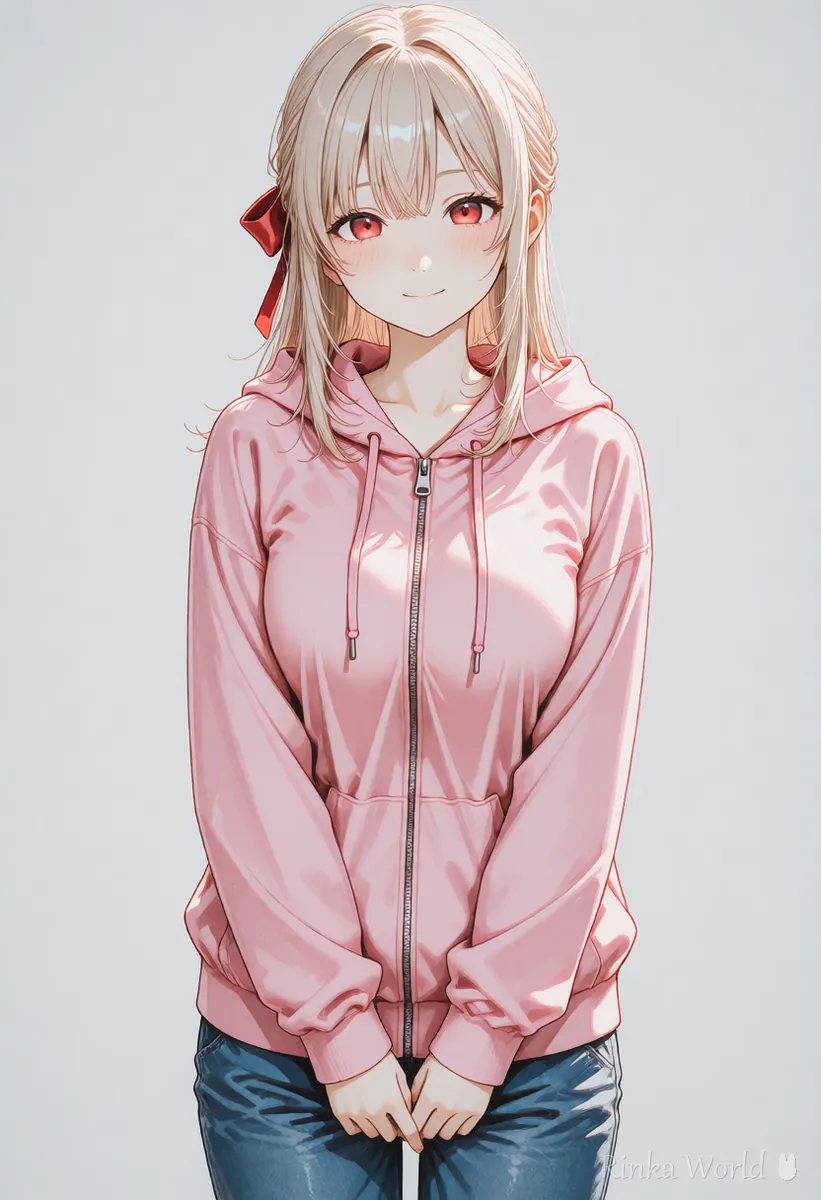
Steps to your first Leonardo AI image
- Create an account and open the image generation screen
- Choose one model or style close to the look you want (an anime or illustration one for anime)
- Write the English prompt in the order subject, appearance, place, light
- If there is a negative prompt field, write what you want to avoid
- Set the aspect ratio and number of images (start with only a few)
- Generate and pick the closest image
- Rewrite only the parts that are off and generate again
an anime girl with short brown hair and red eyes, wearing a cream sweater, smiling and holding a cup of cocoa, in a cozy cafe by the window, soft warm light, anime style illustrationblurry, low quality, extra fingers, deformed hands, text, watermark, extra peopleHow do you choose a model or style?
Pick one close to the look you want and practice with it for a while.
Rinka's tips
- Switching models changes the look a lot even with the same prompt. To compare, keep the prompt fixed and change only the model
- If the style preset and the style words in your prompt disagree, the picture gets muddy. Lean one way
- Available models and names change. Choose from what is offered now
To compare what each service is good at, see AI Image Generators Compared (How to Choose by Type) →
How do you write the prompt and negative prompt?
Write the prompt as a short English sentence and list unwanted things such as low quality and deformities in the negative.
Leonardo AI accepts both tag lists and sentences, but writing in meaningful chunks starting from the subject keeps things organized. When a negative prompt field is available, include only what often appears and causes trouble, such as blur, broken fingers, text or extra people. Putting in too much can make the picture flat.
If you are unsure whether to use tags or sentences, see Tag Prompts vs Natural Language Prompts (Which to Use?) →
For a negative prompt template, see Recommended Negative Prompts and a Copy-Paste Template →
What if Leonardo AI does not give the picture you want? (Common mistakes and fixes)
The main causes are the model choice, an overloaded prompt and a mismatched ratio.
What should you watch out for with Leonardo AI images?
What you may do depends on the plan and terms, so check the official site before use.
- Commercial use, public visibility and how your work is shown may depend on your plan and terms
- Do not make pictures that imitate real people or existing characters from other works
- Check size and appearance before posting on social media
For step-by-step help making your first AI illustration, see Getting Started with AI Illustration (Beginner Steps) →
FAQ
Frequently Asked Questions
Is Leonardo AI free?
There may be a free allowance, but the number of uses and features change. Check current prices and plans on the official site.
Can Leonardo AI make anime-style pictures?
Choose an anime or illustration model or style and add a style word such as anime style illustration to the prompt.
Can I write prompts in languages other than English?
English is generally said to work closer to your intent. Think in your own language, then turn it into a short English sentence.
How do I make the same character in many images?
Describe the hair, eyes and clothes with the same words every time, and use a reference image feature if available. The guide to keeping the same character consistent covers the ideas in detail.
RINKA WORLD
Play in Rinka World
MORE




