PROMPT GUIDE
NovelAI vs Stable Diffusion (Comparison Table and How to Choose)
NovelAI and Stable Diffusion both come up often for making anime-style illustrations. Their prompt styles are similar, but where they run, cost, effort and freedom differ a lot. This guide puts the differences in a table and suggests which to choose for different goals.
Last updated: approx. 3 min read
The short answer
NovelAI is a paid online service that makes high-quality anime pictures easily. Stable Diffusion usually runs on your own PC (GPU) and lets you build freely with models, LoRAs and ControlNet, at the cost of setup and effort. Both use the Danbooru tag way of thinking.
What is the difference between NovelAI and Stable Diffusion? (Comparison table)
The biggest difference is whether it is an online service or runs on your own PC.
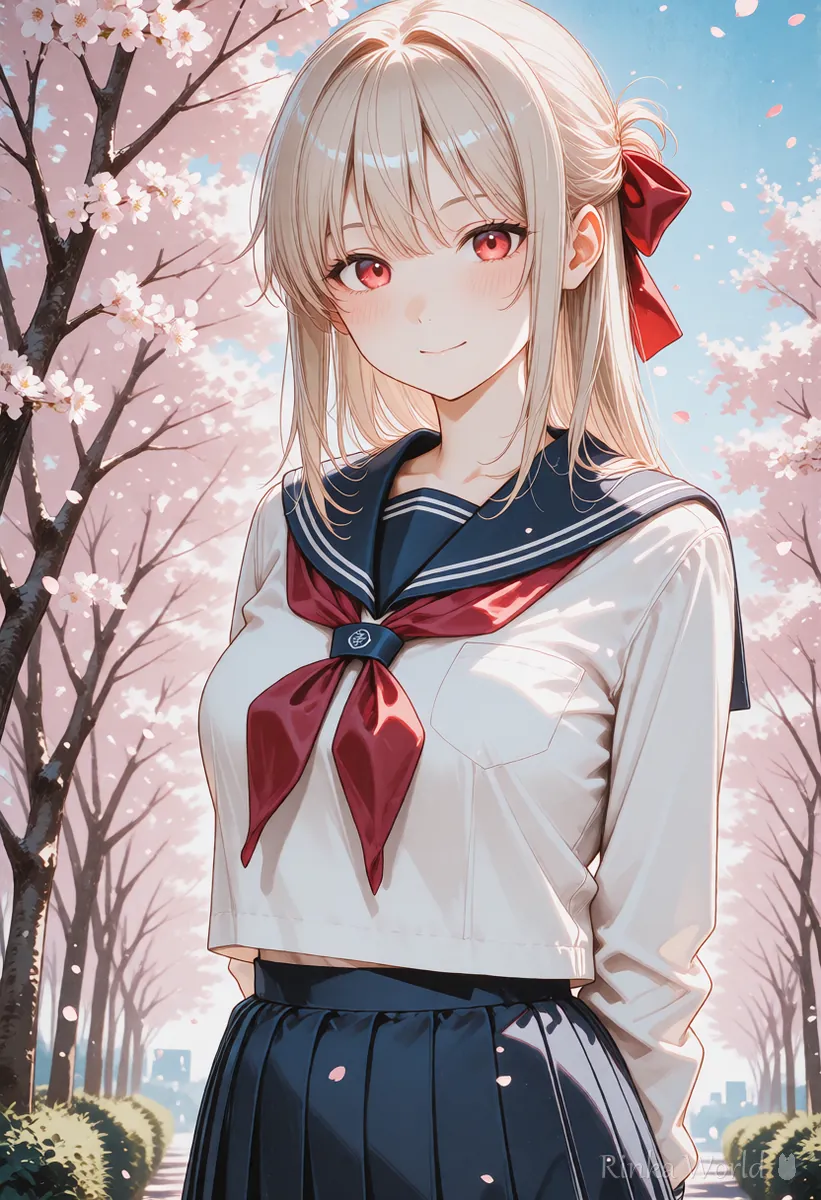
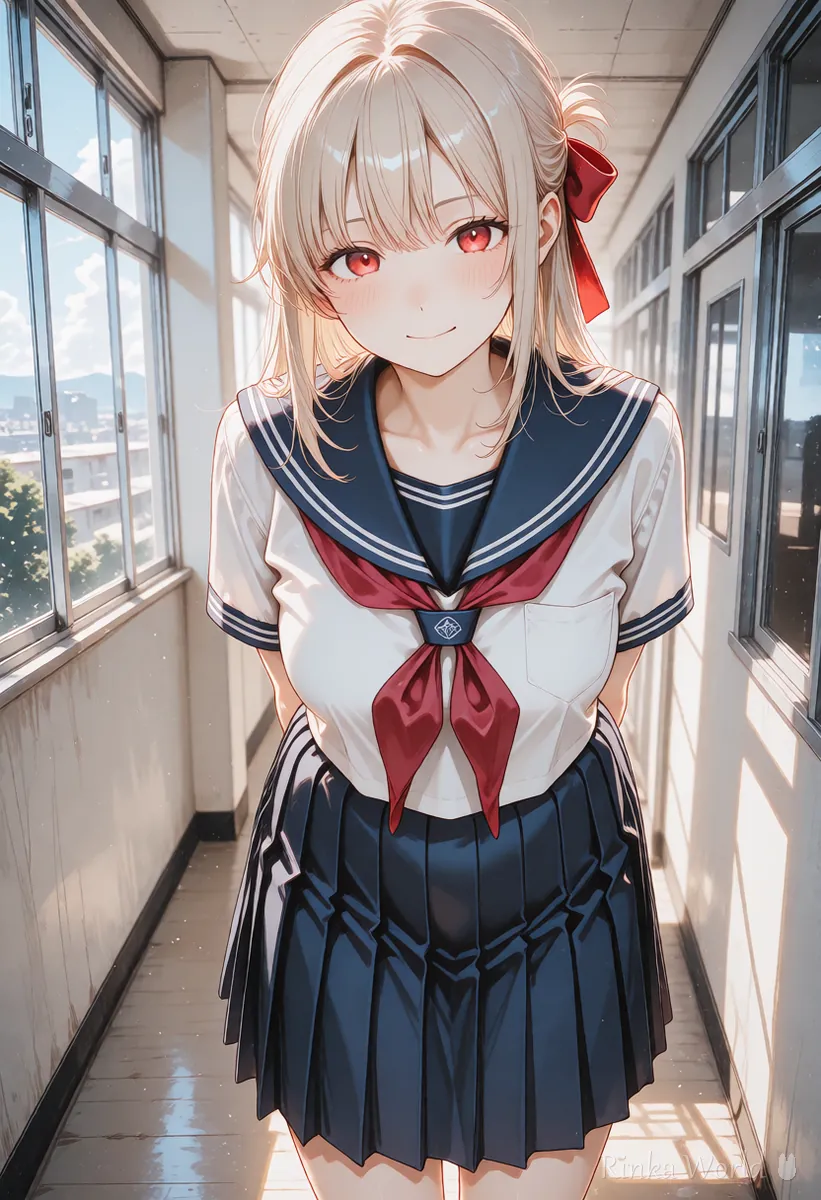
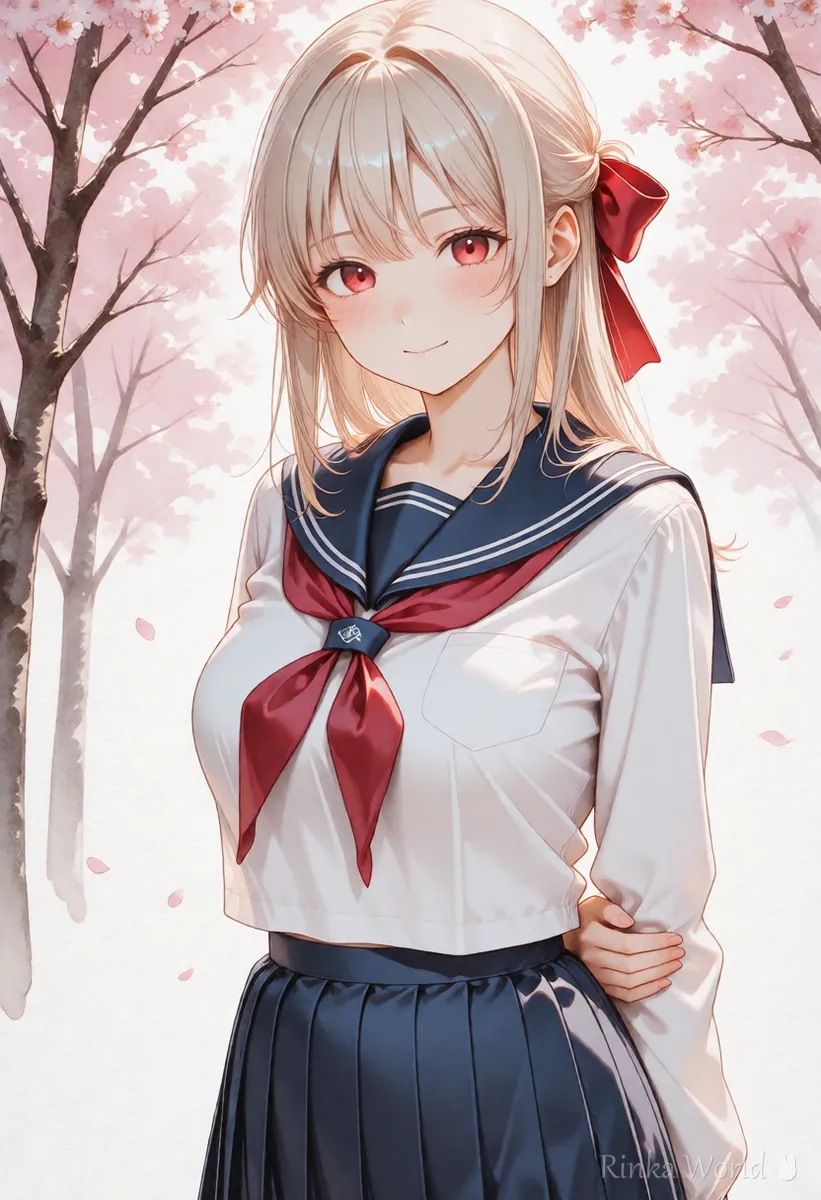
Rinka's tips
- Prices, features and available models change for both. Check the current official information before deciding
- Both use the Danbooru tag way of thinking, so the tag guides on this site help with either
Who is NovelAI best for?
People who want high-quality anime pictures right away without setting up a PC.
- You do not have a PC with a GPU, or do not want to spend time on setup
- You mainly make anime pictures and prefer a consistent look from the start
- You want to use it the same way from a phone or different computers
- You would rather leave updates and error handling to the service
For how to write NovelAI prompts (emphasis and quality tags), see How to Write NovelAI Prompts (Emphasis, Quality Tags, UC) →
Who is Stable Diffusion best for?
People who want to fine-tune on their own PC with models and add-ons.
- You have a PC with a GPU and do not mind setup and research
- You want to change the look freely with models and LoRAs
- You want to fix the shape with poses or line art (ControlNet and so on)
- You want to make a lot of images without worrying about usage limits
To start Stable Diffusion with a button-style interface, see How to Use Stable Diffusion Forge (Reading the UI and Making Your First Image) →
For the node-based ComfyUI, see How to Use ComfyUI for Beginners (Nodes and Your First Workflow) →
How do the prompts differ?
Both are tag-centered, but emphasis syntax and the handling of quality tags differ.
1girl, solo, smile, long hair, school uniform, cherry blossoms, outdoors, upper body1girl, solo, (smile:1.2), long hair, school uniform, cherry blossoms, outdoors, upper body, masterpiece, best qualityFor the detailed differences in emphasis syntax, see The Complete Guide to Prompt Weight Syntax and BREAK →
Which should you choose for your goal?
As a rule of thumb, NovelAI for an easy start, Stable Diffusion for building freely.
Steps to decide which to use
- Check whether you have a PC with a GPU (if not, start with a service such as NovelAI)
- Decide whether you mainly want anime, or also photos and other styles
- Think about how many images you want a month and how much you can spend
- Think about whether you can put time into setup and updates
- Make about 10 images with one first, and try the other if something is missing
What are common doubts and mistakes?
Choosing by fit for your goal, rather than which is better, avoids most mistakes.
FAQ
Frequently Asked Questions
Which looks better, NovelAI or Stable Diffusion?
It depends on the model and settings, so there is no single answer. NovelAI gives consistent anime pictures from the start, while Stable Diffusion can be tuned to your taste through model choice and adjustment.
Can I use NovelAI prompts in Stable Diffusion?
The Danbooru tag parts usually work as they are. Convert emphasis marks such as { } into Stable Diffusion's (tag:1.2) form.
Is Stable Diffusion free?
Much of the software is free, but you need a PC with a GPU and pay for electricity. If you run it on an online service, that service's fees apply.
Which should beginners start with?
If you do not want to set up a PC, start with a service such as NovelAI; if you have a PC with a GPU and like researching, start with Stable Diffusion.
RINKA WORLD
Play in Rinka World
MORE




