PROMPT GUIDE
How to Prompt ChatGPT for Images (Asking and Editing)
The key to ChatGPT image generation is telling it, in plain language, what you want, in what art style, with what composition and what it is for. Do not aim for perfection in one go: look at the result and ask "change only this" to get closer through conversation. This guide gives a request template and the phrases to use when asking for edits.
Last updated: approx. 4 min read
The short answer
ChatGPT image generation works best when your request covers the subject, art style, composition, place and light, and what the image is for. To fix something, ask for one change at a time with "keep everything else the same". To add text, put a short phrase in quotation marks.
Can you just describe the image to ChatGPT in plain language?
Yes. Plain sentences work. Include five things: the subject, art style, composition, place and light, and what the image is for.
ChatGPT image generation creates pictures from the text of the conversation. You do not need special syntax such as Danbooru tags; ordinary sentences work. Vague requests, though, tend to give images that are "close but somehow off", so include the five things below.
Step-by-step: how to ask
Steps for the first request
- Decide what it is for (icon, blog header, wallpaper and so on) and the shape
- Describe the subject (who or what) and their look in one or two sentences
- State the art style (anime, watercolor, photo-like and so on)
- State the composition (where it is seen from and how big the subject is)
- Describe the place, time and light
- Look at the result and ask for fixes one at a time
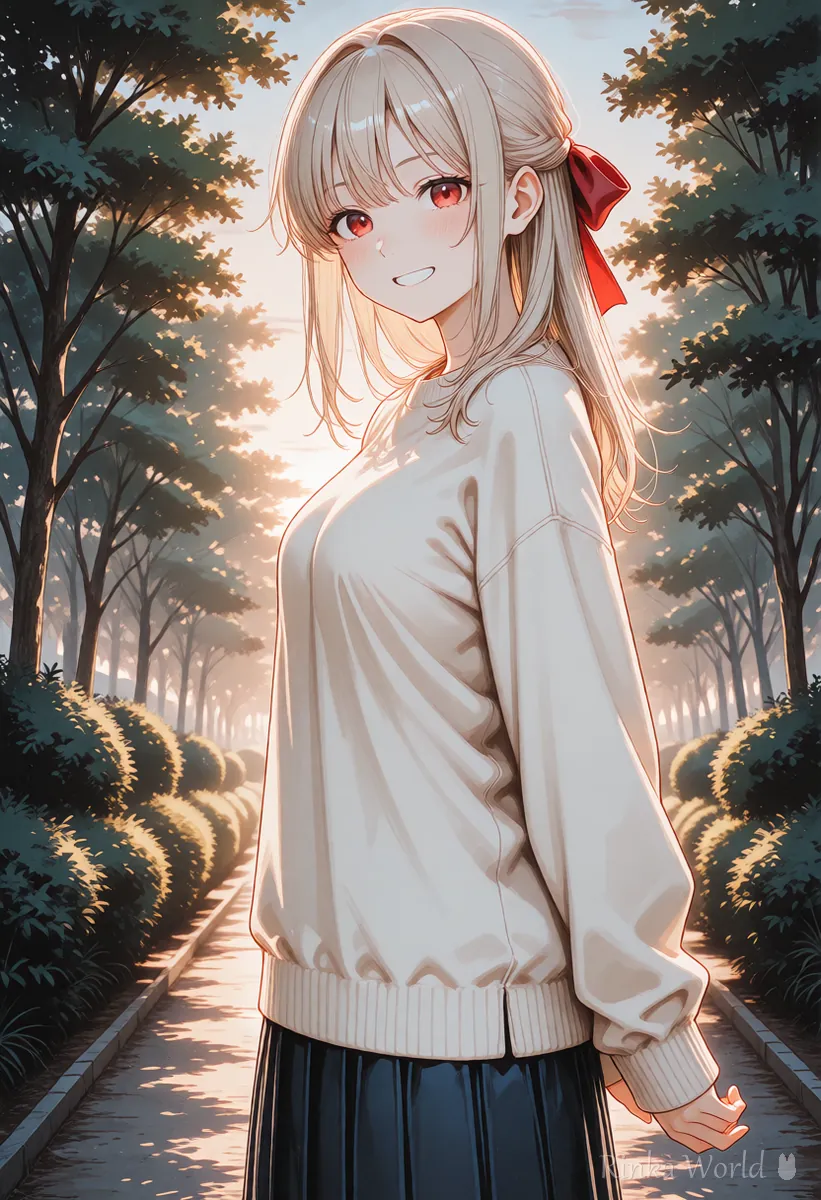
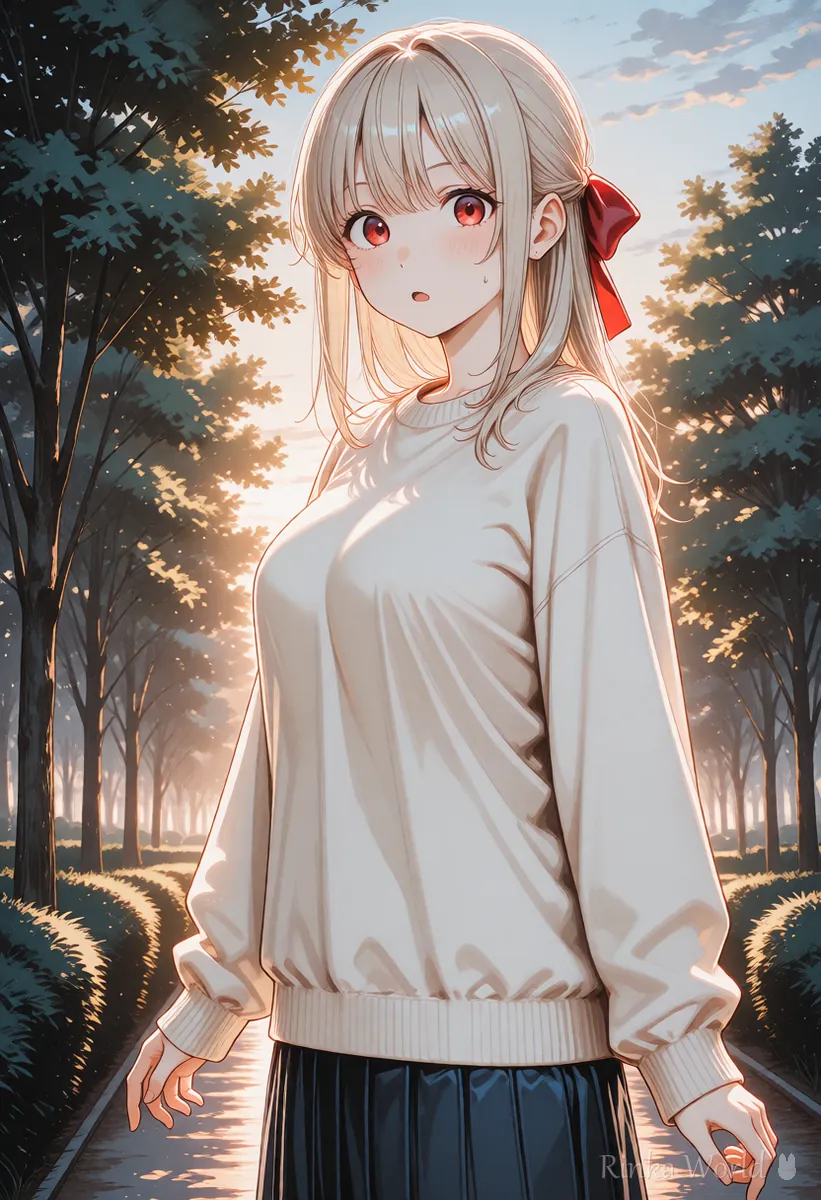
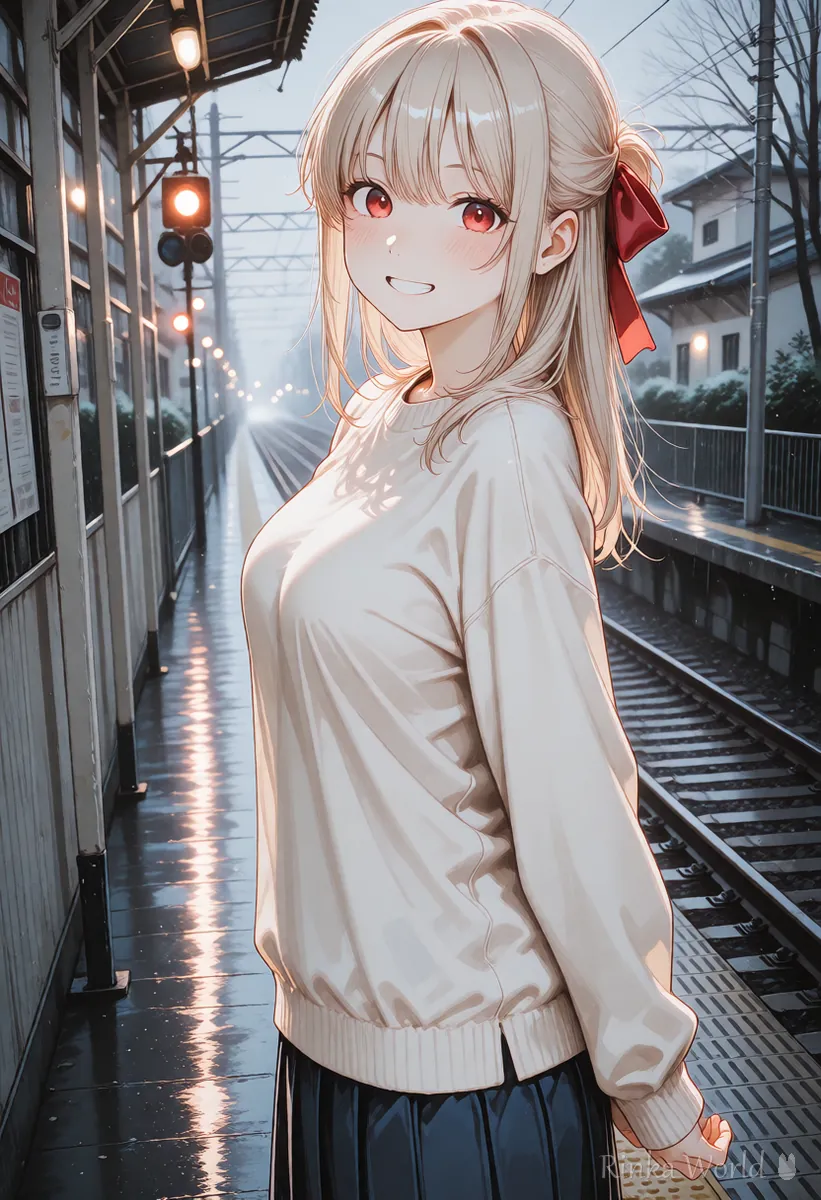
Please make one portrait-format illustration. A girl with long black hair, red eyes and a red ribbon, wearing a cream sweater, looks back and smiles in a park in the evening. Frame her from the waist up, in a soft colored-pencil anime style. Do not include any text.Please make a square illustration for a social media icon. A close-up of a short-haired girl with a bright smile on a plain light blue background. Crisp lines and pastel anime colors.How do you change only part of an image in ChatGPT?
Ask for one change per message, saying "keep everything else the same, and change only ...".
Even when there is a lot to fix, asking for one change per message is the fastest route. If you ask for several at once, parts you wanted to keep may change too. Adding "keep everything else the same" narrows what changes.
Rinka's tips
- Instead of "make it nicer", say which way to change it: "a little brighter", "closer"
- Save requests that worked so you can get the same mood next time
- If repeated fixes do not get closer, rewriting the first request and starting fresh is often quicker
How do you add text to an image in ChatGPT?
Put the short text in quotation marks and describe where it goes and the lettering style.
ChatGPT image generation is said to be relatively good at putting text inside pictures. Long sentences and small text still go wrong, so put a short phrase in quotation marks and say where and in what lettering style it should appear.
- Keep the text short (a few words at most)
- Put the text in quotation marks so it is written exactly as given
- Say where it goes (top center, on the sign) and how big
- Describe the lettering style (handwritten, bold rounded)
- If it is wrong, ask "fix only the text to read ..."
Please make an illustration of a cafe sign. On a wooden sign, write only the word "OPEN" in large white handwritten letters. A girl with a red ribbon stands next to the sign, in a gentle anime style.ChatGPT images not turning out right? (Fixes)
The usual causes are a missing art style or shape, and asking for several fixes at once.
Things to check before using the images
- Whether you can use the images commercially depends on the terms of use (conditions can change)
- Do not ask for images that imitate real people or other people's works and characters
- Usage limits and features can change by plan and over time, so check the official site
- Before posting on social media, check hands, fingers and text for errors
For how to ask Gemini for images, see How to Prompt Gemini for Images (Conversational Edits) →
For comparing ChatGPT with other AI image tools, see AI Image Generators Compared (How to Choose by Type) →
For checks before posting on social media, see The Complete Pre-Posting Checklist for AI Art →
FAQ
Frequently Asked Questions
Should I write ChatGPT image requests in English?
Plain sentences in your own language usually work. If a nuance does not come across, adding that part in English as well can help.
Can I make many images of the same character?
In the same conversation, asking "the same girl as before, but change only the place" can give a similar look. It may not be exactly the same, so repeating the appearance (hair, eyes, outfit colors) each time keeps it stable.
The text in the image is wrong. What should I do?
Shorten the text, put it in quotation marks and state where and how big it is. If it is still wrong, ask for a text-only fix: "change only the text to ...".
Can I use the images commercially?
It depends on the ChatGPT terms of use. Conditions can change, so check the official terms before using images.
RINKA WORLD
Play in Rinka World
MORE




