PROMPT GUIDE
Midjourney vs Stable Diffusion (Comparison Table and How to Choose)
Midjourney and Stable Diffusion are often compared as the leading image generators. Which suits you depends less on which is better and more on what you want to make and how much effort you can spend. This guide puts the differences in a table and suggests how to choose by goal.
Last updated: approx. 3 min read
The short answer
Midjourney is an online service that tends to give polished, well-composed pictures even from short English sentences. Stable Diffusion usually runs on your own PC and lets you control details with models, LoRAs and ControlNet, at the cost of setup and effort. Asking in sentences versus building with tags is another big difference.
What is the difference between Midjourney and Stable Diffusion? (Comparison table)
The big difference is asking an online service in sentences versus building with tags and settings on your own PC.
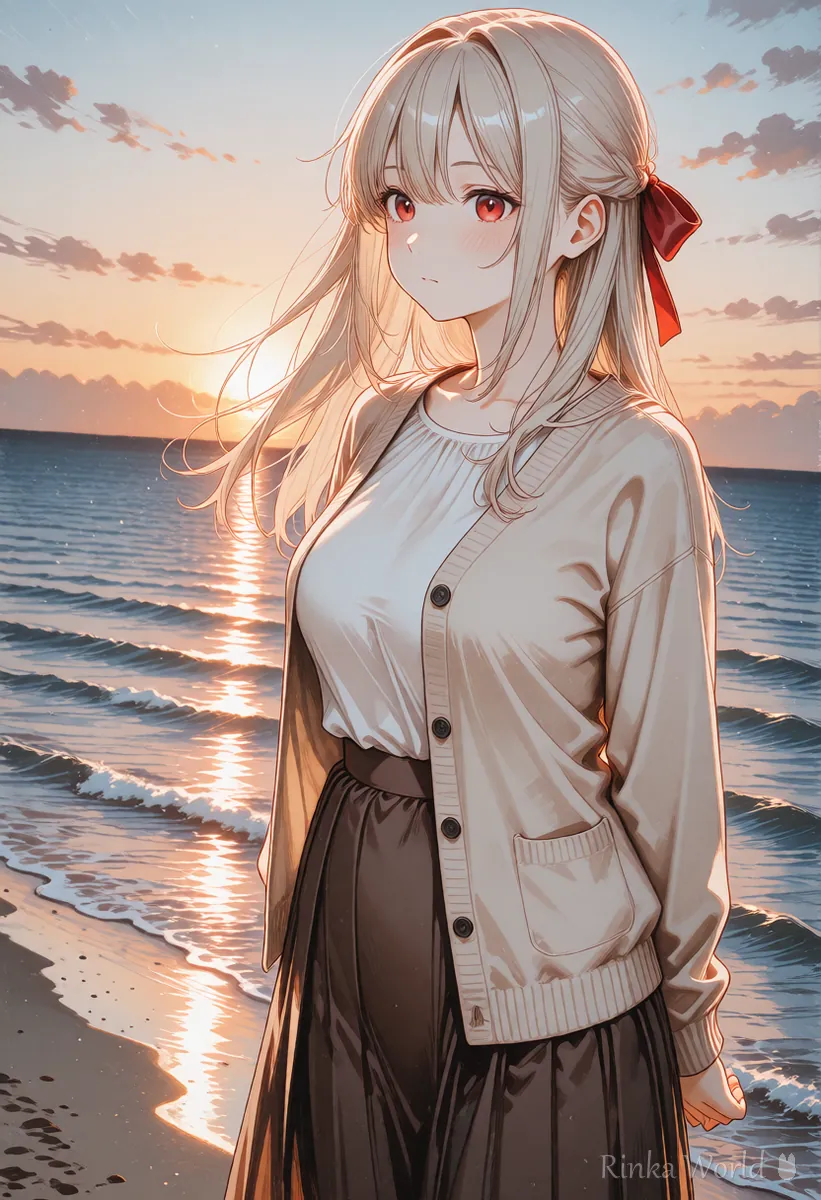
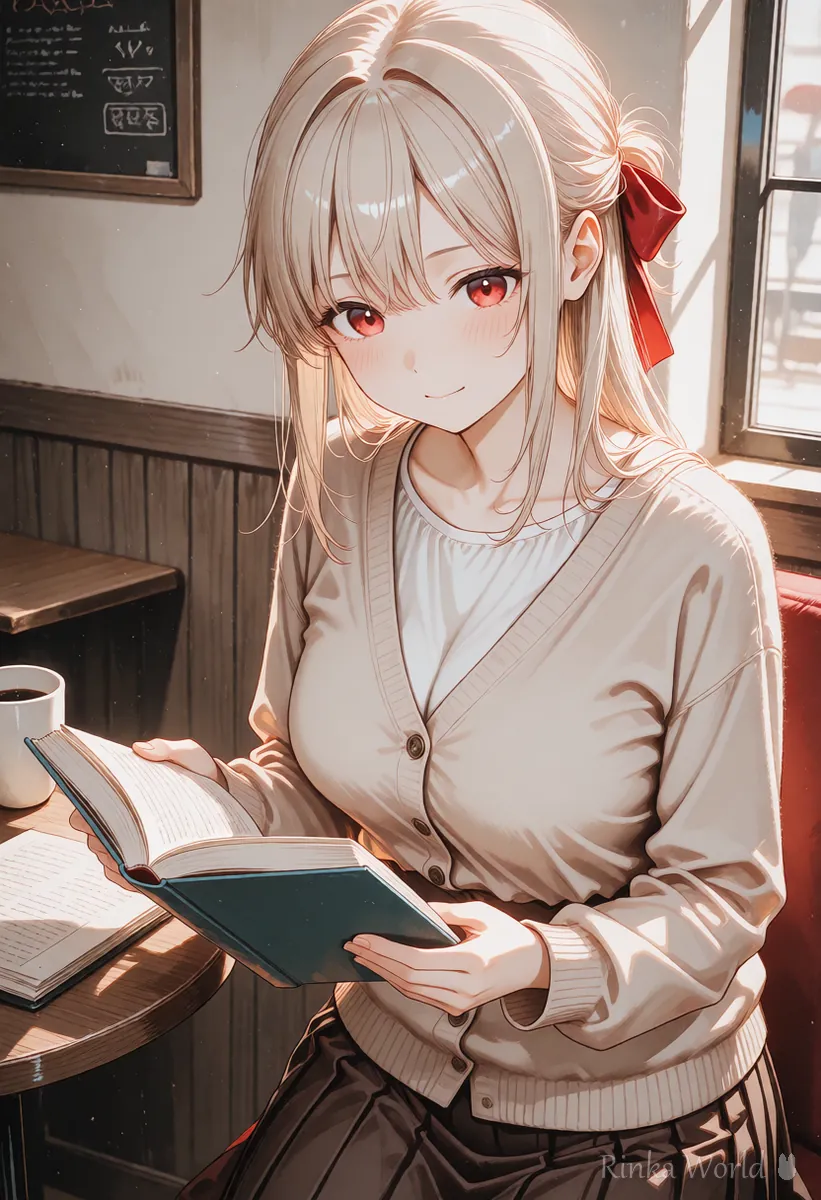
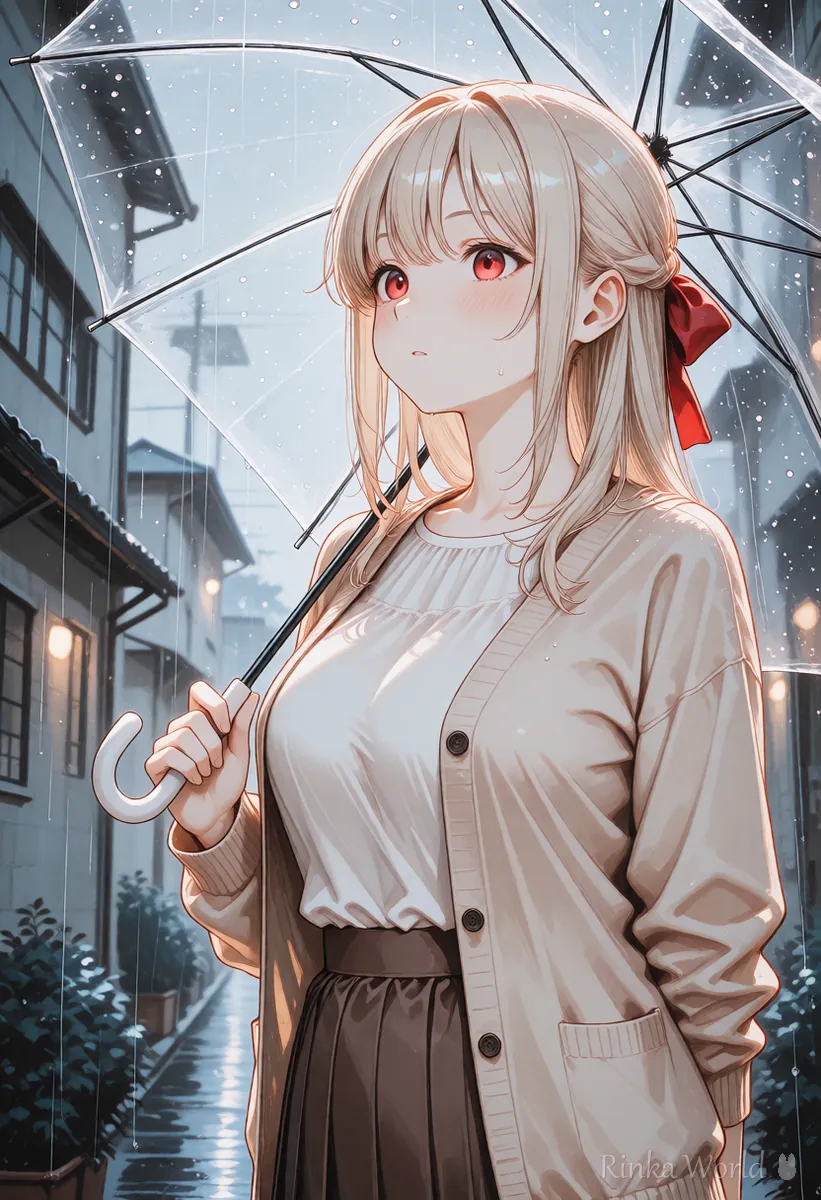
Rinka's tips
- Prices, features and versions change. Check the current official information before deciding
- If you only make anime pictures, Midjourney's anime-focused mode (niji journey) and Stable Diffusion's anime models are both options
How do the prompts differ?
Midjourney centers on sentences and parameters; Stable Diffusion on tags (sentences for some models).
an anime girl with long black hair and a red ribbon, smiling under cherry blossoms, soft spring light, gentle illustration --ar 2:31girl, solo, long hair, black hair, red ribbon, smile, cherry blossoms, outdoors, soft lighting, upper body, masterpiece, best qualityFor tips on converting between tags and sentences, see Tag Prompts vs Natural Language Prompts (Which to Use?) →
For how to write Midjourney prompts and parameters, see How to Write Midjourney Prompts (Sentences and Parameters) →
Who is Midjourney best for?
People who want attractive, atmospheric pictures right away with no setup.
- You want to use it without worrying about your PC's power
- You want good-looking pictures even from short English sentences
- Your focus is mood images, idea sketches and atmosphere
- You care more about overall mood than precise poses or shapes
Who is Stable Diffusion best for?
People who want to fine-tune shape and style on their own PC.
- You want many images of the same character or a fixed style
- You want to set the shape from poses or line art
- You want detailed touch-ups such as fixing one part or extending the picture
- You have a PC with a GPU and can handle setup and research
To set shapes with poses or line art, see ControlNet in How to Use ControlNet (OpenPose, Canny, Depth and Lineart Compared) →
To start Stable Diffusion with a button-style interface, see How to Use Stable Diffusion Forge (Reading the UI and Making Your First Image) →
Which should you choose for your goal?
As a rule of thumb, Midjourney for atmosphere, Stable Diffusion for fine control.
Steps to decide which to use
- Write down what you want to make (mood images, or a series with the same character)
- Check whether you have a PC with a GPU
- Think about how much precise shape control you need
- Compare the cost with how many images you want
- Make a few with one, and try the other where something is missing
What are common doubts and mistakes?
Bringing tags over as they are and choosing the tool that does not fit your goal are the usual mistakes.
For tips on keeping the same character consistent, see How to Keep the Same Character in AI Art (Face, Hair and Outfit) →
FAQ
Frequently Asked Questions
Which is better for beginners, Midjourney or Stable Diffusion?
Midjourney is easier to start because it needs no setup. Stable Diffusion needs setup, but once you are used to it you can control details closely.
Can I use Midjourney prompts as they are?
The sentence parts may work on models that understand sentences. For anime models, rewrite them as Danbooru tags, and replace parameters such as --ar with width and height settings.
Which is better for anime pictures?
Both can make them. Midjourney has an anime-focused mode (niji journey), and Stable Diffusion lets you choose anime models. Making a few with whichever is closer to your target look and comparing is the surest way.
Which is cheaper?
Midjourney costs a plan fee, while Stable Diffusion costs a PC and electricity, and the total depends on how many images you make. Check current prices on the official sites.
RINKA WORLD
Play in Rinka World
MORE




