PROMPT GUIDE
How to Write Ideogram Prompts (Text, Style and Aspect Ratio)
Ideogram is an image generator you ask in plain sentences. It is often mentioned for putting text inside images, and people consider it for posters, logos and signs. This guide focuses on writing prompts with text, then covers style and aspect ratio and what to do when it goes wrong.
Last updated: approx. 3 min read
The short answer
In Ideogram, describe the picture in an English sentence and put the exact text you want in quotes, like "OPEN". Keep the text short and say where it goes (top, center, on the sign) to reduce broken lettering. Feature names and details change, so check the official site.
How do you write an Ideogram prompt?
Describe the picture in a short English sentence and put the text you want in quotes.
Ideogram understands sentences about what the picture is, the mood and where the text goes better than long tag lists like Stable Diffusion. When you want text, write the words themselves in quotes, such as "Hello", to separate them from the description so the AI knows this is text to draw inside the picture.
What are the tips for text in Ideogram?
Keep the text short, put it in quotes, and say where it goes and how the letters look.
Steps to make a picture with text in Ideogram
- Decide the purpose (poster, logo, sign, thumbnail and so on)
- Limit the text to one to three words and write it in quotes
- Say where the text goes (top / center / on the sign)
- Pick one letter style (bold, handwritten, neon and so on)
- Add the main subject and background briefly
- Choose an aspect ratio for the use, make a few, and pick the most readable one
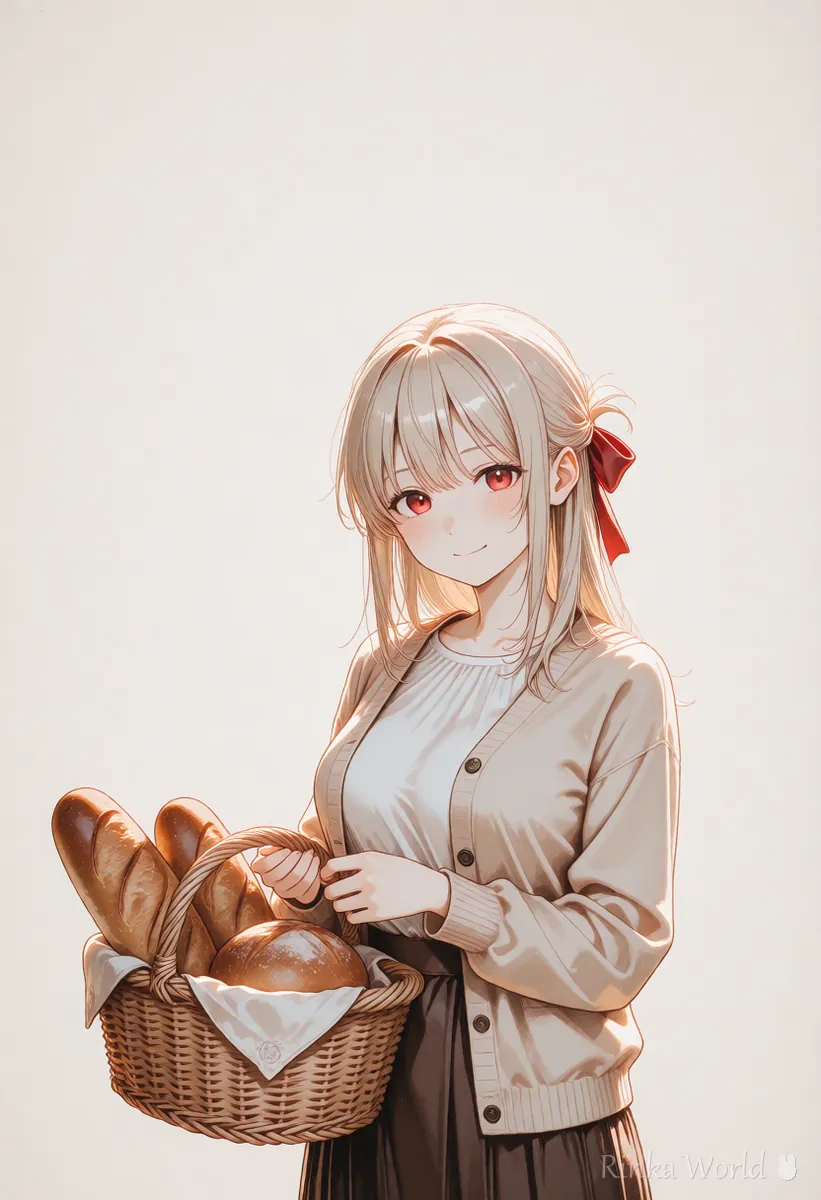
a cute poster for a small bakery with the text "FRESH BREAD" at the top in bold rounded letters, an anime girl holding a basket of bread, warm pastel colors, flat illustrationa simple logo with the text "RINKA" in handwritten pink letters, a small ribbon icon next to the text, white background, clean designRinka's tips
- Long sentences and non-Latin scripts can break. Try short English words first; you can add other languages yourself afterwards
- If you want text in two places, describe each location separately
- Ideogram may have features such as automatic prompt expansion. If results drift from your intent, check that setting too (names and availability: check the official site)
For how to add text to AI images and fix garbled letters, see How to Put Text in AI Images (Prompts That Avoid Garbled Text, and Adding It Later) →
How do you choose style and aspect ratio?
Put one or two style words in the prompt and pick the aspect ratio for the use.
The available ratios and style names change with the service version. Use the options shown on screen and keep them consistent with the words in your prompt.
What if the text breaks in Ideogram? (Common mistakes and fixes)
Usually the text is too long, the description too busy, or the text is squeezed into a small spot.
What can you use Ideogram images for, and what should you watch out for?
What you may do depends on your plan and the terms, so check the official site before using them.
- Commercial use, public visibility and credit requirements may depend on your plan and terms
- Do not imitate real brand names or logos
- Do not make faces look like real people
- Before posting on social media, resize and compress so pages load quickly
To compare it with other AI image generators, see AI Image Generators Compared (How to Choose by Type) →
If you want stickers with text, see How to Make LINE Stickers with AI Illustrations (Expressions, Margins, Transparency) →
FAQ
Frequently Asked Questions
Can I write Ideogram prompts in languages other than English?
Some other languages may work, but English is generally said to give results closer to your intent. Support changes, so check the official guidance.
Can Ideogram render non-Latin text such as Japanese?
Such text can come out broken. Making the image with short English text and adding other languages later in an image editor is the reliable route.
Is Ideogram free?
There may be a free tier to try it, but what it includes changes. Check prices and plans on the official site.
How do I get clean text?
Limit the text to one to three words, wrap it in quotes, put it early in the sentence, and describe its position and letter style. Make several and pick the most readable.
RINKA WORLD
Play in Rinka World
MORE




