PROMPT GUIDE
Getting Started with AI Illustration (Beginner Steps)
The quickest way to start AI illustration (AI image generation) is three steps: pick one tool, make an image with a short prompt, then add and fix one thing at a time. You do not need to memorize long prompts at first. This guide covers the steps to your first image and how to fix the usual stumbling points.
Last updated: approx. 3 min read
The short answer
Start AI art in three steps: pick one tool, make an image from a short prompt, then add and fix one thing at a time. With a web service you can even start on a phone. Long prompts can wait until you are comfortable.
Where should you start with AI art?
The quickest route is to pick one tool and make one image from a short prompt.
There are many AI art tools, but it is best to focus on one at first and get used to it. Tools that accept plain-language requests let you start right away, and when you want detailed anime characters, you can move on to tools that use English tags.
Steps to your first image
- Decide on one picture you want to make (for example, a standing girl with a red ribbon)
- Pick one tool (if unsure, start with one that accepts plain language)
- Make one image with a short prompt
- Look at the result and fix just one thing
- Save the prompt you liked
- Check hands, fingers and text before saving or posting
Can you start AI art on a phone?
With web or app services, a phone is enough to start.
Rinka's tips
- It is fine to try a web service first and see what you can make before deciding anything else
- Prices and free ranges change often, so check the official site before you start
- Follow the tool's terms for how you use the images (commercial use, social media)
How should you write your first AI art prompt?
A short prompt saying who it is, what they look like and where they are is enough.
If you write a long prompt from the start, you cannot tell which words worked. First write only who it is, what they look like and where they are, and make one image. Here is one example for a tag-based tool and one for a sentence-based tool.
1girl, solo, long hair, red eyes, smile, sweater, upper body, simple backgroundAn illustration of a girl with long black hair and red eyes, wearing a sweater and smiling. From the waist up, with a simple background.For either one, adding a place, a light and a pose one at a time brings the picture closer to what you have in mind.
The order to add things in
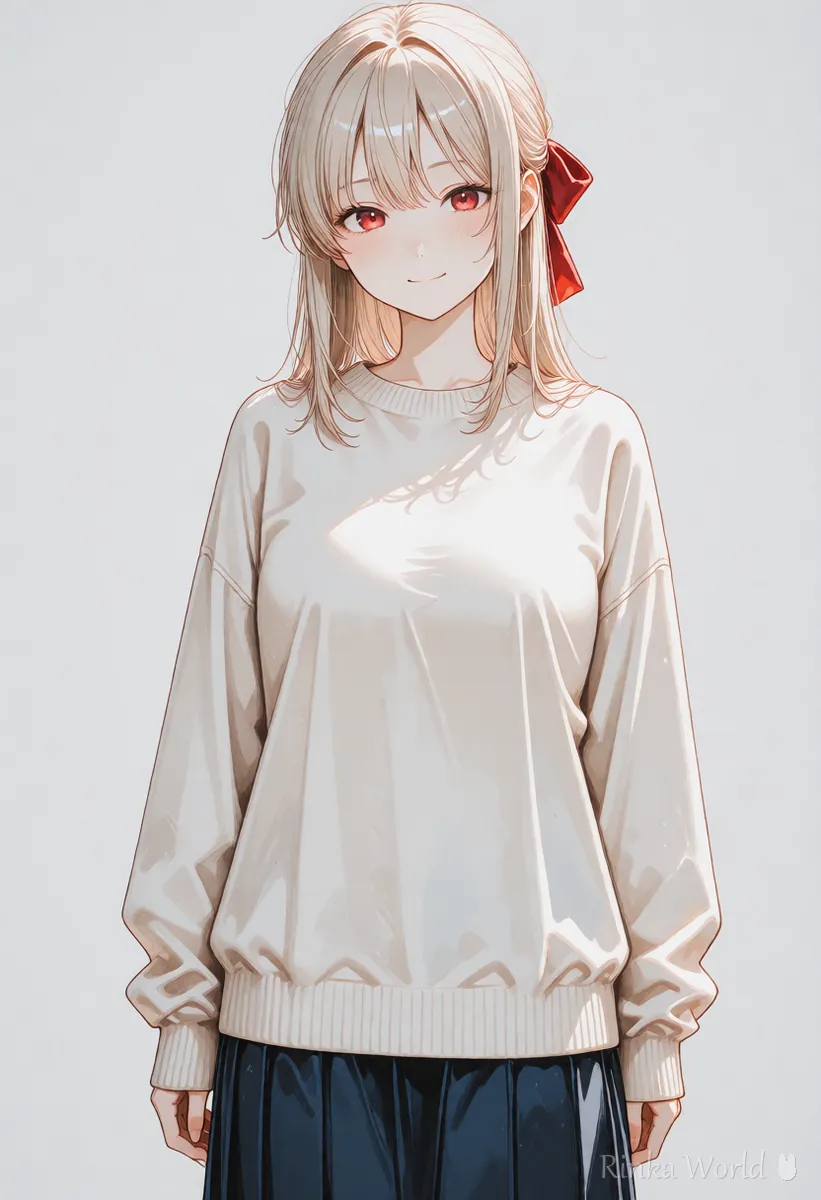
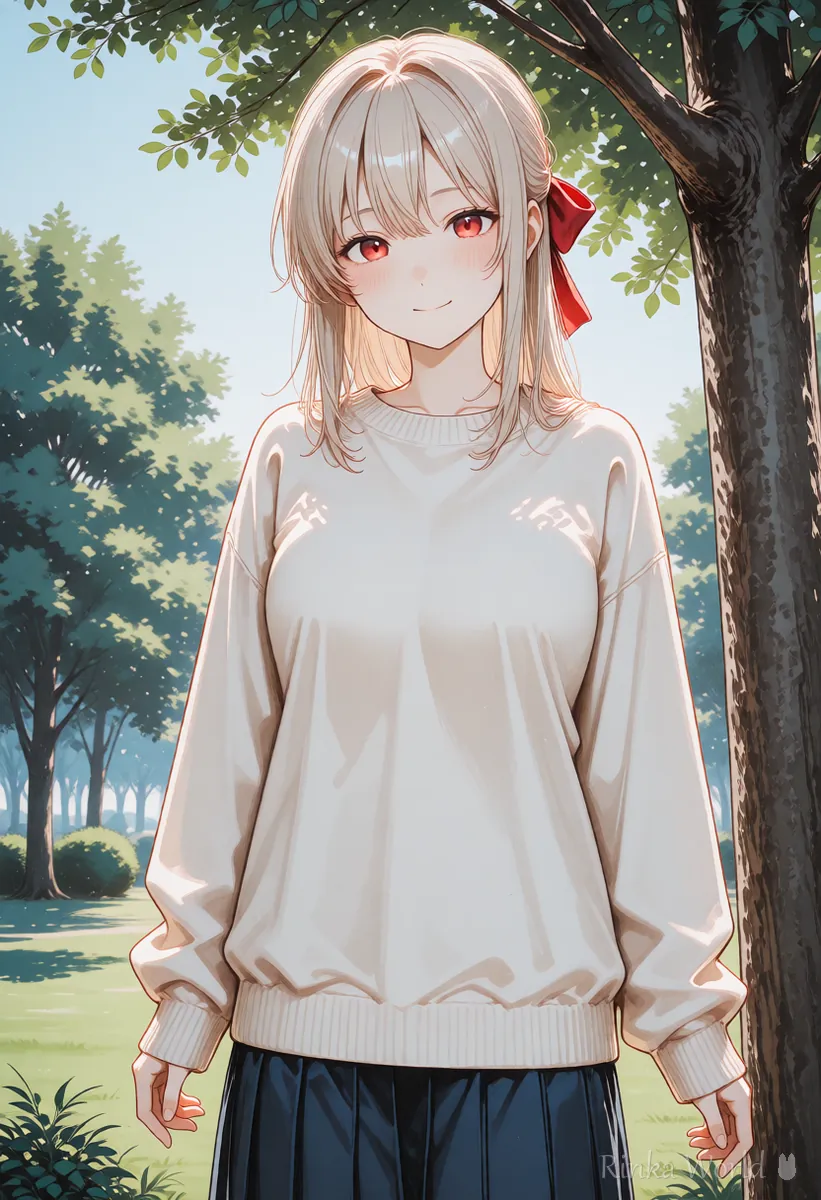
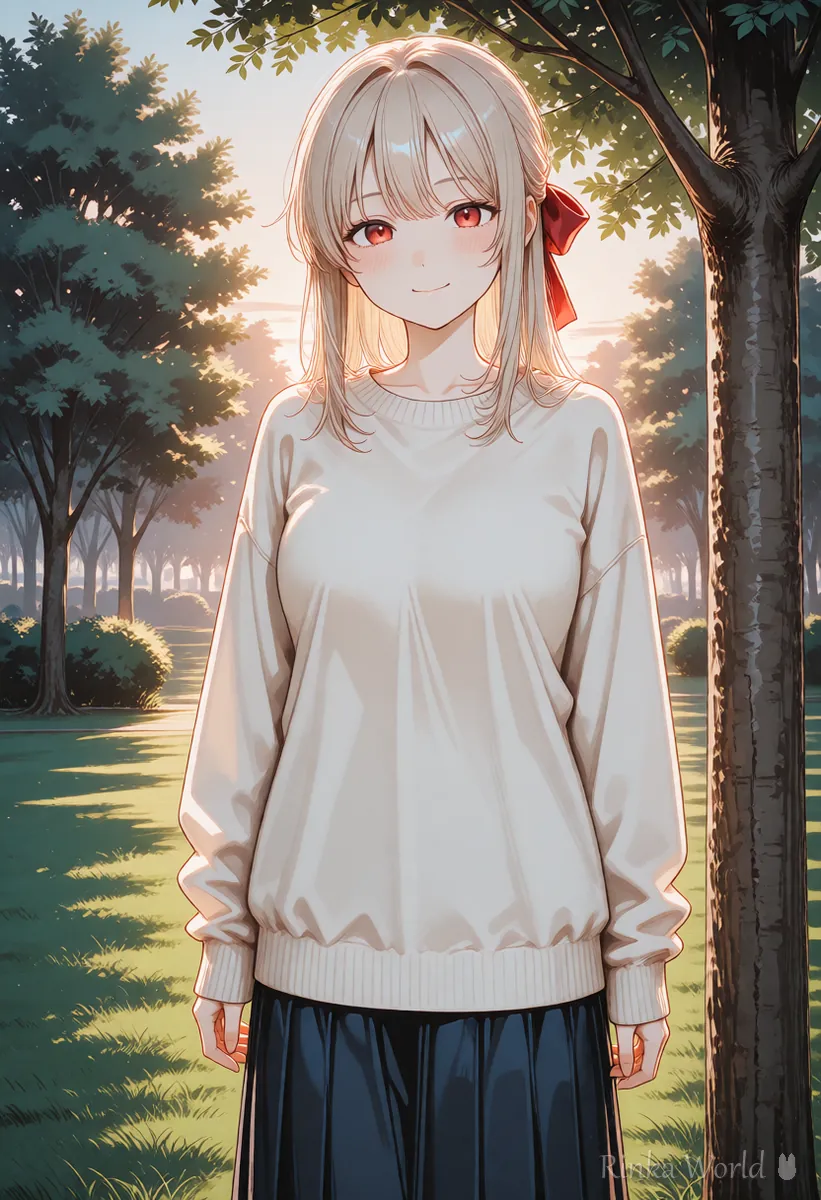
Hands breaking or colors wrong in your AI art? (Fixes)
The usual causes are complex hand poses and color words competing with each other.
Before you post your AI art on social media
- Zoom in and check hands, fingers, eyes and text for errors
- Make sure it does not look too much like a real person or someone else's work
- Check the platform's rules on whether you need to say it was made with AI
- Check that no generation data (such as the prompt) is left in the image file
- If the file is large, compress it before posting
For a detailed pre-posting checklist, see The Complete Pre-Posting Checklist for AI Art →
What to read next
For the basics of tag-based prompts, see Prompt Writing Basics: Tag Order, Emphasis, and Tips →
To keep unwanted things out, see Recommended Negative Prompts and a Copy-Paste Template →
For comparing tools by type, see AI Image Generators Compared (How to Choose by Type) →
To fix broken hands, see How to Fix Bad Hands in AI Art: The Complete Guide →
FAQ
Frequently Asked Questions
Can I start AI art for free?
Some services have a free range. Free ranges and conditions change often, so check the official site before you start.
Can I make AI art with just a phone?
Yes, with web or app services. Running models on your own computer needs a machine with enough performance for image generation.
Do prompts have to be in English?
Some tools accept other languages. Tools for detailed anime characters often use English tags, so learning them is handy once you are comfortable.
Can I post AI art on social media?
Check the tool's terms and the platform's rules. Some sites require you to say that a work was made with AI.
RINKA WORLD
Play in Rinka World
MORE




