PROMPT GUIDE
How to Write Midjourney Prompts (Sentences and Parameters)
A Midjourney prompt is a short English description of what you want, what it looks like, where it is and what the light and mood are, followed by parameters such as --ar at the end. Midjourney understands sentences better than lists of tags, so this guide covers how to build the sentence and when to use each parameter, with examples.
Last updated: approx. 4 min read
The short answer
Write Midjourney prompts as short English sentences covering the subject, look, place and light, then add parameters such as --ar at the end. Use --ar for aspect ratio, --stylize for how strong the Midjourney style is, and --no for things you do not want. Parameter ranges change between versions, so check the official docs.
How do you write a Midjourney prompt?
Join the subject, look, place and light into a short English sentence, then add parameters such as --ar at the end.
Midjourney reads prompts written as sentences. Instead of listing many tags the way you might in Stable Diffusion, joining the subject, look, place and light into a short sentence usually gets closer to what you have in mind. Aspect ratio, style strength and similar settings go at the end of the sentence as parameters that start with --.
If English is not your first language, write one sentence in your own language describing the picture first, then translate it. That way fewer elements get left out.
Step-by-step: writing a Midjourney prompt
Steps for your first prompt
- Write one sentence saying what the picture is (the subject)
- Add the look and outfit, with colors
- Add one action or expression
- Add place, time and light to set the mood
- Choose one style word
- Set the aspect ratio with --ar at the end and generate
- Look at the result and rewrite only the part that is off (do not rewrite everything)
an anime girl with long black hair and red eyes, wearing a cream sweater and a navy skirt, smiling and looking back over her shoulder, on a quiet street at sunset, soft warm light, gentle illustration --ar 2:3a cozy anime style illustration of a girl reading a book by a large window in a small library, afternoon sunlight, dust in the light, calm mood --ar 3:2 --stylize 150Which Midjourney parameters should you know? (--ar, --stylize, --no, --chaos)
Learning four is enough to start: --ar for aspect ratio, --stylize for style strength, --no to exclude things and --chaos for variety.
Rinka's tips
- Available parameters and value ranges can change between versions, so check the official docs
- --no accepts a comma-separated list. It tends to work better than writing "no something" in the prompt text
- Change one thing at a time. If you change a parameter and the text together, you cannot tell which one worked
How do you make portrait, landscape or square images in Midjourney?
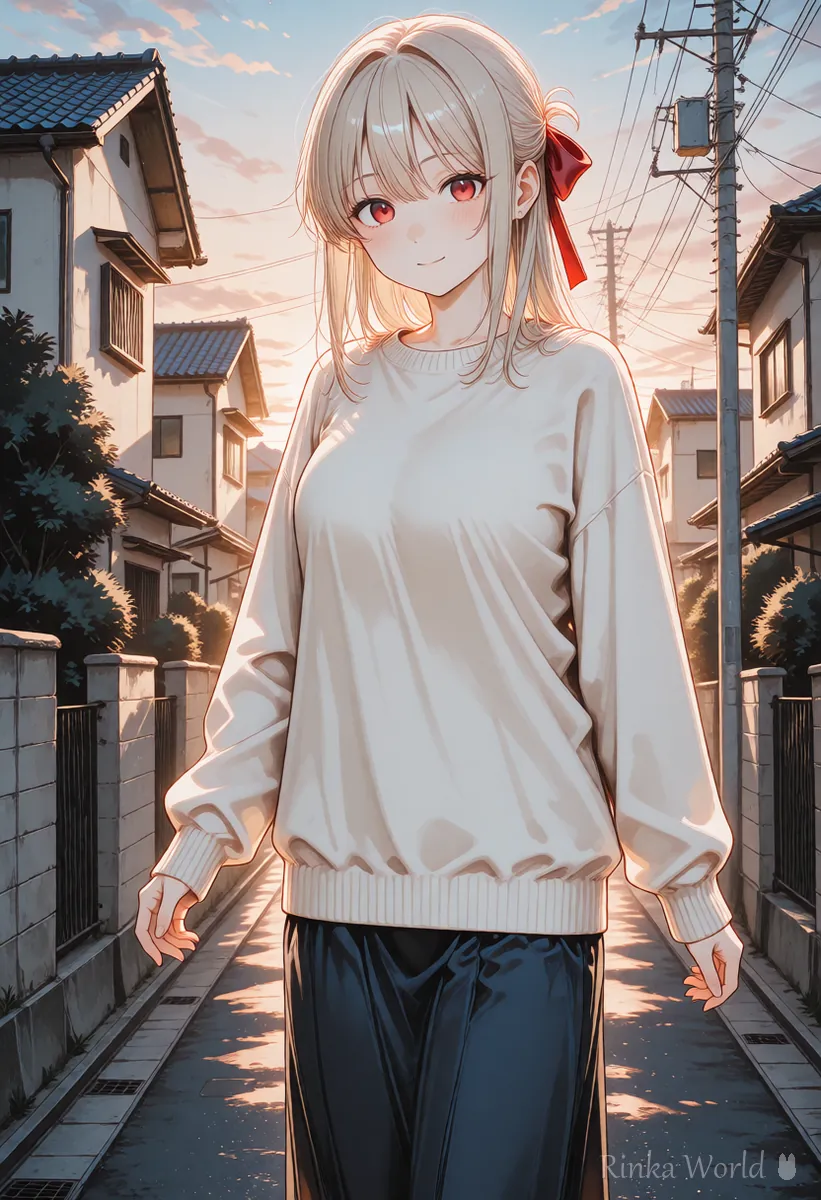
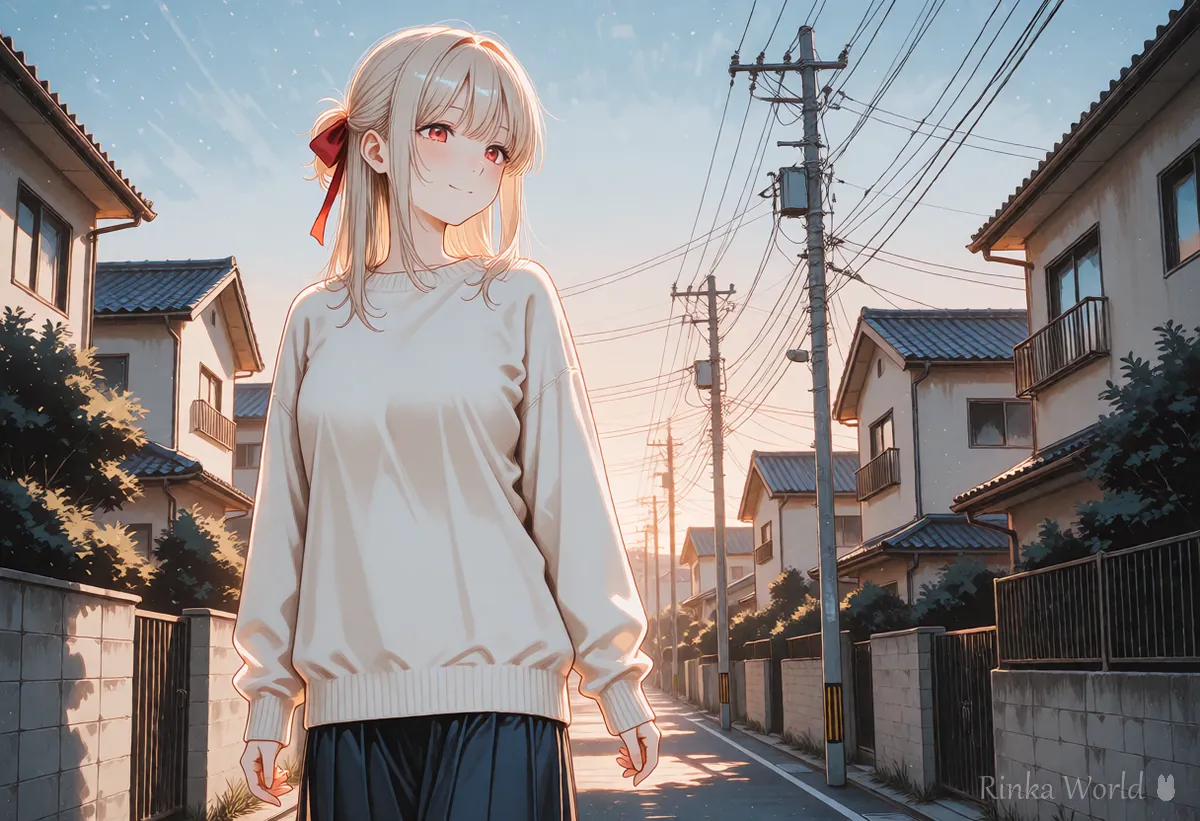
--ar 2:3 gives a portrait image, --ar 16:9 a landscape image and --ar 1:1 a square.
The same prompt produces a very different composition at a different aspect ratio. Decide by use: portrait for a standing character, landscape for scenery or two people, square for icons. That alone saves a lot of rerolls.
For wide, film-like compositions, see Letterboxed (Black Bars) and Cinematic Composition Prompts →
How do you keep the mood or character consistent in Midjourney?
Giving an image you like as a reference brings the style or the character's look closer.
Midjourney offers ways to pass an image as a reference so that colors, style or a character's look come closer to it. When you make a series, using one image you like as the reference keeps the mood consistent. How references are given (an image URL, a dedicated parameter and so on) and how strongly they work change between versions, so check the official docs.
- To match only the style: use a style reference
- To match a character's look: use a character reference, and still write hair and outfit colors in the text
- Leaning too hard on a reference copies the composition too, so change actions and places in the text
- When you use someone else's work as a reference, mind the rights and the terms of use
Midjourney not giving the result you want? (Common mistakes and fixes)
The usual causes are cramming in too much, missing style words and a high --chaos value.
Tips for bringing tag-style prompts into Midjourney
When you reuse a tag prompt written for Stable Diffusion, joining the tags into English phrases by meaning works better than pasting them as a list. Quality tags such as masterpiece and best quality are often unnecessary in Midjourney.
an anime girl with twin tails and blue eyes, wearing a white sailor school uniform, smiling at the viewer, standing in a classroom with sunlight from the windows --ar 2:3For the anime-focused mode (Niji Journey), see How to Write Niji Journey Prompts (for Anime Art) →
For rewriting tags as sentences, see Tag Prompts vs Natural Language Prompts (Which to Use?) →
For comparing Midjourney with other tools, see AI Image Generators Compared (How to Choose by Type) →
FAQ
Frequently Asked Questions
Can I write Midjourney prompts in languages other than English?
You can enter them, but English is generally said to follow your intent more closely. Think in your own language, then turn it into a short English sentence.
What happens if I do not add --ar?
You usually get a square (1:1) image. For full-body characters or scenery, add --ar 2:3, --ar 16:9 or whatever suits the use.
Should I use --no or write "no something" in the prompt?
Use --no for things you want to exclude. Writing "no something" in the text can actually pull the image toward that word.
What values should I use for parameters?
Generate without any first, then change only what bothers you, one at a time. Value ranges and defaults can change between versions, so check the official docs.
Can I use Midjourney images commercially?
It depends on your plan and the terms of service. Conditions can change, so check the official terms before using images.
RINKA WORLD
Play in Rinka World
MORE




