PROMPT GUIDE
ChatGPT vs Gemini Image Generation (Asking, Editing and Choosing)
In ChatGPT and Gemini you can ask in chat for a picture and get an image back. Both let you ask in plain language and refine the result through conversation. Without pinning down fixed differences, this guide explains how to compare them and tips for asking.
Last updated: approx. 3 min read
The short answer
ChatGPT and Gemini both let you request images in chat and refine them with words. When comparing, look at how well the first image matches your request, whether other parts stay the same when you edit one part, and whether the same character holds up. Limits, pricing and available models change, so check the official sites.
What is the difference between ChatGPT and Gemini image generation?
Both let you ask and edit in conversation. Differences show in how well other parts are kept when you edit, and in how steady text and characters are.
ChatGPT is OpenAI's service and Gemini is Google's, and each uses its own image generation models. The models are updated often, and their strengths and weaknesses change too. The table below lists what to look at when comparing.
Rinka's tips
- Available models and usage caps change with plans and over time. Check the official information on the day before comparing
- When editing photos of real people, follow the person's consent and the service's rules
How do you compare ChatGPT and Gemini?
Steps to compare the two with the same request
- Describe the image you want in one sentence, then add the place, outfit, expression, style and aspect ratio
- Ask ChatGPT and Gemini with exactly the same text
- Compare the first images and check whether anything you asked for is missing
- Ask both for the same edit, such as changing only the expression to a smile and keeping everything else
- After the edit, compare how well the face, outfit and background were kept
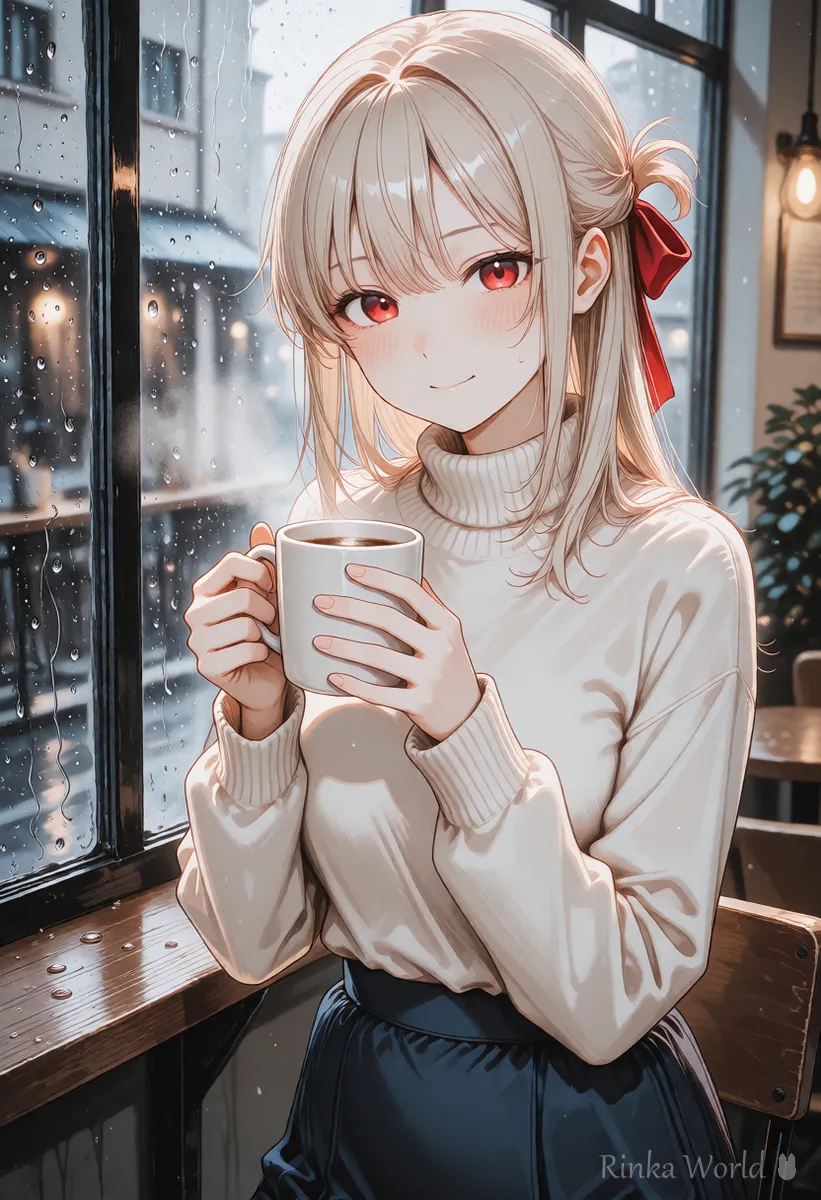
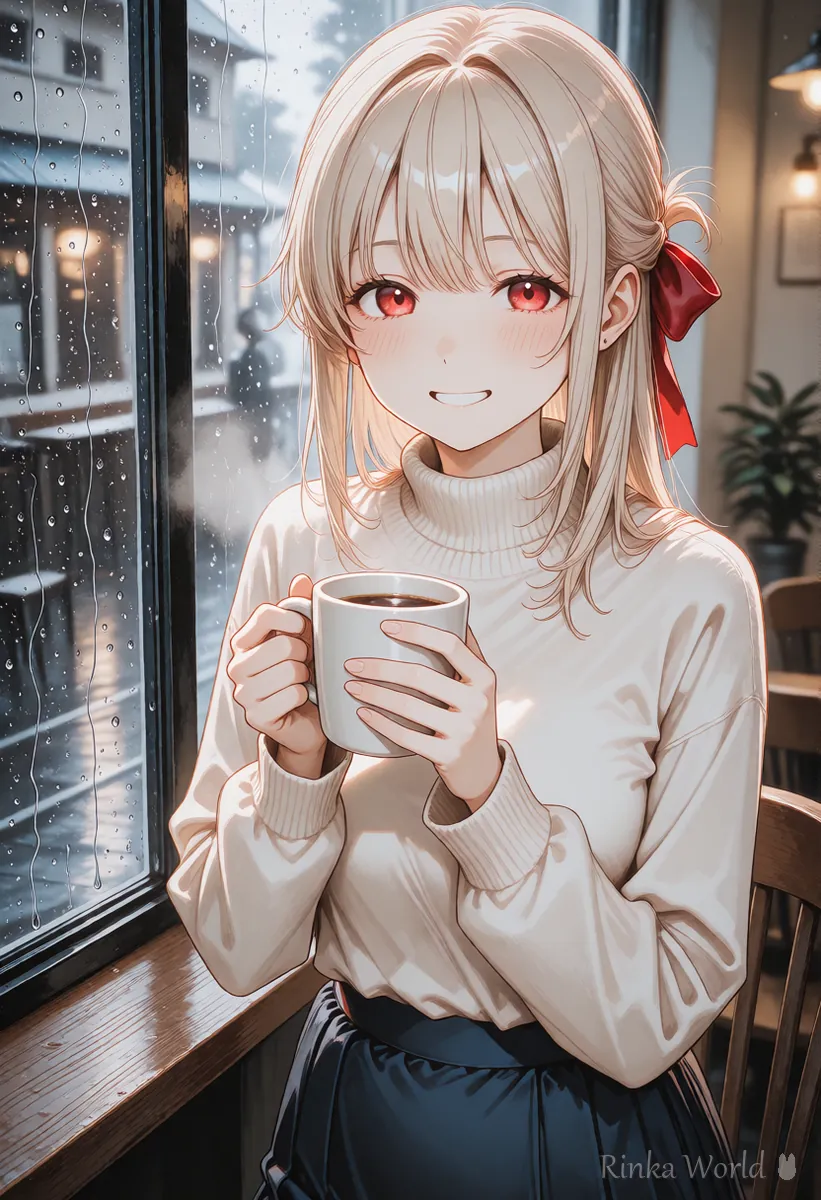
First request example: A soft anime-style illustration of a girl with long blonde hair and a red ribbon, smiling and holding a mug with both hands by a cafe window on a rainy day. Portrait orientation, no text.Edit request example: In the current image, change only the girl's expression to a smile with her eyes closed. Keep her outfit, hair, the background and the composition exactly the same.When should you use which?
The easiest way is to choose by the service you already use and the kind of images you make most.
For how to ask ChatGPT for images, see How to Prompt ChatGPT for Images (Asking and Editing) →
For how to ask Gemini for images, see How to Prompt Gemini for Images (Conversational Edits) →
For tips on keeping the same character, see How to Keep the Same Character in AI Art (Face, Hair and Outfit) →
What are common mistakes and how do you fix them?
For how to put text into images, see How to Put Text in AI Images (Prompts That Avoid Garbled Text, and Adding It Later) →
What should you watch out for when using images from ChatGPT or Gemini?
Check both the service's terms and the rules of where you post for commercial use, credit lines and labeling content as AI-generated.
Terms can be updated, so check the official information again when you use the images. Social networks and illustration sites may ask you to label images made with AI.
For settings when posting AI illustrations to an illustration site, see How to Post AI Illustrations on pixiv: Settings and Tags →
Rinka's tips
- Keep notes of your comparisons. Lining up the request, the resulting images and the number of edits makes it easier to pick a service next time
- Change only one thing per edit. If you ask for several changes at once, you can't tell which request worked
- Save requests that worked well as your own templates; it makes series with the same character much easier
FAQ
Frequently Asked Questions
Which image generation do you recommend, ChatGPT or Gemini?
It depends on the images you want and the service you usually use. Ask both the same way and compare the first image and the result after edits.
Can I ask in plain everyday language?
Yes, both understand plain language. If details aren't coming through, write the place, outfit, expression, style and aspect ratio as separate points.
How do I ask to change only one part?
Write both what to change and what to keep, such as change only the expression to a smile and keep the outfit, hair, background and composition.
Can I use the images commercially?
It depends on each service's terms and plan. Check the official terms before use.
RINKA WORLD
Play in Rinka World
MORE




