PROMPT GUIDE
How to Use Image-to-Video AI (Steps to Animate a Still Image)
When you turn an image into a video (image to video), the most important things are the first frame and one sentence about "what moves and how". Writing only the motion and the camera, instead of describing the picture again, keeps the image from breaking. This guide walks through the whole flow, from choosing the picture to prompts and fixes.
Last updated: approx. 4 min read
The short answer
To make a video from an image, use a first frame with clean face and hands, crop it to the same aspect ratio as the video, and write only what moves and how the camera moves. Keep one motion per shot and make it slow with words like slowly to avoid breakage.
What is image-to-video AI? (How it works)
Image-to-video AI takes one picture as the first frame of a video and draws a few seconds of what comes next. The face, clothes and layout of the background are mostly decided by that first frame, so the prompt only needs to say what moves and how, and how the camera moves. Compared with text-to-video, it keeps a character's look much more consistent.
Many AI video generators (Kling, Runway, Vidu, Veo and others) offer an image-to-video mode. Video length, resolution and how many times you can generate depend on the service and plan, so check the official information before you start.
How do you make a video from an image? (5 steps)
Prepare the picture, match the aspect ratio, load it in image-to-video mode, write the motion and camera briefly, and make a few versions.
- Prepare the first frame. Choose a picture where the full body or upper body is clear and the hands and face are not broken
- Decide the video aspect ratio. Use vertical 9:16 for short social videos or 16:9 for landscape, and crop the picture to the same ratio
- Choose the image-to-video mode of your AI video tool and load the picture
- Write the motion prompt in the order subject, motion, camera, mood, with only one motion per shot
- Make a few versions and pick the one where the face and hands hold up. If it breaks, make the motion smaller and try again
How do you choose a first frame that animates well?
Most image-to-video failures can be prevented by the choice of first frame. The AI plans the motion from what is in the picture, so the things you want to move (hair, clothes, depth in the background) need to be visible.
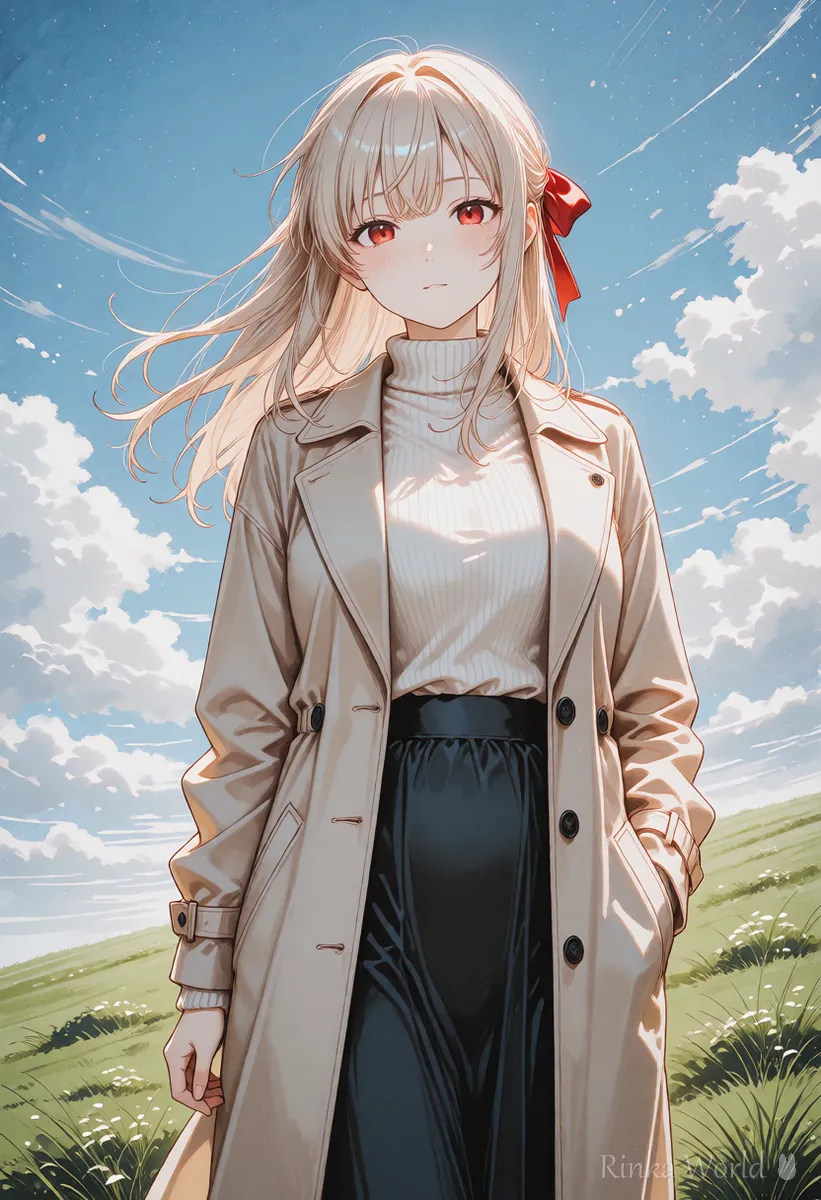
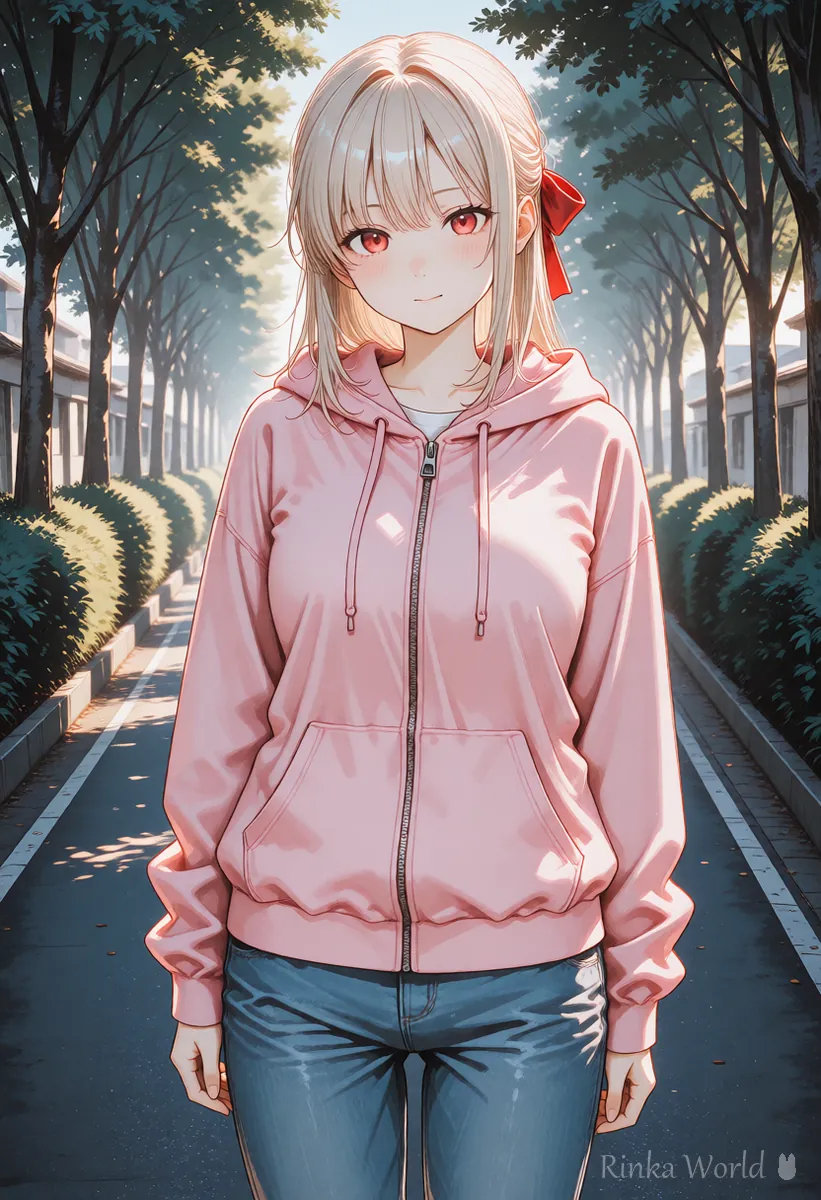
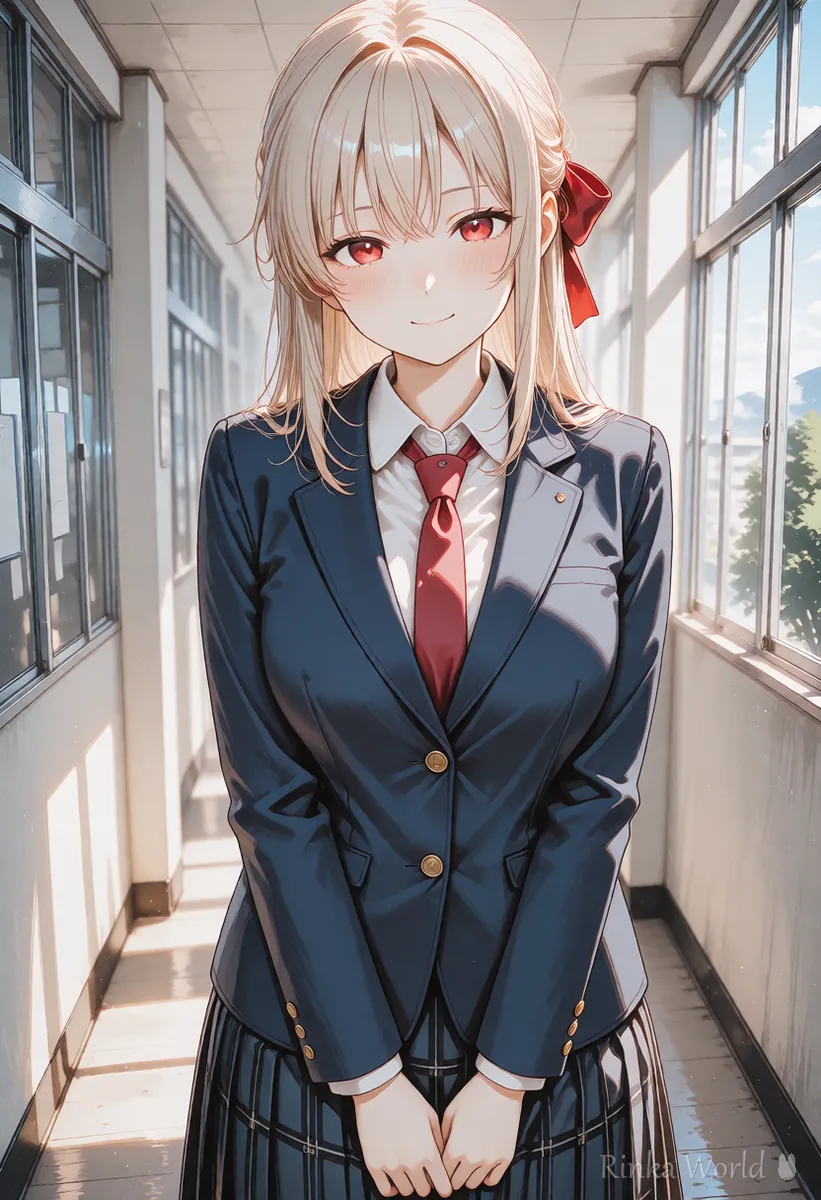
Rinka's tips
- The higher the quality of the first frame, the better the video. Upscale small pictures first
- Text or logos in the picture tend to smear when they move. Use pictures without text for video
- When animating a photo of a real person, get that person's consent. Do not use other people's or celebrities' photos
How do you describe motion in image to video?
Image-to-video prompts barely need any description of the look. Instead of repeating "a girl with long black hair...", writing only the motion, such as "her hair sways in the wind and she slowly turns around", keeps the video closer to the first frame. Use one motion per shot and start slow.
The girl slowly turns her head toward the camera and smiles softly. Her hair and ribbon sway gently in the breeze. The camera slowly pushes in. Calm, soft afternoon light.What it does: the girl turns toward the camera and smiles, her hair and ribbon move in a light breeze, and the camera moves slowly closer, all in calm afternoon light.
Static camera. Cherry blossom petals drift down across the frame while the girl blinks and looks up at the sky. Her skirt moves slightly in the wind.What it does: the camera stays still while petals fall across the frame; the girl blinks and looks up, and her skirt moves a little in the wind.
For the basics of writing video prompts: How to Write AI Video Prompts (Motion, Camera and Time) →
For the English terms for camera moves: Camera Movement Prompts for AI Video Generators →
What if image to video does not work? (Problems and fixes)
Most problems are fixed by making the motion smaller or changing the first frame. Here is a fix for each symptom.
For detailed fixes for breakage and flicker: Why AI Videos Break and How to Fix Them →
Main AI tools that can turn images into video
Many services can make video from an image, and each has slightly different strengths. Deciding whether you want to animate anime-style art, photo-like images, or add sound makes the choice easier. Features and prices change often, so check each official site for the latest details.
- Kling: has an image-to-video mode and is known for expressive human motion
- Runway: can be used together with video editing features, and camera moves are easy to specify
- Vidu: often used to animate anime-style pictures, and has a mode that builds from reference images
- Veo and Sora: centered on text-to-video, with some versions able to add sound
To choose a tool, see the comparison guide: Comparing AI Video Generators and How to Choose →
FAQ
Frequently Asked Questions
What matters most in image-to-video AI?
The first frame and how you write the motion. Choose a picture with a clean face and hands, and write only what moves and how the camera moves, briefly. That keeps the picture from breaking.
Can I turn an illustration into a video?
Yes. Some services are good at animating anime-style illustrations. Use an illustration without text where the face is clearly visible.
Can I write the prompt in languages other than English?
Some services support other languages, but motion instructions are often understood better in English. Start with short English sentences describing the motion and camera.
How many seconds of video can I make?
It depends on the service and plan. One clip is often a few seconds to a little over ten seconds, so longer videos are made by joining short clips. Check each official site for details.
Can I turn a photo of a person into a video?
Only use photos where the person shown has given consent. Animating photos of other people or celebrities without permission can cause problems with portrait rights and similar issues.
RINKA WORLD
Play in Rinka World
MORE




