PROMPT GUIDE
How to Make AI Video with a Start and End Image (tips for both frames)
Some video generators have a feature where you give a first image and a last image and the AI fills in the part between. Used well, it lets you create changes in face direction or expression the way you want. This guide covers how to choose the two pictures, how to write the motion and how to fix it when the middle breaks.
Last updated: approx. 3 min read
The short answer
When specifying a first and last image, match the background, outfit and composition, and change only one thing, such as the face direction or expression. The smaller the difference between the two, the less likely the middle is to break, and the prompt just needs a short line on how it changes.
What is AI video with a first and last image?
You give two pictures, a start and an end, and let the AI fill in the motion between them.
Whether this feature exists, what it is called (start, end, keyframes and so on) and how many times you can use it change by service and plan. Check the official guidance before using it.
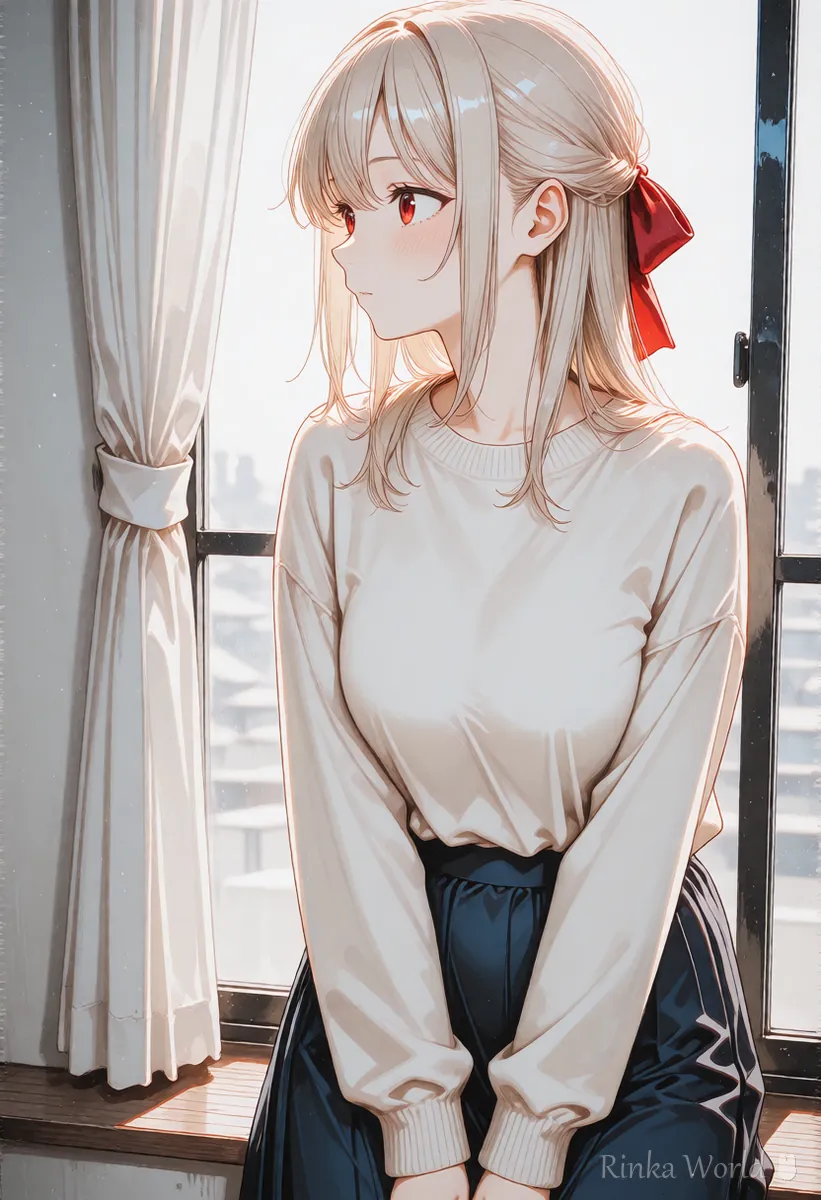
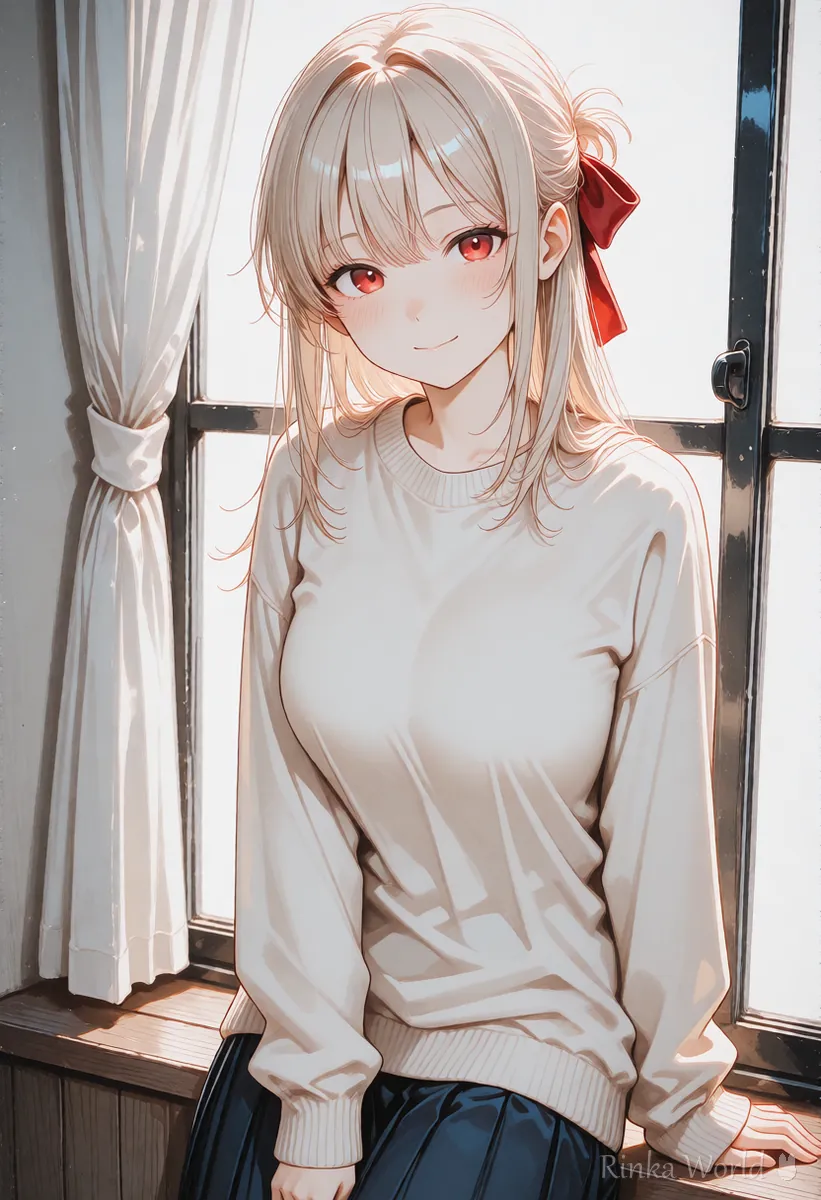
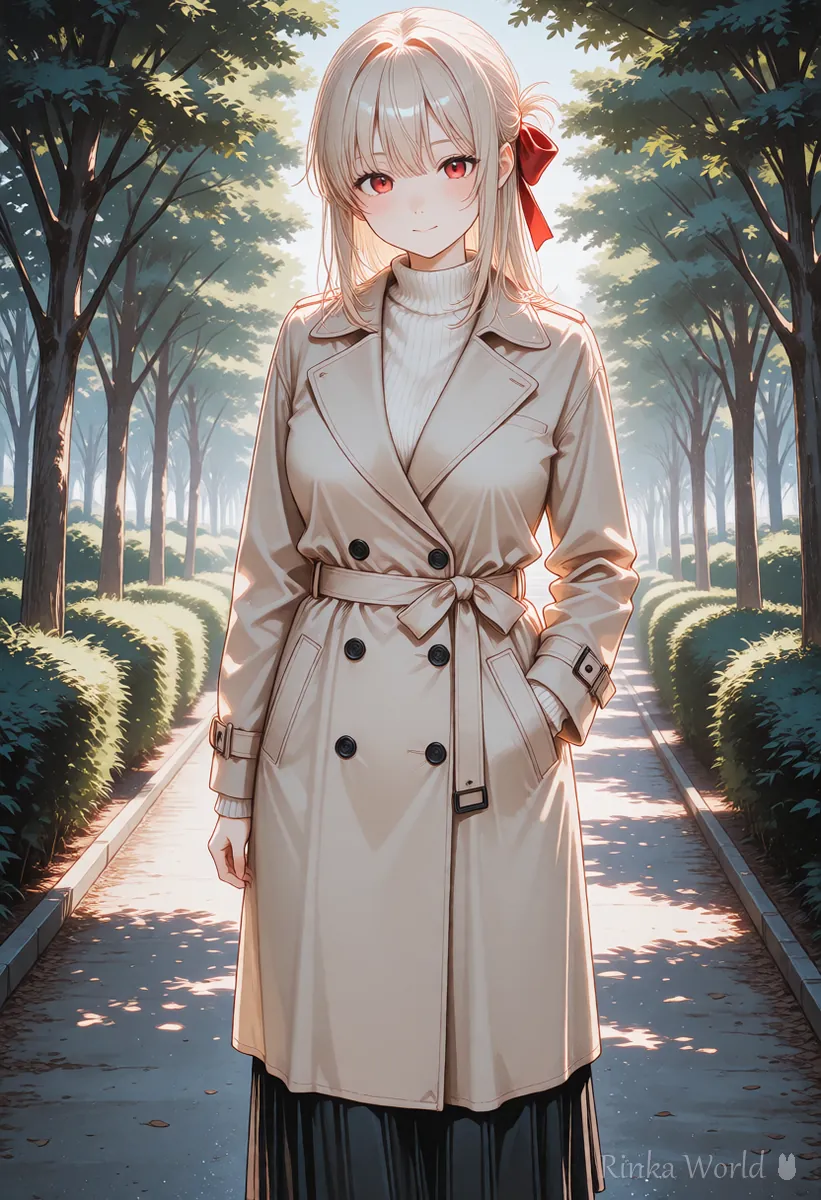
How do you choose the start and end pictures?
Match the background, outfit and composition, and change only one thing, such as the face direction or expression.
Tips for matching the face across two pictures How to Keep a Character's Face and Outfit the Same in AI Video (consistency tips) →
Steps for making a video with a start and end specified
- Prepare the start picture (for example, looking out of a window, turned sideways)
- Prepare the end picture in the same place, outfit and composition as the start, changing only the face direction or expression
- In the video generator, choose a mode that lets you specify both a start and an end, and load the two pictures
- Write how it changes in one line in the prompt (for example, she slowly turns toward the camera and smiles)
- Make a few and compare them, and choose the one where the face and outfit do not break in the middle
How do you write the motion? (prompt examples)
The two pictures almost decide the answer, so write only the change and the camera, briefly, in the prompt.
The girl slowly turns from the window toward the camera and smiles softly. Static camera, soft daylight.Her expression changes gently from calm to a warm smile. The camera stays still.The camera slowly pushes in as she looks up and meets the viewer. Calm mood.How do you fix it when the middle breaks? (common failures and fixes)
What are example start and end combinations?
Start with a combination with a small change, and once you are used to it, make the change larger to reduce failures.
For a hard combination, adding one picture in the middle and splitting it into two shots makes it more likely to work.
Rinka's tips
- Line the two pictures up side by side, and if the position and size of the face are nearly the same, the motion in between tends to connect naturally
- In the end picture, not changing the shape of the hands or hair much from the start makes it less likely to break in the middle
- Note down the pictures and prompt for a combination that worked, so you can reuse it for the next shot
- First try a simple combination where only the expression changes, and once it works, move on to changes of face direction
- To join three or more pictures, make them as separate shots two at a time and line them up at the end
- Making the end picture by changing the start picture slightly as a still helps the outfit and background match
The basic steps for animating with only a first picture How to Use Image-to-Video AI (Steps to Animate a Still Image) →
How to use the end picture as a joint to make a longer video How to Make AI Videos Longer (Extend, Chain, Last Frame) →
How to loop a video by using the same picture for start and end How to Make an AI Video Loop (Tips to Hide the Seam) →
FAQ
Frequently Asked Questions
Are there services where I cannot specify a first and last image?
Yes. This feature is not on every service, and its name differs by service. Check the official guidance.
Can the start and end be the same picture?
In some cases you can. With the same picture, the motion moves and returns to the original, which suits a loop video.
What happens if the two pictures are different sizes?
The edges may be cut off, or margins may be filled in. We recommend matching the same aspect ratio and size before using them.
Can I specify the motion in between in detail?
Detailed specification is often difficult. Narrowing the change to one thing and leaving it to a short prompt is more stable.
RINKA WORLD
Play in Rinka World
MORE




