PROMPT GUIDE
How to Make AI Videos Longer (Extend, Chain, Last Frame)
AI video tools can only make short clips at a time, so "I want it longer" is a common wish. Joining short cuts well often looks better than forcing one long clip. This guide covers three ways to make AI videos longer and how to make the joins less noticeable.
Last updated: approx. 3 min read
The short answer
There are three ways to make an AI video longer: use the service extend feature, export the last frame of the first clip and use it as the first frame of the next, or join short cuts in a video editor. Faces and outfits drift a little more each time you extend, so reuse the same description and compare often.
How do you make an AI video longer? (three ways)
There are three ways: the extend feature, chaining via the last frame, and joining clips in an editor.
Some services have an extend feature that continues a video you made. Even without it, you can export the last frame of the first clip as an image and use it as the first frame of the next. The most flexible approach is to make several short cuts and join them in a video editor. Feature names and length limits change by service and plan, so check the official documentation before you start.
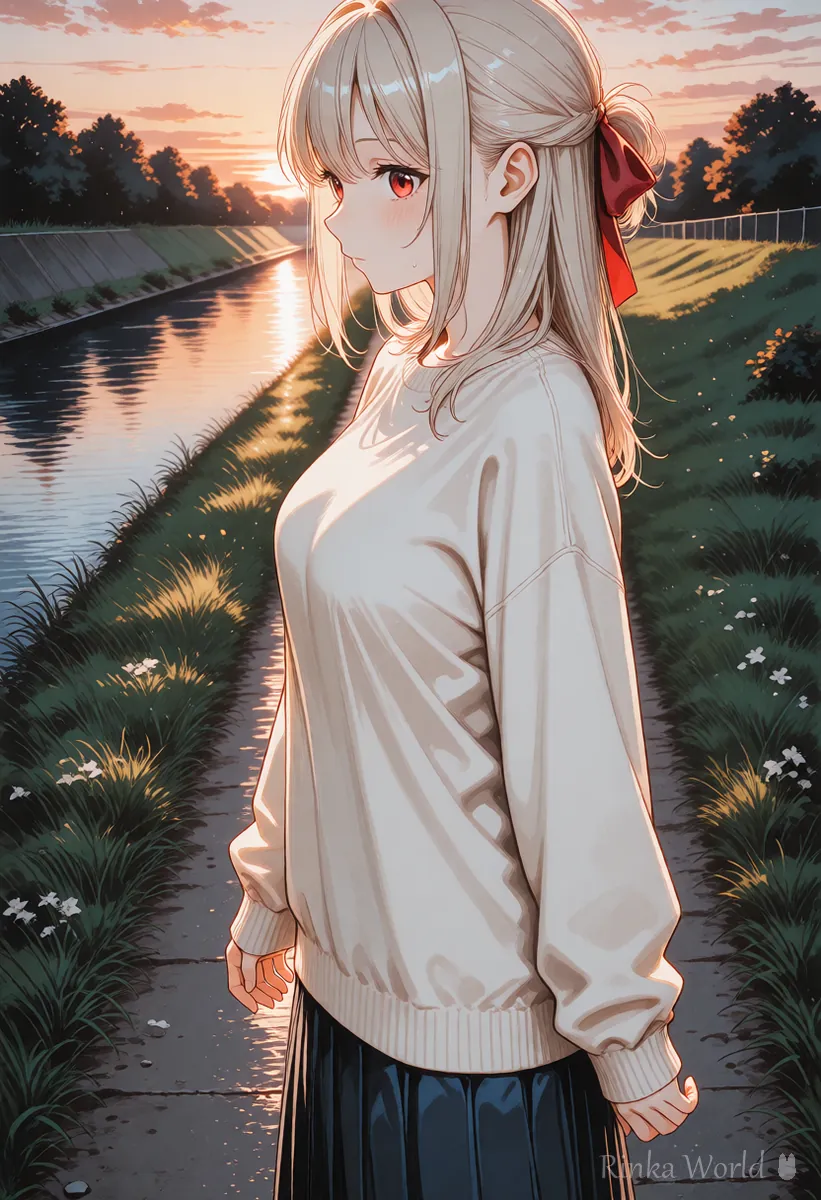
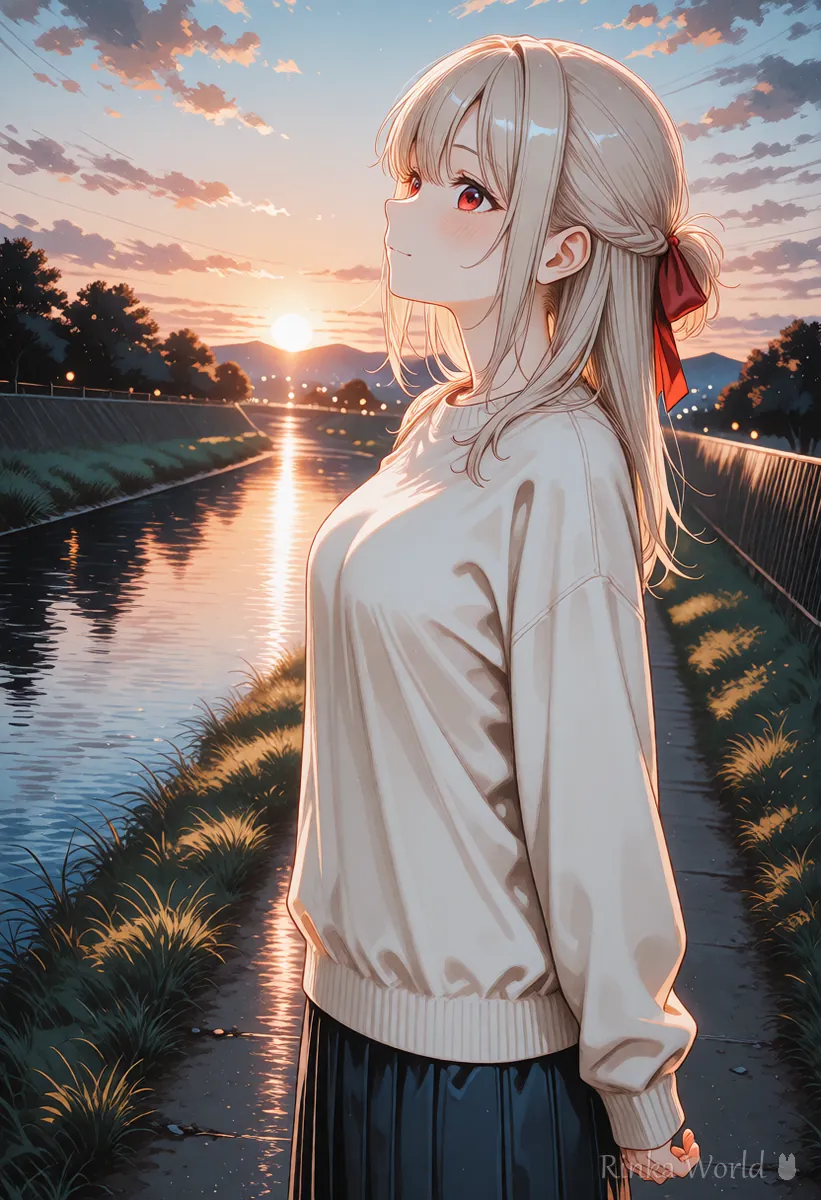
How do you chain clips with the last frame?
Export the last frame of the first clip, make the second clip with the same description, then join them in an editor.
Steps to chain videos with the last frame
- Make the first clip and check the frames near the end, where the motion is settling
- Save the last frame as an image with a video editor or an export feature
- Use that image as the first frame of an image-to-video clip and make the second clip with the same person, outfit and place description
- Write the motion of the second clip as a continuation of the first (if she was walking, she keeps walking)
- Join the first and second clips in an editor and overlap a few frames at the join to blend them
Why do faces and outfits change when you make it longer?
Each continuation redraws the image a little, so fine details drift.
Extending or continuing from the last frame draws new frames based on the previous ones. Each change is small, but after many joins the hair length, ribbon position and outfit color shift little by little. When you chain three or more times, compare with the very first image each time, and remake from the original image once it drifts.
Rinka's tips
- Joining 3-5 second cuts often looks more like a film than making one long clip
- Place joins where the camera changes (from close-up to wide, for example) so they are less noticeable
- When you join many times, keep the first image at hand as the reference for the look
Before making a long video, list the overall flow in short phrases, such as "walk, stop, look up at the sky". That makes the description for each cut easier to write. Putting only one motion in each cut is the fastest way to avoid breakage.
For the basic steps of making a video from an image: How to Use Image-to-Video AI (Steps to Animate a Still Image) →
For making a loop video with an invisible seam: How to Make an AI Video Loop (Tips to Hide the Seam) →
For fixing AI videos that break: Why AI Videos Break and How to Fix Them →
Copy-and-paste: example descriptions for a continuation
These examples use the same person description in the first and second clips and change only the motion so it continues.
Clip 1: An anime girl with long hair and a red ribbon, wearing a cream sweater, walks slowly along a riverside path at sunset. The camera follows her from the side.Clip 2: The same anime girl with long hair and a red ribbon, wearing a cream sweater, keeps walking along the riverside path, then stops and looks up at the sky. The camera follows her from the side.FAQ
Frequently Asked Questions
How do I make an AI video longer?
Use the service extend feature, use the last frame as the first frame of the next clip, or join short cuts in an editor. Available features depend on the service, so check the official documentation.
How do I get the last frame?
Most video editors can export the current frame as an image. Some services also let you save the last frame from their screen.
The face changes when I join clips.
Keep the person and outfit description the same as the first clip, and compare with the first image when you join many times. When the drift gets large, remake from the original image.
Is it better to make one long clip or join short cuts?
In most cases, joining short cuts breaks less and gives you more room to play with scene changes.
RINKA WORLD
Play in Rinka World
MORE




