PROMPT GUIDE
How to Make Vertical Short Videos (9:16) with AI
Vertical short videos watched on phones, such as TikTok, Instagram Reels and YouTube Shorts, are a popular use for AI video too. This guide covers the steps to make vertical shorts with AI, how to choose compositions and motions that fit a tall frame, and what to check before posting to social media.
Last updated: approx. 3 min read
The short answer
To make a vertical AI short, create it in tall 9:16 from the start. For image to video, make the first image 9:16 too and place the person slightly above the center of the frame. Cropping a wide video later tends to cut off the person, so avoid it. Length and quality rules differ by network, so check the official help pages.
How do you make a vertical short video with AI?
Creating it in tall 9:16 from the start is the most reliable way.
The standard frame for vertical shorts is tall 9:16. Cropping a wide video into portrait later tends to cut off hands or heads and lower the quality. If your video generator lets you choose the ratio, pick 9:16 from the start. For image to video, make the source image 9:16 too so the ratios do not mismatch.


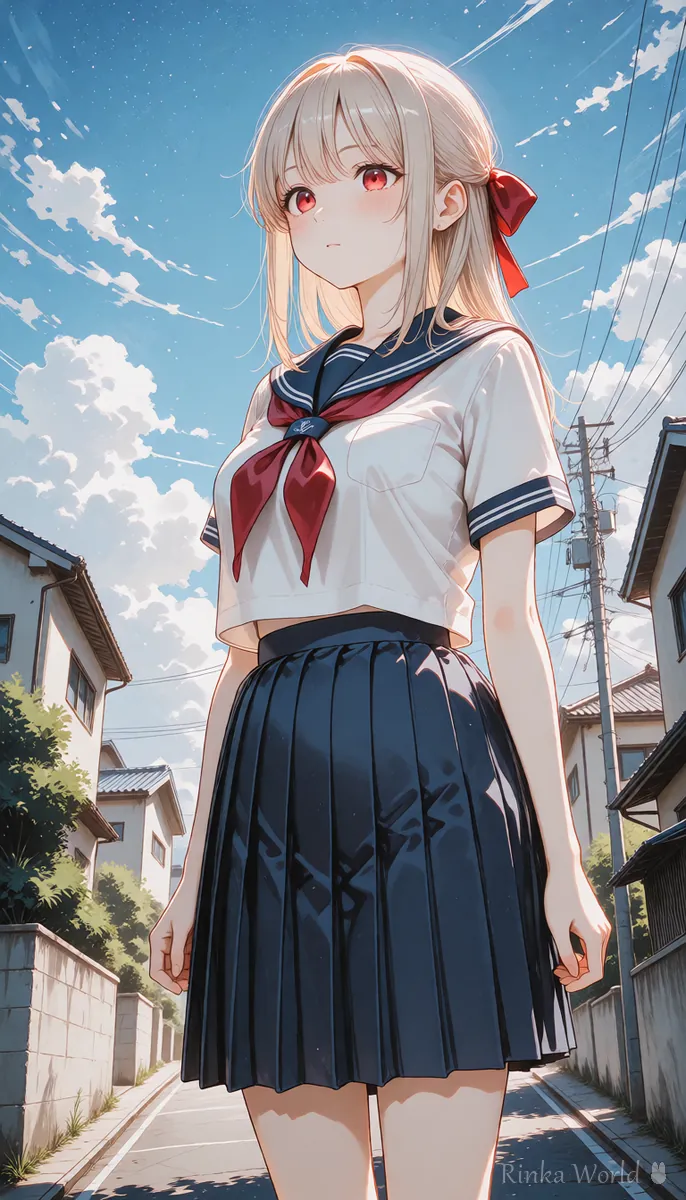
How do you make a vertical short?
Steps to make one vertical short video with AI
- Set the video ratio to 9:16. For image to video, make the first image 9:16 too
- Place the person slightly above the center. The bottom tends to overlap with on-screen text and buttons
- Pick one vertical motion (looking up, hair moving up and down, camera moving up)
- Write only the motion and camera in short English and generate the video
- Make several clips of a few seconds and join them in a video editor to set the length
- When adding text or music, keep text away from the top and bottom edges
- Length, quality and file rules differ by network, so check the official help before posting
Which compositions and motions suit a tall frame?
Make use of the tall frame with full-body or looking-up compositions and vertical camera moves.
A tall frame suits full-body shots, compositions looking up at the sky, and camera moves from top to bottom. A camera that pans far sideways quickly leaves the person out of a tall frame, so keep it modest. A face close-up fills the screen with the expression, which reads well on a phone.
What are the common mistakes and fixes?
Rinka's tips
- The first second matters in vertical shorts. Put the expression or motion you most want to show at the start
- The top and bottom edges are often hidden by on-screen text and buttons, so keep important things in the center
- Each network's length and quality rules change. Check the official help before posting
Copy-paste prompts
Examples for turning a 9:16 image into a video, with a plain-language explanation after each.
The camera slowly tilts up from her shoes to her face. She looks up at the falling snow and smiles. Vertical framing, calm winter evening.(Meaning) The camera slowly moves up from her shoes to her face. She looks up at the falling snow and smiles. A tall frame on a calm winter evening.
The camera is static. Her long hair flows in the wind as she turns her face toward the camera. Soft backlight, vertical close-up.(Meaning) The camera stays still. As she turns toward the camera, her long hair flows in the wind. Soft backlight, a tall close-up.
The basic workflow for turning an image into a video: How to Use Image-to-Video AI (Steps to Animate a Still Image) →
English camera move terms such as tilt and zoom: Camera Movement Prompts for AI Video Generators →
How to make a loop video that repeats: How to Make an AI Video Loop (Tips to Hide the Seam) →
Resolution guidelines for making a tall first image: SDXL Resolutions (Recommended Sizes) and How to Pick a Ratio →
FAQ
Frequently Asked Questions
What ratio are vertical short videos?
Tall 9:16 is the standard, used by TikTok, Instagram Reels, YouTube Shorts and more. Check each network's official help for the detailed rules.
Can I turn a wide AI video into a vertical one?
You can crop it, but the person tends to get cut off and the quality drops. Making it in 9:16 from the start looks better.
Where should the person be in a vertical short?
Slightly above the center is recommended, because the bottom and edges tend to overlap with on-screen text and buttons.
How do I make a longer vertical video with AI?
A stable way is to make several clips of a few seconds and join them in a video editor to set the length.
RINKA WORLD
Play in Rinka World
MORE




