PROMPT GUIDE
How to Write Vidu AI Prompts
Vidu is an AI video generator often used to animate anime-style illustrations. Besides image to video, it has a mode that keeps a character consistent from reference images while making new scenes. This guide covers how to write Vidu prompts that animate illustrations naturally, with when to use each mode and how to fix failures. Features and plans change, so check the official site for the latest details.
Last updated: approx. 3 min read
The short answer
To animate anime-style art in Vidu, put the art style first, then write in short English the small things that sway (hair, ribbon, petals), one main motion and the camera move. To keep a character consistent in a new scene, use the reference image mode.
What are the basics of a Vidu prompt?
Vidu prompts are also basically short English covering subject, motion, camera and mood. When animating anime-style art, naming things that often move in anime, such as hair, clothes, blinking and petals, makes the motion look natural.
How do you choose between Vidu modes? (Image to video and reference images)
Use image to video to animate the picture as it is, and the reference image mode to keep the character in a different scene.
The names and number of modes, and the length of one clip, change with the version and plan. Check the screen and the official guidance.
Steps for animating an anime-style illustration
- Choose an illustration with a clean face and hands and no text
- Crop it to the same aspect ratio as the video
- Load it in image-to-video mode
- Write the moving things (hair, clothes, blinking, petals) and one main motion, and add a camera move
- Make several and choose. If it breaks, make the motion smaller
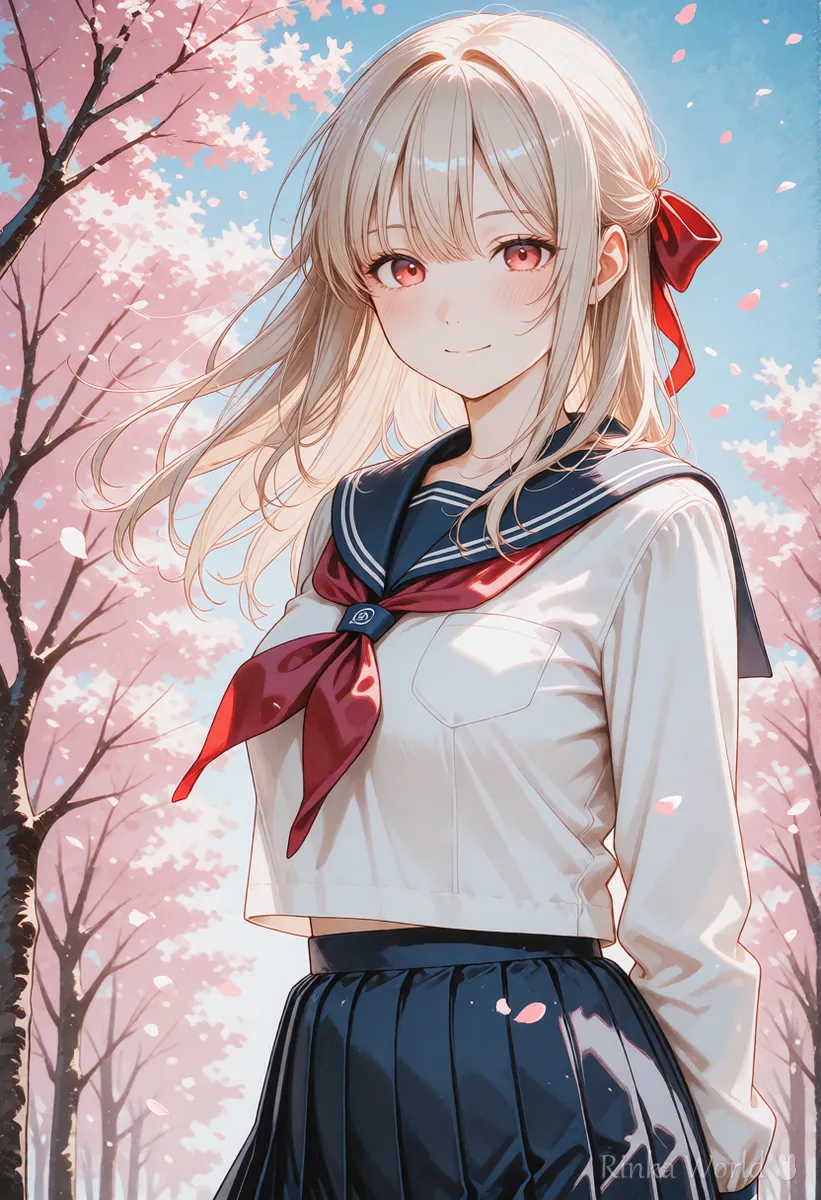
Anime style. The girl blinks and smiles gently at the camera while her long hair and ribbon flutter in the spring breeze. Cherry blossom petals drift across the frame. Static camera.What it does: in an anime style, the girl blinks and smiles at the camera as her hair and ribbon flutter in a spring breeze and cherry petals drift past, with a still camera.
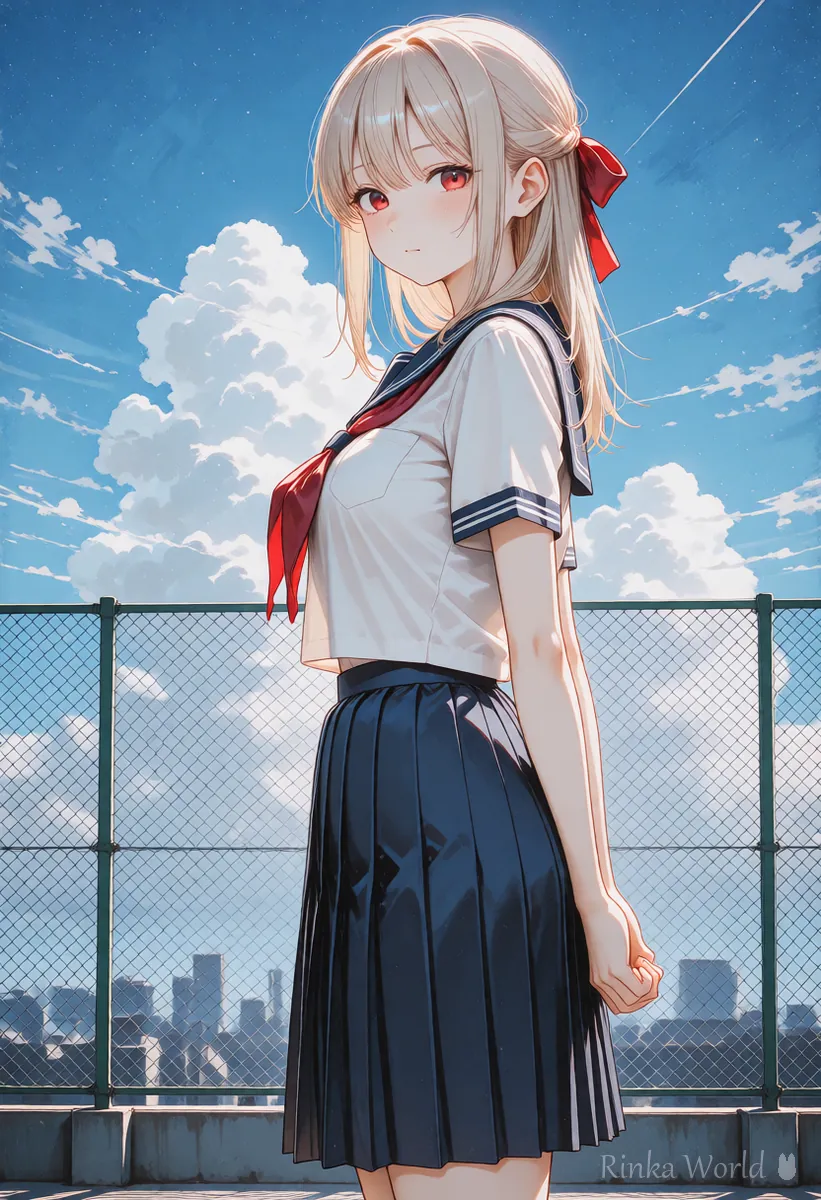
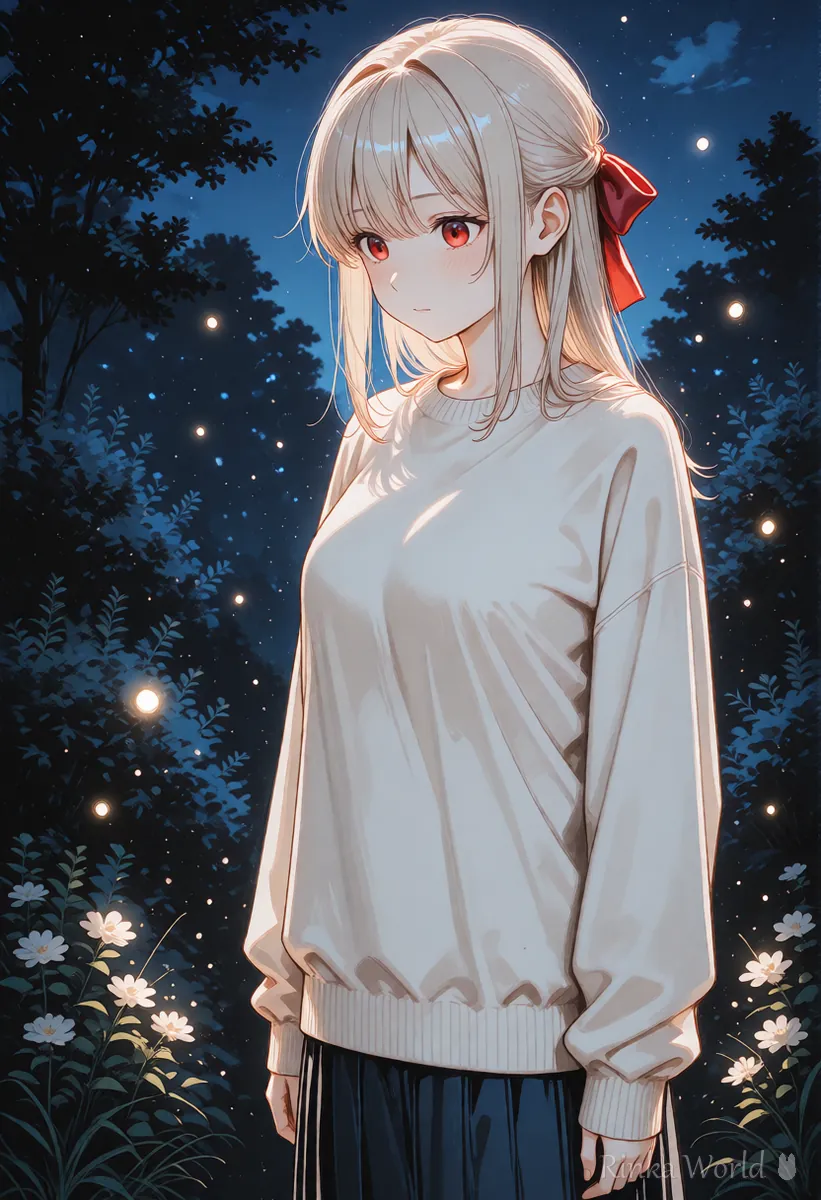
Anime style. The girl in a sailor uniform turns around on the school rooftop and waves. The camera slowly pulls back to show the blue summer sky and white clouds.What it does: on a school rooftop, the girl in a sailor uniform turns around and waves, then the camera pulls back slowly to reveal a blue summer sky and white clouds.
Motion words that look like anime
In anime-style video, hair, clothes and small items swaying give more of an anime feel than big body movements. Adding things that float in the background (petals, snow, specks of light) makes the frame lively even when the character moves only a little.
What if the art style or face changes in Vidu?
Putting the art style first and making the motion smaller helps keep the original style and face.
Rinka's tips
- To make several videos of the same character, the reference image mode or starting from the same picture keeps them consistent
- Do not animate other people's artwork or famous characters without permission
- Check prices, usage limits and lengths on the official site
How do you keep the same character across Vidu videos?
The shortcut is to use the reference image mode, or to make several videos from the same single picture. For the reference, choose a picture where the face, hairstyle and outfit are clearly visible.
- Use a front or three-quarter reference picture with a large face
- To show the full outfit, also add a full-body picture as a reference (check the official site for how many you can add)
- In the prompt, do not repeat the clothing or hair; write only the scene and motion
- Using a frame from a video that worked as the first frame of the next video makes the connection natural
Not only in Vidu, the ability to keep a character consistent depends heavily on the quality of the first frame and the reference images. Making a character sheet (front, side and back views) in advance keeps the outfit and hairstyle consistent even in scenes where the direction changes.
For how to choose a picture that animates well: How to Use Image-to-Video AI (Steps to Animate a Still Image) →
For character sheets that keep a character consistent: Full-Body Standing Art, Turnaround and Character Sheet Prompts (Plus Expression Variants) →
For detailed fixes for breakage: Why AI Videos Break and How to Fix Them →
FAQ
Frequently Asked Questions
Can Vidu animate anime illustrations?
It is often used to animate anime-style art. Start with an illustration that has a clean face and hands and no text.
What is the difference between reference to video and image to video?
Image to video animates one picture as it is, while reference to video borrows the character's look from the picture to make a new scene. Choose image to video to animate as is, and the reference mode for a different scene.
Can I write Vidu prompts in languages other than English?
Other languages may be accepted, but motion and camera instructions can come across better in English. Start with short English sentences.
How much does Vidu cost?
It changes with the plan and over time, so this guide does not list it. Check the official guidance.
RINKA WORLD
Play in Rinka World
MORE




