PROMPT GUIDE
Why AI Videos Break and How to Fix Them
Most AI video breakage comes from three causes: motion that is too large, a first frame that does not suit video, and a camera that moves too fast. All three can be reduced through how you word the prompt and choose the picture. This guide sorts common breakage by symptom and explains causes and fixes in order. The ideas apply to any AI video generator.
Last updated: approx. 4 min read
The short answer
AI videos break mostly because the motion is too large, the first frame does not suit video, or the camera is too fast. Making the motion smaller with slowly, using a picture with a large face and simple hands, and fixing the camera reduces most breakage.
Why do AI videos break? (Three causes)
Breakage in AI videos (videos made with an AI video generator) almost always comes from one of the following three causes. Looking at the symptom and deciding which cause fits first makes the fix easier to find.
Fixes by symptom
Steps for reducing breakage (how to remake)
- Watch the broken video and decide which symptom in the table it matches
- Change only one thing (the motion strength, the camera or the picture)
- Remake with one change at a time, such as a version with smaller motion or one with a fixed camera
- Save the prompt and picture of the version that worked
- Split long videos into short clips and join only the parts that did not break
What makes a first frame that does not break?
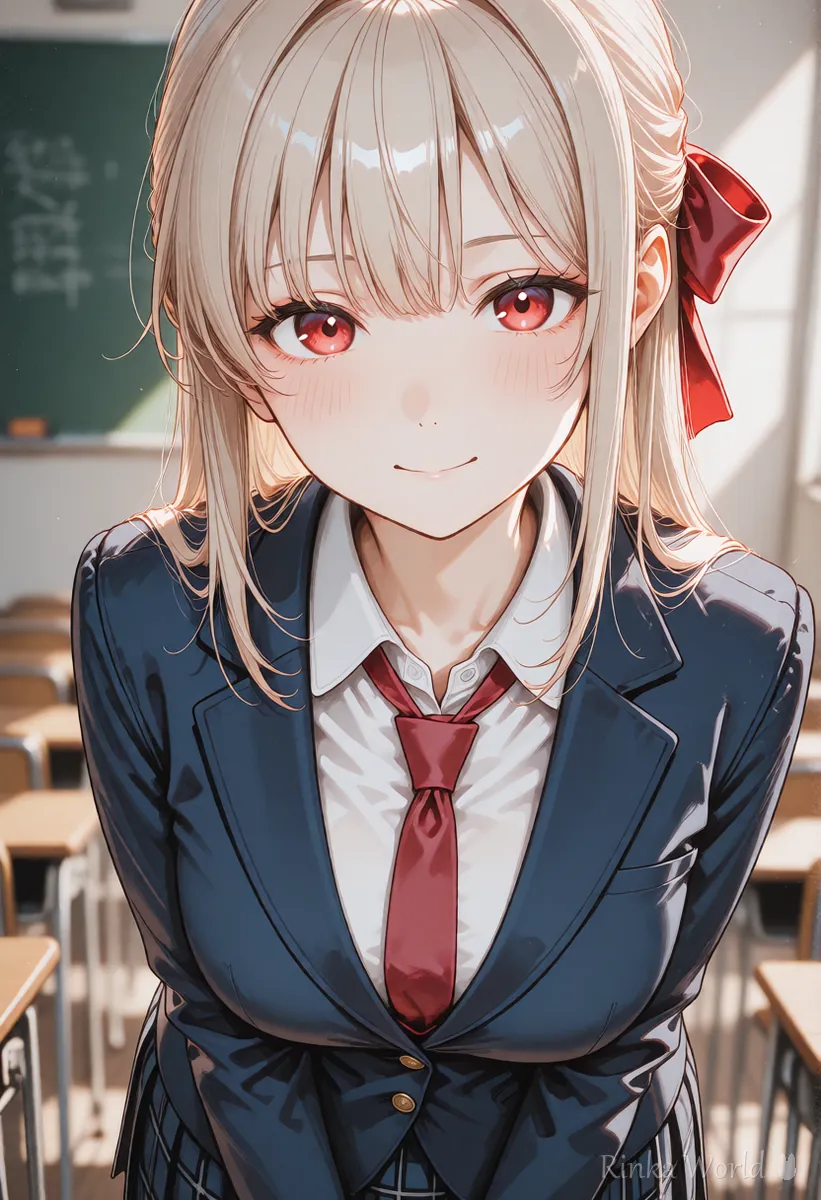
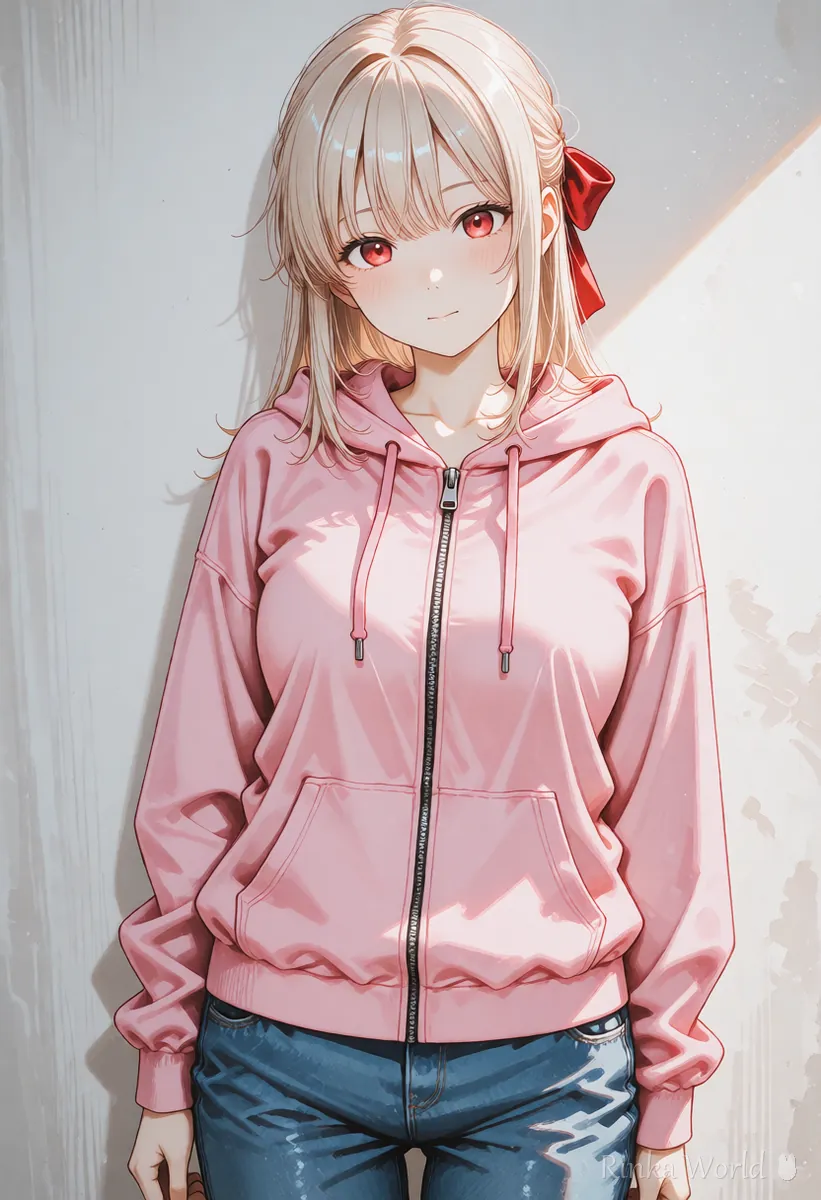
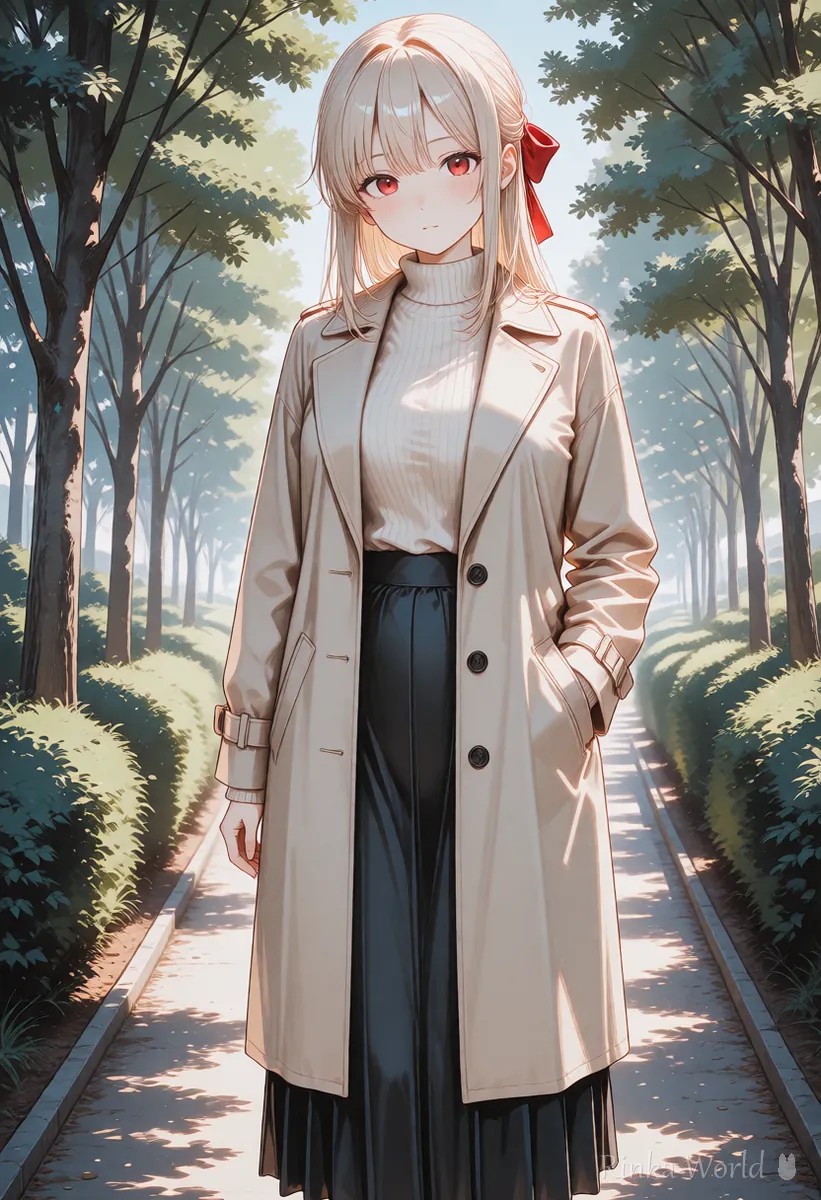
A picture with a large face, hands in a simple position, and few fine patterns or text.
- The face is fairly large in the frame (for a full body, move in until the figure fills about a third of the height)
- The hands are down, at the sides of the body or on the lap
- Few fine stripes, checks or text on the clothes or background
- The picture itself is not broken (check finger count and eye shape first)
- The same aspect ratio as the video
To fix broken hands in the still image first: How to Fix Bad Hands in AI Art: The Complete Guide →
To fix still-image problems by symptom: AI Art Troubleshooting Guide (Look Up Fixes by Symptom) →
How do you tell where it is breaking? (Checklist)
Instead of judging a video in one look, go through the checklist from the top and you can narrow the fix down to one thing. Try only the fix on the right of the item that applies.
AI videos change every time even with the same instructions, so judging from one video can mislead you about the cause. Make two or three under the same conditions and see whether the same breakage appears in all of them; that tells you whether it was chance or caused by the instructions or picture. After a fix, note the one thing you changed and the result, which makes later remakes much faster.
Example video prompts that break less
Static camera. The girl breathes softly and blinks, her hair moving slightly in a gentle breeze. Subtle motion only. Soft even daylight.What it does: with a still camera, the girl breathes quietly and blinks while her hair moves just a little in a light breeze, with only subtle motion in soft, even daylight.
blurry, distorted face, morphing, deformed hands, extra fingers, flickering, warped background, text, watermarkAn example for services with a negative prompt field: blur, a distorted face, morphing, deformed hands, extra fingers, flicker, a warped background, text and watermarks.
Rinka's tips
- Start with motion so small it barely moves, and make it bigger step by step once it works
- Results change every time even with the same instructions. Plan to make several and choose
- Even small changes stand out on faces. The closer the face, the smaller the motion should be
For the basics of video prompts: How to Write AI Video Prompts (Motion, Camera and Time) →
For camera movement terms: Camera Movement Prompts for AI Video Generators →
FAQ
Frequently Asked Questions
Why does the face change in AI videos?
With large motion, the face can turn into someone else while the AI redraws its direction and shape. Making the motion smaller and starting from a picture with a large face tends to be more stable.
How do I keep hands and fingers from melting?
The most effective fix is to stop asking for hand motion and start from a picture with the hands down. Keep scenes that show the hands as short clips.
How do I reduce flicker?
Use a picture with few fine patterns or text, and try fixing the camera. If there is a negative prompt field, adding flickering is also worth a try.
My video barely moves.
Name what moves. Writing what moves and how, such as "her hair sways in the breeze", "she blinks" or "clouds drift", makes motion more likely.
Do these fixes work for any AI video generator?
Yes. The size of the motion, the first frame and the camera are common to most AI video generators. Detailed settings differ by service, so check the official guidance too.
RINKA WORLD
Play in Rinka World
MORE




