PROMPT GUIDE
Camera Movement Prompts for AI Video Generators
Camera movement in AI video comes across better when you use the standard English film terms. Similar words such as pan and dolly describe different camera motions. This guide lists the camera terms most used with AI video generators, with their meanings, best uses and how to write them so the picture does not break.
Last updated: approx. 3 min read
The short answer
Write camera movement with standard English film terms: static camera to hold still, push in (dolly in) to move closer, pull back to move away, tracking shot to move alongside, and orbit to circle around. Use one per shot and add slowly.
What are camera movement prompts?
AI video generators let you specify how the camera moves, separately from how the person moves. If you leave it out, the AI decides on its own, and unwanted zooms or shaking can appear. Adding just one standard camera term instead gives a calm, film-like or anime-like shot.
List of camera movement terms and meanings



What is the difference between pan, dolly and zoom?
Pan, dolly and zoom are easy to mix up. A pan changes only the direction while the camera stays in place. A dolly moves the camera itself forward or backward. A zoom enlarges the view with the lens while the camera stays still. A dolly changes how near and far things relate, which adds depth, while a zoom enlarges the whole frame evenly and looks flatter.
Rinka's tips
- To move closer to a face, push in (a dolly) often looks more natural
- Use one camera move per shot. Combinations such as "pushing in while orbiting" break easily
- State the speed too. Adding slowly reduces background warping
Steps for writing camera movement
- Decide what the shot should show (an expression, scenery or motion)
- For expressions choose static camera or a slow push in, for scenery a pan or pull back, and for motion a tracking shot
- Add the speed (slowly or smoothly)
- Put the camera sentence after the sentence about the person's motion
- If the background warps, go back to static camera and show the scene through the person's motion alone
Example video prompts with camera movement
The girl stands on a hilltop looking at the town below. The camera slowly orbits around her from the side to the front. Golden hour light, her hair moves in the wind.What it does: the girl looks down at the town from a hill while the camera circles slowly from her side to her front in golden evening light, with her hair moving in the wind.
Low angle. The camera slowly tilts up from her shoes to her face as she looks up at falling snow. Static background, soft winter light.What it does: from a low position, the camera tilts slowly from her shoes up to her face as she looks up at the falling snow, with a still background and soft winter light.
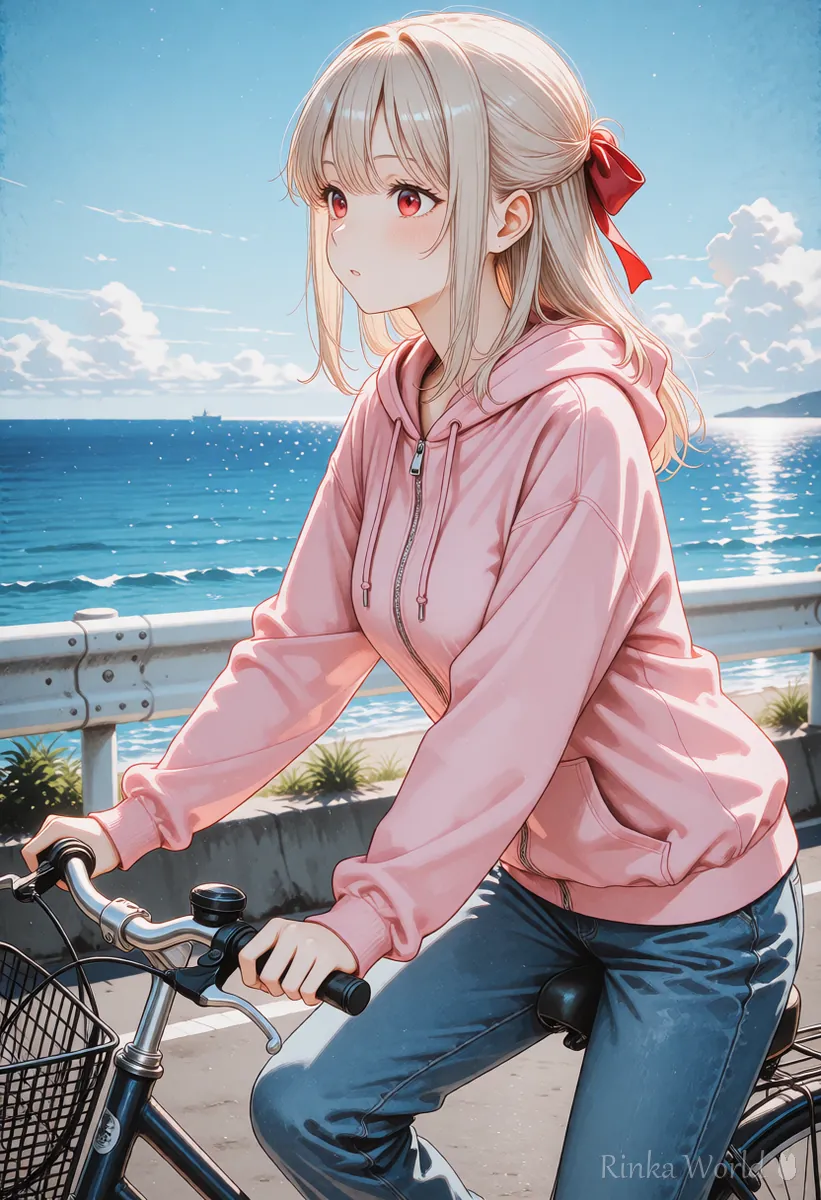
Tracking shot. The camera moves alongside the girl as she rides a bicycle down a seaside road. Smooth motion, bright summer afternoon.What it does: the camera travels beside the girl as she rides a bicycle along a seaside road, with smooth motion on a bright summer afternoon.
What if the camera move is ignored or the background warps?
Making the camera its own sentence and slowing it down with slowly usually fixes it.
For framing and angle tags in still images: Composition Prompt Tag List (Framing, Camera Angles, Foreground Blur) →
For a cinematic look: Letterboxed (Black Bars) and Cinematic Composition Prompts →
For how to write the whole video prompt: How to Write AI Video Prompts (Motion, Camera and Time) →
FAQ
Frequently Asked Questions
How do I keep the camera from moving?
Write static camera or locked-off shot. Describing the state you want works better than a negative such as "do not move the camera".
Should I use zoom or dolly in?
To move naturally closer to a person, dolly in (push in) is recommended. A zoom looks flatter, but it is useful for drawing attention to one point.
Can I combine two camera moves?
You can, but it breaks more easily. Use one per shot and make other moves as separate clips to join later.
Are camera terms the same on every service?
Pan, tilt, dolly, zoom and tracking are general film terms, so most services understand them. Some services also let you pick camera moves with buttons, so check the official guidance too.
RINKA WORLD
Play in Rinka World
MORE




