PROMPT GUIDE
How to Write Kling AI Prompts
Kling is an AI video generator that makes short videos from text or images. It is said to handle natural human motion well, and its image-to-video mode is widely used. This guide covers how to write Kling prompts that control motion and camera, with examples and fixes. Features and plans change often, so check the official site for the latest details.
Last updated: approx. 3 min read
The short answer
Write Kling prompts as short English sentences covering subject, motion, camera and mood. For image to video, skip the description of the look and write only motion and camera, and list breakage words in the negative prompt field.
What are the basics of a Kling prompt?
A Kling prompt is basically short English covering subject, motion, camera and mood. Some other languages may be accepted, but detailed motion and camera instructions often come across better in English. For image to video, skip describing what is in the picture and write only the motion and camera.
How do you make a video from an image in Kling?
Load a picture with the same ratio as the video, write one motion and one camera move, and generate.
- Prepare a picture with the same aspect ratio as the video (with a clean face and hands)
- Choose the image-to-video mode and load the picture
- Write one motion and the camera move in the prompt field
- If there is a negative prompt field, enter breakage words
- Make a few versions, compare them, and keep the best. If it breaks, make the motion smaller and try again
Some versions let you set both a start frame and an end frame and fill in between them. Available modes and lengths depend on the version and plan, so check the on-screen guidance and the official documentation.
Kling prompt examples (camera and motion)
The girl slowly lifts her face toward the falling snow and smiles. Her scarf sways gently in the wind. The camera slowly pushes in to a medium close-up. Soft winter daylight.What it does: the girl looks up at the falling snow and smiles while her scarf moves in the wind, and the camera moves slowly in to a chest-up shot in soft winter light.


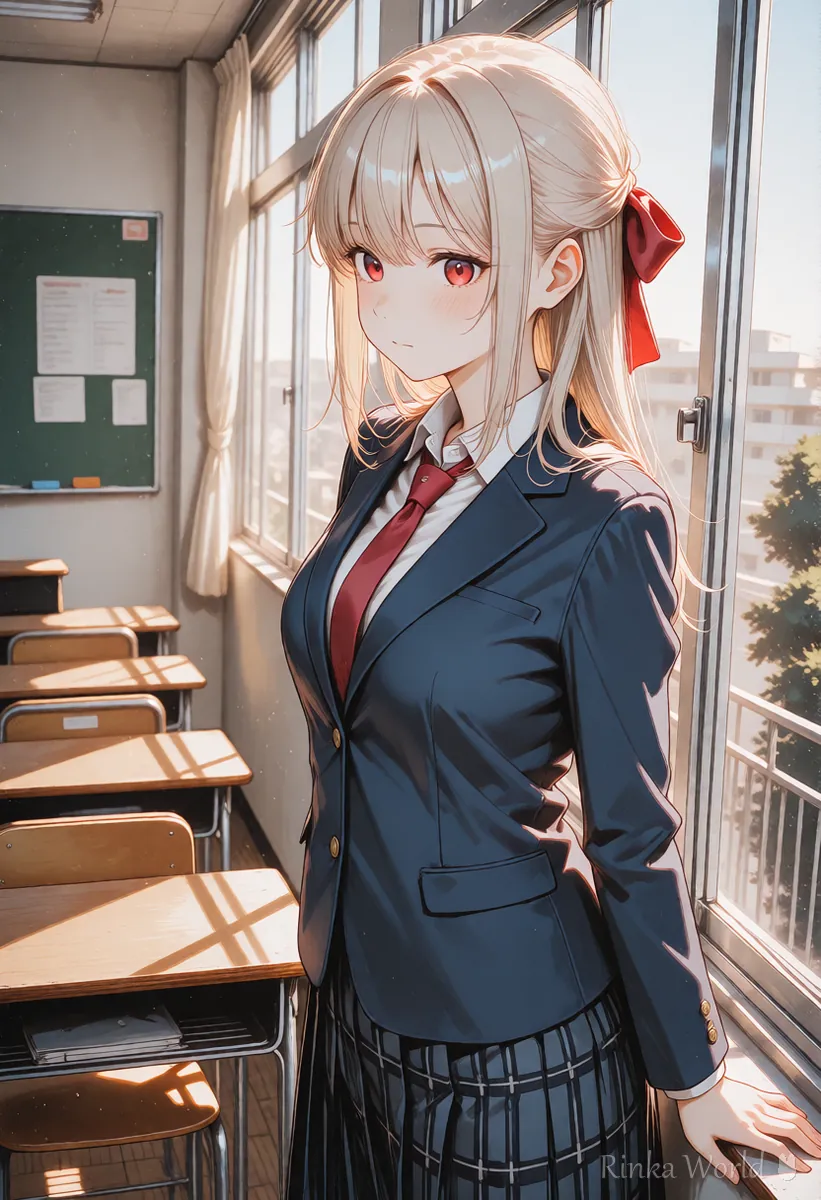
Tracking shot from the side. The girl walks along a quiet shopping street at dusk, the street lights turning on one by one behind her. Smooth camera motion.What it does: the camera follows from the side as she walks down a quiet shopping street at dusk, while street lights come on one by one behind her.
How do you use the Kling negative prompt?
Kling may provide a field for a negative prompt. List the breakage you do not want as short English words. The trick is to write the problems themselves, not negative sentences.
blurry, distorted face, deformed hands, extra fingers, flickering, low quality, text, watermarkWhat it lists: blur, a distorted face, deformed hands, extra fingers, flicker, low quality, text and watermarks.
What if faces break or motion is too fast in Kling?
Make the motion smaller with gently or slowly, and put the camera in its own sentence.
How do you vary motion in Kling image to video?
Change how you write motion depending on what you want to show. Small face movements for expressions, hair or background movement for atmosphere, and camera movement for the size of the scene. The trick is to choose one main thing.
Motions marked "lower" are more stable in short clips or when made from a wide shot where the whole body is small. Start with the "high" rows and move on to bigger motions once they work, which makes it clear where things break. The same approach works for other AI video generators, not just Kling.
Rinka's tips
- Start with a short prompt and add missing motions one at a time, which makes causes easier to find
- To keep a character's look consistent, image to video is usually more stable than text to video
- When using a photo of a real person, get that person's consent
For a list of camera movement terms: Camera Movement Prompts for AI Video Generators →
For how to choose the first frame: How to Use Image-to-Video AI (Steps to Animate a Still Image) →
For how Kling compares with other AI video generators: Comparing AI Video Generators and How to Choose →
FAQ
Frequently Asked Questions
Can I write Kling prompts in languages other than English?
Some languages may be accepted, but detailed motion and camera instructions often come across better in English. Start with short English sentences.
How much does Kling cost and how long can videos be?
It depends on the plan and version and changes often, so this guide does not list it. Check the official Kling site for the latest information.
The face changes in my Kling video.
Make the motion smaller (slowly, gently) and start from a picture with a large face, which tends to be more stable. Also try adding distorted face to the negative prompt field.
Can Kling animate anime illustrations?
Yes, it can work from illustrations. Choose a picture without text and with a clear face and hands to reduce breakage.
RINKA WORLD
Play in Rinka World
MORE




