PROMPT GUIDE
How to Write Pika Prompts
Pika is an AI video generator that makes short videos from text or images. This guide covers how to think about prompts that move things the way you want in Pika, how to write them for image to video, and how to fix things when they go wrong. The interface and features get updated, so check the official site for detailed steps.
Last updated: approx. 3 min read
The short answer
Pika prompts work best as short English sentences covering subject, motion and camera. For image to video, keep the appearance description short and write only how things move, which reduces distortion. Features, pricing and the latest models can change, so check Pika's official site.
What are the basics of a Pika prompt?
Write the subject, motion and camera in short English sentences.
Unlike still-image prompts, video prompts need to say what moves and how. In Pika too, writing the subject (who or what), the motion (how it moves) and the camera (how it is filmed) in short, clear English gets the idea across. Thinking it through in your own words first and then writing the English reduces omissions.
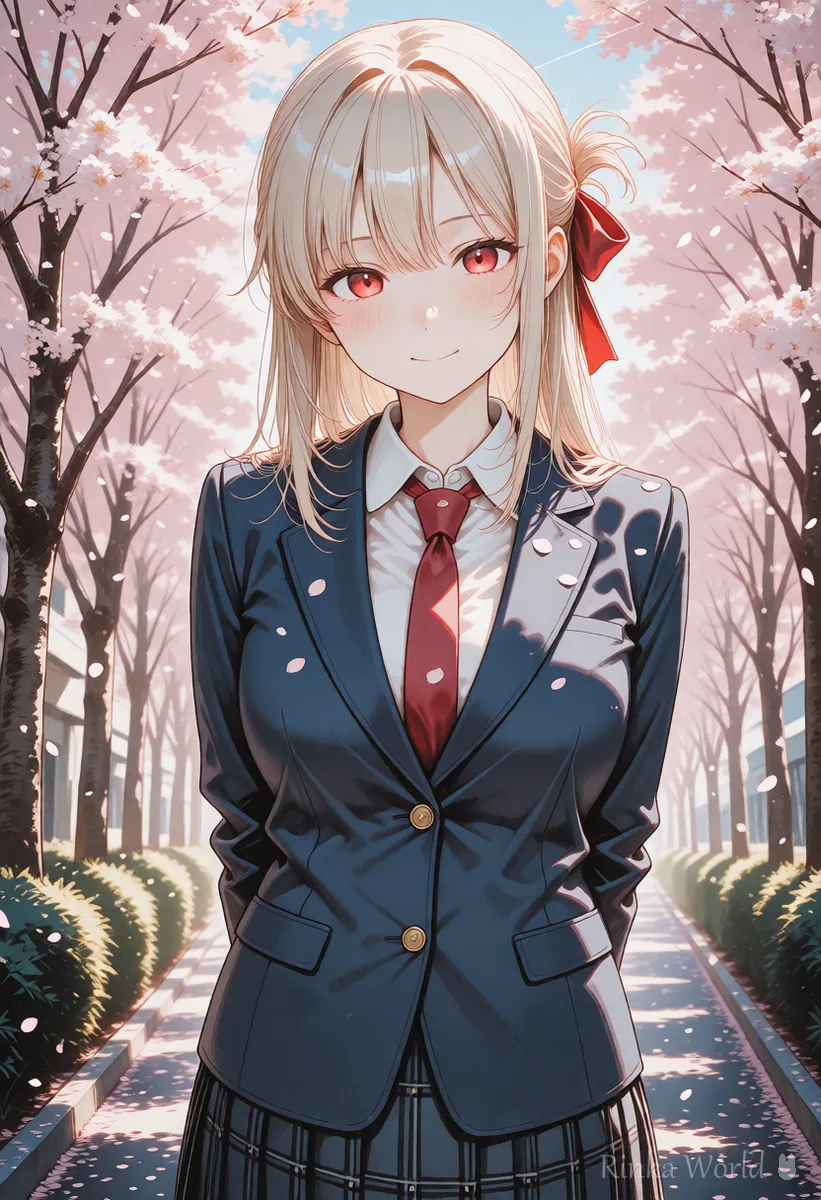
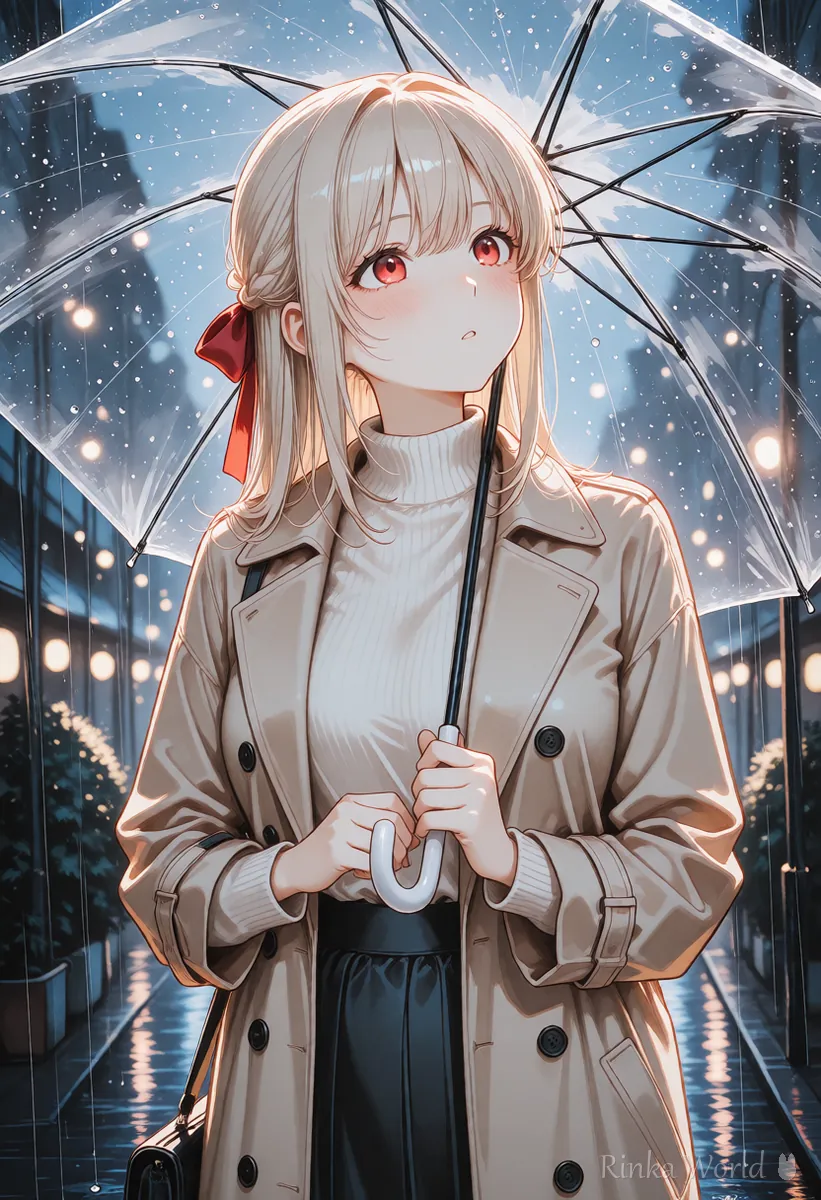
How do you write prompts for image to video in Pika?
The trick is to keep the appearance short and write only the motion.
For image to video, the person's look, clothes and background are already visible in the image. Writing a long appearance description mixes in details that differ from the image, which can change the face or clothes. Write only "what moves and how" and the camera movement. Choosing a source image with a large, clear face and simple hands reduces distortion.
Steps to make a video from an image in Pika
- Prepare the first image to animate. One with a clear face and simple hands is recommended
- Decide one motion (turning around, blinking, hair swaying, etc.)
- Decide one camera move. If unsure, static or a slow zoom in
- Write only the motion and camera in short English. Leave out the appearance or keep it to a few words
- Watch the result; if the face or hands break, make the motion smaller and regenerate
- Output length, quality and available features differ by plan and version, so check the official site
How do you get the motion you want in Pika?
Keep it to one motion and also describe speed and size, such as slowly or slightly.
Putting three motions in one prompt, like "walks, turns around and waves", tends to leave all of them half done or break the body. Use one motion and set the speed and size with words like slowly, gently or slightly for a calm video. If you want a big movement, making several short clips and joining them is more stable.
What are the common mistakes and fixes?
Rinka's tips
- Start with "fixed camera + one small motion", and once it works, gradually make the motion bigger
- Two or three short English sentences get across better than one long sentence
- Feature and setting names can change with updates. Match them to what the screen and the official docs show
Copy-paste prompts
Examples for image to video, with a plain-language explanation after each.
She slowly turns her head toward the camera and smiles softly. Her hair sways gently in the breeze. The camera is static.(Meaning) She slowly turns toward the camera and smiles gently. Her hair moves in the breeze. The camera stays still.
The camera slowly zooms in on her face. Cherry blossom petals drift across the frame. Calm, soft morning light.(Meaning) The camera slowly moves in on her face. Cherry petals float across the frame. Calm, soft morning light.
How to write video prompts that work in any tool: How to Write AI Video Prompts (Motion, Camera and Time) →
English terms for camera moves such as zoom, pan and dolly: Camera Movement Prompts for AI Video Generators →
Comparing Pika with other AI video generators: Comparing AI Video Generators and How to Choose →
How to write Luma Dream Machine prompts: How to Write Luma Dream Machine Prompts →
FAQ
Frequently Asked Questions
Can I write Pika prompts in languages other than English?
Whether other languages are accepted and how well they work can change between versions. To be sure, write short English sentences.
What should I write for image to video in Pika?
Keep the appearance short and write only what moves and how, plus the camera movement. A long appearance description mixes in details that differ from the image and can change the face.
What are Pika's pricing and video lengths?
They change with plans and versions, so check the latest details on Pika's official site.
What if faces break in Pika?
Keep it to one small motion and use an image with a large, clear face to reduce distortion.
RINKA WORLD
Play in Rinka World
MORE




