PROMPT GUIDE
AI art glossary (beginner-friendly explanations)
Once you start making AI art, you run into lots of unfamiliar words: prompt, seed, CFG, LoRA, VAE and more. This glossary sorts the most common terms into four groups and explains them simply for beginners. For any term you want to learn more about, follow the link to its guide.
Last updated: approx. 4 min read
The short answer
AI art terms are easiest to remember in four groups: words that tell the AI what to draw (prompt, negative prompt), settings that shape the result (seed, CFG, sampler, steps), add-on data that changes the look (LoRA, VAE, embedding), and ways to fix an image (img2img, inpaint, upscaling).
How should you group AI art terms to remember them?
Sort them into words you write, generation settings, add-on data and fixing methods, and you will know where each term is used.
There are many terms, but each one belongs to a fairly fixed step. Prompts and negative prompts are written before you generate; seed and CFG are settings chosen when you generate; LoRA and similar add-on data change the look or character; img2img and inpaint fix an image afterwards. Find the group of the term you are curious about in the table below.
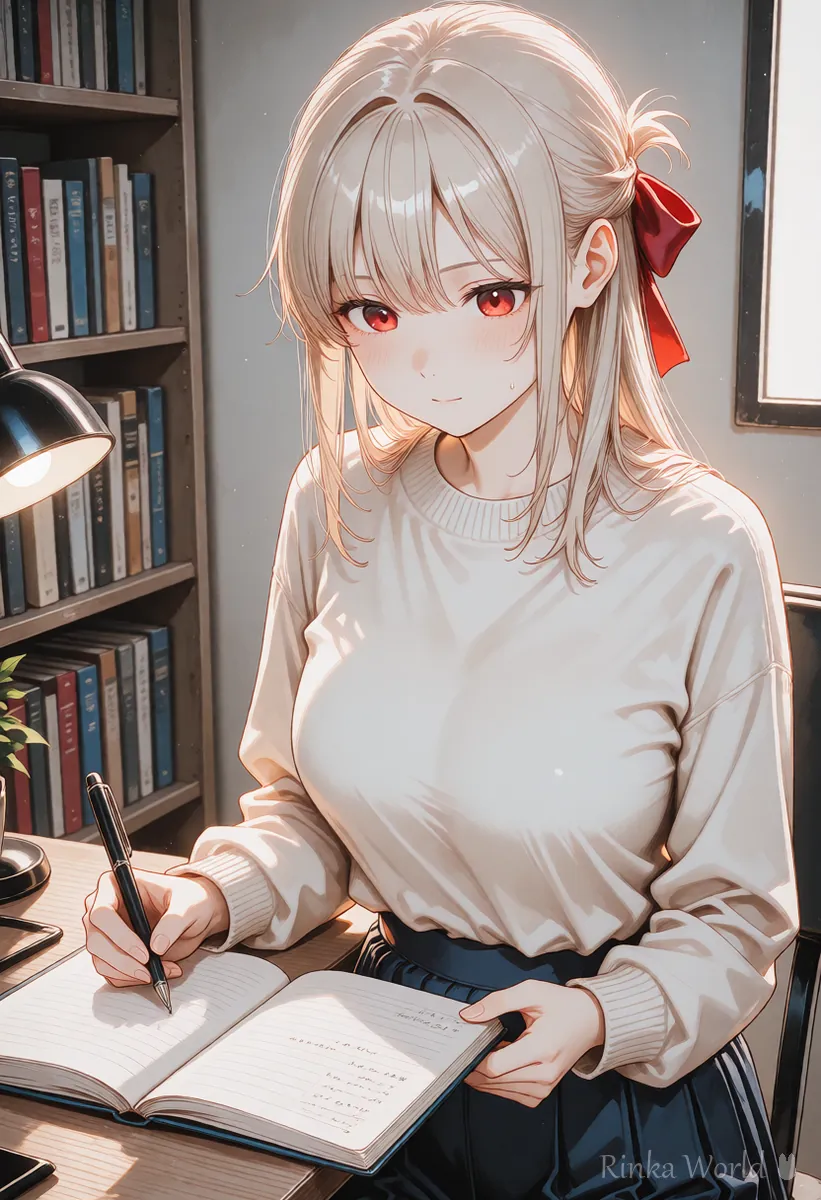
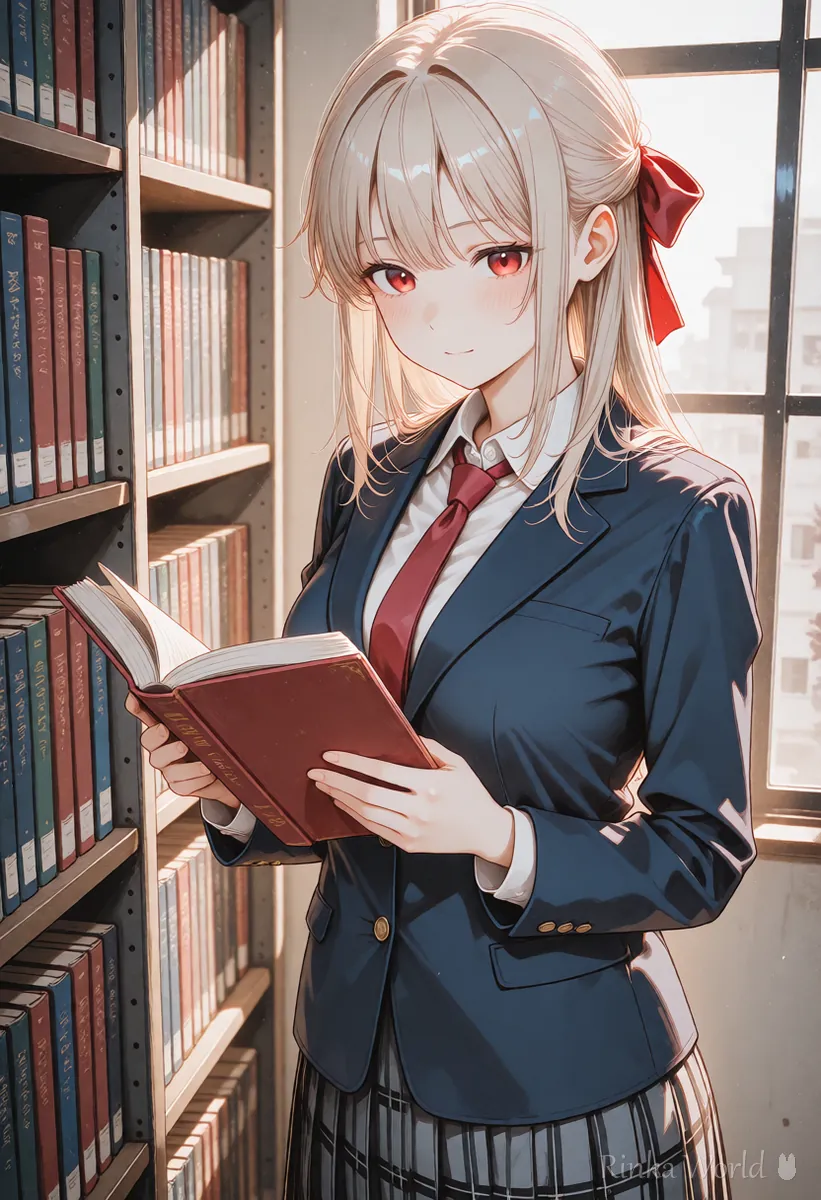
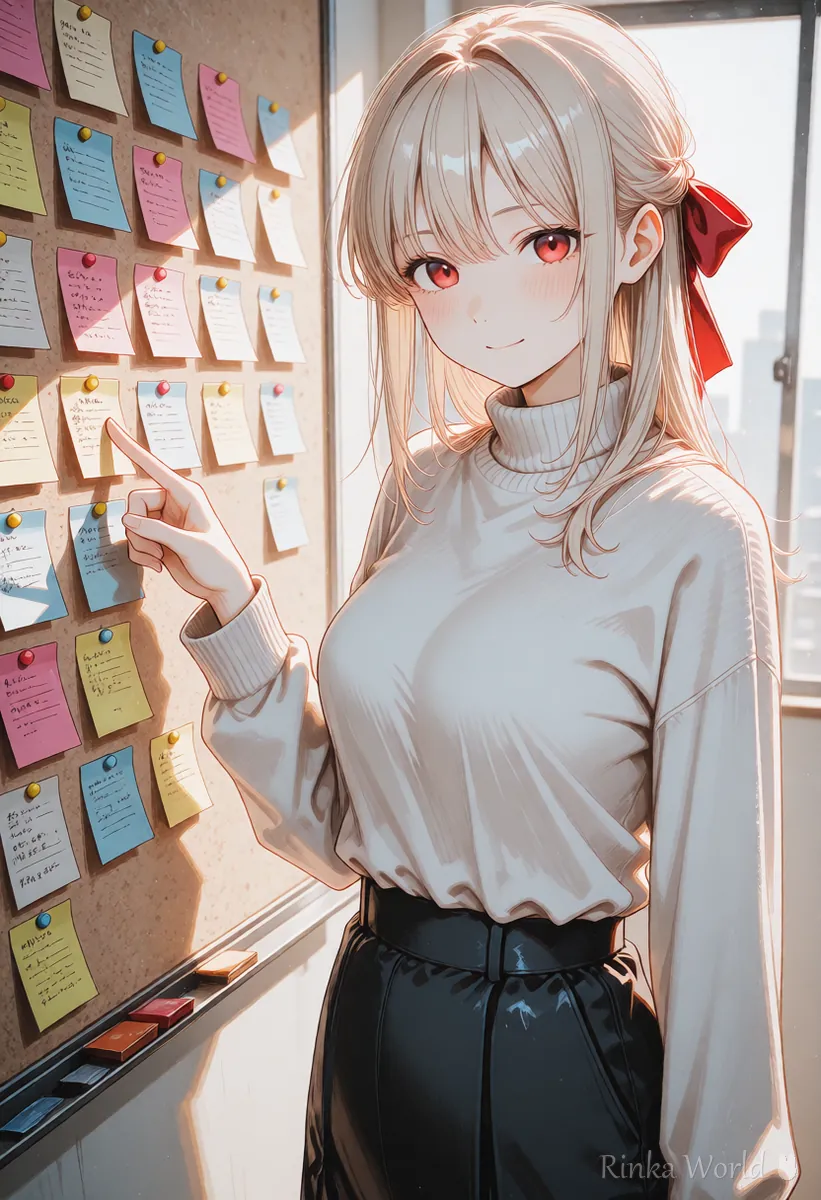
What do the terms for describing the image mean?
The prompt describes what you want drawn; the negative prompt lists what you do not want.
If you are starting out, read the basics of writing prompts: Prompt Writing Basics: Tag Order, Emphasis, and Tips →
What a negative prompt is, with a copy-paste template: Recommended Negative Prompts and a Copy-Paste Template →
What do the generation setting terms mean?
Even with the same prompt, the seed, CFG, sampler and step values change the image you get.
How to fix a seed and reproduce the same image: What Is a Seed? Fixed, Random, and Reproducing the Same Image →
How to think about CFG, steps and samplers: What Is CFG Scale? How to Choose Steps and Samplers →
What do the add-on data terms mean?
The model is the foundation of the look, a LoRA is small add-on data for characters or styles, and the VAE affects the final colors.
How to write a LoRA and choose its strength: How to Use LoRA (Syntax, Strength and Trigger Words) →
The VAE to check when colors look dull: What Is a VAE? Why Colors Look Dull, and How to Choose and Set a VAE →
What do the terms for fixing images mean?
img2img redraws the whole image, inpaint redraws only part of it, and outpainting extends it beyond the edges.
Steps to make one image while learning the terms
- Write a short prompt for the image you want and put a standard template in the negative prompt
- Choose a size and make a few images with a random seed
- Fix the seed of the one you like and add to the prompt a little at a time
- To change the look, try another model or LoRA
- Fix broken spots with inpaint, or use img2img to change the whole image
- Finish with upscaling
1girl, solo, long hair, smile, school uniform, classroom, upper body, masterpiece, best qualityNegative: worst quality, low quality, bad hands, extra fingers, blurry, watermark, textWhere do beginners get confused? (common misunderstandings)
Many people trip over terms with similar names, or terms that each service names differently.
Step-by-step for making your first AI illustration: Getting Started with AI Illustration (Beginner Steps) →
FAQ
Frequently Asked Questions
Does prompt mean the same as a spell?
Yes. In Japanese AI art communities a prompt is often called a spell (jumon), but it means the same thing as a prompt.
What is the difference between a model and a LoRA?
A model is the large base data that sets the look, while a LoRA is small data that adds a character or style on top. A LoRA is always used together with a model.
What is a seed?
It is the random number an image starts from. The same seed with the same settings and prompt gives the same image.
Why do services use different names for the same terms?
Each service names its own screens and features. The same idea can have a different name, so check the official documentation of the service you use.
RINKA WORLD
Play in Rinka World
MORE




