PROMPT GUIDE
AI Art FAQ (Answers to Common Beginner Questions in One Place)
When you are just starting, many questions come up: where do I begin, and why does it not turn out the way I wanted? This page collects the questions beginners ask most and answers them briefly. For the topics you want to learn more about, the linked guides go deeper.
Last updated: approx. 3 min read
The short answer
Beginner questions about AI art gather into five areas: choosing tools, writing prompts, fixing failures, publishing and checking rules. This page gives a short answer for each and a path to the guide where you can read more.
What do you need to start making AI art?
Trying an image generation service that works in the browser is easy, and you can widen to running things on your own computer later.
The first thing beginners wonder about is how to choose a tool. Services differ in what is free, what they can do and how you write prompts. Choose one, make your first picture, and try other methods once you are comfortable. Prices and features change, so check the official guidance before you use one.
What are the common questions about prompts?
What is a prompt?
It is the text or list of words you use to tell the AI the picture you want. It is sometimes called a spell.
Is a short prompt or a long prompt better?
Start short and add only what is missing. If it gets too long, more words end up having no effect.
Why do I get a different picture every time with the same prompt?
Because a different random number (the seed) is used each time. To bring the same picture back, fix the seed.
What are the common questions about failures and breakdowns?
How do I fix broken hands and fingers?
The most reliable way is a composition where the shape is not visible, such as hiding the hands or putting them in pockets. The dedicated guide also helps.
Why does a small face break?
Because fewer pixels are used for the face. Use a closer composition or a face-fixing feature.
Must I always write a negative prompt?
It is not required, but including the standard quality words makes results more stable.
What are the common questions about publishing and rules?
Can I use AI-made pictures commercially?
It is decided by the terms of the service and model you used. Check the official guidance before you use them.
Should I state that I made it with AI?
Follow the rules of where you post and what the client asks. Stating it clearly makes later misunderstandings less likely.
May I make the AI imitate other people's art or real characters?
It is not recommended because it may infringe other people's rights. If you are unsure, check official sources or a qualified professional.
The order beginners can follow in the first month
- Choose one service and make your first picture with a short prompt
- Change only one of expression, outfit or place and check the effect
- Save the settings you like in a note or a template
- Add a negative prompt to make the quality more stable
- When something breaks, find the cause with the troubleshooting chart and fix it
- Before you post, check the rules and how to credit
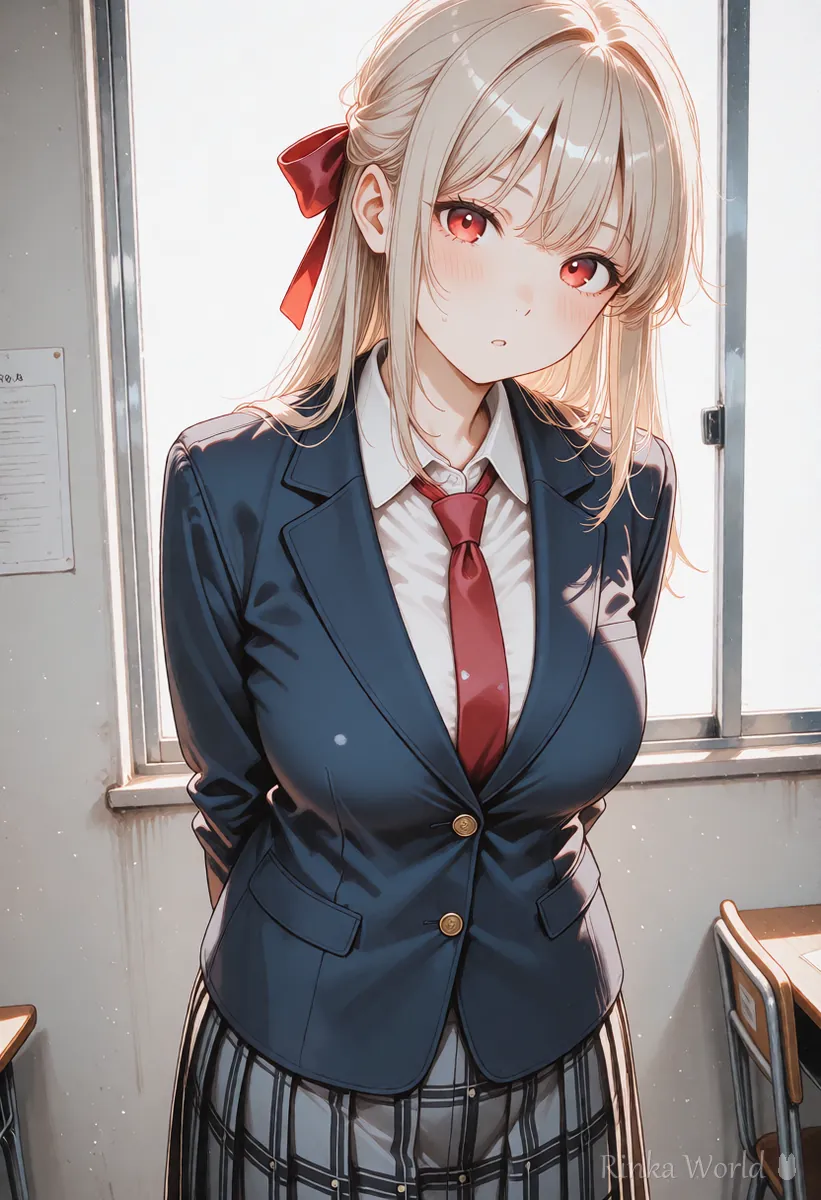
1girl, solo, smile, long hair, school uniform, classroom, upper body, masterpiece, best qualityworst quality, low quality, blurry, bad anatomy, extra fingers, watermarkRinka's tips
- When you meet a word you do not know, check its meaning in the glossary before moving on so you do not get lost
- Changing one thing at a time is the shortcut to getting better
- Rules and prices change, so make it a habit to check the official guidance before you use something
For the steps to your first picture, see Getting Started with AI Illustration (Beginner Steps) →
For how to choose and compare services, see AI Image Generators Compared (How to Choose by Type) →
For the basics of writing prompts, see Prompt Writing Basics: Tag Order, Emphasis, and Tips →
For how to fix broken pictures, see AI Art Troubleshooting Guide (Look Up Fixes by Symptom) →
To look up terms you do not know, see AI art glossary (beginner-friendly explanations) →
FAQ
Frequently Asked Questions
Where is the best place to start with AI art?
Making your first picture with a short prompt in an image generation service that works in the browser is easy. Once you are comfortable you can widen to other methods.
Can I use it for free?
Some services have a free range. The range and conditions can change, so check the official guidance.
Is it okay if I am not good at English?
It is fine. Learning the English words by kind is enough, and the site's converter tool can turn your own language into English tags.
May I publish the pictures I made?
It is decided by the conditions of the service and model you used. Before you publish, check the terms and the rules of where you post.
What should I do if it fails?
Find the cause from where the symptom appears using the troubleshooting chart. The basic rule is to change only one thing at a time.
RINKA WORLD
Play in Rinka World
MORE




