PROMPT GUIDE
How to Post AI Illustrations on pixiv: Settings and Tags
pixiv is a site for posting and browsing illustrations and manga, and more and more people post works made with AI there. AI illustrations come with settings and rules that differ from other works. This guide covers the upload flow, tagging and preparing images. Rules can change, so check the official guidance before you post.
Last updated: approx. 3 min read
The short answer
When you post an AI-made illustration on pixiv, mark it as an AI-generated work on the upload screen and add tags and a caption that match the content. Rules for AI works can change, so always check pixiv's official guidelines before posting.
How do you post AI illustrations on pixiv? (The upload flow)
Mark the work as AI-generated on the upload screen, add tags and a caption, then publish.
pixiv has a system that lets AI-made works be viewed separately from other works, and the upload screen has a field for whether the work is AI-generated (names and positions may change). Posting without this setting can change where the work appears or break the rules. The guidelines on AI works are updated from time to time, so read the official guidance before posting.
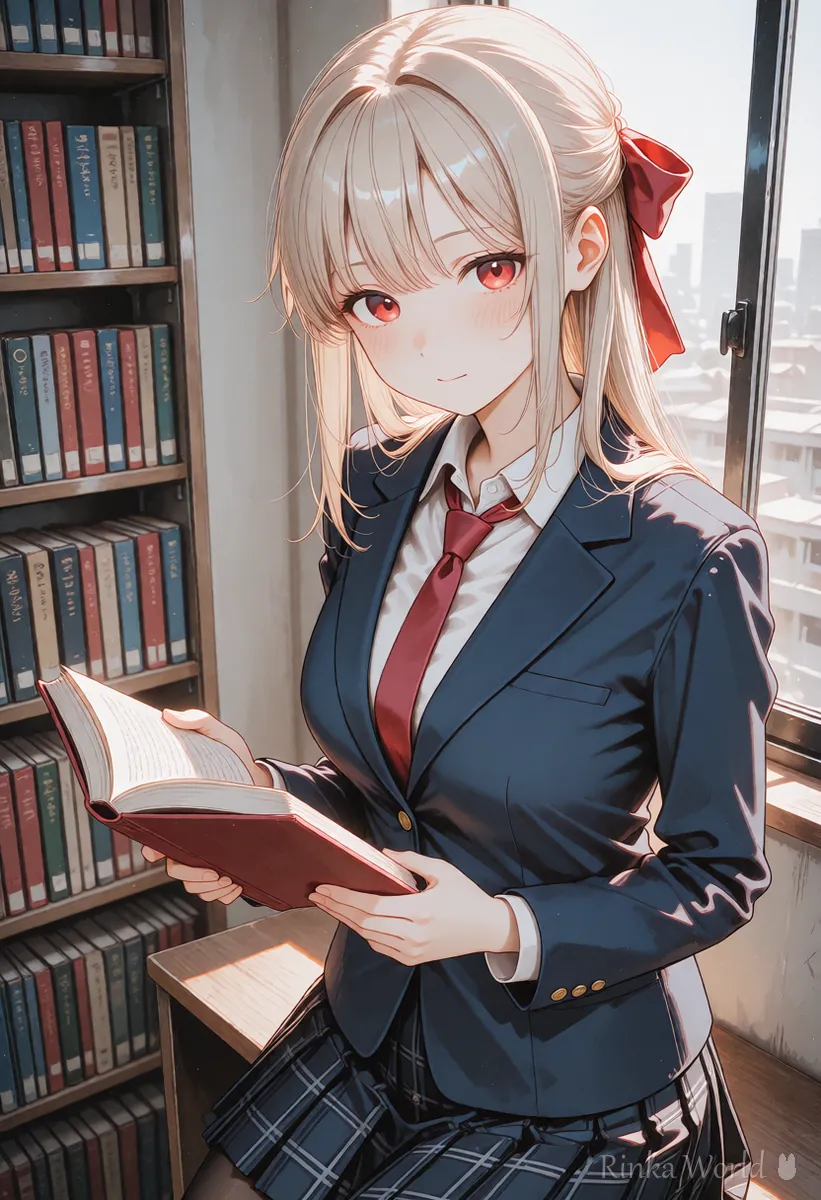
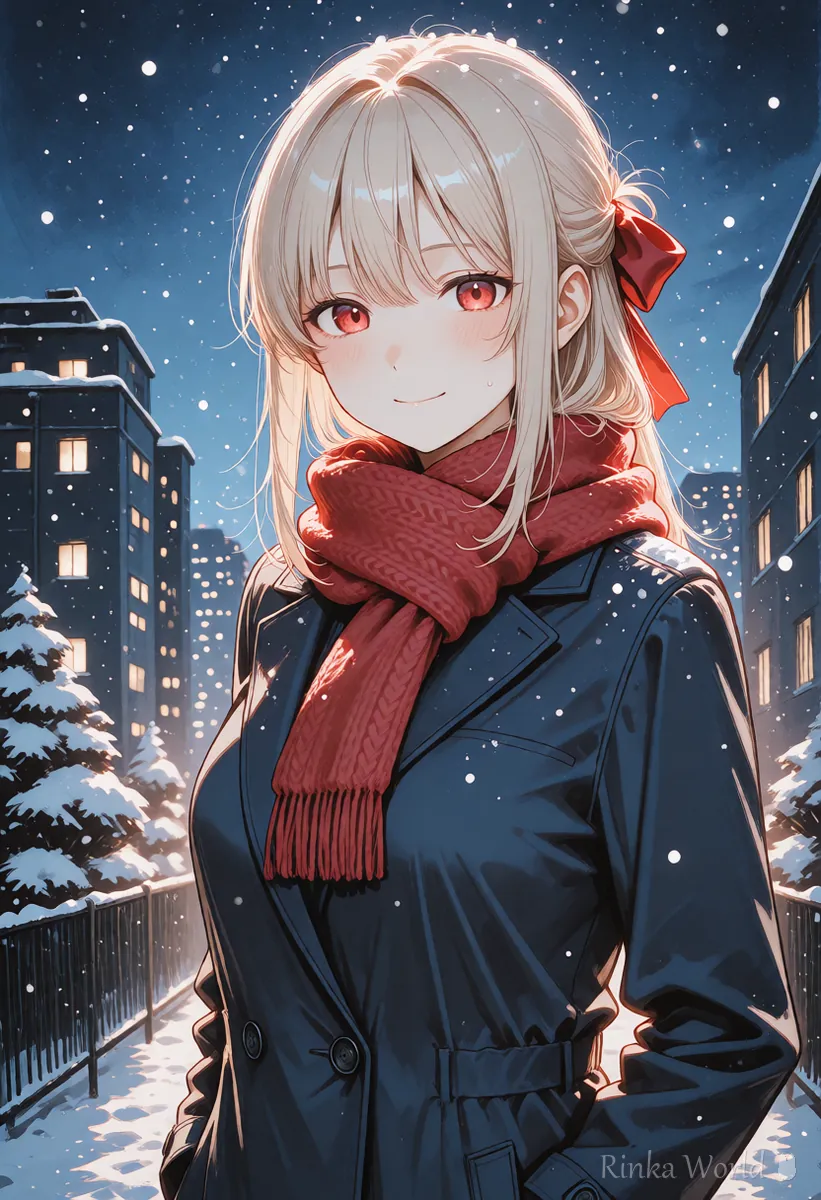
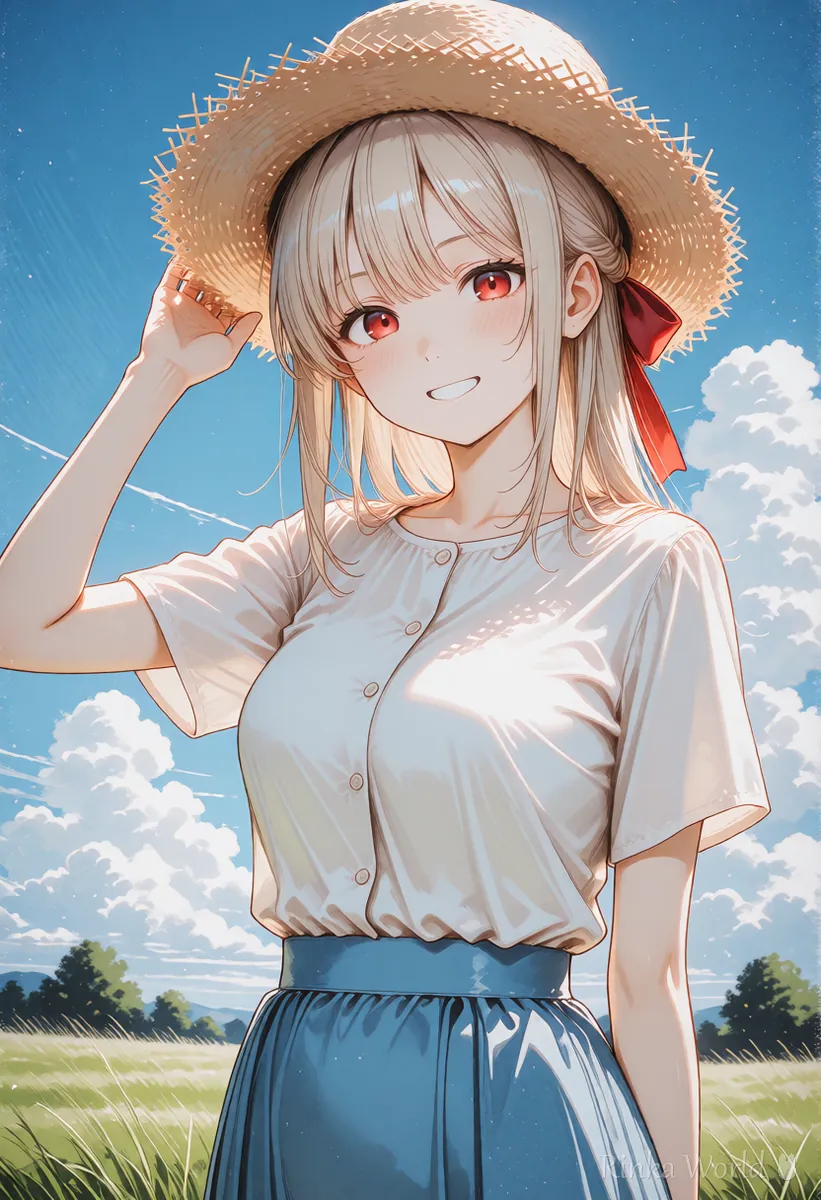
What are the steps to post AI illustrations on pixiv?
Prepare the image, enter the settings and tags, check the preview, then publish.
Steps to post an AI illustration on pixiv
- Check pixiv's official guidelines for how AI-generated works are handled and the latest rules
- Check the image for broken hands, fingers, faces or text and fix them if needed
- Resize the image to a comfortable size and, if needed, strip metadata to make it lighter
- On the upload screen, choose the image and write a title and caption
- Set the AI-generated field and the age rating correctly
- Add tags that match the content, check the preview, then publish
Rinka's tips
- A few carefully chosen pictures get more views than a long row of similar ones
- One work can hold several images, so put expression variations and alternates together in one work
- AI illustrations made to look like someone else's work, characters or real people easily cause rights problems, so avoid them
How should you tag AI illustrations on pixiv?
Focus on tags that describe the content, plus a few words people search for.
Tags are how viewers find your work. Besides broad words like original or girl, add words that describe the picture, such as uniform, sunset or twin tails, to reach people who like that. Rules and customs for tags that show a work is AI-made can change, so check the official guidance and how others tag.
original girl uniform library window reading airyoriginal girl winter-clothes scarf snow night-view heartwarmingWhat are common mistakes when posting AI art on pixiv? (Fixes)
Forgetting the setting, tags that do not match, and posting broken images are the usual mistakes.
How to fix broken hands, eyes and legs before posting: AI Art Troubleshooting Guide (Look Up Fixes by Symptom) →
A final checklist before posting on social media: The Complete Pre-Posting Checklist for AI Art →
How to add a watermark to your images: How to Add a Watermark to Images, with Tips for Social Media →
FAQ
Frequently Asked Questions
Can I post AI illustrations on pixiv?
pixiv's guidelines have rules for AI-generated works. Check the latest rules in the official guidance, such as marking the work as AI-generated on the upload screen, before posting.
What happens if I forget the AI-generated setting?
The work may be shown differently or break the rules. Edit the work to fix the setting as soon as you notice, following the official guidance.
What tags should I add to AI illustrations on pixiv?
Mainly tags that describe the content, such as original, girl, uniform or sunset, plus a few words for the features of the picture.
Should I put my prompt in the caption?
It is up to you. If you do, make sure the prompt does not use other people's work or artist names to copy a look.
RINKA WORLD
Play in Rinka World
MORE




