PROMPT GUIDE
Prompt Writing Basics: Tag Order, Emphasis, and Tips
The basic rule: write English tags separated by commas, and put the most important ones first. A prompt is like a letter telling the AI what kind of picture you want it to draw. You don't need any difficult technical knowledge. In this article, Rinka shares the exact basic template she actually uses in her everyday work.
Last updated: approx. 2 min read
A prompt can just be a comma-separated list of words
With Stable Diffusion-based models (SDXL, Illustrious, etc.) and NovelAI, listing tags separated by commas gives more stable results than writing full sentences. The trick is to keep each tag short and give it just one meaning.
1girl, solo, smile, long hair, school uniform, cherry blossoms, outdoors, upper body, soft lightingThat alone gets across "the upper body of a smiling girl in a school uniform under cherry blossoms." The fastest way to improve is to start with around 10 tags, then add whatever is missing one tag at a time.
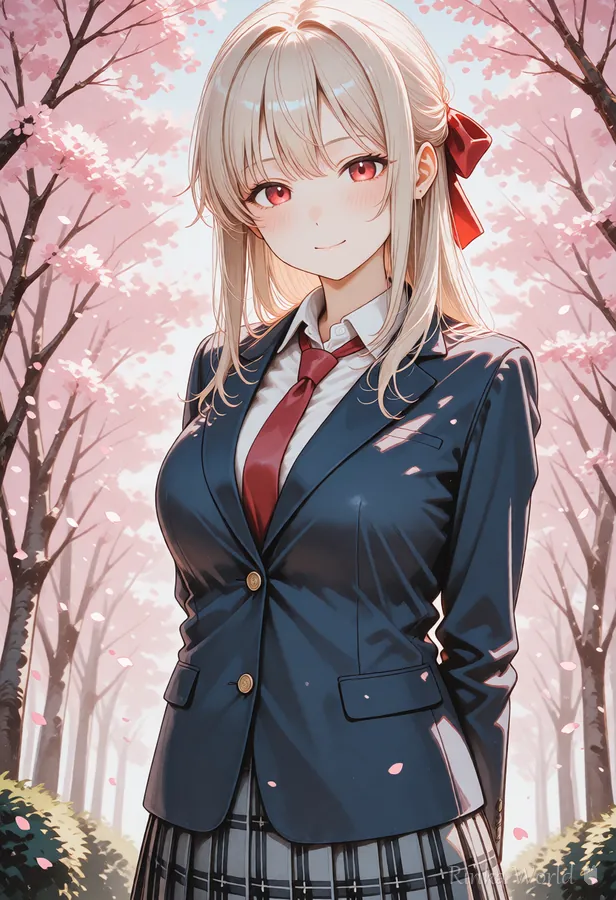
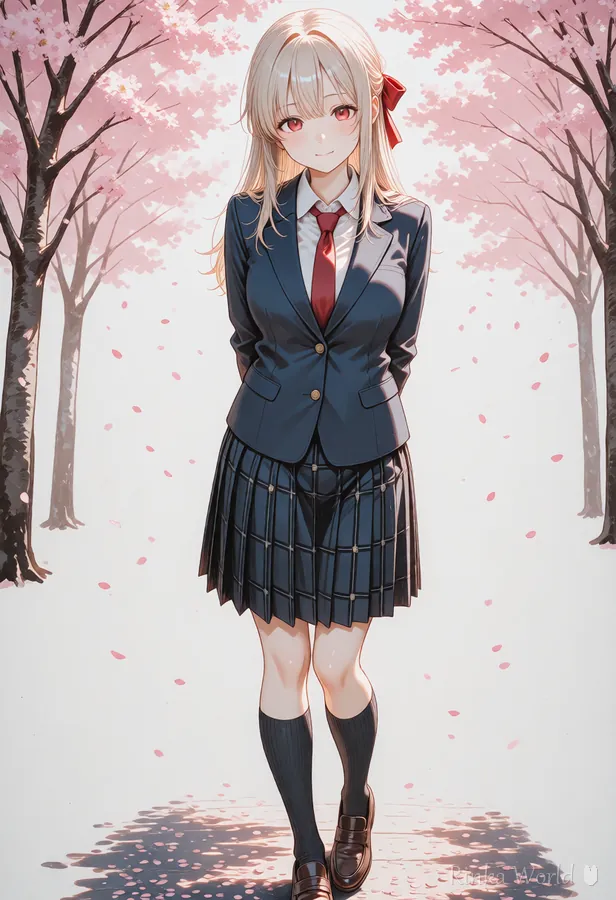
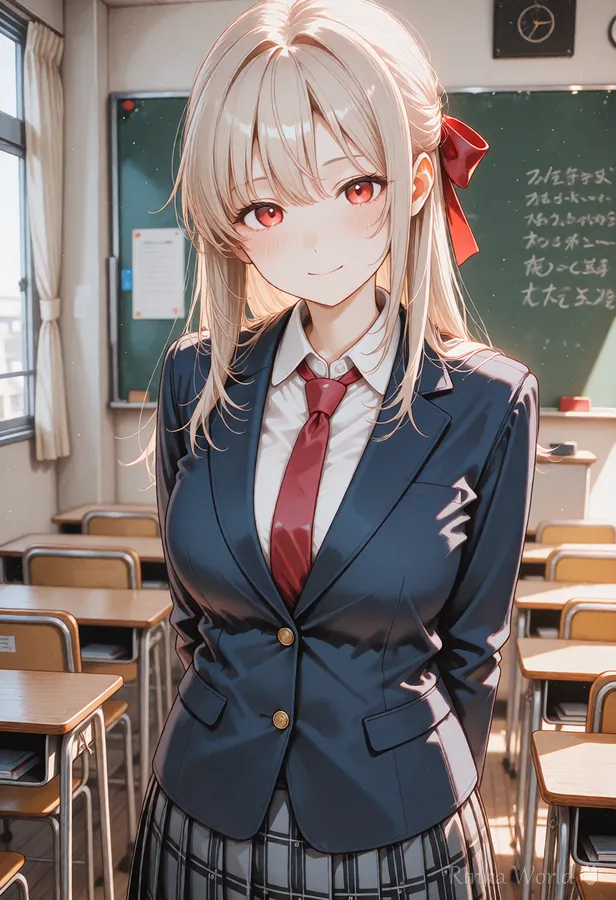
What order should prompt tags go in? (Earlier = stronger)
Most models reflect tags near the front of the prompt more strongly. Here is the order Rinka recommends:
- 1. Quality tags (masterpiece, best quality, etc.)
- 2. Subject (number of people / main subject, e.g. 1girl, solo)
- 3. Appearance (hairstyle, eyes, expression)
- 4. Outfit and accessories
- 5. Pose and action
- 6. Background, location, time of day
- 7. Composition, camera, lighting
Rinka's tips
- The more you absolutely want something in the image, the earlier you should write it. That's why the character comes before the background
- Writing a tag with the same meaning twice doesn't make it stronger. Use weight syntax when you want emphasis
- Aim for about 15-25 tags to start. Past 50, the effect of each tag tends to get diluted
How do you add emphasis? ((tag:1.2) weight syntax)
Wrap a tag in parentheses and add ":number" to adjust how strong that element is. 1.0 is the default; higher values make it stronger, lower values make it weaker.
Common mistakes and how not to overwrite
- Using contradictory tags at the same time (e.g. sitting and standing) -> keep only one of them
- Explaining too much in long sentences -> break sentences down and replace them with short tags
- Stacking lots of tags of the same kind -> narrow it down to the 1-2 tags that work best
- Leaving the negative prompt empty -> add at least a basic standard set (see the separate article)
A standard negative prompt set, ready to copy and paste, is collected here. Recommended Negative Prompts and a Copy-Paste Template →
What about Illustrious and NoobAI?
With Illustrious and NoobAI models, a common approach is to write tags in the order number of people -> character name -> series name -> art style -> general tags -> quality tags, grouping the quality tags at the end. Since the position of the quality tags differs from the order above, there's a dedicated article with a table.
For details: Illustrious and NoobAI Prompt Order →
A template you can use starting today
Just copy this template and replace the parts in [brackets].
masterpiece, best quality, 1girl, solo, [expression], [hairstyle], [outfit], [pose], [location], [time of day / light], upper bodyFAQ
Frequently Asked Questions
Do prompts have to be written in English?
Stable Diffusion-based models were trained on English tags, so English tags are the most stable. Word-level English is enough, so combining a translation tool with the tag lists in this guide will work fine.
How many tags should I use?
Around 15-25 is a good starting point. With too many, each tag's effect gets weaker and unintended elements are more likely to creep in. Getting into the habit of removing tags that aren't doing anything will help you improve faster.
I get a different image every time with the same prompt.
That's normal: the seed changes every time. Fix the seed when you want to reproduce the same image. If you only want to keep the composition, keep the seed fixed and change tags a little at a time so it's easier to compare.
RINKA WORLD
Play in Rinka World
MORE




