PROMPT GUIDE
How to Use PixAI (Steps and Tips for Making Anime Pictures in the Browser)
PixAI is a browser-based image generation service often said to be used by people who want to make anime pictures. You can try it without installing anything on your computer. This guide explains how to make your first picture, how to write prompts, how to choose models and LoRAs, and how to check what is free.
Last updated: approx. 3 min read
The short answer
PixAI is an image generation service where you can make anime pictures in the browser. Create an account, choose a model, make one picture with a short prompt, and add what is missing one thing at a time. What is free, whether commercial use is allowed and the terms for each model change, so check the official guide.
What is PixAI, and what kind of pictures can you make?
It is a browser-based image generation service used by people who want to make anime pictures.
PixAI is a service where you log in from the browser and make anime-style illustrations from text (a prompt). A feature of it is that you can change the art style by choosing a model or LoRA, and it is often used for character illustrations, standing pictures and icons. What is free, the terms of models and feature names can change with the service and the time, so check the official guide.
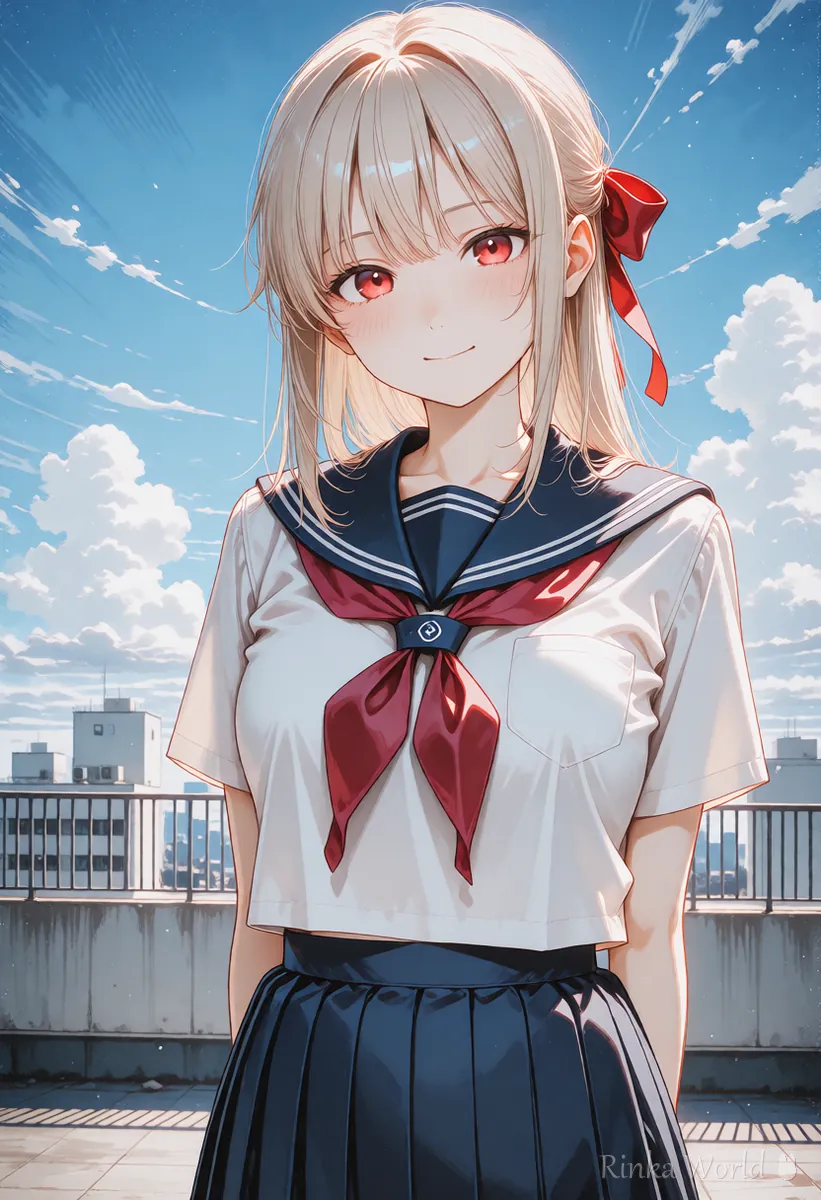
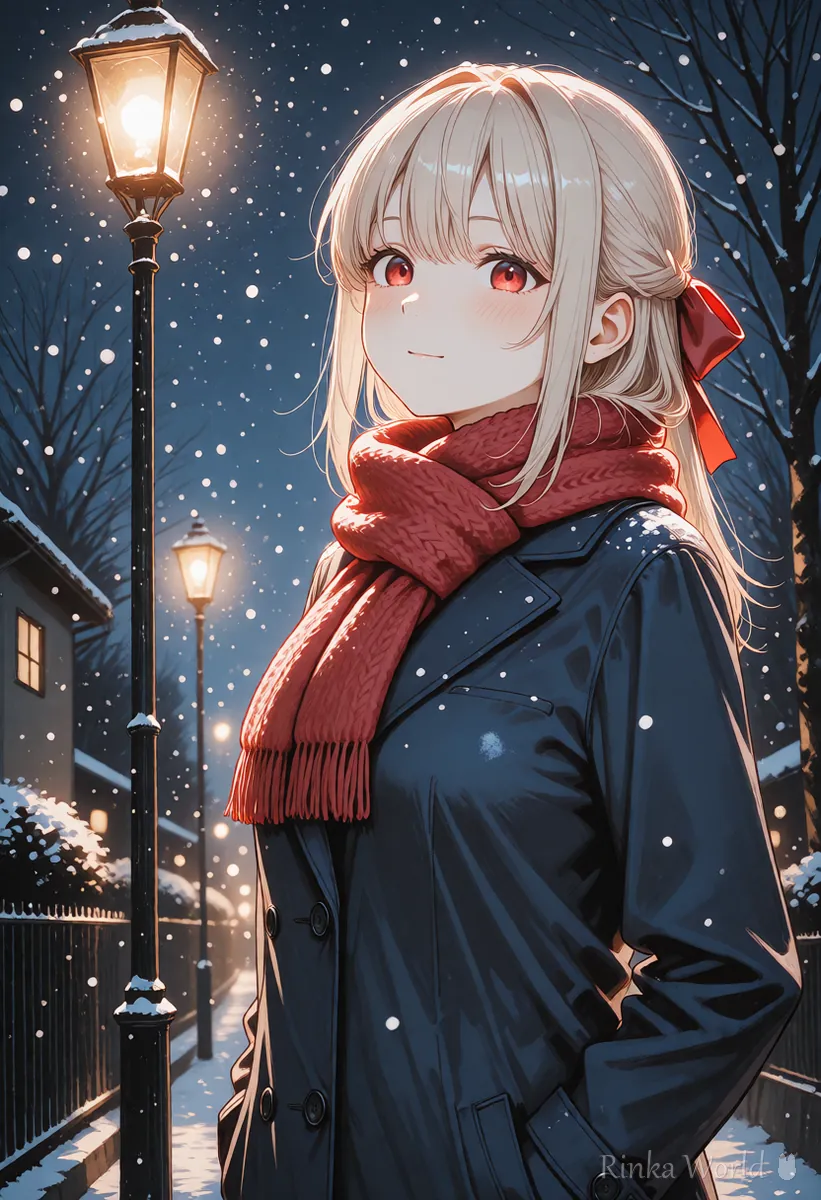
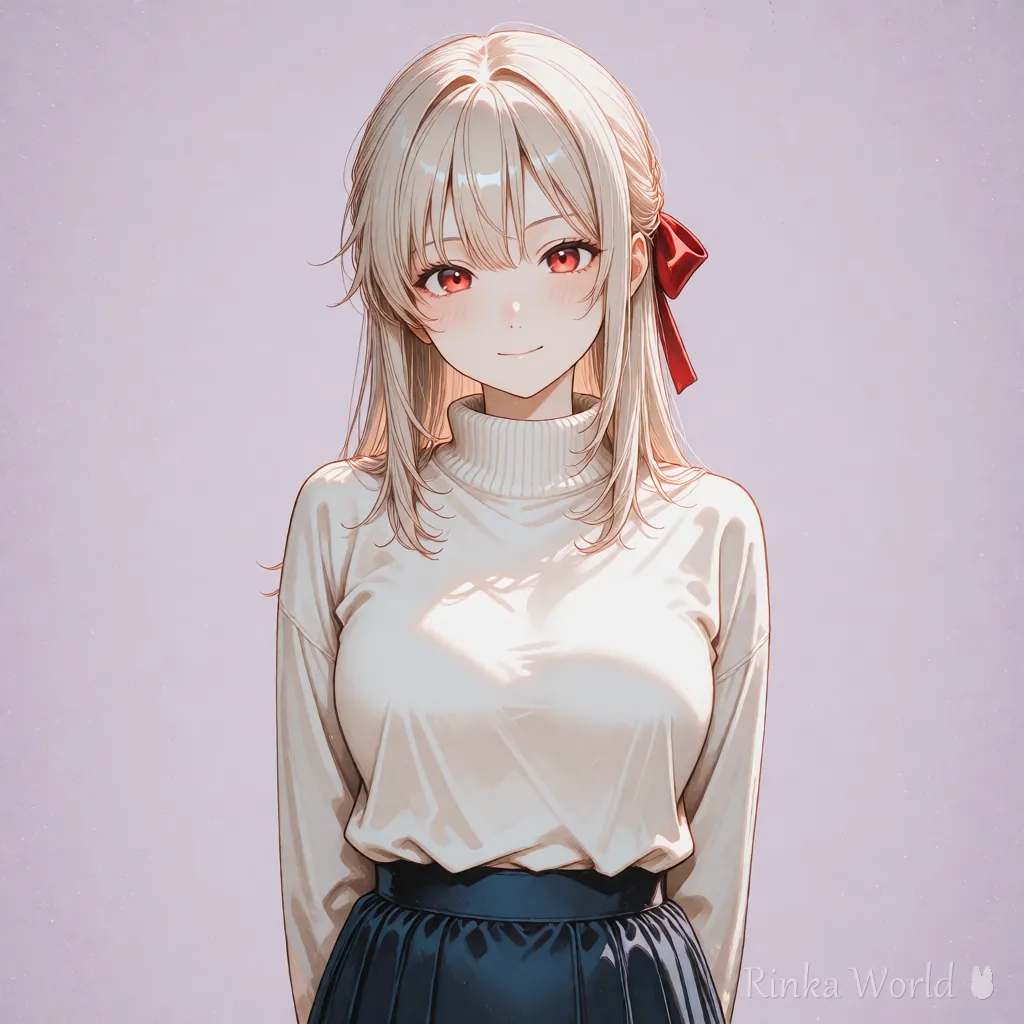
What are the steps for making your first picture?
Steps for making your first picture in PixAI
- Create an account on the official site and read the terms of service
- Open the image generation screen and choose one model for anime pictures
- Write a short prompt (1girl, solo, smile, school uniform and so on)
- Choose a size such as vertical or square and make one image first
- Add just one thing to the prompt for what differs from the picture you wanted, and make it again
- Save the picture you like and keep a note of the prompt you used
1girl, solo, medium hair, blue eyes, white blouse, smile, looking at viewer, school rooftop, blue sky, upper body1girl, solo, long hair, red ribbon, winter coat, scarf, snow, night, street lamp, upper bodyHow do you write the prompt?
List tags in the order of number of people, appearance, clothes, expression and pose, place and light, starting short and adding a little at a time.
With anime-style models, a common way is to line up English tags called Danbooru tags, separated by commas. For content you think of in your own language, it is easier to turn it into English tags with this site's prompt translation tool and then paste them in. If the model page has a trigger word or a recommended way of writing, try copying that first.
Rinka's tips
- About ten tags are enough for the first picture. Add only what is missing afterward
- Do not stack tags with the same meaning (such as putting both smile and smiling)
- Limit emphasis to one tag
How do you choose models and LoRAs?
Choose by whether the sample pictures are close to the art style you want, whether the terms of use have rules about commercial use or redistribution, and whether the type matches.
- Look at the art style of the sample pictures and choose one close to the picture you want to make
- Read the terms of use in the model description (commercial use, redistribution, credit and so on)
- Choose a LoRA of the same type as the model you use
- When making all-ages pictures, choose ones whose description and samples are for all ages
What if it does not work well? (Common failures and fixes)
The main causes are a prompt that is too long, forgetting a model's trigger word, and a mismatch between the types of LoRA and model.
For how to get started with AI illustration, see Getting Started with AI Illustration (Beginner Steps) →
For other browser-based image generation services, see How to Use SeaArt and Tensor.Art (Try Image Generation in Your Browser) →
For the basics of writing prompts, see Prompt Writing Basics: Tag Order, Emphasis, and Tips →
For manners about labeling when you post pictures you made, see How to label your work as AI-generated (social media and art sites) →
FAQ
Frequently Asked Questions
Can I use PixAI for free?
What is free and the amount of credit change with the time and your plan. Check the official guide before you use it.
Can I use prompts written in my own language?
English tags are said to follow your intent more easily. Think in your own language, then turn it into English tags and paste them in, and it becomes more stable.
Can I use the pictures I make commercially?
It is decided by the terms of the service and the conditions of each model you used. Conditions change, so always check the official guide before using them.
What is a LoRA?
It is a small piece of data added to a model to make a particular character or art style easier to produce. Choose one of the same type as the model.
Can I use it on a smartphone?
In many cases you can try it on any device that can use a browser. Check the supported devices and screens in the official guide.
RINKA WORLD
Play in Rinka World
MORE




