PROMPT GUIDE
How to Fix AI Video That Shakes or Wobbles (preventing handheld-like motion)
An AI video can sometimes look as if the camera is shaking when you did not intend it, or the whole picture can undulate. This guide organizes the causes of shake and goes through, in order, how to choose a composition, how to write the prompt and how to reduce motion.
Last updated: approx. 3 min read
The short answer
Shake in AI video mainly comes from specifying too much motion and an unstable composition. Writing the camera as static, narrowing what moves to one thing and starting from a stable picture that is level and symmetrical greatly reduces the wobble.
Why does AI video shake or wobble?
When a lot of camera motion and object motion are specified at the same time, or the composition of the source picture is unstable, the whole picture looks like it is shaking.
The wording you can specify and how motion tends to behave change with services and updates. This guide covers the general ideas, so try things out to confirm the actual behavior.


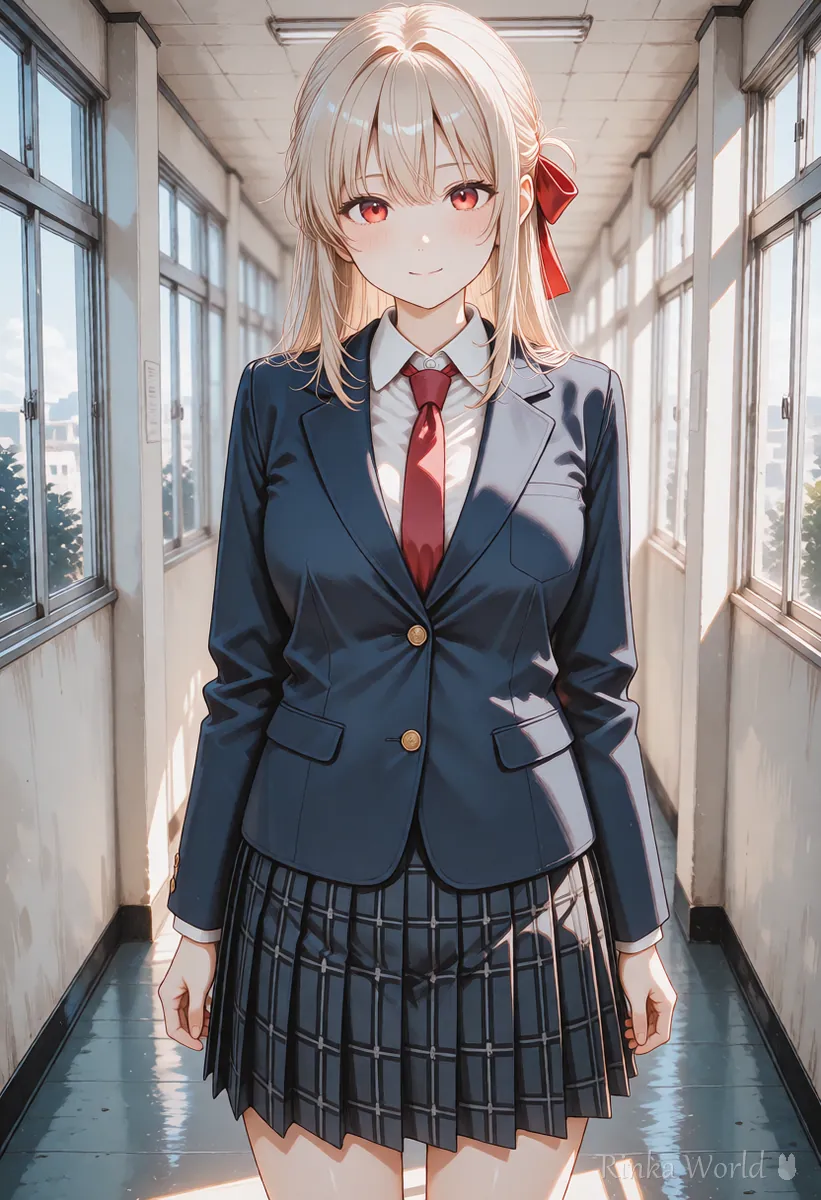
How do you write a prompt that prevents shake?
Write the camera as static and write just one thing that moves, specifically.
Static camera, locked-off shot. The girl stands still and smiles softly while her hair sways slightly.Tripod-like stable shot. No camera movement. Only her eyes blink slowly.Fixed camera, centered composition. Gentle wind moves the leaves in the background.A list of camera move terms Camera Movement Prompts for AI Video Generators →
How do you choose a source picture that resists shake?
A picture with a straight horizon, a person in the center and a simple background is the most stable.
- Use a composition where the horizon and the lines of buildings are straight (a tilted picture looks shaky in video)
- Put the person in the center, with a nearly symmetrical background
- Keep the background plain, or a simple blurred view
- Use a picture where the person's hands and hair are not cut off at the edge of the frame
Steps for remaking it with less shake
- Check the source picture for a level horizon, a centered person and a simple background, and remake the picture if needed
- Write camera is static in the prompt and narrow what moves to one thing
- Weaken the motion words with subtle or slowly
- Make a few with a short length and choose the one with the least wobble
- If wobble remains, also consider using the stabilization feature of video editing software (check the feature in the editing software)
What if it still wobbles? (common failures and fixes)
How do you tell shake from an intended motion?
An intended motion moves in a consistent direction and smoothly. Shake goes in scattered directions and keeps trembling in small ways. To tell them apart, pause the video and step through frame by frame, and check whether the lines at the edge of the frame and the horizon move in one consistent direction or go back and forth.
- Moves slowly in one consistent direction: close to the camera move you intended
- Goes back and forth in small movements up, down, left and right: shake (a handheld look)
- The whole picture waves as if distorted: often too much motion was specified
- Only the background flickers: the background pattern is too fine
Rinka's tips
- First make one with the smallest motion, static camera plus blinking only, and if there are no problems, add motion little by little
- Shake can look like a cool effect in some scenes, so if you use it on purpose, adding a word like handheld is one way to do it
How to find causes, including broken faces and hands Why AI Videos Break and How to Fix Them →
The basic order of a video prompt How to Write AI Video Prompts (Motion, Camera and Time) →
FAQ
Frequently Asked Questions
Can I fix the camera completely in AI video?
We cannot guarantee a complete lock, but specifying static camera and narrowing the motion to one thing greatly reduces the wobble.
Can I apply stabilization after generating the video?
If your video editing software has a stabilization feature, you can use it. However, the correction may crop or slightly distort the picture.
Why does only the background look shaky?
If the background has a fine pattern, it is drawn slightly differently in each frame, which flickers and looks like shake. Make the background simple.
Can I make it look like a handheld camera on purpose?
Words such as handheld can sometimes aim for a similar mood. How well they work differs by service, so try it and see.
RINKA WORLD
Play in Rinka World
MORE




