PROMPT GUIDE
How to Make a Lip Sync Video With AI
When you want a character to talk in a video, lip sync is what matches the mouth movement to the audio. The choice of image and how you prepare the audio change the result a lot. This guide covers which images suit lip sync, the steps to make one, and fixes when it does not work well.
Last updated: approx. 3 min read
The short answer
An AI lip sync video is made from an image with a clear, front-facing face and audio with little background noise. Lip sync features are built into some video generators and dedicated services. When using a real person face or voice, always get that person consent.
What is AI lip sync?
It is a feature that moves the mouth of a person in an image or video to match audio.
Lip sync reads mouth shapes from the sounds in the audio and moves the mouth area of the face. It comes as part of some video generators or as dedicated lip sync services. Some are better with anime illustrations and others with photos, and pricing and length limits vary, so check the official documentation before you use one.

Which images suit lip sync?
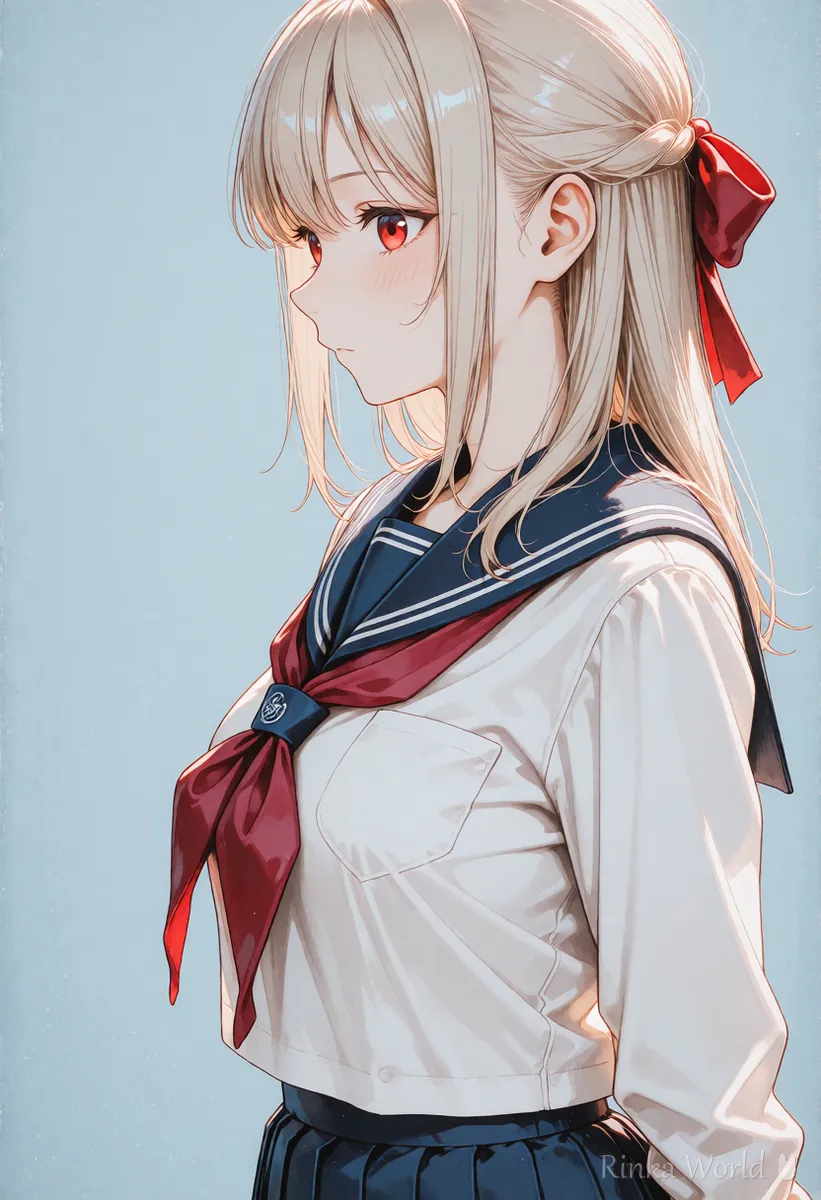
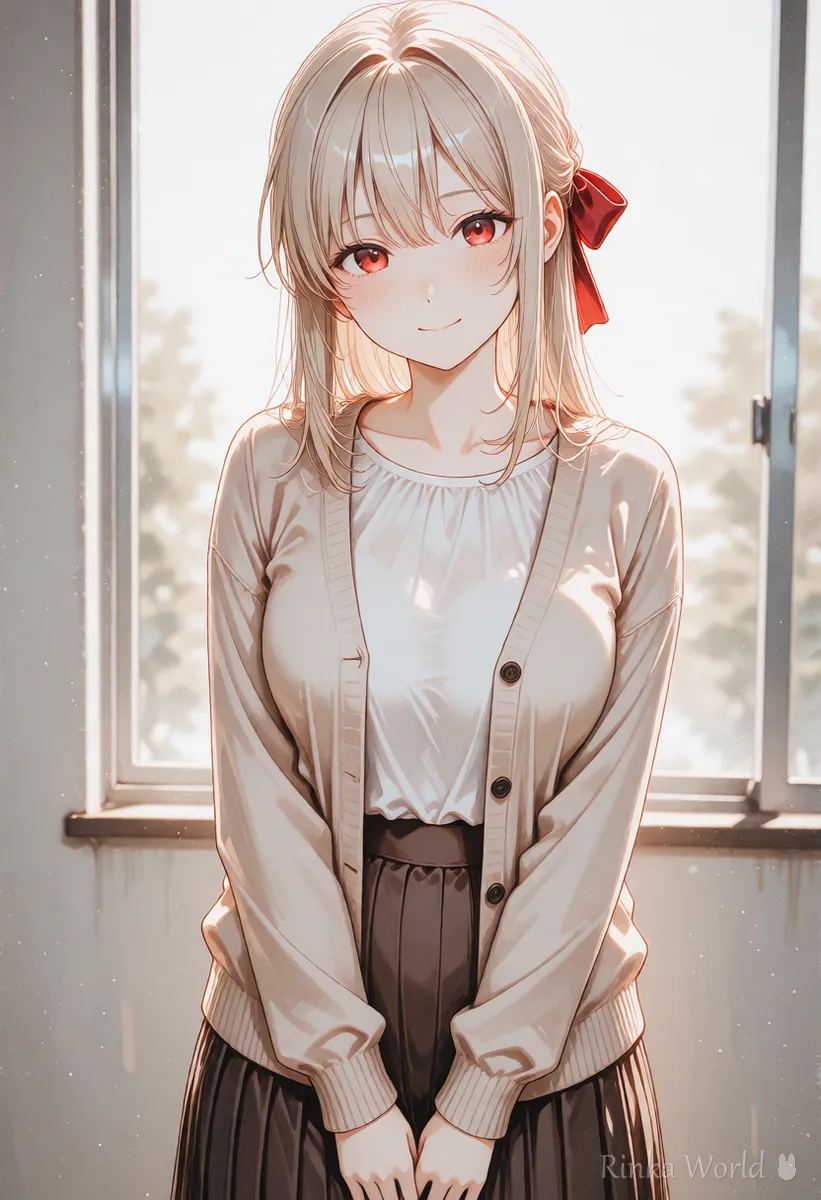
Images that face forward, show the face large, and have nothing covering the mouth work best.
Side profiles, faces looking down, and images where a hand or hair covers the mouth make the mouth shape hard to read and break more easily. Chest-up images where the face fills a third or more of the frame are easiest to work with. Starting from a closed or slightly open, natural mouth makes the movement smoother.
How do you make a lip sync video, step by step?
Prepare the image and the audio, test with a short line, then make the final version.
Steps to make a lip sync video with AI
- Prepare a chest-up image with a large, front-facing face
- Prepare the dialogue audio. Voice-only audio with no noise or BGM is best
- Test with a short 3-5 second line and check the mouth movement and any face breakage
- If it works, make the final version. Split long dialogue into sentences and join them later
- Add BGM and captions in a video editor to finish
What if the mouth drifts or the face breaks?
Reviewing the audio noise and the face angle and size often fixes it.
What should you watch for with real people faces and voices?
You cannot use a face or voice without that person consent.
A video that uses a real person photo or voice to make them appear to say something they never said can hurt or deceive them. Use only your own photos and voice, material you have permission for, or characters you created yourself. Service terms of use also often set rules for using other people faces and voices.
Rinka's tips
- For a character voice, also check the terms of the voice synthesis service (commercial use and so on)
- For long dialogue, making it one sentence at a time and joining the parts breaks less
- Adding captions helps people who watch with the sound off
For the basic steps of making a video from an image: How to Use Image-to-Video AI (Steps to Animate a Still Image) →
Try lip sync first with a short greeting such as "hello" and you will quickly see which images and audio work. Saving combinations of image and audio that worked well means fewer retries next time.
For adding BGM and sound effects to AI videos: How to Add BGM and Sound Effects to AI Videos →
For precautions (portrait rights) when turning photos into anime style: How to Turn a Photo into an Anime-Style Illustration with AI (Prompts, Fixes and Cautions) →
Copy-and-paste: example prompts for a lip sync image
Examples for making the first image to use for lip sync. The first is tag-based, the second sentence-based.
1girl, solo, looking at viewer, facing viewer, closed mouth, light smile, portrait, upper body, simple background, soft lightingA front-facing portrait of an anime girl from the chest up, looking straight at the viewer with a calm closed-mouth smile, hair kept away from her face, plain soft background, even lighting.FAQ
Frequently Asked Questions
What do I need to make a lip sync video with AI?
You need an image with a clear, front-facing face and dialogue audio with little noise. Use a video generator with a lip sync feature or a dedicated lip sync service.
Can anime illustrations be lip synced?
Some services can, but services made for photos may not move the mouth well. Check the official documentation to see whether illustrations are supported.
The mouth is out of sync with the audio.
BGM or noise in the audio makes the mouth shapes hard to read. Use voice-only audio and split long dialogue into short parts.
Can I make a lip sync video from a celebrity photo?
You cannot use a real person face or voice without their consent. Use only your own photos and voice, material you have permission for, or your own characters.
RINKA WORLD
Play in Rinka World
MORE




