PROMPT GUIDE
Icon Prompts: Making Square Close-Up Avatars for Social Media
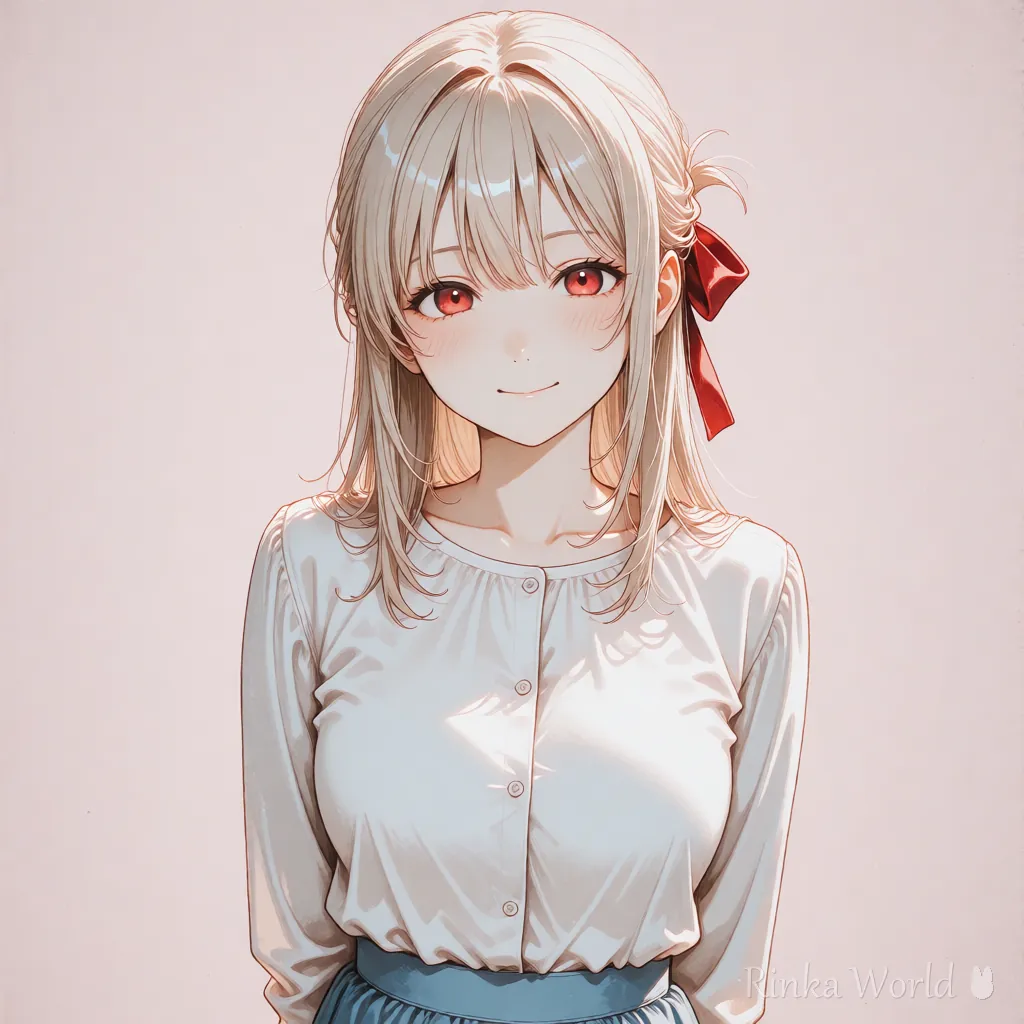
Social media icons are usually square and get cropped into a circle. With three tags, portrait (a close-up of the face), looking at viewer and simple background, you get an icon where the face is clear even when shown small.
Last updated: approx. 3 min read
The short answer
The basic prompt for a social media icon is portrait, looking at viewer and simple background. Make the image square from the start. Because it gets cropped into a circle, keep important things such as hair accessories near the center.
What is the prompt for an icon? (portrait, square)
The basics for an icon are portrait (or close-up) to show the face large, and looking at viewer. Make the image square (1024x1024, etc.). If you make it tall and crop it later, the top of the head or the shoulders get cut off, or the face becomes small.
What background prompt works for an icon?
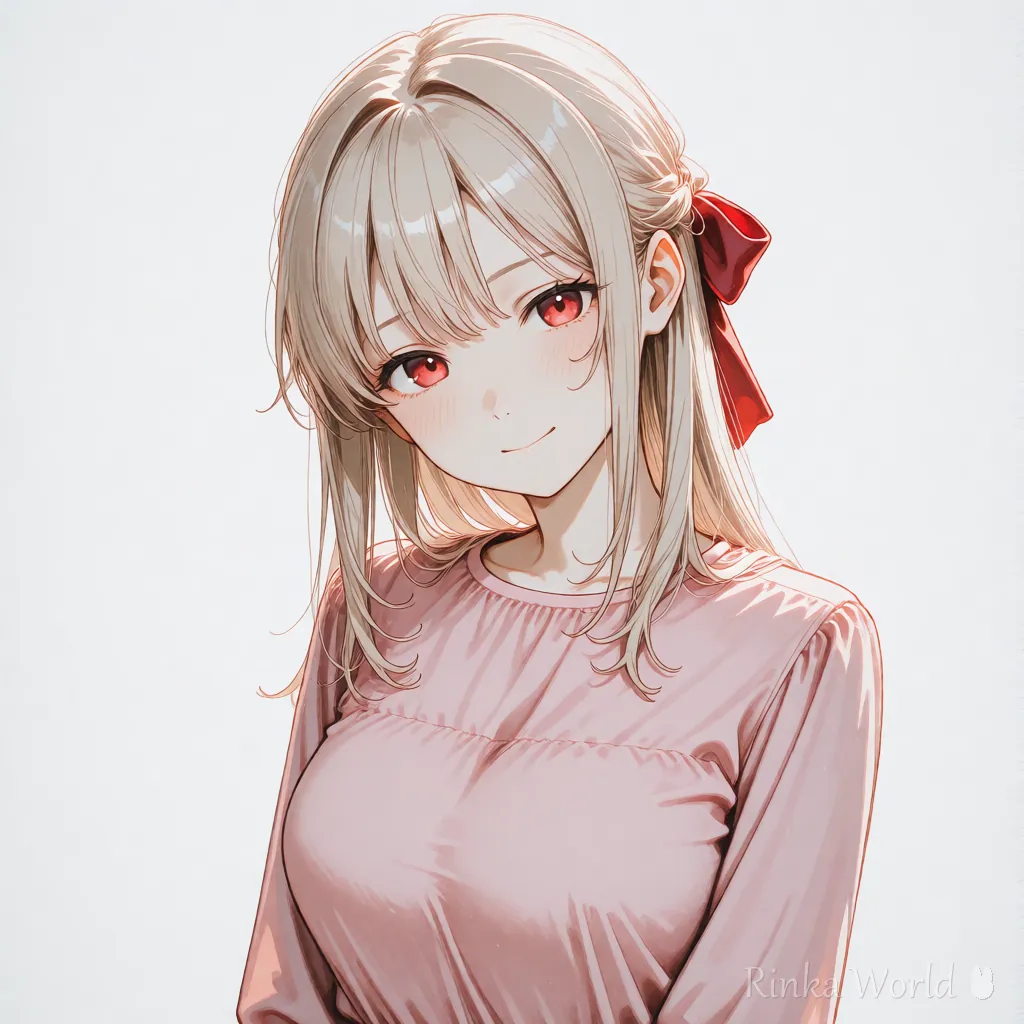
Icons are shown small, so simple background or a single color such as "color + background" works best.
Because icons are shown small, a simple background makes the face stand out. For a single color use simple background, and to choose the color write "color + background", like pink background.
How do I make an icon? (steps)
Use a square size and add a face close-up, eye contact and a simple background. That is the basic flow.
- Set the image size to square (1024x1024, etc.; the ratios you can choose depend on the service, so check)
- Add portrait and looking at viewer, and choose one expression (smile, etc.)
- Set the background to simple background or "color + background"
- Write 1-2 features you want people to recognize, such as hair color, eye color or a hair accessory, a little stronger
- When it is done, crop it into a circle, view it small, and check that the face is not cut off and the expression still reads
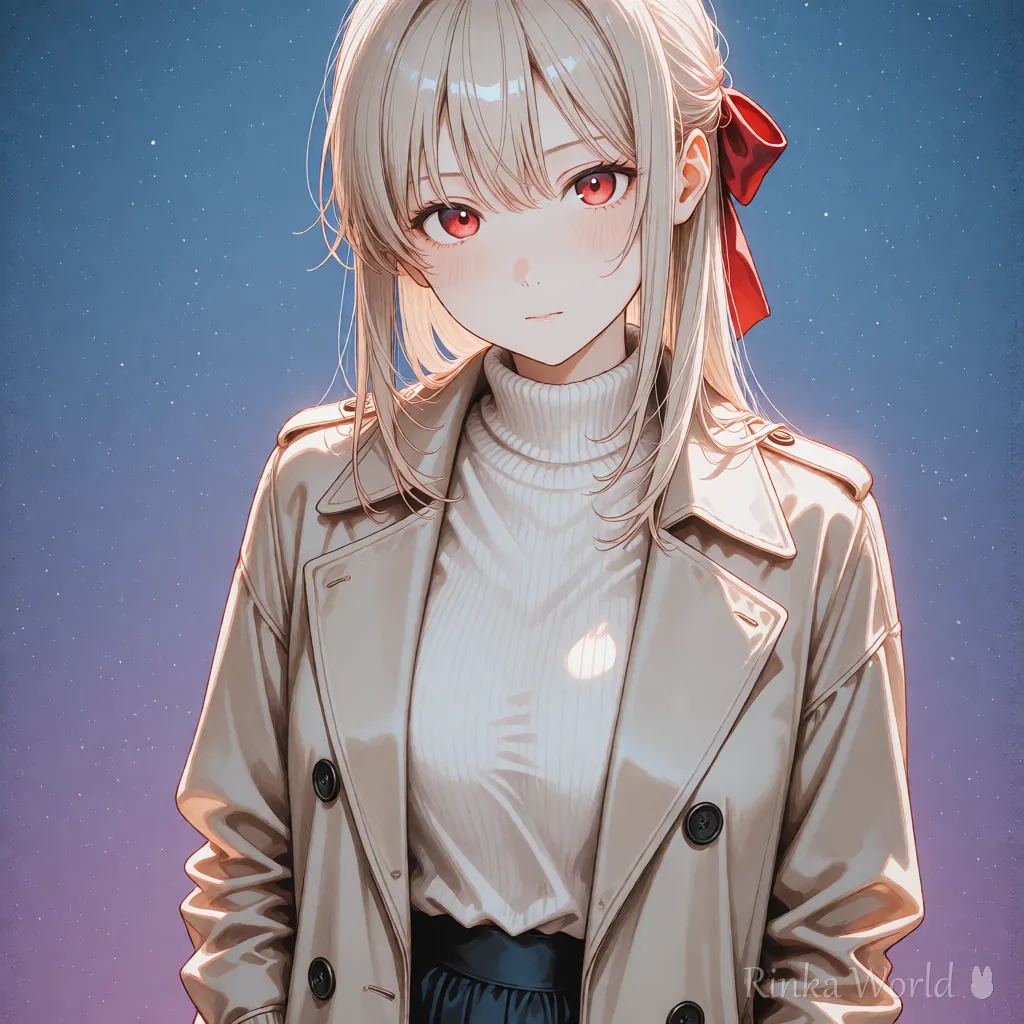
Combinations by mood
What if the head gets cut off in a circular crop?
The main causes are framing too close, or making a tall image and cropping it afterwards.
Rinka's tips
- An icon is mostly decided by four things: square, face close-up, looking at the viewer, simple background
- A circular crop removes the four corners. Keep important things (hair accessories, etc.) near the center
- Checking display sizes and crops for each social network with a size preview tool before posting is reassuring
For full-body character art and expression sheets: Full-Body Standing Art, Turnaround and Character Sheet Prompts (Plus Expression Variants) →
To choose the expression for your icon: Facial Expression Prompt List (Smile, Blush, Crying) →
To choose eye color and eye shape: Eye Tags Guide: Eye Color, Eye Shape and Gaze Prompts →
For hair accessories that make your icon recognizable: Hair Accessory Prompts: Headbands, Hair Ribbons, Hairpins and More →
Copy-paste prompt templates
Just replace the parts in brackets, and make the image square. The first is a bright icon and the second is a cool icon.
1girl, solo, [hair color], [hairstyle], [eye color], smile, looking at viewer, portrait, straight-on, pink background, simple background, masterpiece, best quality1girl, solo, [hair color], [hairstyle], [eye color], expressionless, looking at viewer, portrait, gradient background, masterpiece, best qualityFAQ
Frequently Asked Questions
What should I put in a prompt for an icon?
The basics are portrait (face close-up), looking at viewer and simple background. Make the image square.
The head gets cut off when I crop it into a circle.
Usually the framing is too close (close-up) or the image was made tall and cropped. Use portrait or upper body and make it square from the start.
What background works best?
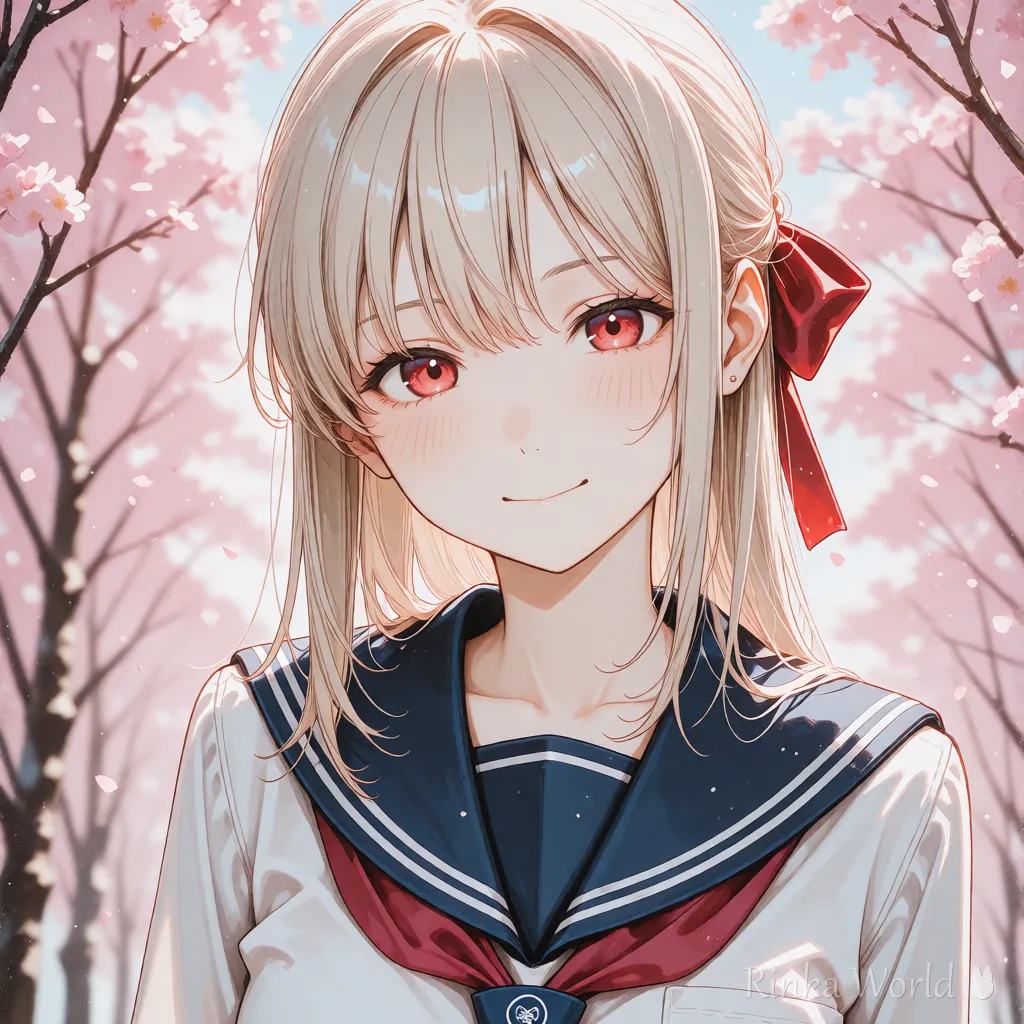
Icons are shown small, so a single color or a gradient is best. If you want scenery, blur it with blurry background so the face stands out.
Can I use an AI-generated image as my icon?
It depends on the terms of the generator you use and of the social network. Commercial use and attribution differ by service, so check each official guide.
RINKA WORLD
Play in Rinka World
MORE




