PROMPT GUIDE
Wallpaper and Scenery Prompts: Landscapes With No Humans
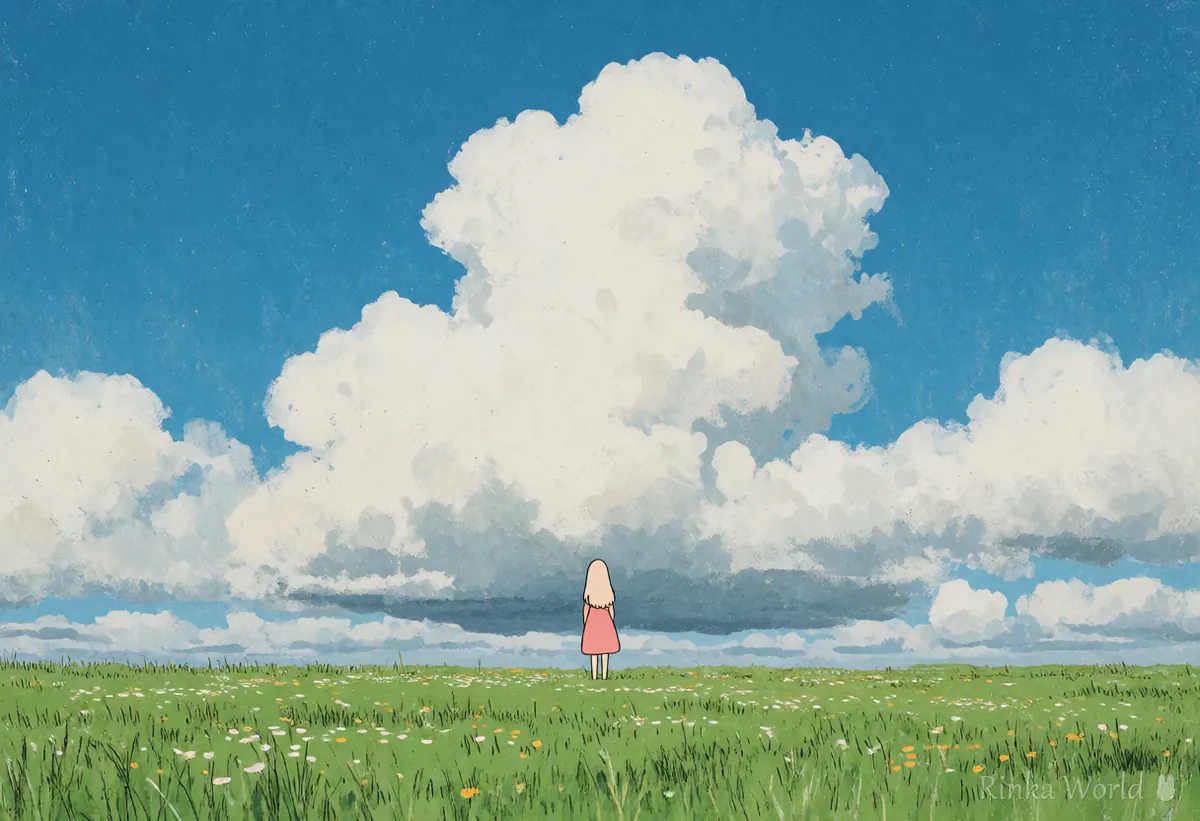
For a PC or phone wallpaper, the basics are scenery (landscape as the subject) and no humans (no people). Make it wide for a PC and tall for a phone. To include a tiny person, describe the person and then add "small and far away".
Last updated: approx. 3 min read
The short answer
For wallpaper and scenery prompts, add scenery and no humans, then write the place, sky and time of day. Without no humans, anime models tend to draw a person. Make PC wallpapers wide and phone wallpapers tall, and keep to one place tag for a clean scene.
What is the prompt for wallpapers and scenery? (scenery and no humans)
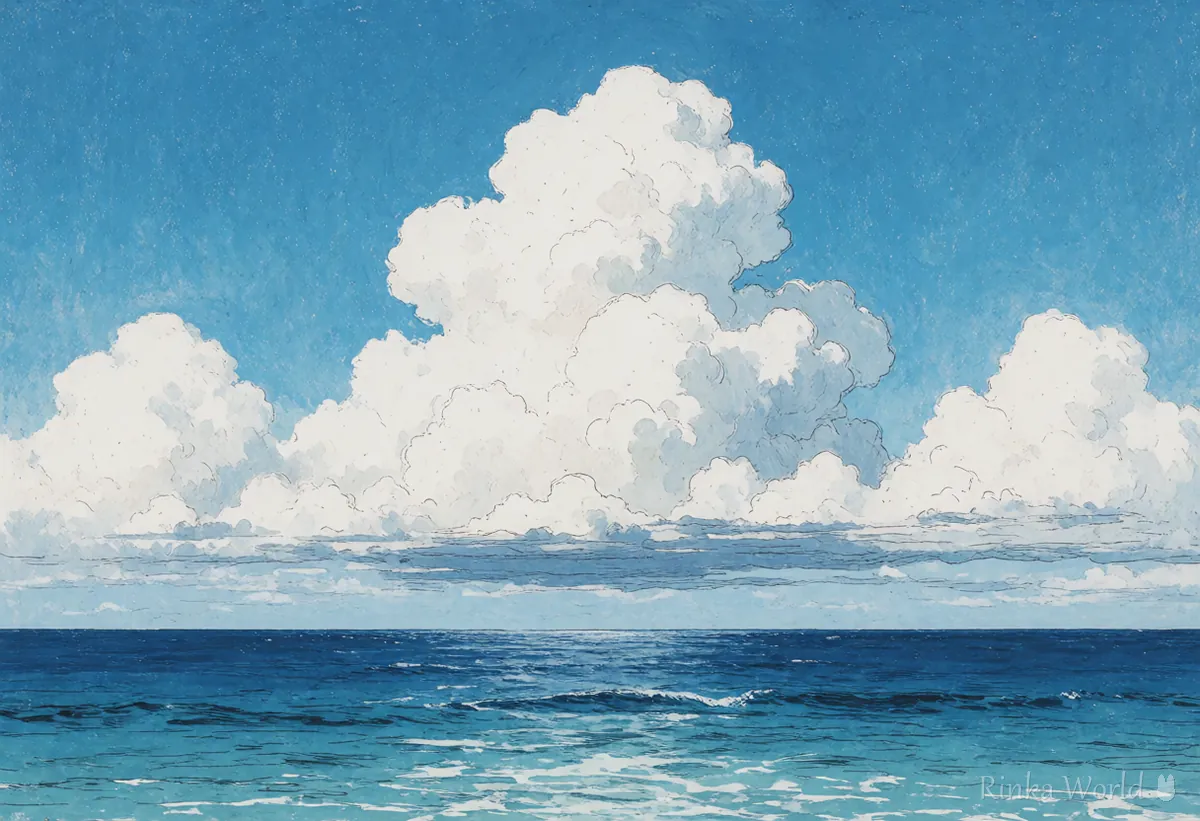
For a wallpaper where the landscape is the subject, add scenery and no humans, then write the place, sky, weather and time. no humans is the tag for "no people"; without it, anime models tend to draw a girl. To make it feel wide, add wide shot or horizon for a view that stretches into the distance.
What are the prompts for the sea, forests and starry skies?
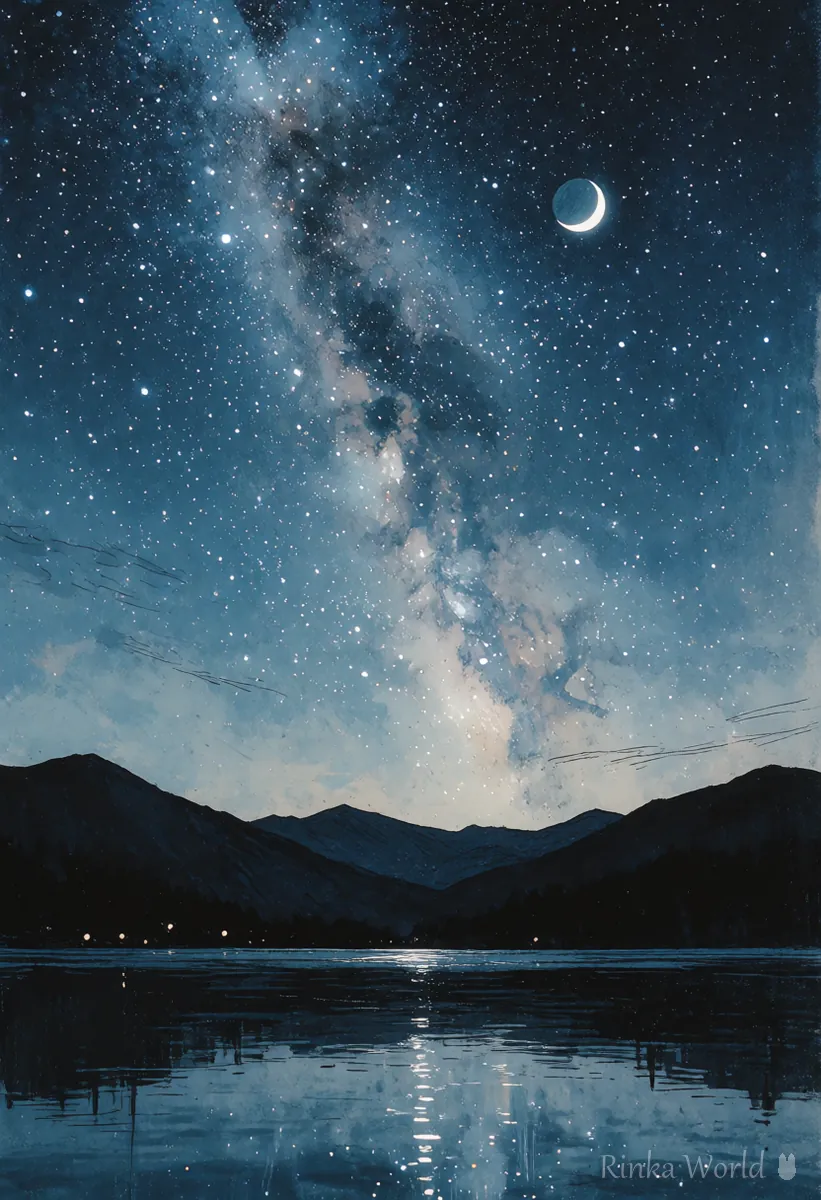
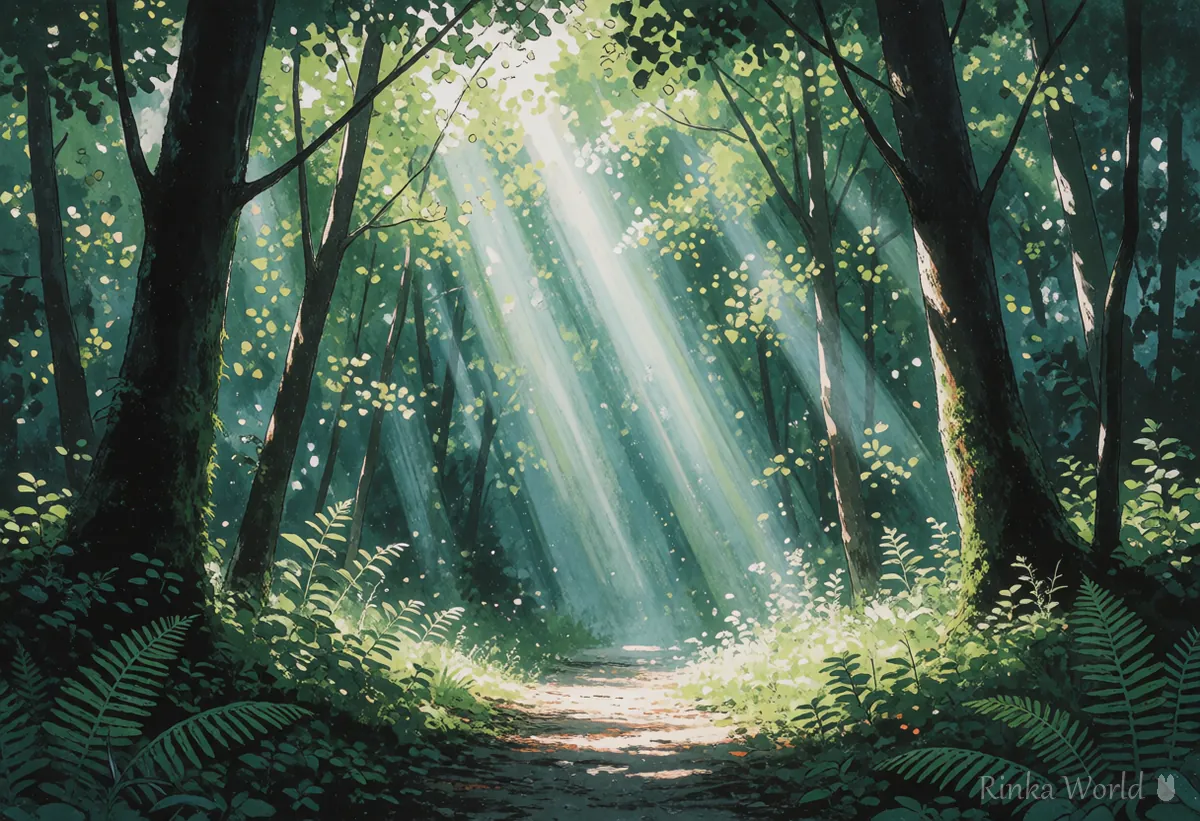
Write one place name: ocean for the sea, forest for a forest, starry sky for stars and cityscape for a city view.
How do I make a phone or PC wallpaper? (steps)
Match the size to the screen and add scenery and no humans, one place, the sky and the time.
- Choose the size for your screen (a wide 16:9 for PCs, a tall ratio close to 9:16 for phones)
- Add scenery and no humans
- Choose one place (ocean, forest, etc.). Two or more places tend to mix and look cluttered
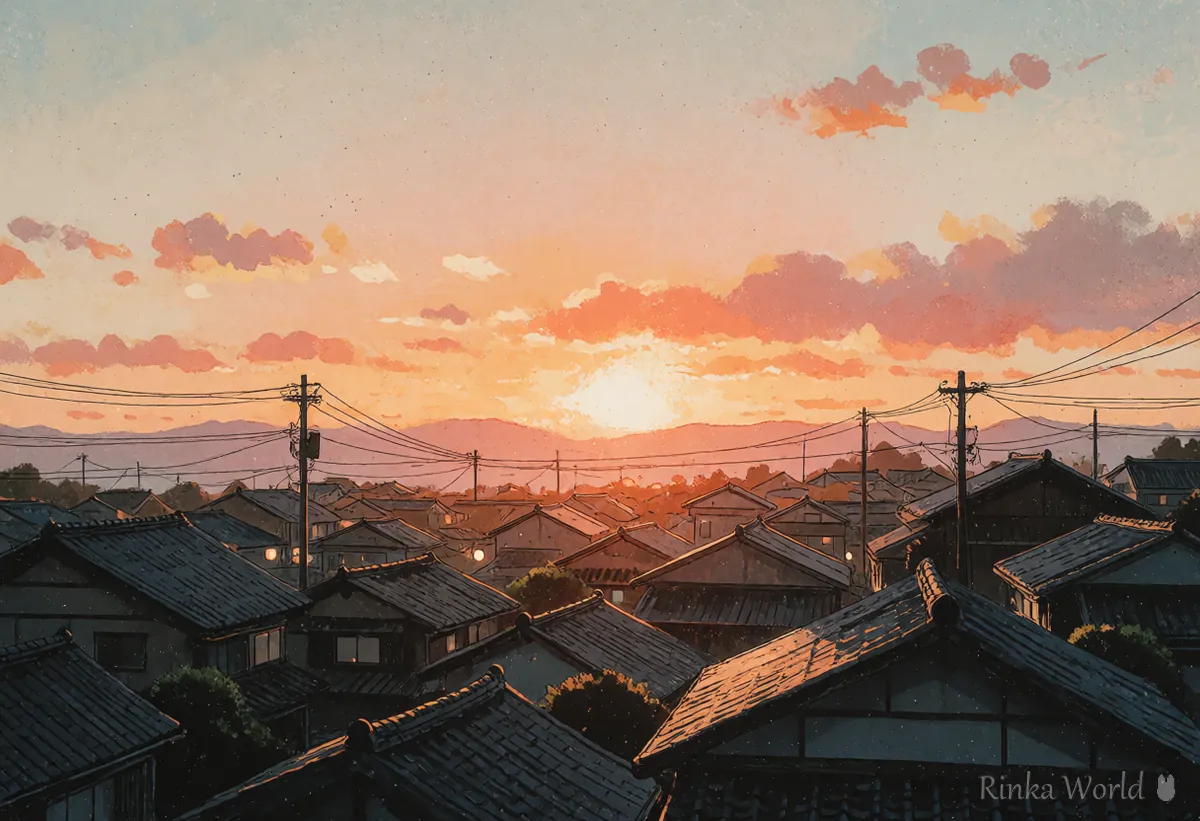
- Add the sky, weather and time (sunset, cloudy sky, night, etc.). This decides most of the mood
- On phones, the clock at the top and icons at the bottom cover parts of the screen, so put the main subject (moon, tower, etc.) in the middle
Combinations by mood
What if people appear or the scene gets cluttered?
People appear because no humans is missing, and clutter comes from too many place tags.
Rinka's tips
- Think of a wallpaper as one place, one sky and one time of day
- no humans is the strongest tag for removing people. To include a small person, remove no humans and add from behind, far away and small
- Detailed sky and star tags are in the sky guide, and detailed place tags are in the background guide
For backgrounds behind a character (rooms, school, etc.): Background and Location Prompt Tag List →
For starry skies, the Milky Way, auroras and other sky tags: How to Set the Mood with Sky and Celestial Tags →
For season and weather tags: Season and Weather Tags: Capturing "That Moment" in AI Art →
For sea and underwater scenery: Ocean and Underwater Prompt Guide →
Copy-paste prompt templates
Just replace the parts in brackets. The first is a wide PC wallpaper and the second is a tall phone wallpaper.
scenery, no humans, [place], blue sky, cumulonimbus cloud, horizon, wide shot, summer, masterpiece, best qualityscenery, no humans, starry sky, milky way, [place], night, crescent moon, masterpiece, best qualityFAQ
Frequently Asked Questions
What is the prompt for scenery without people?
Add scenery and no humans. Without no humans, anime models tend to draw a person.
What size should a phone wallpaper be?
A tall ratio close to 9:16 is recommended. The sizes you can choose differ by service, so check the official guide of the service you use.
How do I add a small person to the scenery?
Remove no humans and add 1girl, from behind and wide shot for a figure seen from behind in the distance. Keeping the person description short helps make them small.
My wallpaper looks cluttered.
Keep one place tag and add the mood with sky, weather and time. Choosing one main subject (moon, tower, a single tree) pulls it together.
RINKA WORLD
Play in Rinka World
MORE




