PROMPT GUIDE
How to Make LINE Stickers with AI Illustrations (Expressions, Margins, Transparency)
The hard part of making LINE stickers with AI illustrations is not drawing well; it is getting many usable expressions of the same character. This guide covers prompts for sticker-ready pictures and the workflow through transparency, margins and adding text. How to draw chibi characters themselves is covered in a separate guide.
Last updated: approx. 4 min read
The short answer
To make LINE stickers with AI illustrations, generate pictures of the same character with only the expression and pose changed, on a plain white background (white background). Then remove the background, add text and match the sizes. Submission rules such as image size, number of stickers and how AI-made images are treated can change, so check the official LINE Creators Market guidelines.
How do you make LINE stickers with AI? (Overall workflow)
Make pictures of the same character with different expressions, remove the background, tidy the text and margins, then submit.
Steps to make LINE stickers with AI illustrations
- Choose one character for the stickers and note her hairstyle, hair color and outfit so you can write them with the same words every time
- Decide the phrases first (good morning, thank you, OK, etc.) and think of an expression and pose for each
- On a plain white background (white background, simple background), make pictures where only the expression and pose change
- Drop any that do not look like the same character or have broken hands or faces, and keep only usable ones
- Remove the background and match the sizes, leaving a little margin around each picture
- Add text if needed. It is easier to read if you add it afterwards in an image editor rather than generating it
- Check the image size, number of stickers, file format and review rules in the official LINE Creators Market guidelines before submitting
What prompts work for sticker expressions?
Keep the character description the same every time and swap only the expression and pose tags.
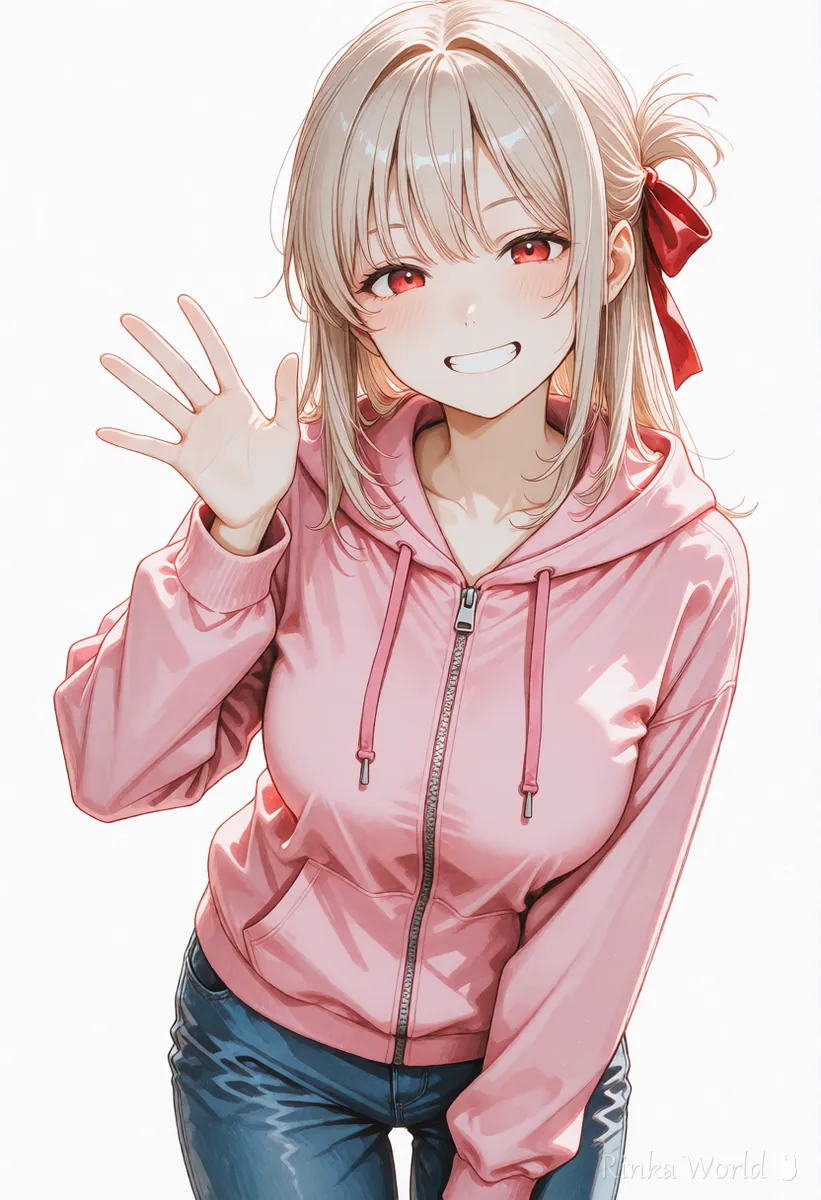
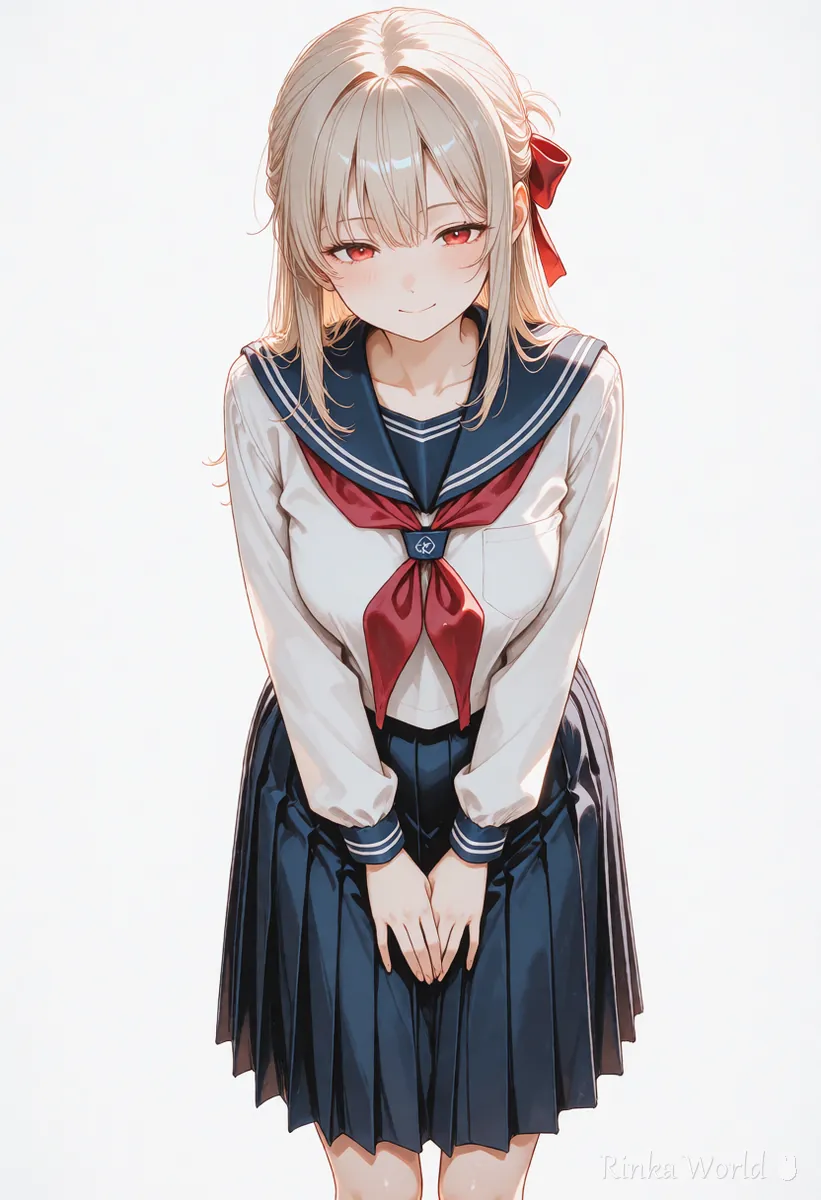
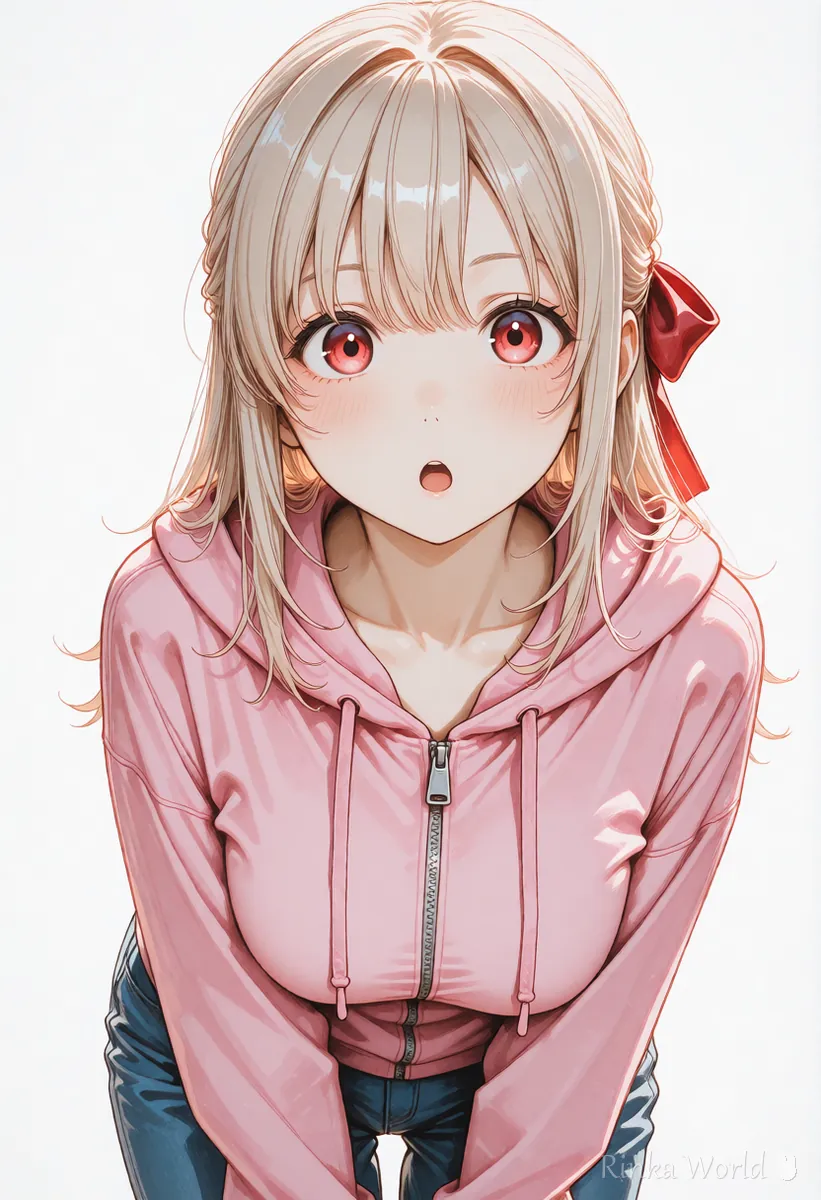
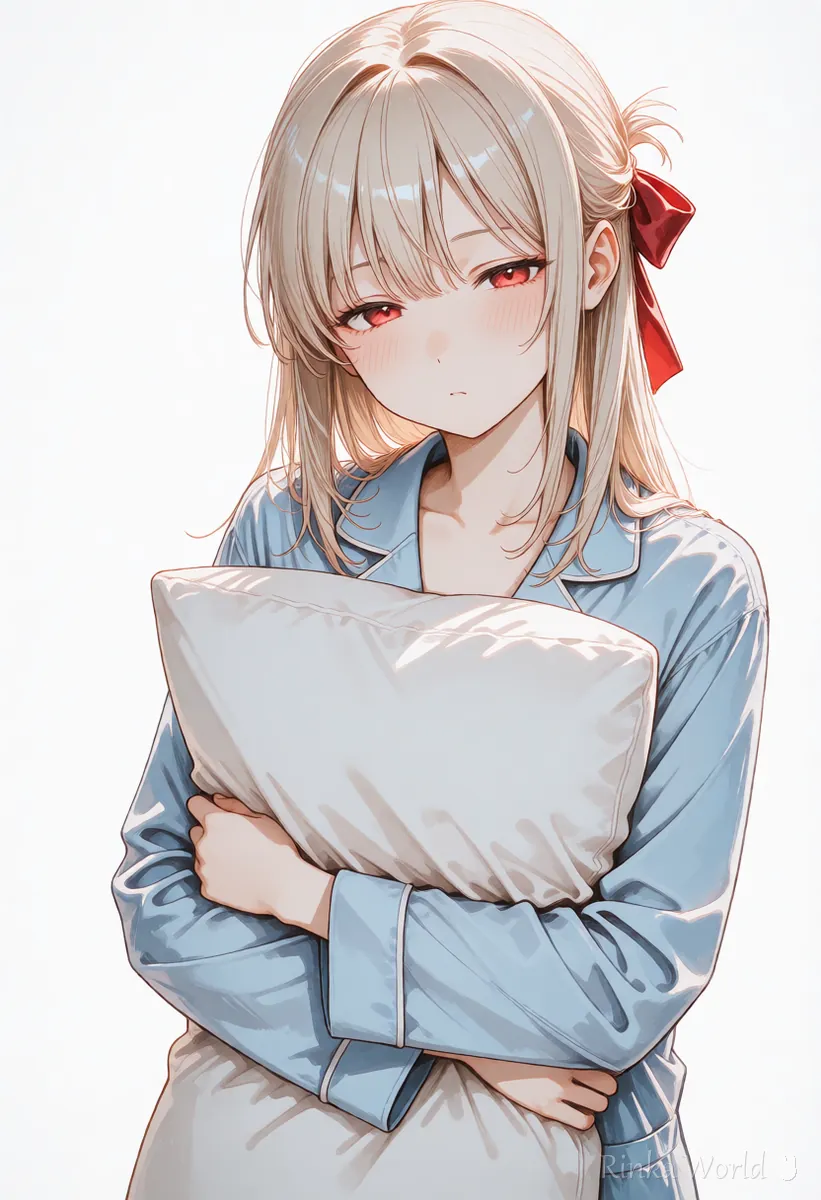
Stickers are used as a set, so they are hard to use if the character looks different each time. The trick is not to change a single word for hairstyle, hair color, eye color or outfit, and to swap only the expression and pose part. The table below pairs common phrases with expressions and poses.
How do you make the background easy to remove?
Generating on a plain white background makes it easy to remove later.
Stickers usually have a transparent background. Few tools can create transparent images from the start, so the easy way is to make the background plain white with white background and simple background, then remove it later. Shadows or floors are hard to remove, so clearly stating "plain white" is more stable than writing no shadow. The clearer the outline, the cleaner the cutout.
How do you add margins and text?
Leave a little margin around the picture, and add the text afterwards, large and bold.
Stickers are shown small, so a picture packed to the edges looks cramped. After cutting out, leave a little margin around each picture and match the sizes. Image generators often cannot write text correctly, so it is more reliable to add phrases such as "Good morning" afterwards in an image editor. Bold text with a white outline is readable on any chat background.
What are the common mistakes and fixes?
Rinka's tips
- Write the list of phrases before making the pictures and you will end up with fewer unusable stickers
- Slightly exaggerated expressions suit stickers; they still read when shown small
- Terms, review rules and image sizes can change. Always read the official guidelines before submitting
Copy-paste templates
Keep [character description] the same every time and swap only the expression and pose. The first is "Good morning", the second "Thank you" and the third "Good night".
1girl, solo, [character description], smile, waving, open mouth, upper body, white background, simple background, thick outline, masterpiece, best quality1girl, solo, [character description], closed eyes, smile, bowing, full body, white background, simple background, thick outline, masterpiece, best quality1girl, solo, [character description], sleepy, closed eyes, holding pillow, upper body, white background, simple background, thick outline, masterpiece, best qualityHow to draw chibi (two-heads-tall) characters: Chibi and Super Deformed Style Guide for AI Art →
To match expression sheets and standing art for the same character: Full-Body Standing Art, Turnaround and Character Sheet Prompts (Plus Expression Variants) →
A list of expression tags you can use for stickers: Facial Expression Prompt List (Smile, Blush, Crying) →
Face close-up prompts for social media icons: Icon Prompts: Making Square Close-Up Avatars for Social Media →
FAQ
Frequently Asked Questions
Can I make LINE stickers with AI illustrations?
You can make them. However, how AI-made images are treated and the review rules can change, so always check the official LINE Creators Market guidelines before submitting.
What image size and how many stickers?
Size, number and file format must follow the official rules. They can change, so check the latest values in the official LINE Creators Market guidelines before you start.
How do I keep the same character across stickers?
Use exactly the same words for hairstyle, hair color, eye color and outfit every time, and swap only the expression and pose tags.
How do I make the background transparent?
Generate with white background and simple background so the background is plain white, then remove it afterwards in an image editor or similar tool.
Can the AI write the sticker text too?
Image generators often cannot write text correctly, so adding the text afterwards in an image editor is recommended.
RINKA WORLD
Play in Rinka World
MORE




