PROMPT GUIDE
What Is a Seed? Fixed, Random, and Reproducing the Same Image
A seed is like the ticket number of a lottery draw for AI art. With the same prompt, a different seed gives a completely different composition and face. This guide covers how to fix the seed, randomize it and change it just a little in Stable Diffusion, and why you sometimes cannot get the same image back.
Last updated: approx. 4 min read
The short answer
A seed is the number that decides the noise an image starts from. With the same prompt and settings, a fixed seed reproduces the same image. Setting it to -1 (random) gives a different image every time, so the basic approach is to find a good image at random, then fix that number and refine the details.
What is a seed?
A seed is the number that decides the "starting noise" an image is made from.
Image generators gradually turn static-like noise into a picture. The seed decides the shape of that starting noise. Even with exactly the same prompt and settings, changing the seed by one gives a different face angle, hair flow and background layout. Conversely, with a fixed seed you can recreate the same image as many times as you like.
The number itself carries no "good" or "bad" meaning. 1234 is not especially beautiful; you simply happen to find a number that works well with that prompt.
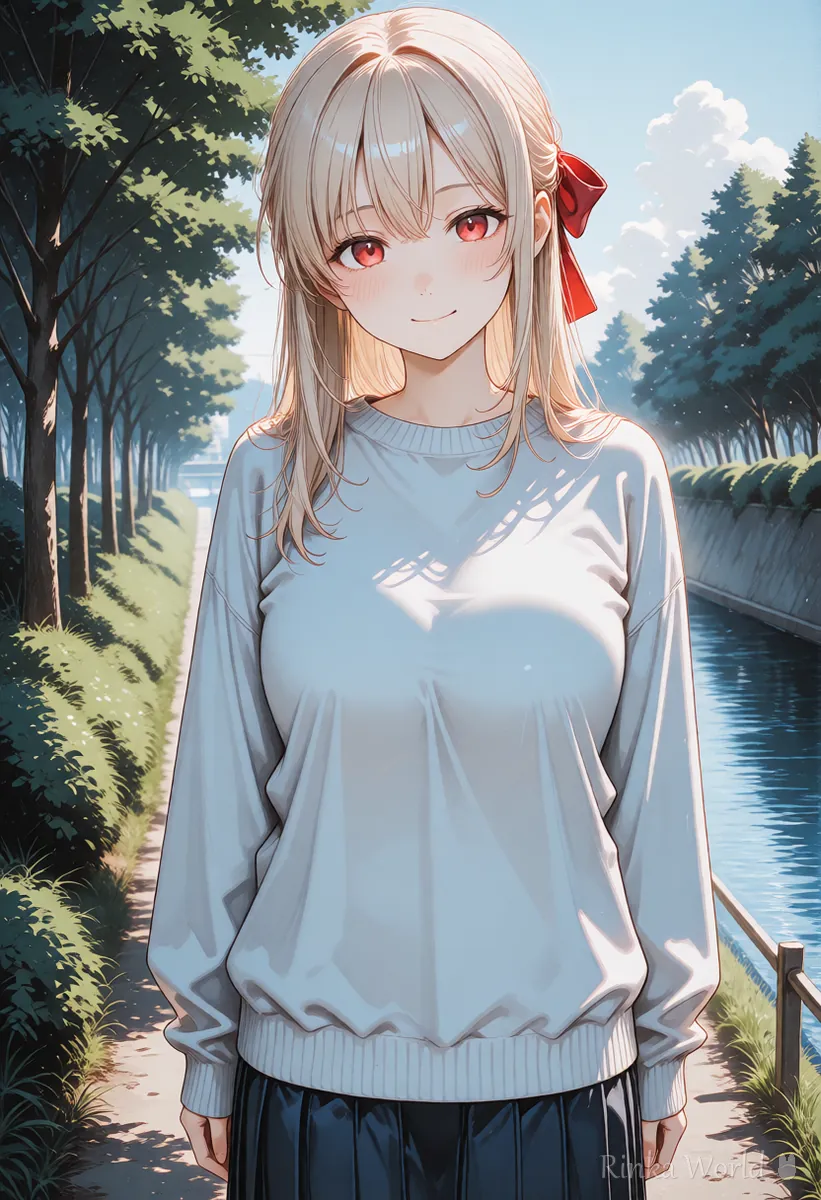
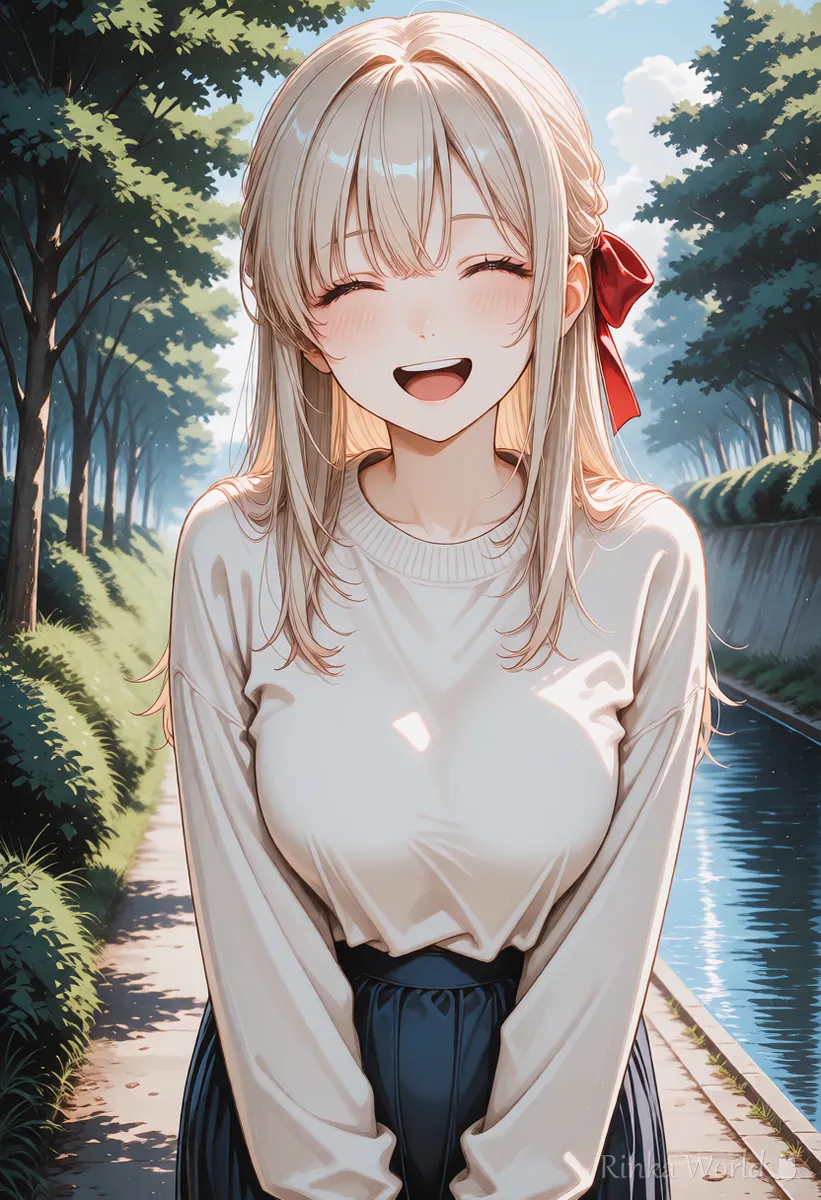
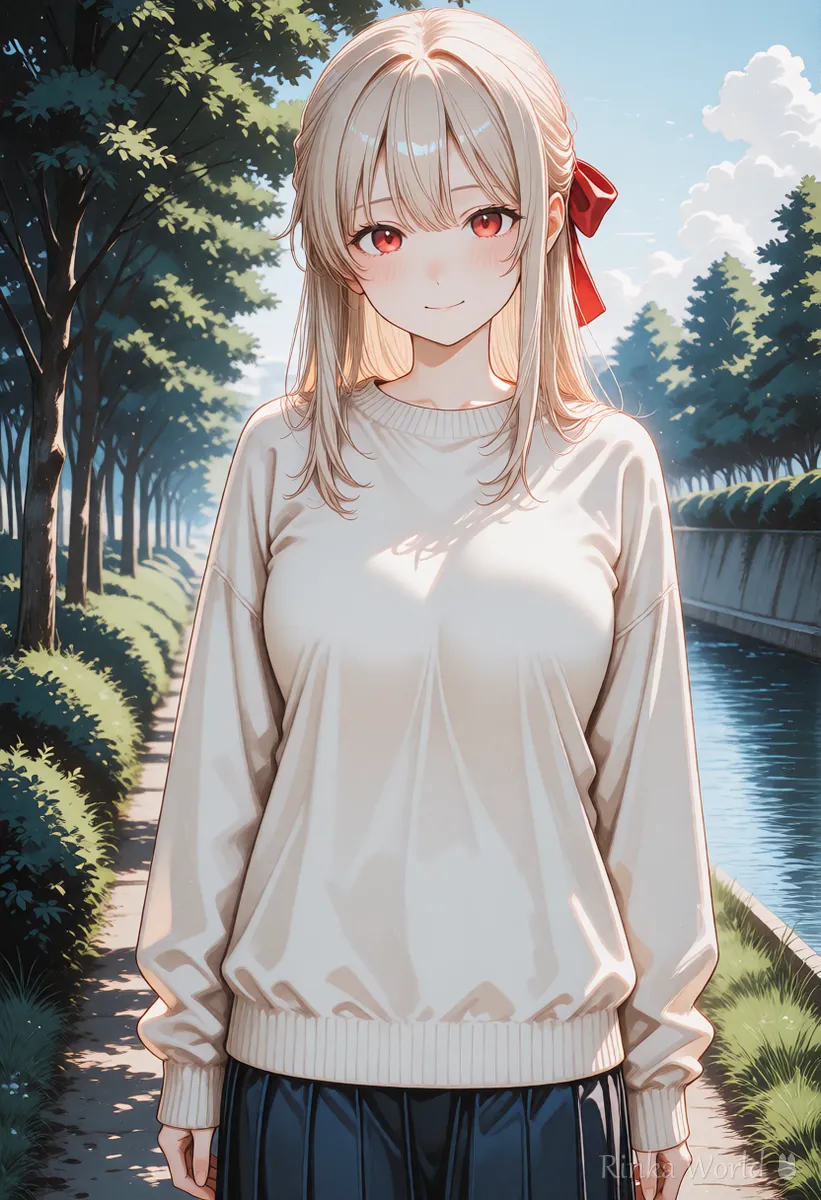
Seed: -1 (random), make 8 images -> note the seed of the one you like -> fix the seed to that number -> add or remove one tag at a time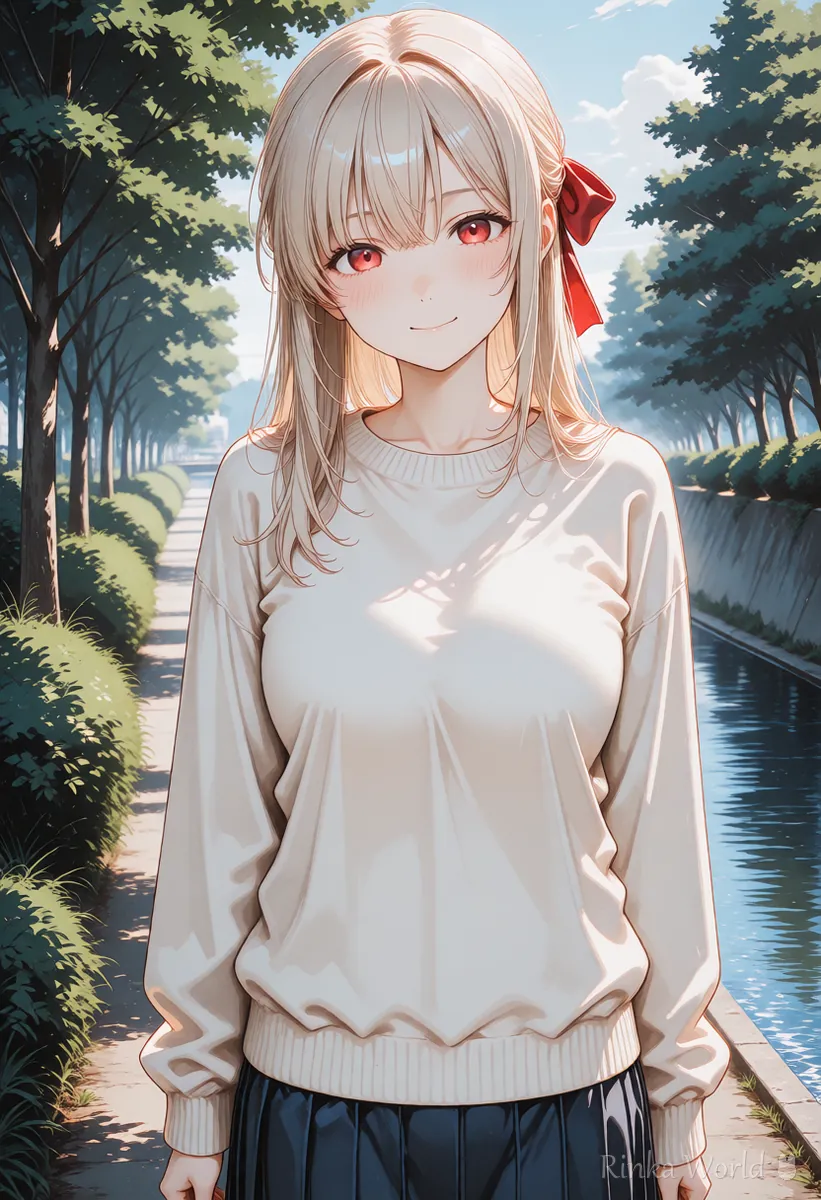
How do you fix the seed?
Read the seed from the generation info of the image you like and enter that number in the seed field.
In AUTOMATIC1111 and Forge, pressing the recycle icon next to the seed field (reuse last seed) fills in the number of the previous image. In ComfyUI, setting what happens after generation (below the seed field) to fixed keeps the same number. If you do not know the number of an older image, check the generation info stored inside the PNG.
Steps to fix the seed and finish an image
- Set the seed to -1 (random) and make 4–8 images with the same prompt
- Pick the one with the best composition, face and mood
- Read its seed from the generation info, enter it in the seed field and fix it
- Generate again and confirm you get the same image
- Change one tag or weight and compare the result
- Keep only the changes that improved it, then finish with high-resolution upscaling (Hires.fix)
Rinka's tips
- With a fixed seed, change one thing at a time. Change two at once and you cannot tell which one worked
- When you get a good image, note the seed, size and model name so you can recreate it later
- Keep the original PNG separately so the generation info is not lost (compressed copies do not keep it)
Why do you not get the same image even with a fixed seed?
If any setting other than the seed differs (size, sampler, model, etc.), you get a different image.
The seed only decides the starting noise, so if the size of that noise (image size) or the way noise is removed (sampler, steps) changes, the result changes too. Even adding one word to the prompt can change the picture a lot. Also, depending on the computer (graphics card or speed-up settings), exactly the same settings can produce a slightly different image.
How do you change an image you like just a little?
Keep the seed fixed and add a small change, or raise the variation strength slightly.
In AUTOMATIC1111 and Forge, opening "Extra" next to the seed lets you enter a variation seed and its strength (variation strength). A small value of about 0.05–0.2 gives another take that stays close to the original, with slightly different hair flow or expression. The higher the strength, the further it moves away.
In tools without a variation feature, keeping the seed fixed and swapping only the expression or accessory tags also makes it easy to get another version with the same composition. For bigger changes, redrawing from the original with img2img is a better fit.
How should you record seeds?
When you get a good image, note the seed, model, size and prompt on one line.
Seed records are very useful when you recreate an image later or make another pose of the same character. They are also saved in the PNG generation info, but that disappears when you post to social media or compress the file, so keeping a text note is safer.
Seed: [number] / Model: [model name] / Size: 832x1216 / Sampler: [name] / Steps: [number] / Note: works well when only the expression changesHow to choose CFG scale, steps and sampler: What Is CFG Scale? How to Choose Steps and Samplers →
Redrawing from the original with img2img, or fixing a part with inpaint: How to Use img2img and Inpaint (Fixing Only Part of an Image) →
Hires.fix settings to finish a fixed-seed image at high resolution: Hires.fix Settings (Upscale Ratio, Denoising Strength, Upscaler) →
Weight syntax to make a tag slightly stronger or weaker: The Complete Guide to Prompt Weight Syntax and BREAK →
FAQ
Frequently Asked Questions
What is a seed value?
It is the number that decides the starting noise of an image. With the same prompt and settings, the same seed gives the same image and a different number gives a different one.
What does seed -1 mean?
In AUTOMATIC1111 and Forge, -1 means "use a random number every time", so each generation gives a different image.
I fixed the seed but do not get the same image.
The image size, sampler, steps, model, VAE or prompt may differ. Check the generation info and match everything to the original. Small differences can also come from the computer environment.
Is there a good seed number?
The number itself is neither good nor bad. Whether it works depends on the prompt, so the quickest way is to make several images at random and find a good number.
How do I change an image I like just a little?
Keep the seed fixed and swap the expression or color tags, or set the variation seed strength to about 0.05–0.2 to get a close alternative.
RINKA WORLD
Play in Rinka World
MORE




