PROMPT GUIDE
How to Use ControlNet (OpenPose, Canny, Depth and Lineart Compared)
ControlNet reads the pose, outlines or depth of a reference image and reflects them in your picture, things that are hard to describe with a prompt alone. This beginner-friendly guide explains the differences between the most common types (openpose, canny, depth, lineart and more) and the basic way to use ControlNet in Stable Diffusion.
Last updated: approx. 4 min read
The short answer
ControlNet extracts the skeleton, lines or depth from a reference image and has the AI draw along that shape. Use openpose to copy only the pose, canny or lineart to keep the line shapes, and depth to copy the sense of depth. Start the control weight at about 0.5–1.0.
What is ControlNet?
ControlNet reads the shape (pose, lines, depth) of a reference image and uses it as a guide for a new picture.
Even if you write "right hand up, left foot forward" in the prompt, the AI often cannot draw it that way. With ControlNet you can extract a stick-figure skeleton or outlines from a reference image and have the AI draw along that shape. Think of it as choosing clothes, hair, colors and style with the prompt, and borrowing only the shape from the reference image.
The step that extracts the shape from the reference is called the "preprocessor", and the part that draws using that shape is the "ControlNet model". The basic rule is to pick a matching pair for each type. You also need a ControlNet model that matches your Stable Diffusion model (SD1.5 or SDXL).
What is the difference between openpose, canny, depth and lineart?
They extract different information: openpose for poses, canny or lineart for lines, depth for depth.
Rinka's tips
- If unsure, try openpose for poses, and depth if you want to copy the whole composition
- Use lineart to keep the lines of your own drawing; use canny for outlines from photos
- Avoid tracing someone else's work as is and presenting it as your own. Borrow only the pose or composition
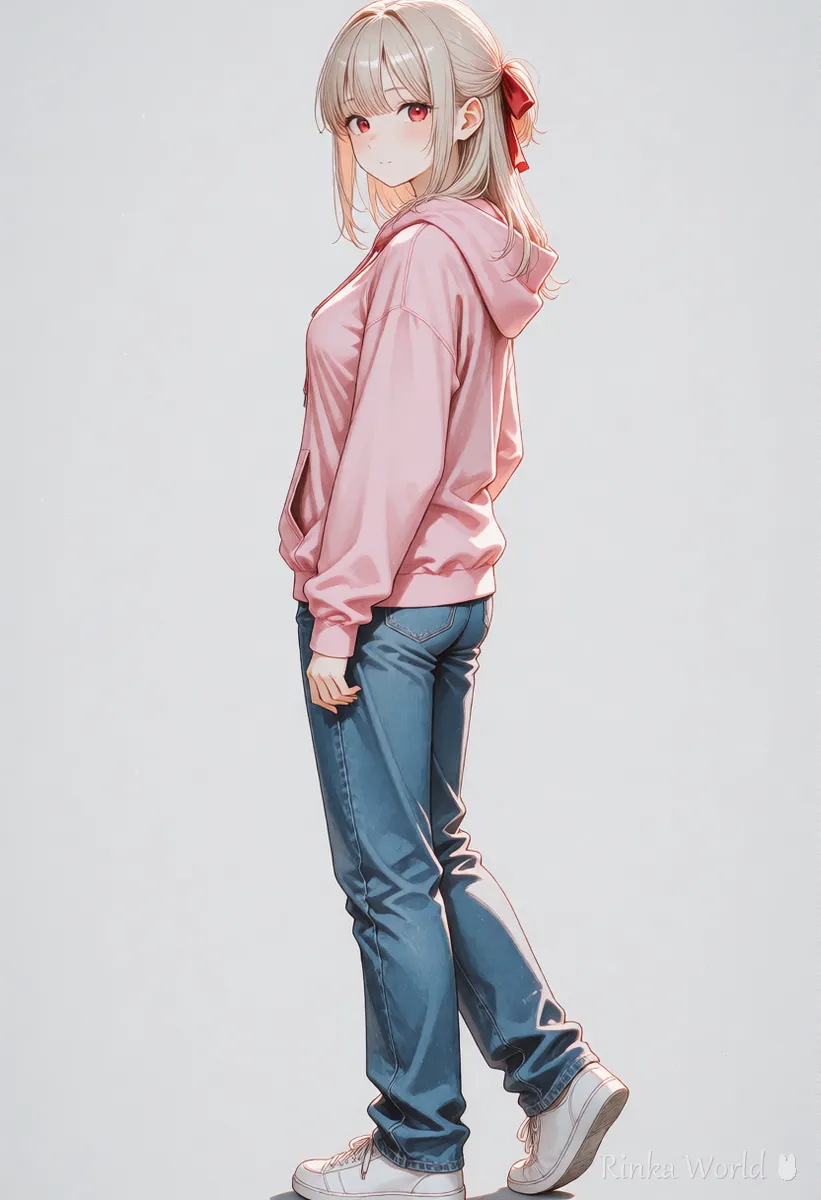
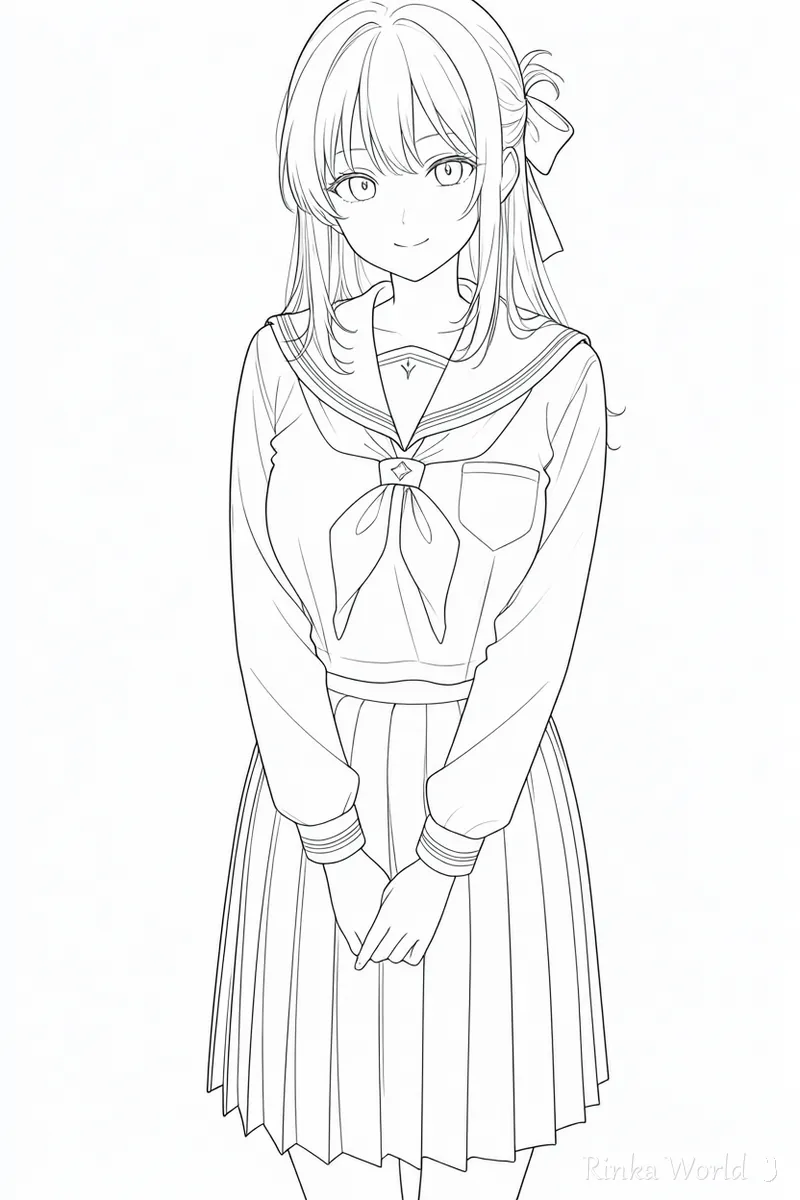
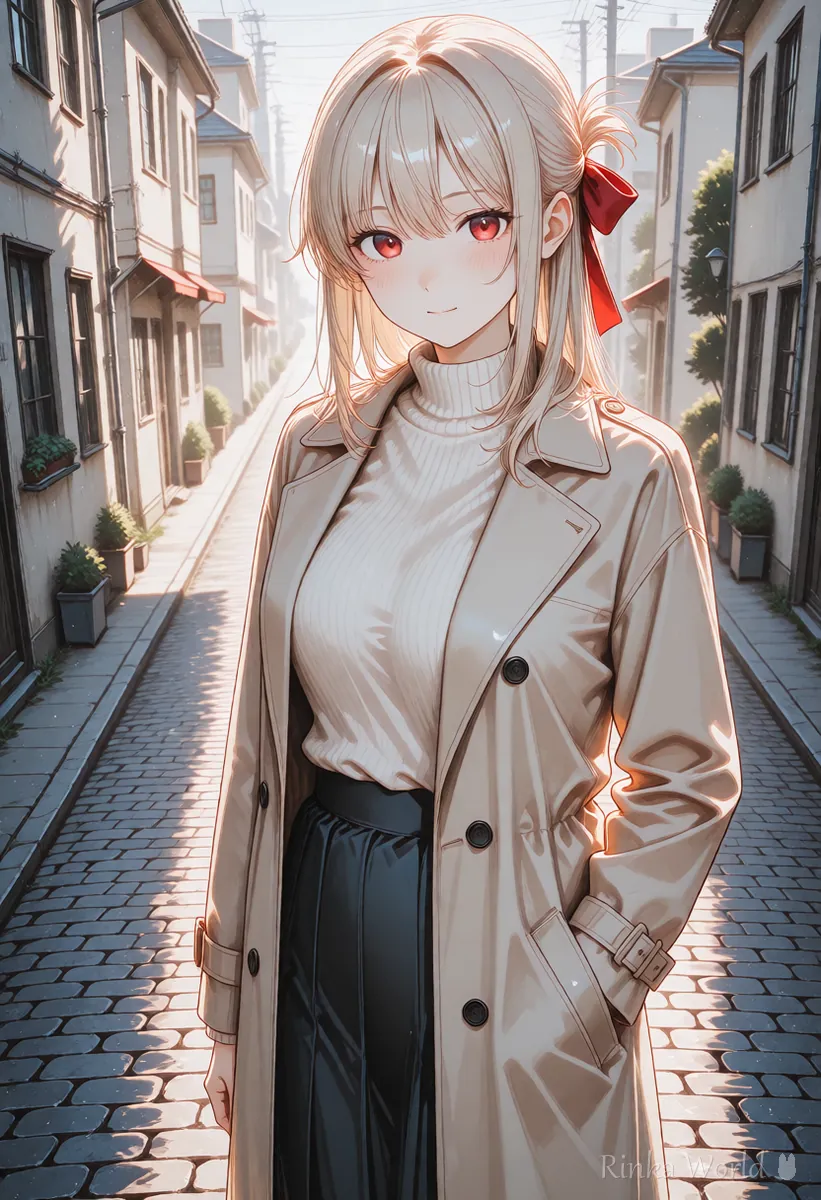
How do you use ControlNet? (Basic steps)
Add a reference image, choose the type, check the preprocessor result, then generate.
Steps to set a pose with ControlNet
- Get a ControlNet model that matches your Stable Diffusion model (SD1.5 or SDXL)
- Open the ControlNet panel, turn it on (Enable) and add a reference image
- Choose the type (e.g. OpenPose) and match the preprocessor and ControlNet model to that type
- Use the run-preprocessor button (often an explosion icon) to check the skeleton or lines were extracted correctly
- Set the Control Weight to about 0.7, describe clothes, hair and place in the prompt, and generate
- Raise the weight if the pose breaks; lower it if the picture looks stiff
1girl, solo, long hair, hoodie, jeans, smile, standing, outdoors, city street, full body (ControlNet: openpose, weight 0.7)1girl, solo, school uniform, sitting, classroom, window, sunlight, upper body (ControlNet: depth, weight 0.6, reference is a classroom photo with the same composition)How strong should the ControlNet weight be?
Try 0.6–0.8 first; raise it if the shape drifts, lower it if the picture looks stiff.
A weight of 1.0 or more follows the reference shape tightly, but can pull in shading and details too and make the picture awkward. Below about 0.4, the pose may hardly take effect. Some tools also let you set which steps it applies from and to (start and end); ending at about 0.6–0.8 keeps the shape while leaving the final details free.
What if ControlNet does not work or looks wrong?
First check the model type (for SD1.5 or SDXL) and the preprocessor result.
Can you set a pose without ControlNet?
Yes. Writing short, clear pose tags and combining them with composition tags already gets you a long way.
Basic poses such as standing, sitting and looking back come out well with just pose tags plus composition tags (full body, from side, etc.). The recommended order is to use ControlNet for complex poses or when you need many images with the same pose.
Tags for standing, sitting and dynamic poses: Add Movement with Pose Tags →
Composition prompts such as full body, upper body and angles: Composition Prompt Tag List (Framing, Camera Angles, Foreground Blur) →
How to fix only broken hands with inpaint: How to Use img2img and Inpaint (Fixing Only Part of an Image) →
A guide to fixing broken hands: How to Fix Bad Hands in AI Art: The Complete Guide →
FAQ
Frequently Asked Questions
What is ControlNet?
It extracts the pose, outlines or depth from a reference image and has the AI draw a new picture along that shape. Clothes, colors and style come from the prompt; only the shape is borrowed from the reference.
What is the difference between openpose and canny?
openpose extracts only the body skeleton (pose), so clothes and body shape stay free. canny extracts outlines, so shapes and layout are kept firmly, but there is less freedom.
What ControlNet weight should I use?
Start at about 0.6–0.8. Raise it if the shape drifts and lower it if the picture looks stiff. The best value depends on the model and type.
Can I use ControlNet with SDXL?
Yes, but you need SDXL ControlNet models. SD1.5 models do not work with SDXL.
ControlNet has no effect.
Check in order that it is enabled, that the ControlNet matches your model (SD1.5/SDXL), and that the preprocessor result actually shows a skeleton or lines.
RINKA WORLD
Play in Rinka World
MORE




