PROMPT GUIDE
Hires.fix Settings (Upscale Ratio, Denoising Strength, Upscaler)
Hires.fix is what you use when faces get crushed in full-body pictures or details look blurry. It builds the composition at the recommended size first, then redraws it while enlarging, so you get a detailed picture without breaking it. This guide covers setting ranges and how to fix common failures.
Last updated: approx. 3 min read
The short answer
Hires.fix enlarges a picture made at the recommended size and redraws it slightly. A good starting point is a 1.5x to 2x upscale, a denoising strength of 0.3 to 0.5, and an upscaler made for anime; try 1.5x and 0.35 first. Above 0.55 the face or composition tends to change.
What is Hires.fix?
Hires.fix enlarges a picture made at the recommended size and redraws it slightly to make it more detailed.
Hires.fix first makes a picture at the recommended size, then enlarges it and redraws it a little. Generating at a large size from the start leads to extra people or stretched bodies, but Hires.fix keeps the composition from the small size and adds detail at the large size.
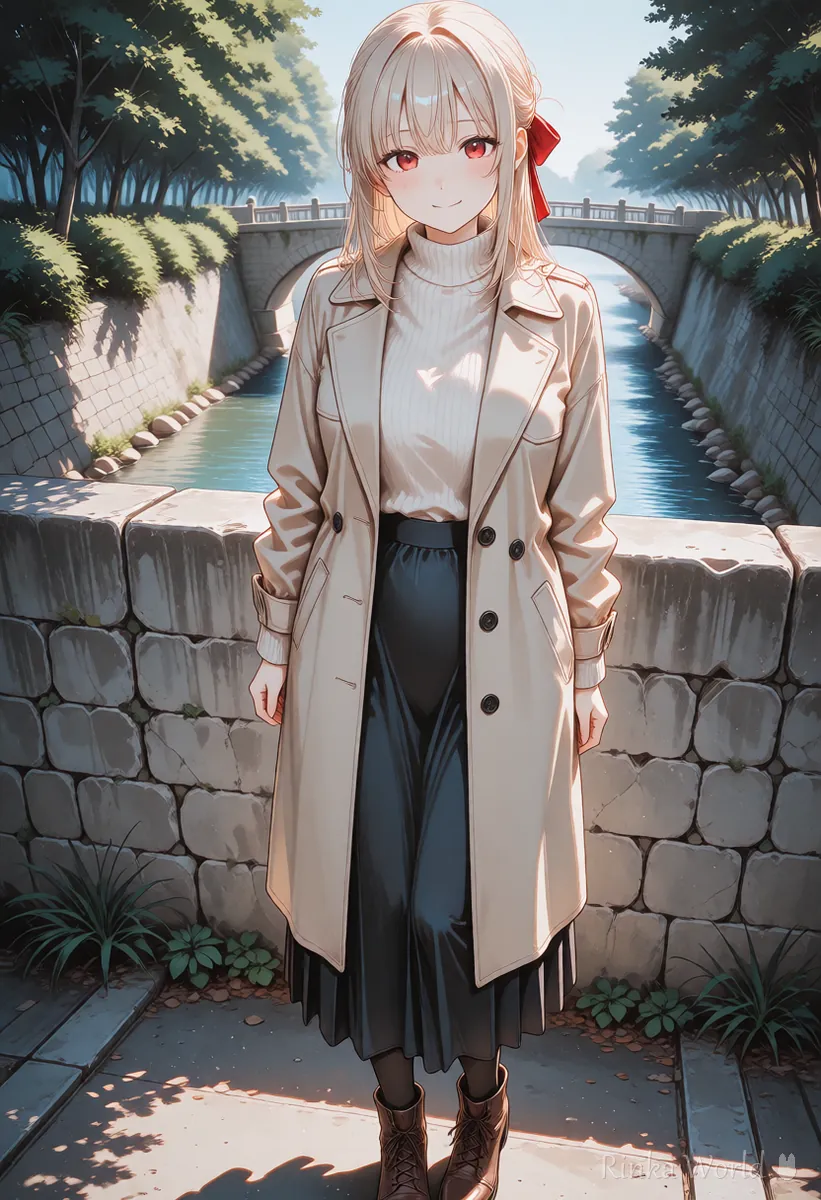
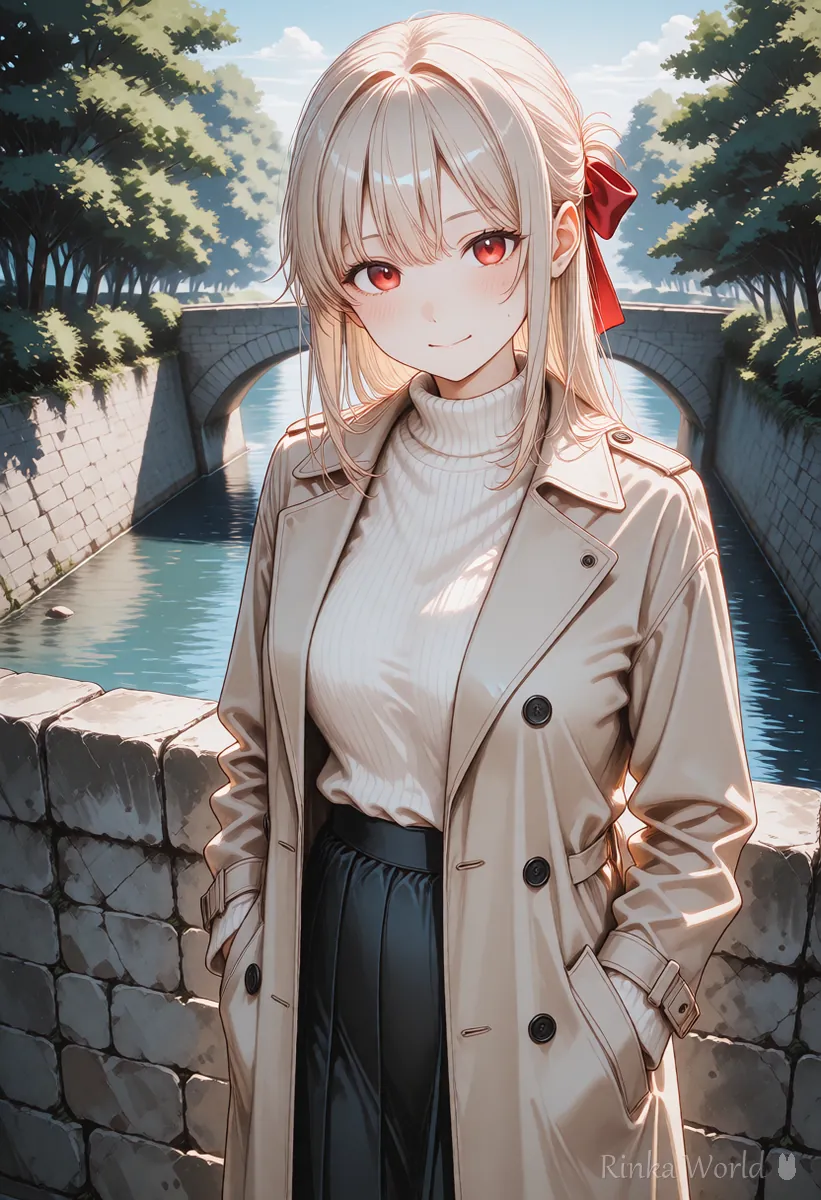
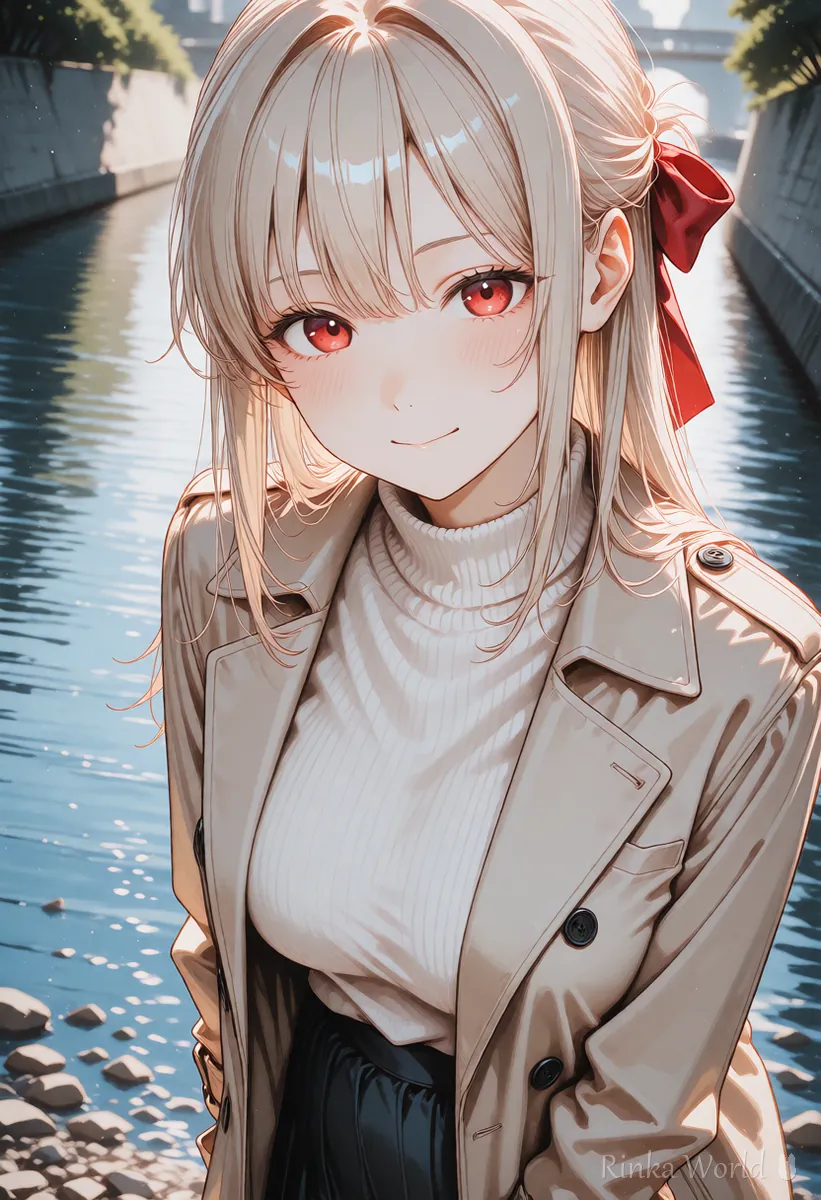
What are the recommended Hires.fix settings?
As a guide: a 1.5x to 2x upscale, a denoising strength of 0.3 to 0.5, and an upscaler made for anime.
Rinka's tips
- Start the denoising strength around 0.35. Above 0.55 the composition and face tend to change
- With Latent upscaling, set the denoising strength a little higher, around 0.5 to 0.6, or it tends to look blurry
Which upscaler should you choose?
For an anime look use an anime upscale model; with Latent types, set the denoising strength a little higher.
An upscaler is the method used to enlarge the picture. For illustrations, upscale models made for anime art keep the lines crisp. Names and types differ between interfaces, so pick one from the list with "anime" in the name or described as being for illustrations.
How do you use Hires.fix? (Finishing steps)
Fix the seed of a picture with a good composition, then try a 1.5x upscale at a denoising strength of 0.35.
- Generate several pictures at a recommended size (such as 832x1216) with Hires.fix turned off
- Fix the seed of the picture whose composition you like
- Turn on Hires.fix with a 1.5x upscale, a denoising strength of 0.35 and an anime upscale model
- Generate and compare with the original. If details are lacking, raise the denoising strength by 0.05
- If the face or hands are still small and broken, fix just that part with inpaint or use an extension that redraws faces automatically
What if it does not work? (Common mistakes and fixes)
Here are common problems with their causes and fixes. Change only one thing at a time and compare with the same seed, which makes the cause easier to find.
Copy and paste: example prompts for finishing
With Hires.fix, keep the prompt the same as the original. Only when you want more detail, add a few quality and detail tags.
1girl, solo, [hairstyle], [outfit], standing, full body, [place], detailed eyes, detailed hair, masterpiece, best quality, absurdres1girl, solo, [hairstyle], [outfit], portrait, upper body, detailed face, sharp focus, masterpiece, best qualityFor the size to generate at first: SDXL Resolutions (Recommended Sizes) and How to Pick a Ratio →
For inpaint to fix only part of a picture: How to Use img2img and Inpaint (Fixing Only Part of an Image) →
For CFG, steps and samplers: What Is CFG Scale? How to Choose Steps and Samplers →
FAQ
Frequently Asked Questions
What are the recommended Hires.fix settings?
As a guide, a 1.5x to 2x upscale, a denoising strength of 0.3 to 0.5, and an anime upscale model. Start with 1.5x and 0.35.
Why does Hires.fix change my picture?
The most common reason is a denoising strength that is too high. Lowering it to 0.3 to 0.4 keeps the original composition better.
Which upscaler should I choose?
For anime-style illustrations, upscale models made for anime tend to keep lines crisp. With Latent types, set the denoising strength a little higher.
What if it stops because of low memory?
Lower the upscale ratio to 1.5x and generate one picture at a time. If that is still not enough, enlarge afterwards with img2img or an upscaler alone.
RINKA WORLD
Play in Rinka World
MORE




