PROMPT GUIDE
How to Turn a Photo into an Anime-Style Illustration with AI (Prompts, Fixes and Cautions)
You want to turn your own photo, or a photo of your pet or a landscape, into something that looks like a scene from an anime. Photo-to-anime conversion has become much easier now that you can simply ask a conversational image AI. This guide covers how to choose a method, how to ask so it stays recognizable, how to fix common problems, and the portrait-rights and privacy points to keep in mind when using photos.
Last updated: approx. 3 min read
The short answer
The easiest way to turn a photo into an anime-style illustration is to upload your own photo to ChatGPT, Gemini or a similar AI and ask: "Turn this photo into an anime-style illustration and keep the facial features and clothes." When using a photo of someone else, always get their consent, and avoid photos of celebrities or children.
What ways are there to turn a photo into anime style?
The two main ways are giving the photo to a conversational AI (ChatGPT, Gemini, etc.) and redrawing from the photo with img2img in Stable Diffusion.
With a conversational AI you just upload the photo and ask in plain language, so it is easy even for beginners. Stable Diffusion img2img lets you set with a number how much of the original photo to keep, so it suits people who want to fine-tune the likeness. Either way, the quality of the source photo (brightness, face angle, focus) makes a big difference.
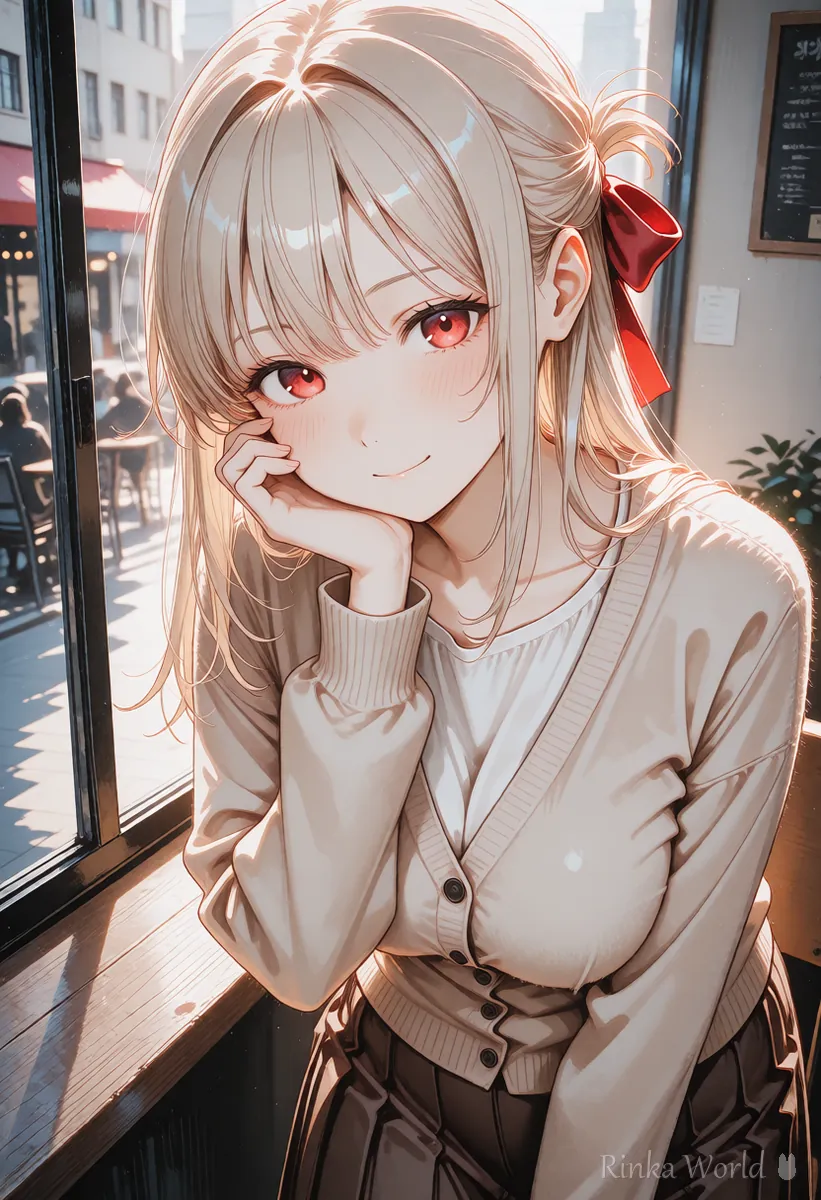
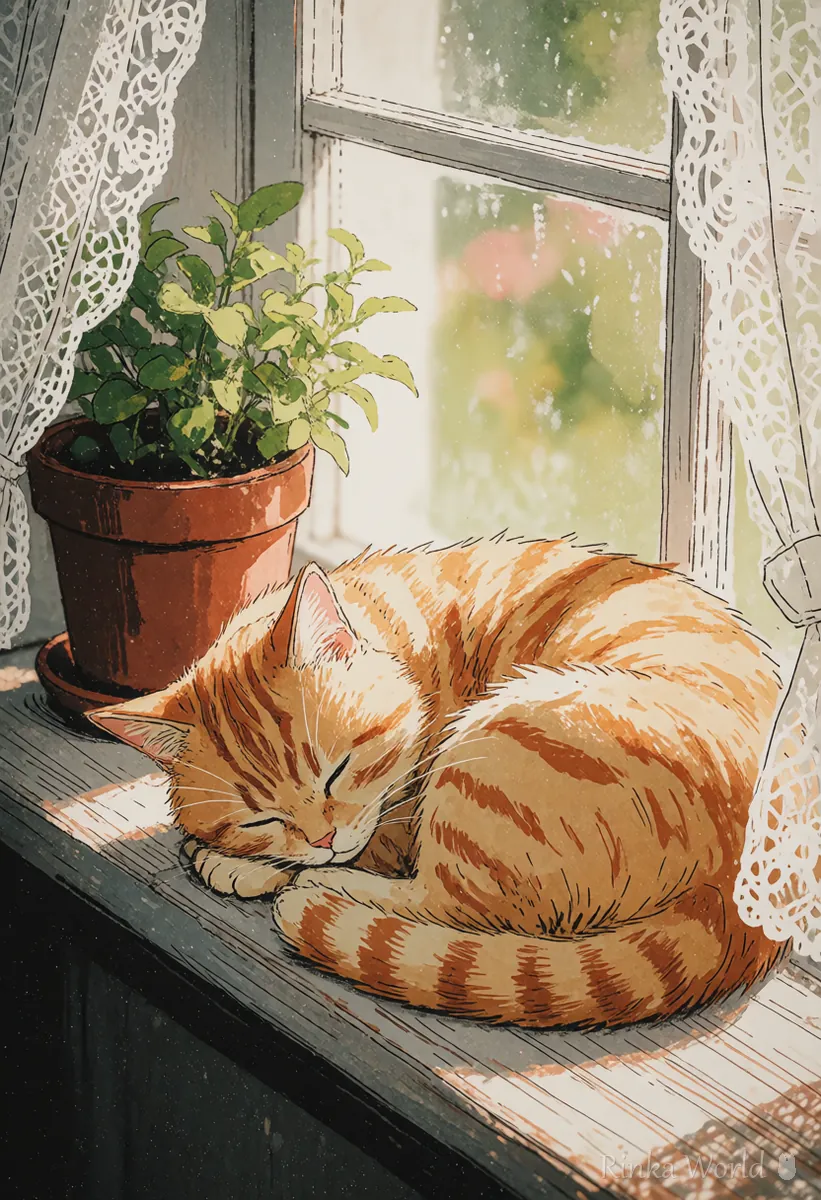
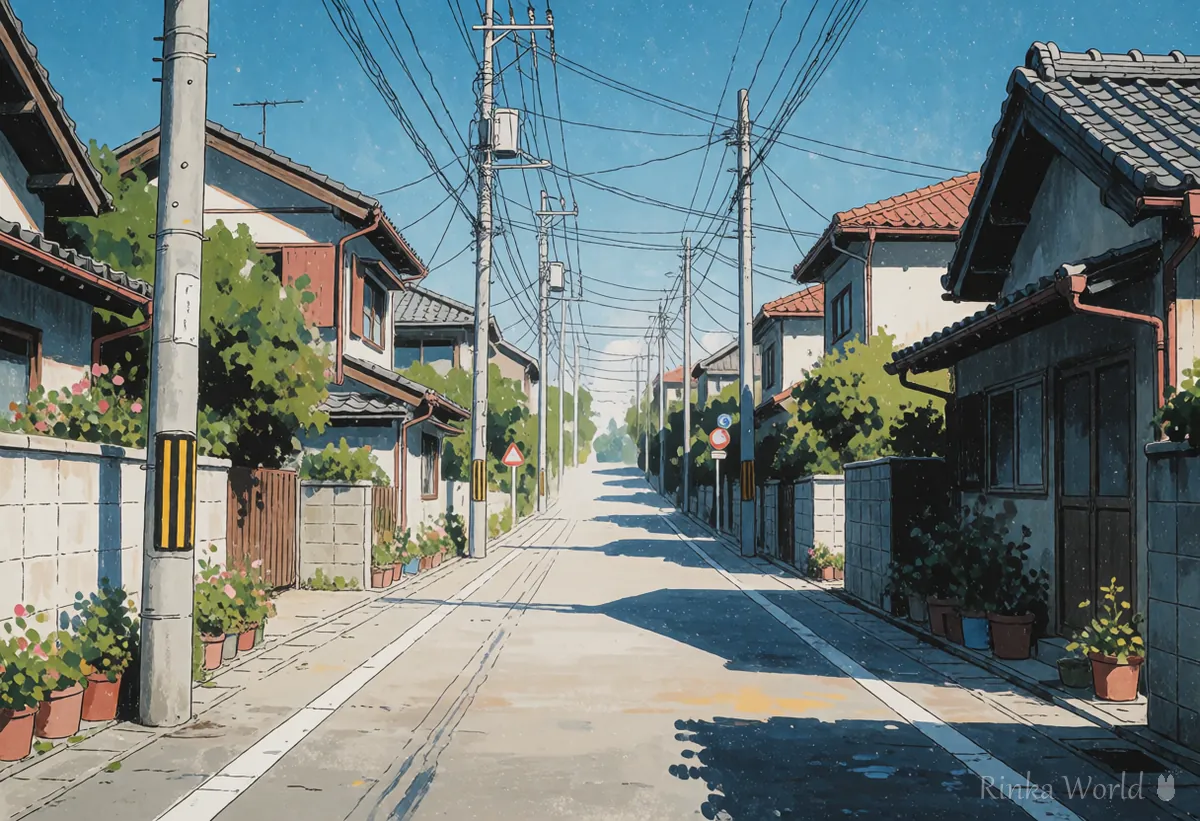
What should you check before using a photo?
Only use your own photos, or photos where everyone in them has agreed. Converting and publishing other people's photos without permission can cause portrait-rights and privacy problems.
- Do not convert or post other people's photos without their consent
- Do not use photos of celebrities (this can involve portrait and publicity rights)
- Enjoy photos of children privately so faces and places cannot be identified
- Watch out for location data in photos; removing it before uploading is safer
- Check the service's terms for how uploaded images are handled
- Avoid asking for an exact copy of a specific work or studio; use general words such as "anime style" or "soft watercolor style"
How should you ask so it still looks like the person?
Separate "what to keep" from "what to change". Asking to keep facial features, hairstyle, clothes and pose, and to change only the coloring and lines, keeps the likeness.
Steps to turn a photo into anime style (with a conversational AI)
- Choose a bright photo where the face is clear (front to three-quarter view is easiest to match).
- If needed, remove the photo's location data, then upload it to the AI.
- Ask "Please turn this photo into an anime-style illustration" and list what to keep (hairstyle, clothes, pose, background).
- Add one phrase about the coloring (bright anime coloring, soft watercolor style, etc.).
- Look at the result and ask for one fix at a time, such as "make the eyes a little larger" or "keep the clothing color from the photo".
- Save the version you like, and decide whether to publish it with the feelings of the people in it in mind.
Please turn this photo into an anime-style illustration. Keep the hairstyle, clothes, pose and background as in the photo, and change only the lines and coloring to bright anime coloring.Turn this photo into an anime-style illustration. Keep the same hairstyle, clothes, pose and background, and change only the line art and coloring to a soft anime style.(Guideline for Stable Diffusion img2img) Start with a redraw (denoising) strength of 0.4–0.6. Lower stays closer to the photo; higher looks more like anime but changes the face more easilyWhat if it does not turn out anime-like?
The common complaints are "it still looks like a photo" or "it became a different person". The fix depends on which way it is off.
Rinka's tips
- Photos of pets and landscapes raise few portrait-rights concerns and are good practice for anime conversion
- Do not fix everything at once; fixing one spot per request keeps the rest from breaking
- Save the requests you like so you can use the same feel on other photos
How to make and fix images in ChatGPT: How to Prompt ChatGPT for Images (Asking and Editing) →
How to edit images with Gemini: How to Prompt Gemini for Images (Conversational Edits) →
How to use img2img and inpaint in Stable Diffusion: How to Use img2img and Inpaint (Fixing Only Part of an Image) →
Coloring style prompts such as anime coloring and watercolor: Coloring Style Prompts (Anime Coloring, Galge Style, Painterly, Flat Color, Lineart) →
FAQ
Frequently Asked Questions
What is the easiest way to turn a photo into anime style?
Upload the photo to a conversational AI such as ChatGPT or Gemini and ask "turn this photo into an anime-style illustration". Listing what to keep (hairstyle, clothes, background) makes it look more alike.
Can I turn a friend's photo into anime style?
Get their consent first. Converting and publishing it without consent can cause portrait-rights and privacy problems.
Can I post an anime version of a celebrity photo?
Please avoid it. Celebrity photos can involve portrait and publicity rights and easily lead to trouble.
The result looks like a different person.
Add the facial features in words and ask "do not change the facial features". With img2img, lowering the redraw strength brings it closer to the original photo.
What happens to the photos I upload?
It differs by service. Check the service's terms of use and privacy information before uploading.
RINKA WORLD
Play in Rinka World
MORE




