PROMPT GUIDE
How to Use img2img and Inpaint (Fixing Only Part of an Image)
img2img and inpaint are what you use in Stable Diffusion when you want to "fix only the hands" or "change only the outfit color". The most important setting is the denoising strength, which decides how much of the original stays. This guide covers its ranges and the steps for fixing just one part.
Last updated: approx. 4 min read
The short answer
img2img redraws the whole picture using the original as a base, and inpaint redraws only the area you paint. The key setting is denoising strength: about 0.2 to 0.35 for light cleanup and about 0.4 to 0.55 for fixing hands or faces. Start around 0.4 and adjust up or down.
What is the difference between img2img and inpaint?
img2img redraws the whole picture, and inpaint redraws only the area you paint.
img2img (image to image) redraws the entire picture to match the prompt, using the original as a base. Inpaint redraws only the area you paint (the mask), and it is usually included as one mode of img2img. Use img2img to change the overall mood, and inpaint to fix only part of a picture, such as a hand or face.
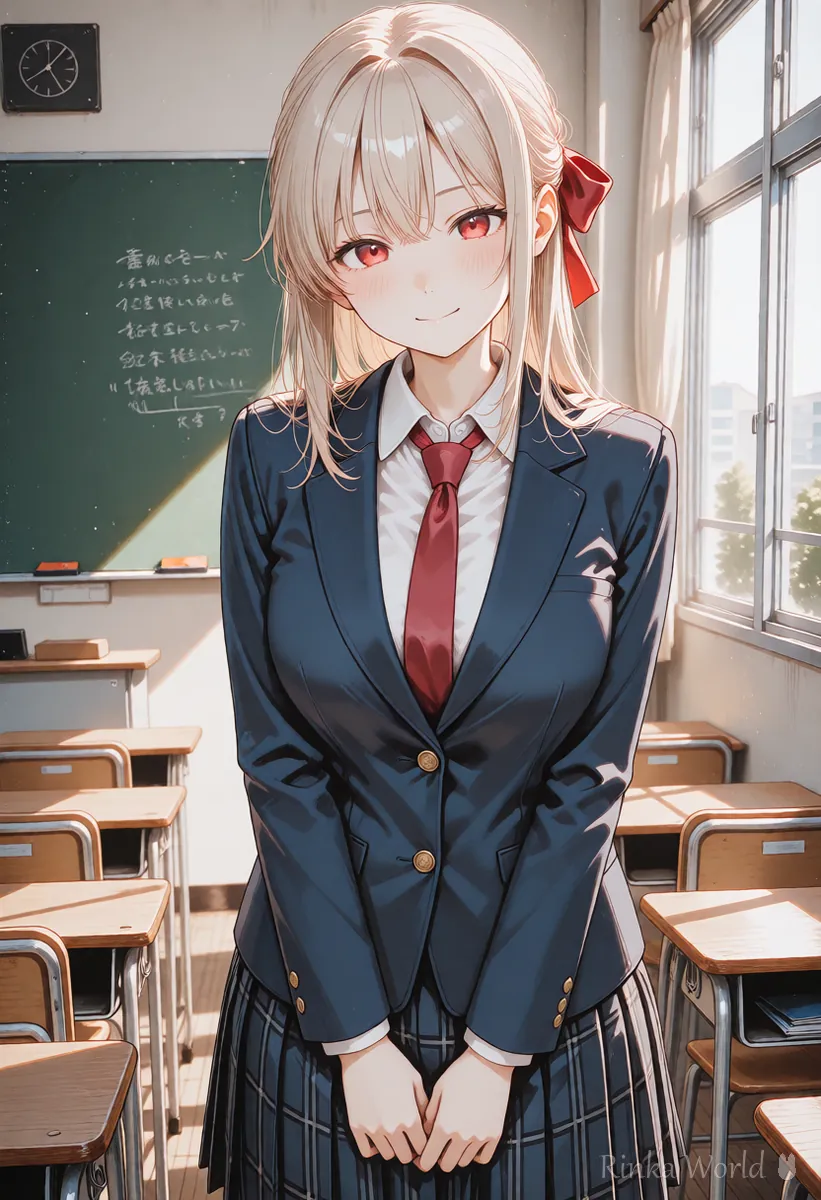
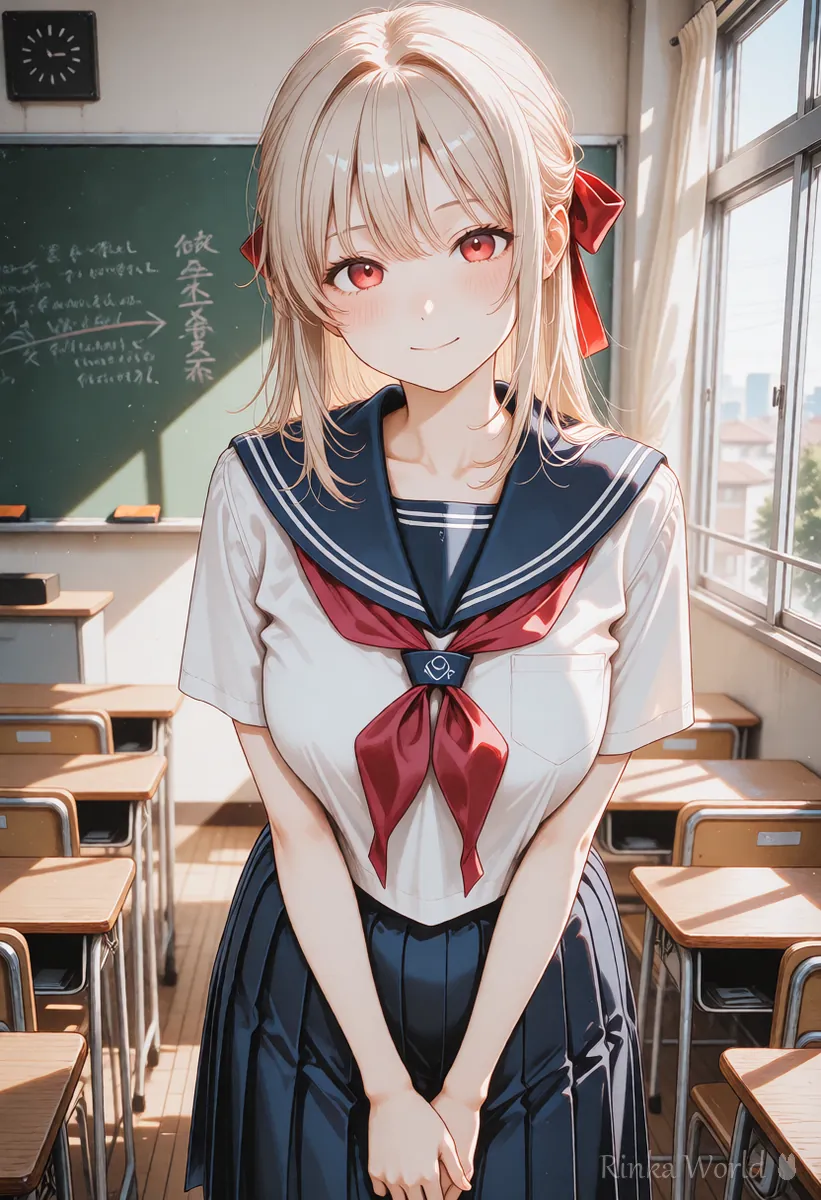
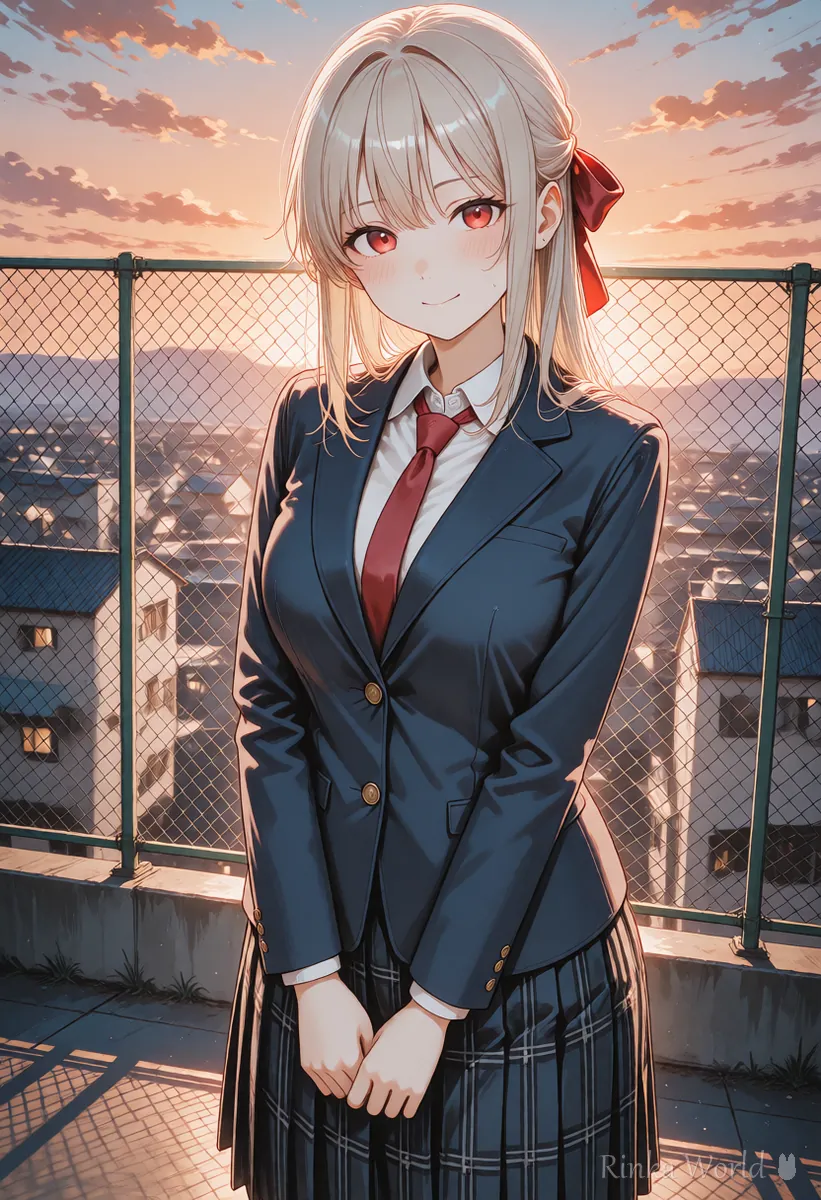
What denoising strength should you use?
Start around 0.4; raise it if nothing changes and lower it if too much changes.
Denoising strength decides how much the original picture changes. Close to 0 keeps it as it is, and close to 1 redraws almost without using the original. It is the number you will adjust most often.
Rinka's tips
- Start around 0.4. Raise it if nothing changes and lower it if too much changes
- Redrawing at the same size (or the same ratio) as the original keeps shapes from shifting
How do you use img2img? (Redrawing the whole picture)
Load the original and its prompt, change only the words you want to change, and generate at a denoising strength around 0.4.
- Load the original picture into the img2img screen
- Enter the prompt used to make the original (if you do not have it, describe the picture with tags)
- Rewrite only the words for what you want to change (for example the coloring mood, time of day or color tone)
- Keep the same ratio as the original, set the denoising strength around 0.4, and generate
- If the change is too small, raise it by 0.05 at a time, then pick the picture you like
How do you fix only part of a picture with inpaint?
Paint the part to fix, write only what you want there in the prompt, and generate at 0.4 to 0.6.
- Load the original into the inpaint screen and paint over the part to fix (a hand, the eyes, part of the outfit)
- Choose the setting that redraws only the masked area (labeled "Only masked" or similar)
- In the prompt, write briefly only what you want in the painted area (for a hand: hand, five fingers)
- Set the denoising strength to 0.4 to 0.6, make several images and choose the best one
- If the join with the surroundings looks unnatural, increase the mask blur or the padding a little
Rinka's tips
- Paint a little wider than the part you want to fix. A tight mask makes the seam stand out
- Redrawing "only masked" renders that part larger and then puts it back, so small hands and faces are easier to fix cleanly
- To change only the outfit color, write only color plus clothing in the prompt (such as red dress)
What if it does not work? (Common mistakes and fixes)
Here are common problems with their causes and fixes. Change only one thing at a time and compare with the same seed, which makes the cause easier to find.
Copy and paste: example prompts for fixing
With inpaint, the trick is to write only what you want in the painted area. The first example is for a hand, the second for an outfit color, and the third for changing the mood to evening with img2img.
hand, five fingers, detailed fingers, masterpiece, best qualityred dress, masterpiece, best quality1girl, solo, [tags describing the original], sunset, orange sky, warm lighting, masterpiece, best qualityFor compositions and negative prompts that prevent broken hands: How to Fix Bad Hands in AI Art: The Complete Guide →
To find fixes by symptom: AI Art Troubleshooting Guide (Look Up Fixes by Symptom) →
For Hires.fix to enlarge as a finishing step: Hires.fix Settings (Upscale Ratio, Denoising Strength, Upscaler) →
FAQ
Frequently Asked Questions
What denoising strength should I use for img2img?
About 0.2 to 0.35 for light cleanup, 0.4 to 0.55 for fixing hands or faces, and 0.6 to 0.75 for bigger changes such as a different outfit. Start around 0.4.
How is inpaint different from img2img?
img2img redraws the whole picture, while inpaint redraws only the area you paint with the brush. Inpaint is better when you want to fix just one part.
The inpainted area looks out of place. What should I do?
Paint a slightly wider area and raise the mask blur. A denoising strength that is too high also makes it stand out, so try lowering it a little.
How do I change only the outfit color?
Paint only the outfit with inpaint, write only color plus clothing in the prompt, and generate at a denoising strength around 0.5.
RINKA WORLD
Play in Rinka World
MORE




