PROMPT GUIDE
How to Make Many Images at Once (Batch Count, Batch Size and Picking the Best)
With AI illustration, the basic approach is not to make just one picture, but to make many and pick the good ones. Many people, though, cannot tell batch count from batch size, or struggle to organize things after making a lot. This guide sums up the settings for making pictures in bulk, and tips for picking and saving.
Last updated: approx. 3 min read
The short answer
When making pictures in bulk, "batch count" sets how many times to repeat, and "batch size" sets how many to make side by side at once. When memory is low, it is safer to set the batch size to 1 and raise the batch count. Make several dozen pictures with a random seed, pick the good ones, then fix the seed and finish them. Keep the original PNG separately so its generation info remains.
What is the difference between batch count and batch size?
Batch count is the number of repeats, and batch size is the number of images made at the same time in one run.
In AUTOMATIC1111-style screens, there are these two items. Batch count is how many times generation is repeated. Batch size is how many images are made at the same time in one generation, and the larger it is, the more memory (VRAM) it uses. For example, with a batch count of 4 and a batch size of 2, you get 8 pictures in total. Item names and positions differ by tool and version, so check the screen you use.
Batch count: 8 / Batch size: 1 / Seed: -1 (random) -> eight different pictures are made in orderWhat are the steps for making many and picking good pictures?
Make several dozen at random, pick the ones with a good composition, then fix the seed and finish them.
Steps for making in bulk and picking
- Decide the prompt, make one picture first, and check the rough direction
- Set the seed to -1 (random), set the batch count to 8 to 16 and make them
- Pick the pictures with a good composition, face and mood, and read the seed from the generation info
- Fix that seed and fix the prompt little by little
- Apply high-resolution finishing at the end
- Tidy up the pictures you did not choose if you do not need them. Keep the originals as PNGs so the generation info remains
For how to fix the seed of a good picture and fix it, see What Is a Seed? Fixed, Random, and Reproducing the Same Image →
For the settings for finishing a chosen picture in high resolution, see Hires.fix Settings (Upscale Ratio, Denoising Strength, Upscaler) →
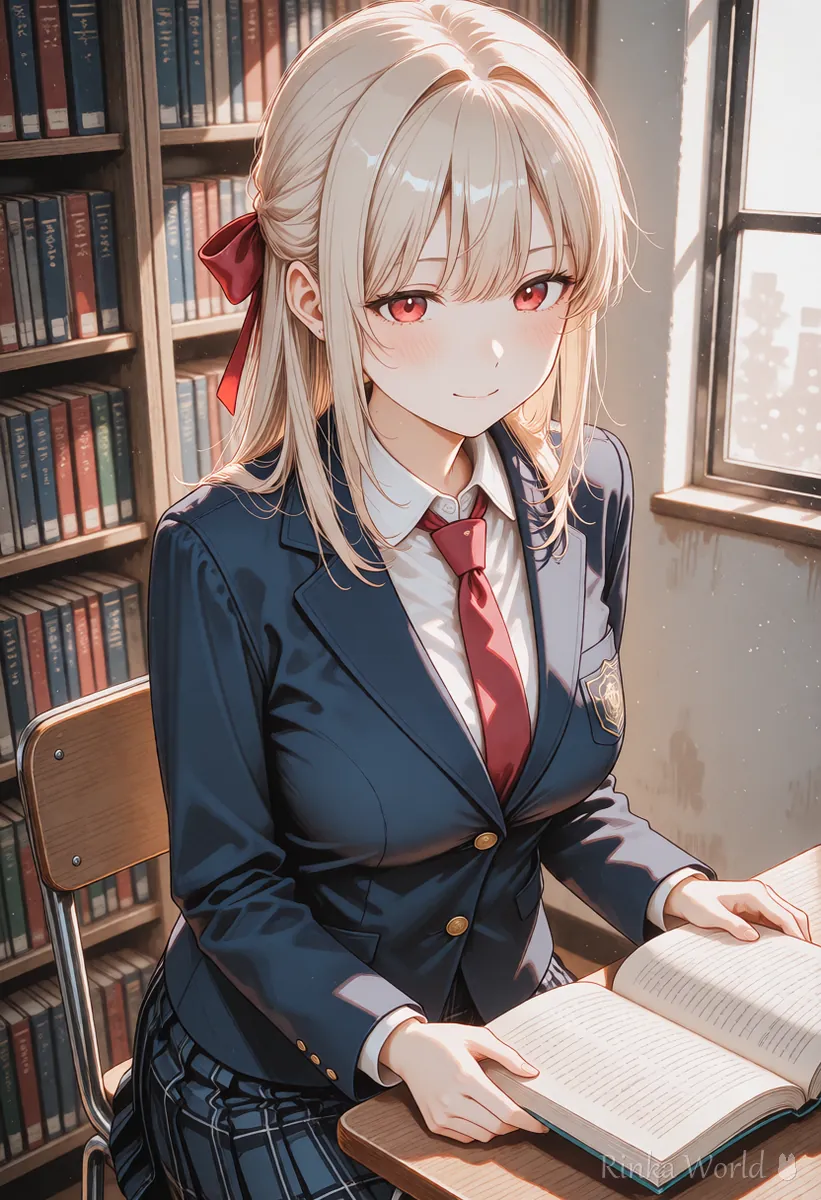
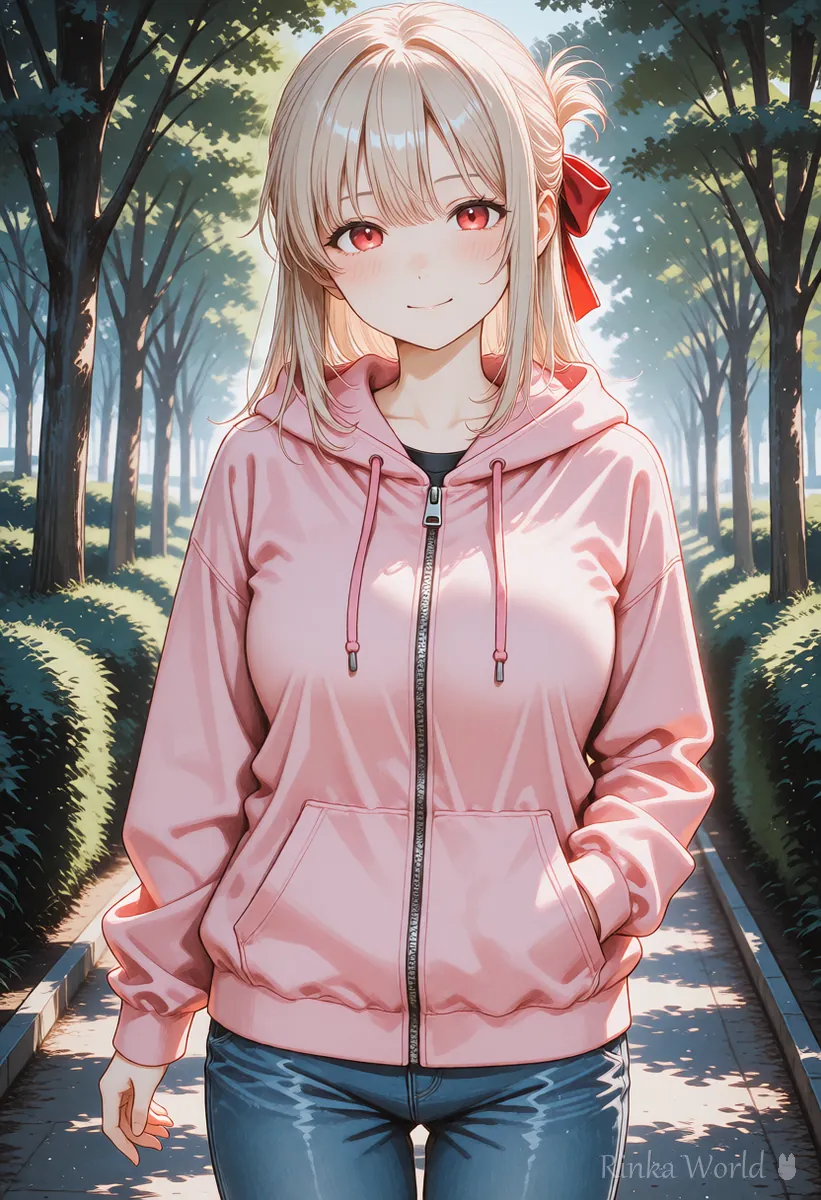
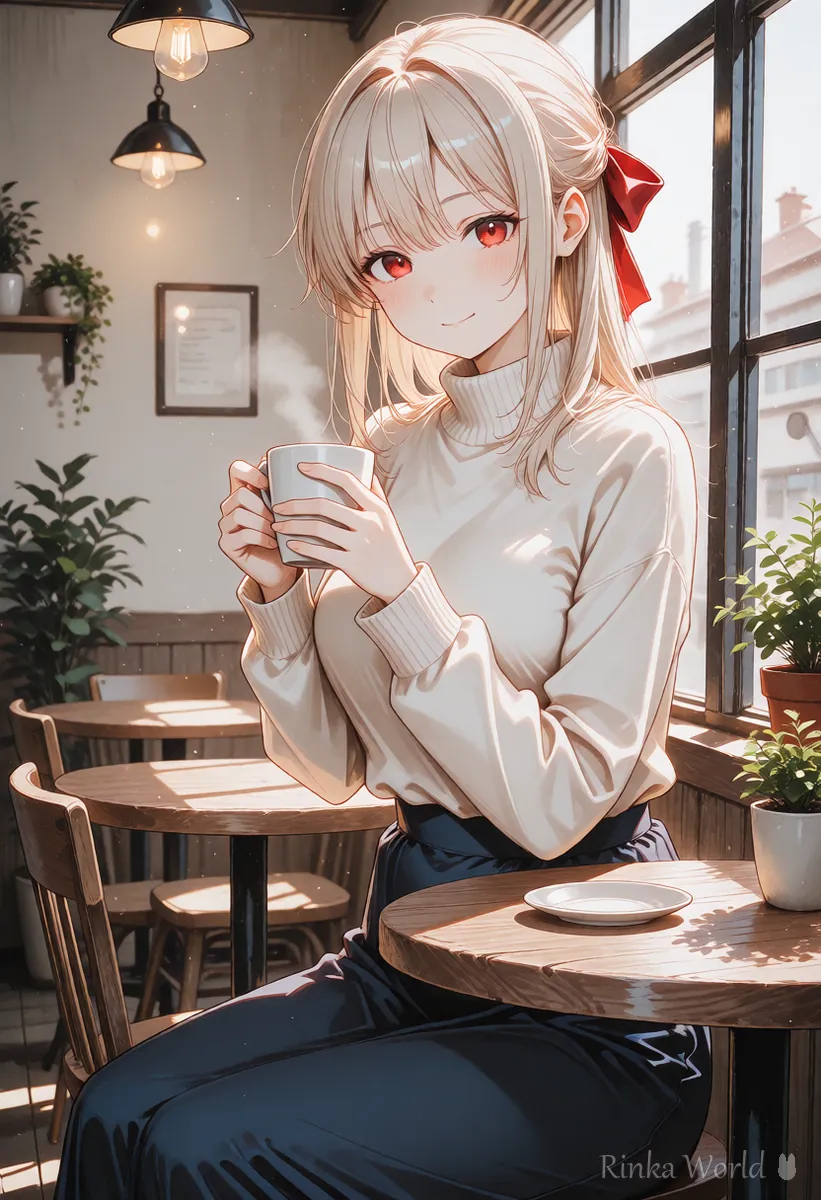
How do you make different prompts in order in bulk?
If you use a list with one prompt per line, pictures can be made automatically in order.
AUTOMATIC1111-style screens have a feature such as "Prompts from file or textbox" that reads several prompts line by line and makes them in order. In ComfyUI, you put several in the queue and they are processed in order. Names and places differ by tool, so check the explanation for the screen you use. Combined with wildcards, it can automatically make slightly different pictures.
1girl, solo, red hair, school uniform, classroom, upper body
1girl, solo, blue hair, school uniform, library, upper body
1girl, solo, pink hair, school uniform, rooftop, upper bodyFor how to write candidates that swap at random, see How to Use Wildcards (Dynamic Prompts): Randomly Swap Parts of a Prompt →
How do you organize things after making many?
The original PNG keeps the generation info, so save it separately, and make a lightened separate file for posting.
What goes wrong when making in bulk? (Common failures and fixes)
Most problems are memory shortages and the same picture coming out over and over.
For how to fix it when a memory shortage error appears, see How to Fix CUDA Out of Memory (When Image Generation Runs Out of Memory) →
For settings on a computer with little VRAM, see How to Run Stable Diffusion on a Computer with Little VRAM (Settings to Lighten It) →
FAQ
Frequently Asked Questions
How many pictures should I make at once?
For brainstorming, around 8 to 16 is a guide. When memory is low, keep the batch size at 1 and increase the batch count.
Does raising the batch size make it faster?
Because they are made side by side, the time per picture can get shorter, but it uses more memory. If it runs short, it becomes slower or stops instead, so keep the number reasonable.
Can pictures be made automatically while the prompt changes?
Yes. You can with a feature that reads prompts in bulk from a file, or with wildcards. The name of the feature differs by tool, so check the explanation for the screen you use.
What is a handy way to organize a lot of pictures?
Save the original PNGs in folders by date and gather only the good pictures separately, and they are easier to find. For serial renaming and lightening, this site's tools can also be used.
RINKA WORLD
Play in Rinka World
MORE




