PROMPT GUIDE
What Is CFG Scale? How to Choose Steps and Samplers
CFG scale, step count and sampler are basic settings found in every Stable Diffusion interface. This guide explains what the numbers mean and how to decide on them. The most important rule is to start from the recommendation on the description page of the model you use.
Last updated: approx. 4 min read
The short answer
CFG scale is the number that sets how strongly the image follows your prompt. SDXL anime models often recommend around 5 to 7, and going too high makes colors look burnt. 20 to 30 steps and samplers such as Euler a or DPM++ 2M are common, but starting from the model recommendation is the safest choice.
What is CFG scale?
CFG scale is the number that decides how strongly the image follows the prompt.
CFG scale decides how strongly the picture is pushed toward the prompt. Higher values follow the words more faithfully, but too high makes colors too strong or the contrast so harsh that the picture looks burnt. Lower values look softer, but the prompt is followed less and the image becomes vague.
Rinka's tips
- The suitable range differs a lot between models. Start with the value recommended on the model page
- Fast models designed for few steps are often used with a very low CFG such as 1 or 2
How many steps should you use?
For ordinary models, 20 to 30 steps is the most common choice.
The step count is how many times the image is refined on its way from noise to a finished picture. Too few leaves it under-drawn, while beyond a certain point more steps barely change anything and only take longer. For ordinary models, 20 to 30 steps is common.
Which sampler should you choose? (Differences and picks)
For anime models, Euler a and DPM++ 2M (Karras) are common; follow the model recommendation if there is one.
A sampler is the method used to remove noise step by step. Any of them can make a picture, but the feel and the number of steps needed differ slightly. Samplers with an "a" (ancestral) add a little noise at each step, so changing the step count tends to change the picture.
A scheduler (Karras, Normal, Simple and so on) decides how noise is reduced at each step. It is often recommended together with a sampler, so following the model guidance for the pair avoids most problems.
What is a seed?
A seed is the number that decides the starting noise; keep it the same and you can recreate the same picture.
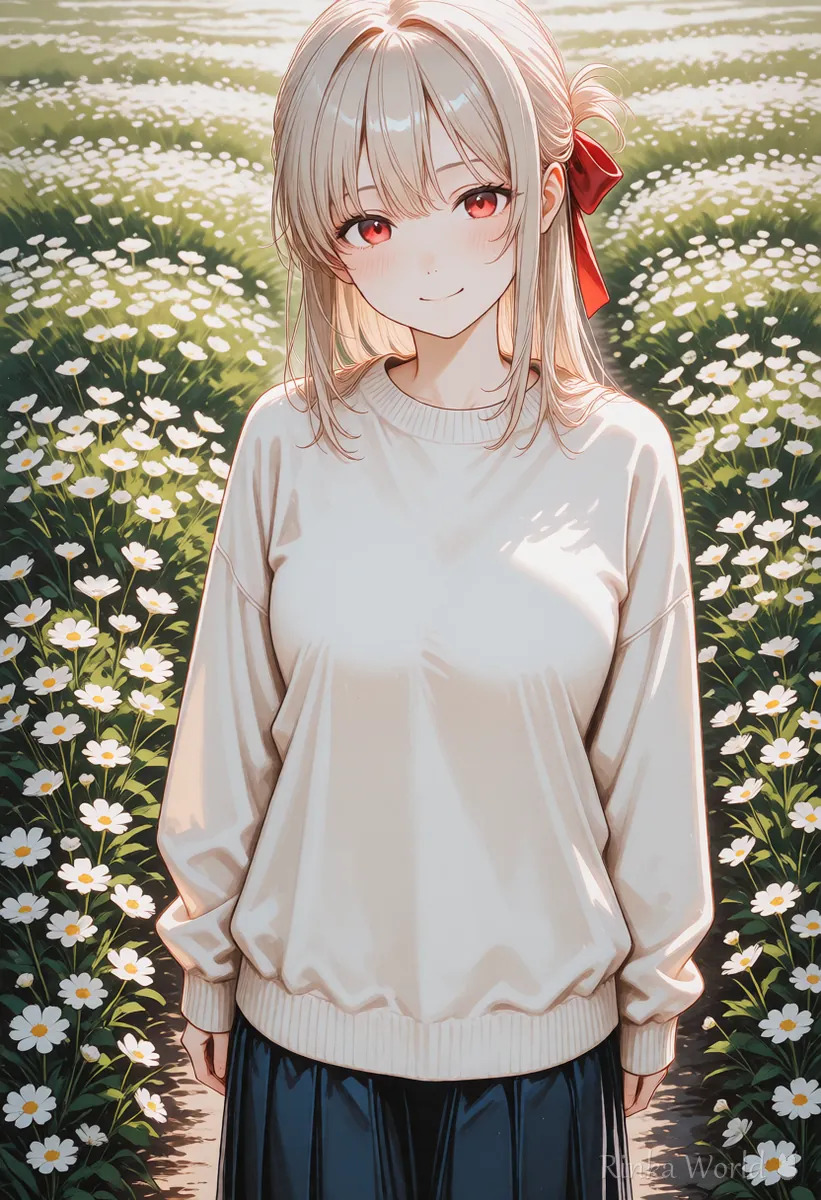
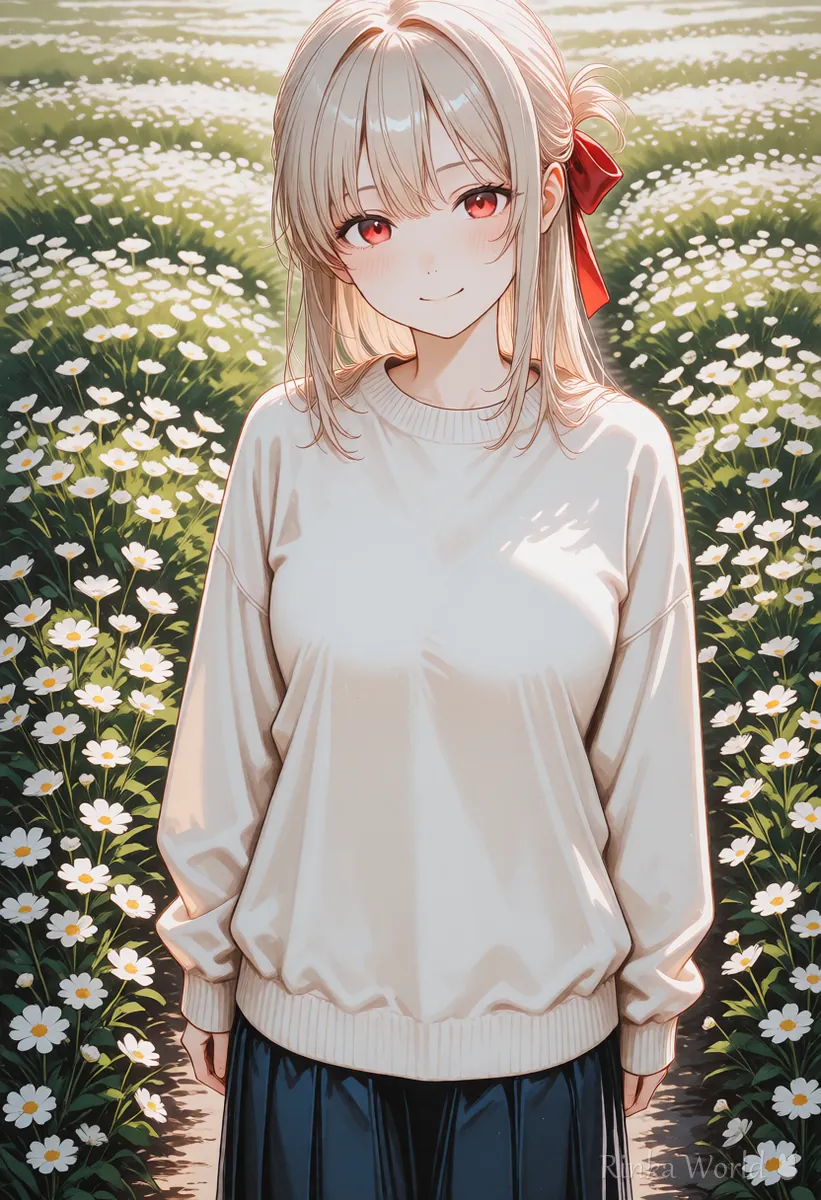
The seed decides the starting noise. With the same prompt and settings, a different seed gives a different picture. If you fix the seed, you can make the same picture again and again, which helps when comparing what happens when you change just one tag.
Rinka's tips
- When you get a good composition, fix the seed and then change tags or settings one at a time
- Even with a fixed seed, changing the sampler or the size gives a different picture
In what order should you decide the settings?
Start from the model recommendation, fix the seed of a good picture, then change one thing at a time.
- Check the recommended CFG, steps, sampler and size on the model page, and use those values
- Generate a few images with a random seed and pick one with a good composition and mood
- Fix the seed of that picture
- If colors are too strong, lower CFG by 1; if the prompt is ignored, raise it by 1. Change only one thing at a time
- Only when details are lacking, add a few steps or finish with Hires.fix
What if it does not work? (Common mistakes and fixes)
Here are common problems with their causes and fixes. Change only one thing at a time and compare with the same seed, which makes the cause easier to find.
Example settings note (copy and paste)
Write down not just the numbers but why you chose them, so you can recreate the same style later. Below is an example of such a note (replace the numbers with your model recommendation).
Model: [model name] / Size: 832x1216 / Sampler: Euler a / Steps: 28 / CFG: 6 / Seed: [number] / Note: if colors are too strong, use CFG 51girl, solo, long hair, smile, school uniform, classroom, window, sunlight, upper body, masterpiece, best qualityFor how to choose the image size: SDXL Resolutions (Recommended Sizes) and How to Pick a Ratio →
For finishing details with Hires.fix: Hires.fix Settings (Upscale Ratio, Denoising Strength, Upscaler) →
To fix broken hands, eyes or bodies by symptom: AI Art Troubleshooting Guide (Look Up Fixes by Symptom) →
FAQ
Frequently Asked Questions
What is CFG scale?
It is the number that sets how strongly the picture follows the prompt. Higher values follow the words more faithfully, but going too high makes the picture look burnt.
What is a good CFG value?
It depends on the model. SDXL anime models often recommend around 5 to 7, and fast models may use 1 or 2. Start with the value on the model page.
Do more steps make the image better?
Beyond a certain point, more steps barely change anything and only take longer. 20 to 30 steps is the usual choice.
Which sampler is recommended?
For anime models, Euler a and DPM++ 2M (Karras) are common. If the model page recommends one, following it is the safest choice.
How do I make the same picture again?
Use the same prompt, negative prompt, model, size, sampler, steps, CFG and seed. Reading them from the PNG generation info is the most reliable way.
RINKA WORLD
Play in Rinka World
MORE




