PROMPT GUIDE
SDXL Resolutions (Recommended Sizes) and How to Pick a Ratio
Stable Diffusion XL (SDXL) based models, such as Illustrious, NoobAI and Pony, were trained at roughly the pixel count of 1024x1024. Sizes far from that tend to produce extra people or stretched bodies. This guide lists the commonly used recommended sizes by aspect ratio.
Last updated: approx. 3 min read
The short answer
The base SDXL resolution is 1024x1024 (about one megapixel). For portrait use 832x1216, for landscape 1216x832, and for something close to 16:9 use 1344x768. Sizes far from these cause extra people or stretched bodies, so generate at a recommended size and enlarge later with Hires.fix.
What is the recommended SDXL resolution?
The base is 1024x1024 (about one megapixel); 832x1216 for portrait and 1216x832 for landscape are the most common.
The base SDXL size is 1024x1024, about one million pixels. For portrait or landscape pictures, keep width times height close to one megapixel and use numbers divisible by 64. The table shows size combinations widely known to have been used in SDXL training.
Rinka's tips
- If unsure, start with 832x1216 for characters and 1216x832 for scenery
- SD1.5 sizes such as 512x512 are too small for SDXL, and pictures tend to break down
- Starting at a very large size (such as 2048x2048) leads to extra people or stretched bodies. To go bigger, use Hires.fix or an upscaler afterwards
How does the aspect ratio change the picture?
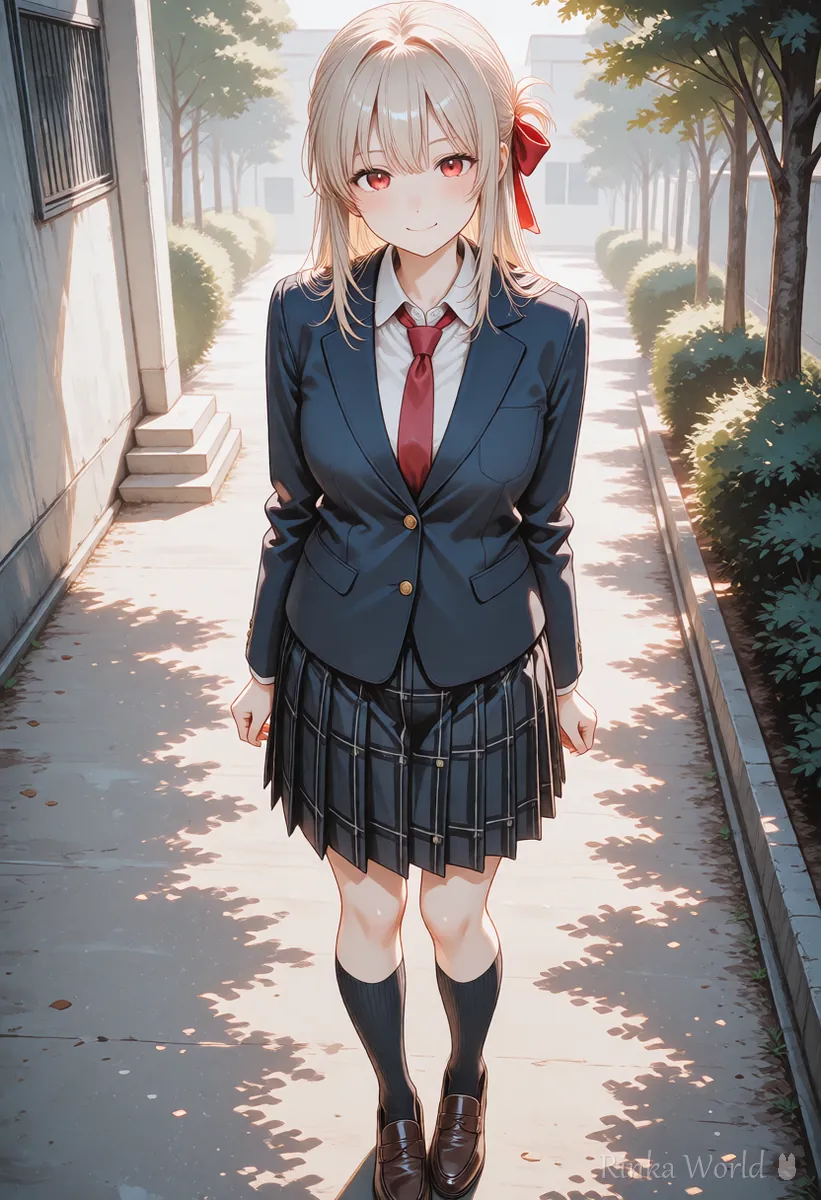
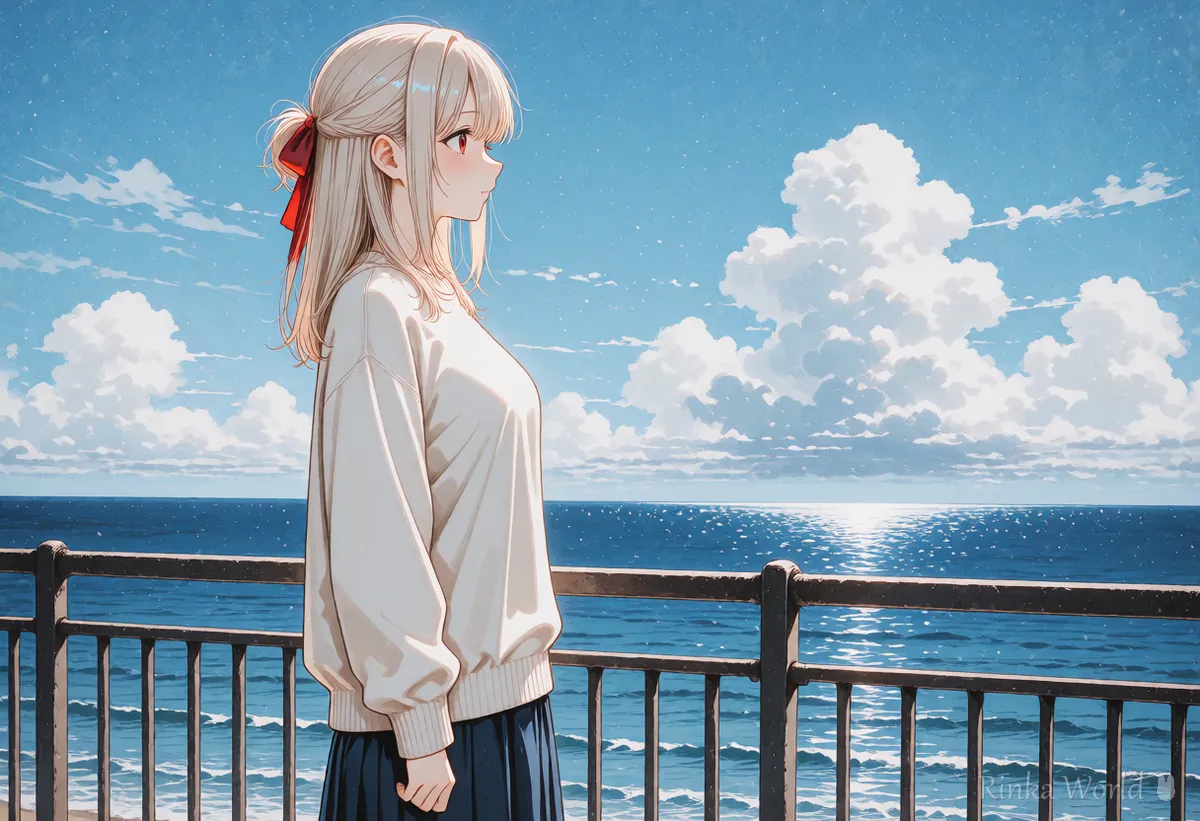
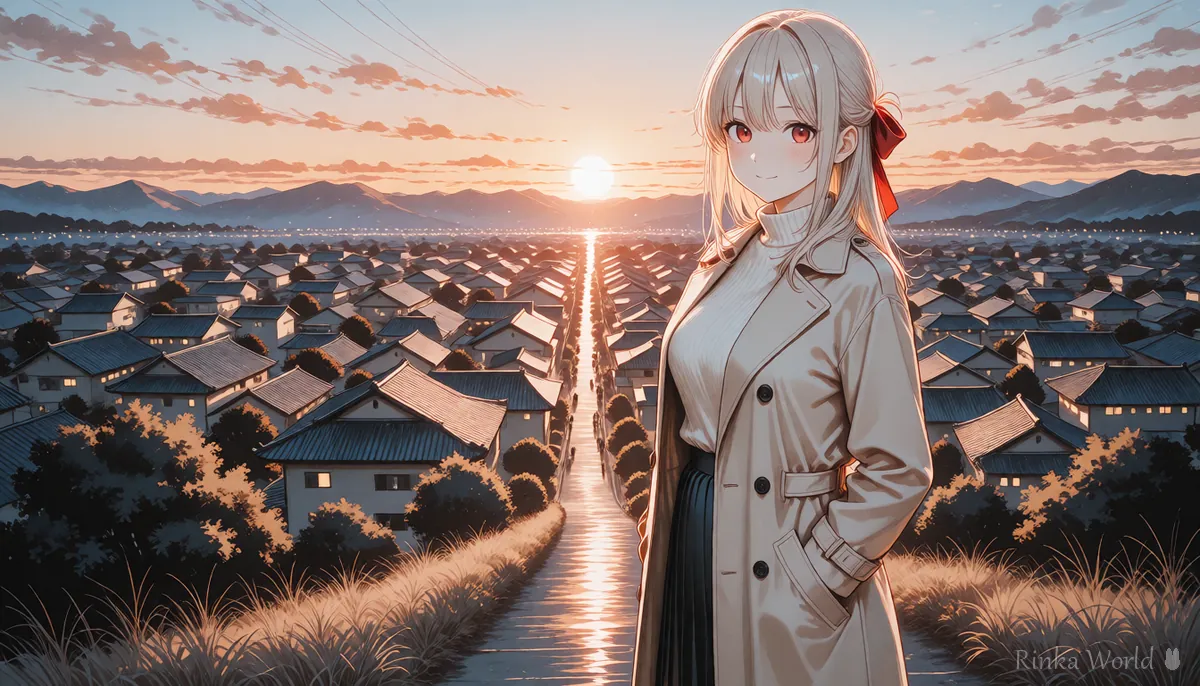
Portrait fits the full body, landscape fits the background, and square fits the face.
Even with the same character, changing only the ratio changes how much fits in the frame and which composition works best. Portrait suits a full figure, landscape suits a background, and square keeps the area around the face together.
Which size is best for social media and wallpapers?
As a guide: 896x1152 for Instagram, 768x1344 for Stories, and 1024x1024 for icons.
How do you choose a size and generate? (Steps)
Pick a ratio for your purpose, keep multiples of 64, generate, then enlarge later with Hires.fix or similar.
- Decide what the picture is for (where you will post it, a wallpaper, an icon) and choose the closest ratio from the table
- Enter a width and height divisible by 64 (for example 832x1216)
- Use portrait for a full body and landscape for a wide background, and match the framing tags (full body, wide shot and so on)
- When you get a picture you like, enlarge it 1.5 to 2 times with Hires.fix or an upscaler
- Check how the destination site will crop it with a preview tool before posting
What if it does not work? (Common mistakes and fixes)
Here are common problems with their causes and fixes. Change only one thing at a time and compare with the same seed, which makes the cause easier to find.
Copy and paste: composition templates for each ratio
Examples for a full body in portrait (832x1216) and a scene in landscape (1216x832). Replace the parts in brackets.
1girl, solo, [hairstyle], [outfit], standing, full body, looking at viewer, smile, [place], masterpiece, best quality1girl, solo, [outfit], sitting, from side, wide shot, scenery, [place], sunset, depth of field, masterpiece, best qualityFor full-body, upper-body and wide framing tags: Composition Prompt Tag List (Framing, Camera Angles, Foreground Blur) →
For Hires.fix settings to enlarge afterwards: Hires.fix Settings (Upscale Ratio, Denoising Strength, Upscaler) →
For a cinematic wide look: Letterboxed (Black Bars) and Cinematic Composition Prompts →
FAQ
Frequently Asked Questions
What is the recommended SDXL resolution?
The base is 1024x1024 (about one megapixel). Sizes with roughly the same pixel count in multiples of 64, such as 832x1216 for portrait and 1216x832 for landscape, are commonly used.
Which size should I use for portrait SDXL images?
For character art or full body, 832x1216 is the easiest. To get closer to a full phone screen, 768x1344 is also used.
What is the SDXL size for 16:9?
It is not exactly 16:9, but 1344x768 is commonly used as a close ratio. If needed, crop it slightly to 16:9 afterwards.
What happens if I generate at a large size?
Sizes far from the training size tend to produce extra people or stretched bodies. To go bigger, generate at a recommended size and then enlarge with Hires.fix or an upscaler.
RINKA WORLD
Play in Rinka World
MORE




