PROMPT GUIDE
How to Write Animagine XL Prompts (Quality Tags, Order, Negative)
Animagine XL is a Stable Diffusion (SDXL) based model that is strong at anime art, and prompts are written with Danbooru tags. The quality tags differ a little between versions, so this guide covers how to think about tag order and how to tell the versions apart.
Last updated: approx. 4 min read
The short answer
Write Animagine XL prompts in this order: number of people, character name, series name, rating, general tags, then quality tags. Quality tags depend on the version; newer versions recommend words such as masterpiece, high score and great score. Add newest for a modern look.
What order should an Animagine XL prompt follow?
The basic order is number of people, character name, series name, rating, general tags, then quality tags.
Animagine XL was trained on tags arranged in a fixed order. Matching that order in your prompt makes characters and outfits less likely to blend together. The basic order is number of people, character name, series name, rating, general tags, quality tags. For an original character, skip the character and series names and describe the look with general tags.
1girl, solo, safe, long hair, red eyes, smile, school uniform, sitting, classroom, window, sunlight, upper body, masterpiece, high score, great score, absurdres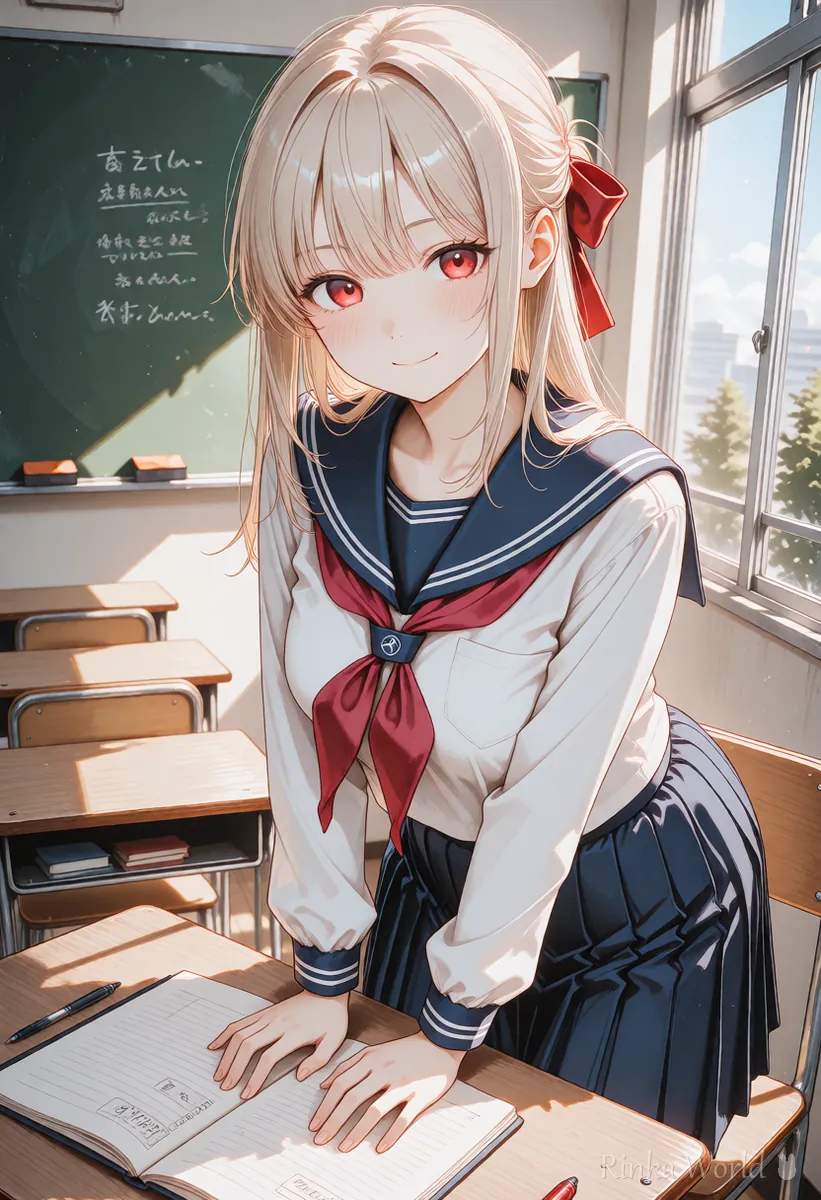
Which quality tags does Animagine XL use?
It depends on the version: older versions recommend masterpiece, best quality, and newer ones masterpiece, high score, great score.
The quality wording of Animagine XL has changed between versions. Older versions (3.x) suggest words like masterpiece, best quality, very aesthetic, while newer versions (4.x) suggest score words like high score and great score. Matching the wording on the model card (the description on the download page) for your version is the safest choice.
Rinka's tips
- Put the quality tags together at the end. At the front they can overpower the other tags
- When you switch versions, first reset the quality tags and negative prompt to that version's guidance
How do you get a modern look? (Period tags newest and recent)
Put newest or recent near the quality tags to lean toward recent anime coloring.
Animagine XL also has tags for when a picture was drawn. newest or recent gives recent anime coloring, while old or early gives a slightly nostalgic style. Some versions suggest a year format such as year 2020.
What goes in an Animagine XL negative prompt?
Tags for broken anatomy, low quality and text, plus the opposites of the quality tags such as low score and bad score.
The recommended negative prompt combines tags for artifacts, low resolution and text with the opposites of the quality tags (low score, bad score and so on). For all-ages pictures, putting nsfw at the start of the negative prompt makes revealing results less likely.
nsfw, lowres, bad anatomy, bad hands, text, error, missing fingers, extra digits, fewer digits, cropped, worst quality, low quality, low score, bad score, average score, signature, watermark, username, blurryHow do you make one picture with Animagine XL? (Steps)
Check the model card of your version, generate a few images with its quality tags and negative prompt, then refine.
- Open the model card of the version you use and check its quality tags, negative prompt, recommended sizes, CFG and sampler
- Write 1girl, solo and the rating (safe), then list the look, outfit, expression, framing and background as Danbooru tags
- Add the quality tags together at the end, and paste the recommended negative prompt
- Use a recommended SDXL size (such as 832x1216) and generate a few images
- When you find a good seed, lock it and adjust by adding or removing one tag at a time
What CFG and step count should you use?
Start from the model card recommendation (often around CFG 5 to 7 and 25 to 30 steps).
Animagine XL model cards often suggest a CFG of about 5 to 7, about 25 to 30 steps, and Euler a as the sampler. The recommendation changes by version, so confirm the numbers on the model card. A CFG that is too high makes colors too strong and the picture looks burnt.
For more on CFG, steps and samplers: What Is CFG Scale? How to Choose Steps and Samplers →
What if it does not work? (Common mistakes and fixes)
Here are common problems with their causes and fixes. Change only one thing at a time and compare with the same seed, which makes the cause easier to find.
Copy-and-paste templates
Replace the parts in brackets. The first is an upper-body picture; the second is a full-body picture with a wide background.
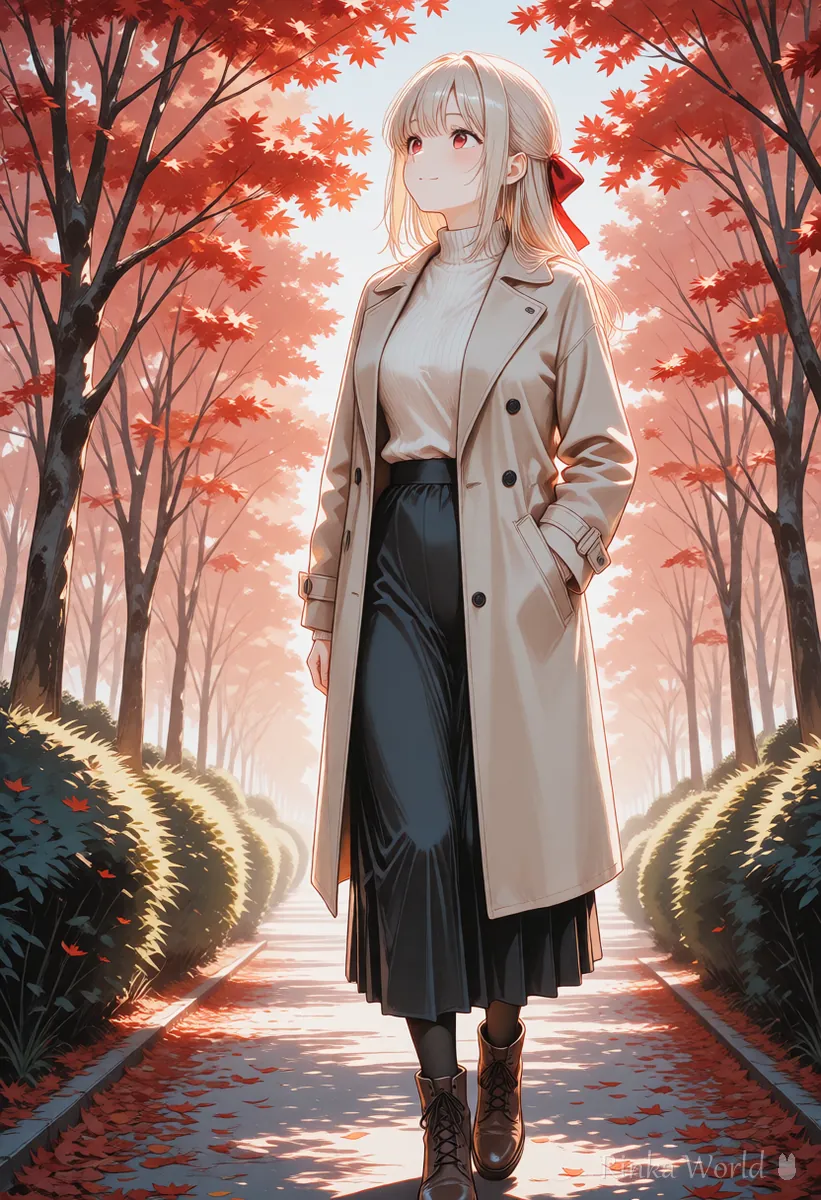
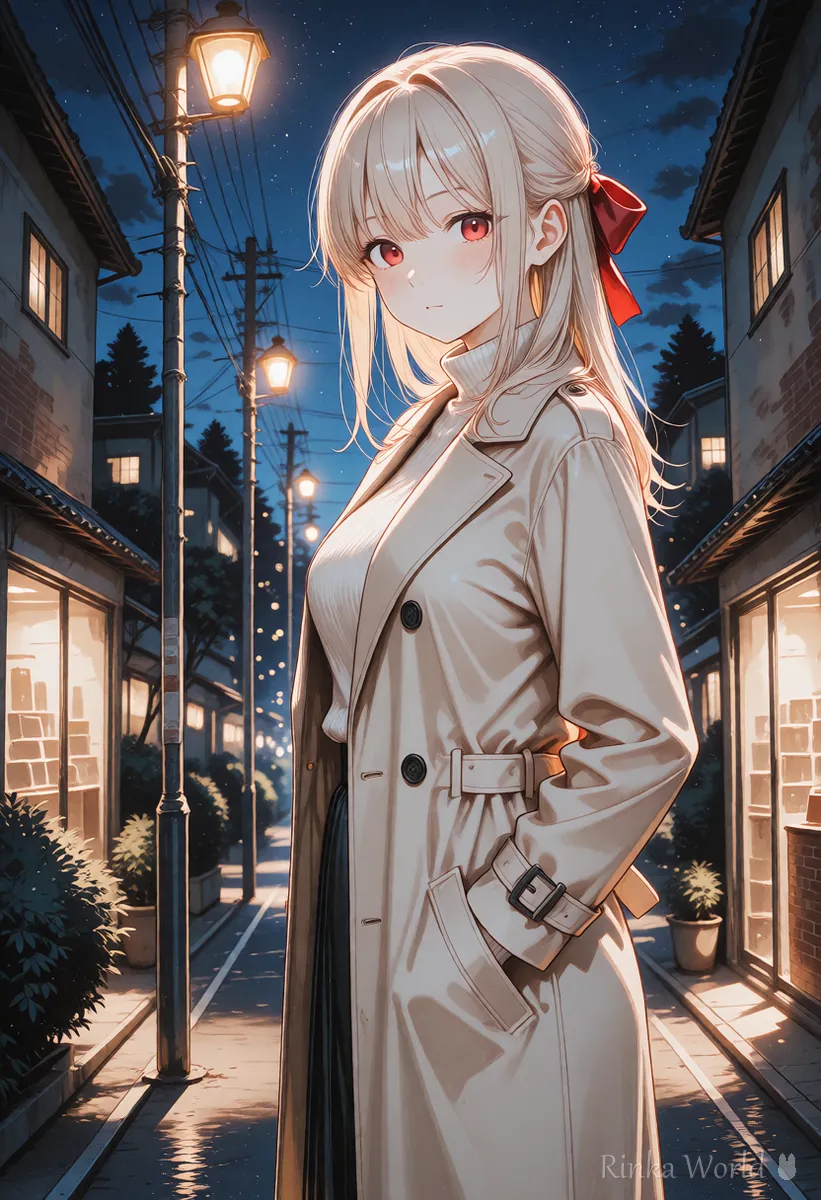
1girl, solo, safe, [hair color], [hairstyle], [eye color], [outfit], smile, looking at viewer, upper body, [place], newest, masterpiece, high score, great score, absurdres1girl, solo, safe, [hairstyle], [outfit], standing, full body, wide shot, [place], sunset, newest, masterpiece, high score, great score, absurdresFor the order used by Illustrious and NoobAI, which also use Danbooru tags: Illustrious and NoobAI Prompt Order →
For more on what quality tags mean: How to Use Quality Tags (masterpiece / best quality) →
For how Pony models use score tags: How to Write Pony Diffusion Prompts (score_9 and source_anime) →
FAQ
Frequently Asked Questions
What order should an Animagine XL prompt follow?
The basic order is number of people, character name, series name, rating, general tags, quality tags. For an original character, skip the character and series names and describe the look with general tags.
Which quality tags should I use with Animagine XL?
It depends on the version. Older versions suggest masterpiece, best quality, very aesthetic, and newer versions suggest masterpiece, high score, great score and similar words. Follow the model card of your version.
What is a good negative prompt for Animagine XL?
A common choice is tags for artifacts, low quality and text, plus the opposites of the quality tags such as low score and bad score. For all-ages pictures, put nsfw at the start as well.
How do I make the style look more modern in Animagine XL?
Put period tags such as newest or recent near the quality tags, which leans toward recent anime coloring.
RINKA WORLD
Play in Rinka World
MORE




