PROMPT GUIDE
How to Outpaint (Extend the Edges of an Image or Make It Wider)
Outpainting extends the area around a finished picture and has the AI draw the rest of the scene. Use it to turn a tall illustration into a wide wallpaper or header, or to draw a cropped full body down to the feet. This guide explains the idea and steps in Stable Diffusion, and where it tends to go wrong.
Last updated: approx. 4 min read
The short answer
Outpainting expands the canvas and has the AI draw only the new empty area. Extend about a quarter to half of the original at a time, and describe what is in the new area (sky, floor, background) in the prompt for a natural connection. If the seam shows, blend it with another inpaint pass across the seam.
What is outpainting?
Outpainting adds empty space around a picture and has the AI draw the continuation in that space.
Where inpaint "redraws part of the inside of a picture", outpainting "draws beyond the outside". The mechanism is very similar: the added space is the mask (the area to redraw), and the AI draws it so it connects to the surrounding picture. The original part stays as it is, so you can widen just the background without changing the face or clothes of a character you like.
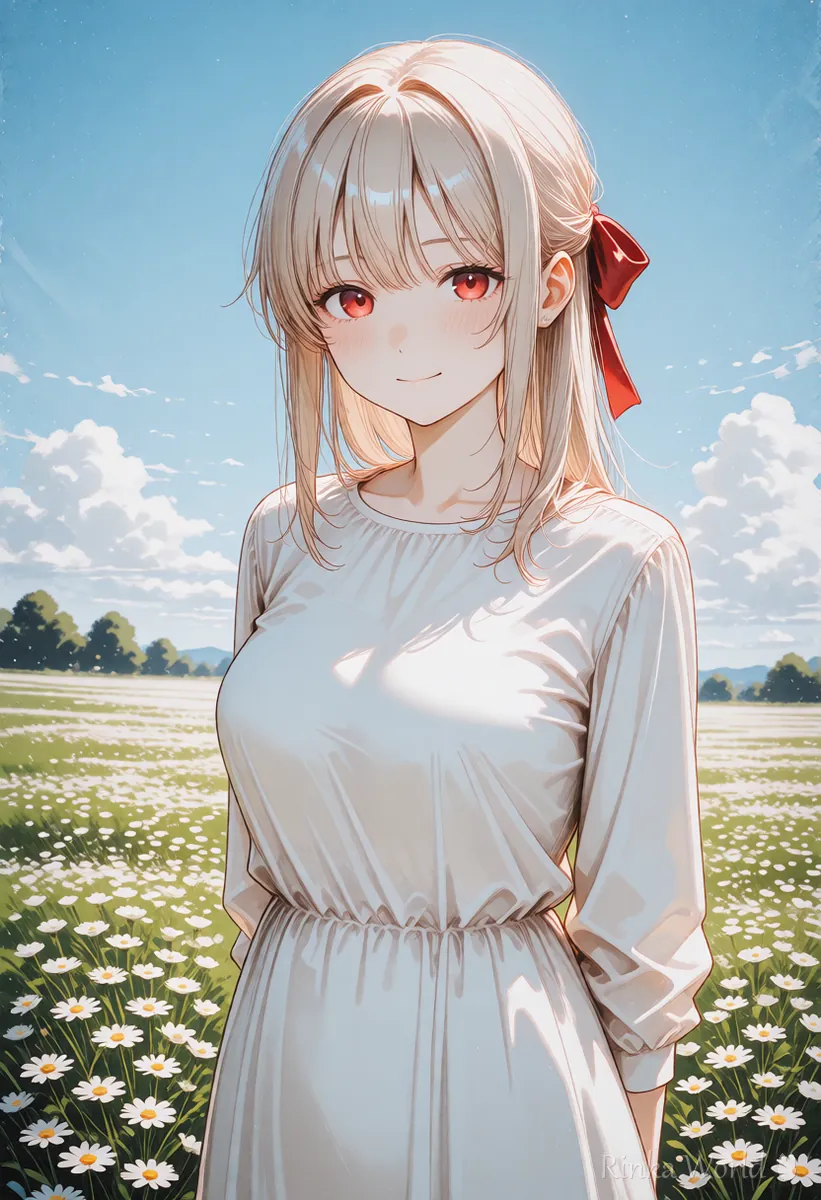
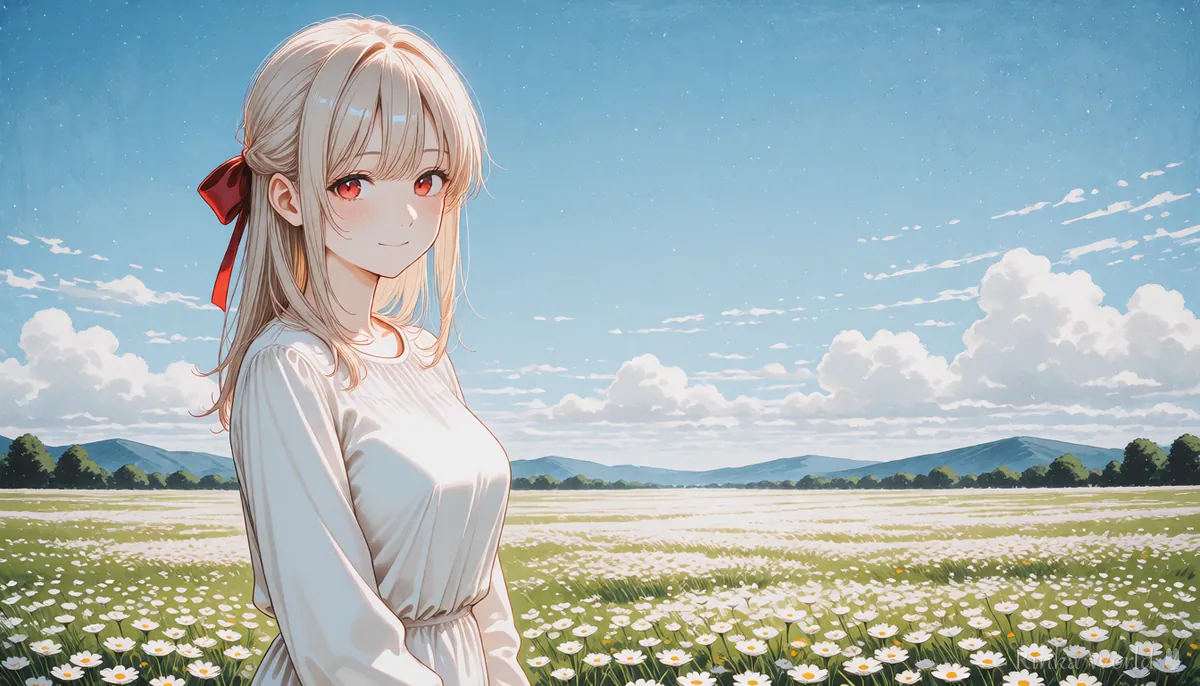
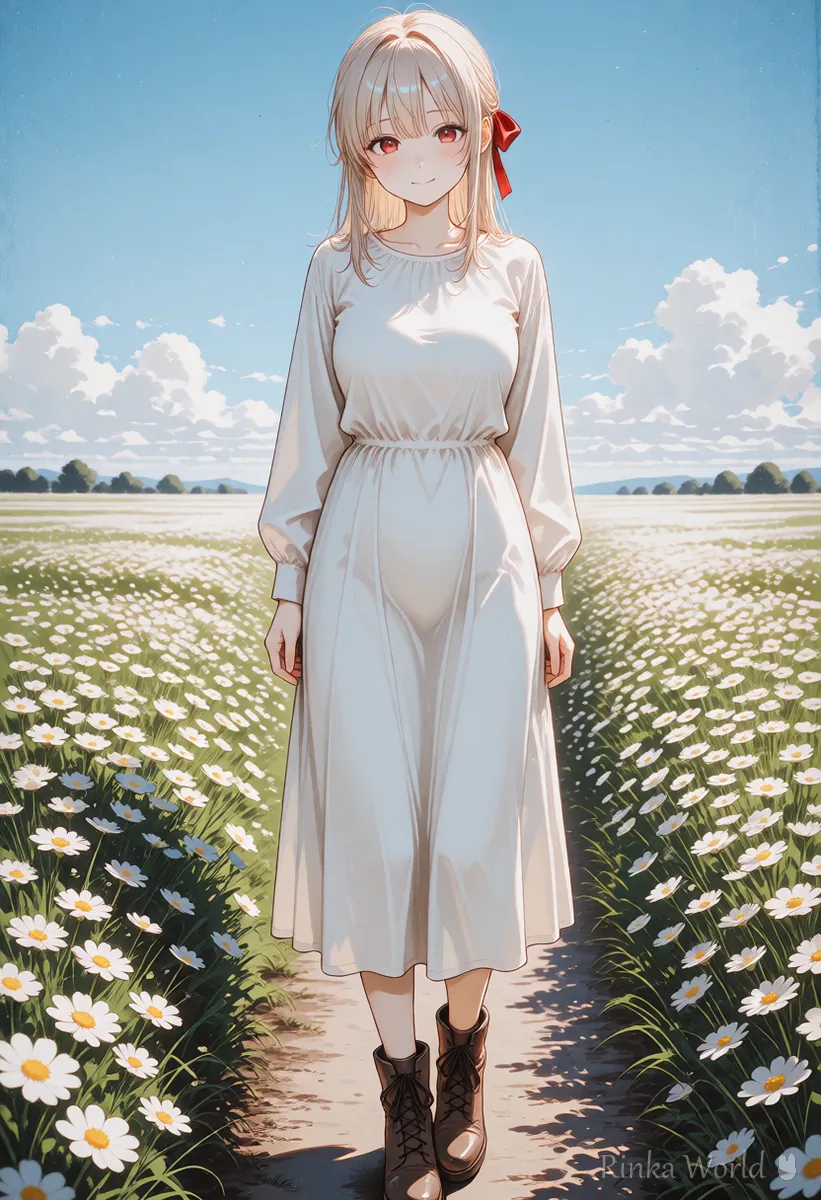
How do you outpaint? (Basic steps)
Expand the canvas, mask only the empty area, and generate with a fairly high denoising strength.
Steps to widen a tall picture
- Prepare the original image (a PNG with generation info makes it easy to match the prompt)
- Expand the canvas left and right, by about a quarter to half of the original width at a time
- Mask only the added empty area (some tools set this automatically)
- Describe in the prompt what should be in the new area (sky, town, trees) and choose the same model as the original
- Generate with a high denoising strength (0.75–1.0), make several and choose the most natural one
- If the seam shows, mask a thin strip across it and blend with a lower denoising strength
- To extend further, repeat the same steps using the new image as the original
AUTOMATIC1111 has outpainting options among the img2img "Scripts", and in Forge or ComfyUI you can do the same by combining a pad-the-canvas feature or node with inpaint. Names and locations change between versions, so also check your tool's documentation.
scenery, outdoors, blue sky, white clouds, flower field, distant hills, wide shot, soft daylight (for the added space on the left and right)full body, standing, white sneakers, stone pavement, park, shadow on the ground (when extending an upper-body picture downward)How far should you extend, and what denoising strength?
Extend up to a quarter to half of the original at a time, with a denoising strength of 0.75 or more.
Extending too far at once leaves fewer clues the further you get from the original, so inconsistent objects and repeating patterns appear more easily. Extending a little at a time and choosing the best result each time gives a cleaner final picture. The new area starts as blank space, so a low denoising strength leaves it whitish. Use a high value for newly drawn areas and a low value (about 0.3–0.5) for blending seams.
What if outpainting goes wrong?
Seams, repetition and unrelated objects are the most common failures. Review how far you extend and the prompt.
Rinka's tips
- When extending, focus the prompt on what is in the new area. Leaving the full character description tends to add people
- When widening, placing the person slightly off center gives a roomy, wallpaper-like composition
- When finished, check where social media or headers will crop the image before using it
Is it better to generate wide from the start?
If you can make it wide from the start, that is faster and more natural. Outpainting shines when you want to keep a tall picture you love.
Generating at a wide size from the start lets the AI balance the person and background across the whole frame. On the other hand, if you have one image whose face and outfit you really like and want to widen it without changing them, outpainting is more reliable. Choose based on your goal.
How to use inpaint and img2img to redraw part of an image: How to Use img2img and Inpaint (Fixing Only Part of an Image) →
Recommended SDXL resolutions for making wide images from the start: SDXL Resolutions (Recommended Sizes) and How to Pick a Ratio →
Prompts for wallpapers and scenery-focused pictures: Wallpaper and Scenery Prompts: Landscapes With No Humans →
Prompts for wide, cinematic compositions: Letterboxed (Black Bars) and Cinematic Composition Prompts →
FAQ
Frequently Asked Questions
What is outpainting?
It adds empty space around a picture and has the AI draw the continuation in that space. You can extend the background without changing the original part.
How is it different from inpainting?
Inpaint redraws part of the inside of a picture; outpainting draws beyond the outside. Both work the same way: only the masked area is redrawn.
What denoising strength should I use?
About 0.75–1.0 when drawing new content in the empty area, and a lower 0.3–0.5 when blending the seam.
Extending added another person.
This happens when many person words remain in the prompt. Focus on background words and try extending a smaller amount.
How much can I extend at once?
About a quarter to half of the original at a time. To extend a lot, split it into several small steps for a more natural result.
RINKA WORLD
Play in Rinka World
MORE




