PROMPT GUIDE
How to Use Midjourney Partial Editing (Vary Region)
Midjourney partial editing lets you pick just one part of a finished picture and redraw it. On screen it is sometimes called Vary (Region). It is handy when you like the whole picture but want to change a held item or remove an object in the background. This guide explains how to choose the area and how to rewrite the prompt.
Last updated: approx. 3 min read
The short answer
Midjourney partial editing lets you choose the area to fix with a rectangle or a free shape, rewrite the prompt with what you want drawn in that area, and remake it. Choosing a slightly wider area blends in more naturally. Screen names and steps change between versions, so check the official guide.
What is Midjourney partial editing (Vary Region)?
It selects only part of a picture by area and redraws that part with what you write.
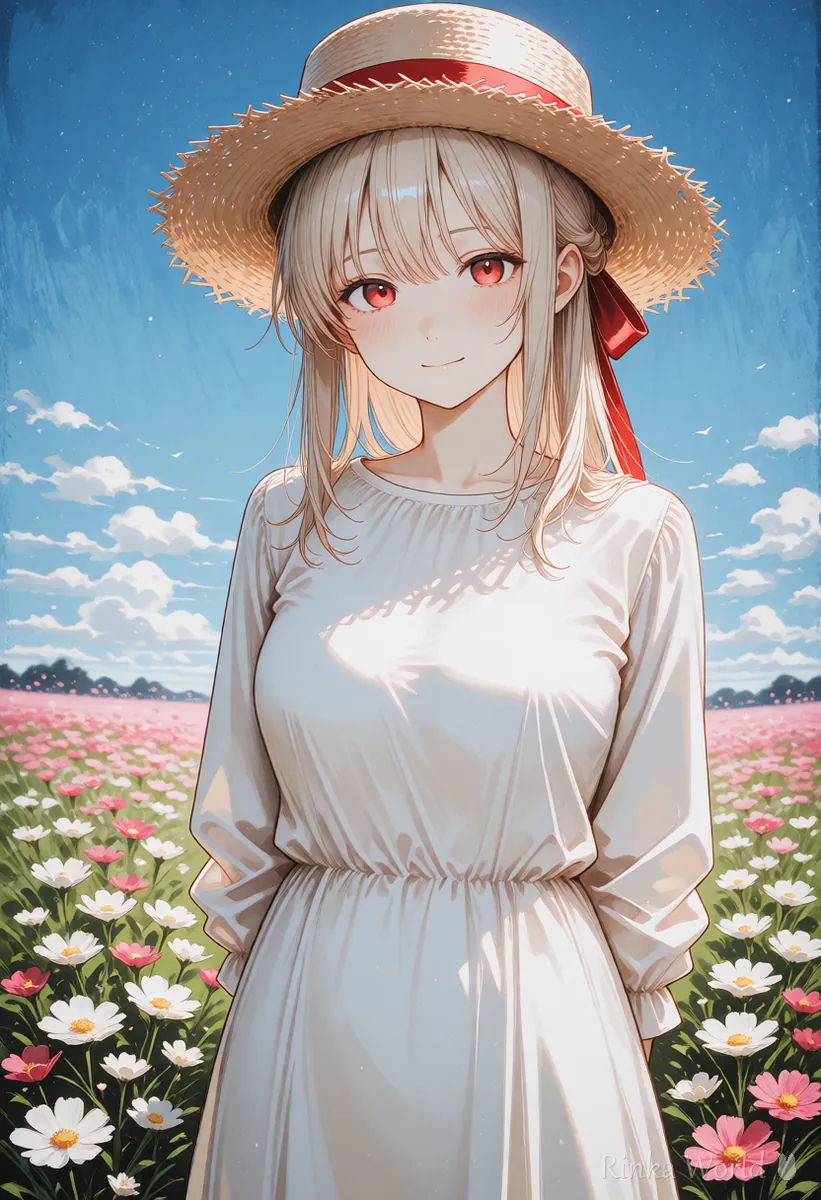
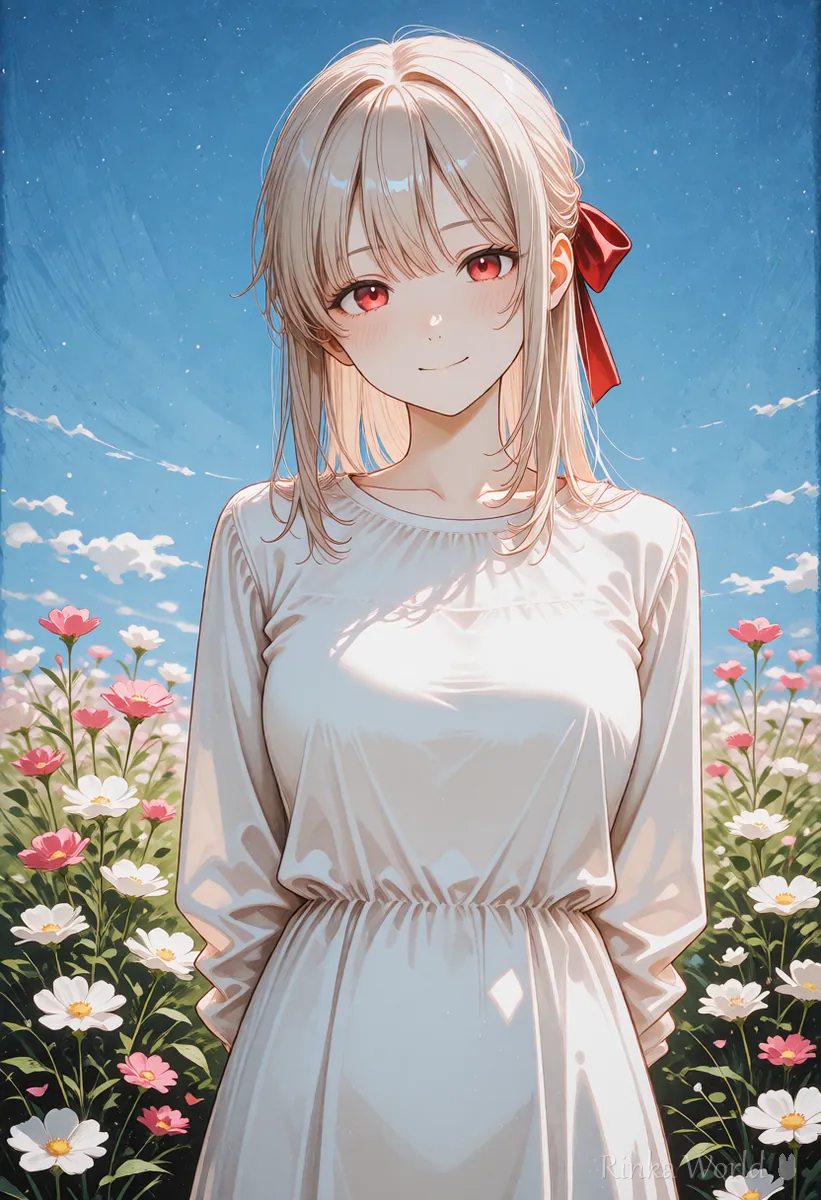
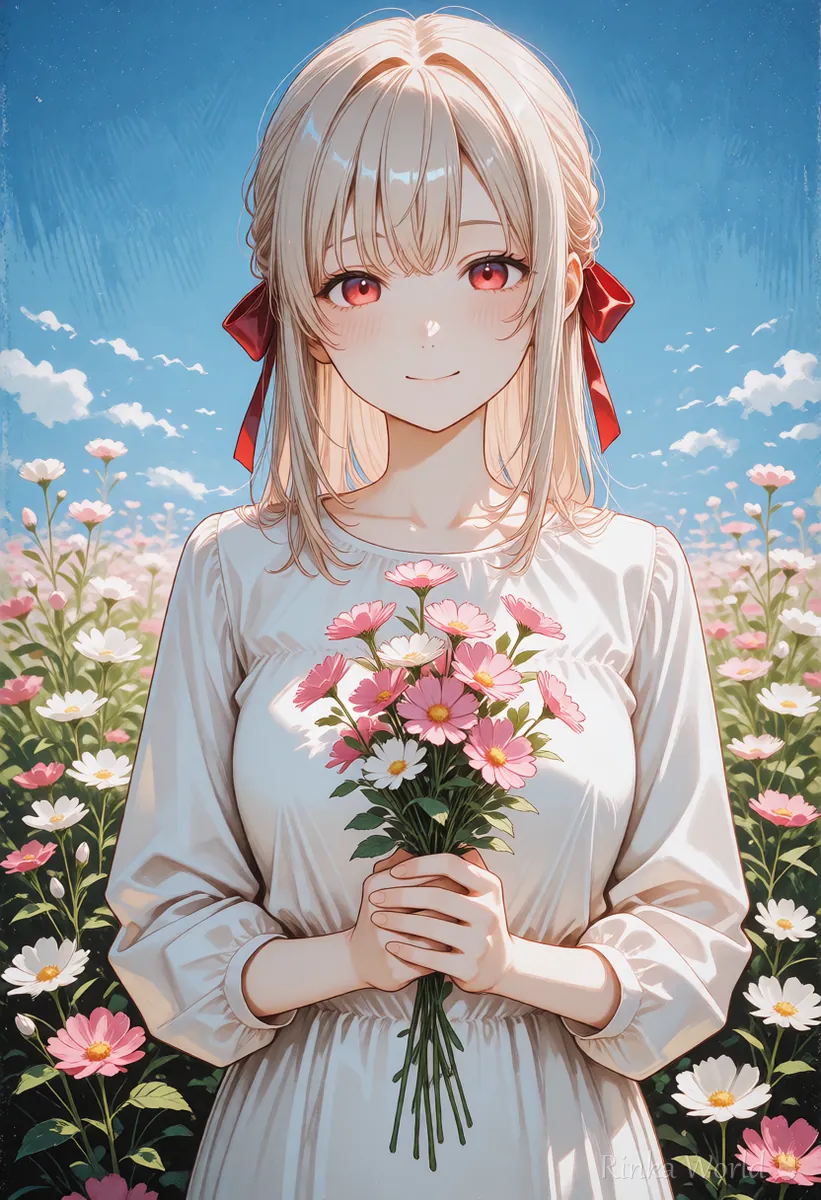
If you remake the whole picture, even the composition and face change, so use partial editing when you just want to fix one spot. After you choose the area, rewrite the prompt and send it. Only the chosen area is drawn with the new content and the rest stays as it is. Button names and screens can change between versions. Check the official guide for the actual screen.
What are the steps for partial editing?
Steps for fixing just one part
- Choose the picture you want to fix and open the partial editing feature (Vary Region and so on)
- Choose how to select the area (rectangle or free shape) and surround the part you want to fix
- Rewrite the prompt box so it contains only what you want drawn in that area
- Send it and choose the fixed picture from the several candidates
- If something still bothers you, fix another spot starting from that picture
a white ceramic cup held in one hand, soft lighta clear blue sky with a few white clouds, bright daylightRinka's tips
- Keep the prompt to the content of the area you want to fix. If you leave the description of the whole picture, the whole picture goes inside the area
- If you surround the area a little wider than the thing you want to fix, it blends in better with its surroundings
- Fix only one place at a time and fix them in order
How is it different from Vary (Subtle), which changes the mood a little?
Partial editing fixes a chosen area, while Subtle and Strong change the whole picture a little or a lot.
Names and the items you can choose may change between versions. If you cannot decide which to use, start by making a small fix with partial editing.
What if it does not get fixed? (Common failures and fixes)
The main causes are the size of the area, how the prompt is written, and how much you fix at once.
What is easy and what is hard to fix with partial editing?
Held items and small background objects tend to be easy to fix, while fine facial features and text tend to be hard.
- Always save the picture before you fix it
- When a candidate you like comes up, fix another spot starting from that picture
- If you fix too much, the balance of the whole picture breaks, so stop after two or three times
For the basic Midjourney prompt, see How to Write Midjourney Prompts (Sentences and Parameters) →
For how to write composition instructions, see How to Control Composition in Midjourney →
For style reference, which keeps the art style consistent, see How to Use Midjourney Style Reference (--sref) →
For how partial editing works in Stable Diffusion, see How to Use img2img and Inpaint (Fixing Only Part of an Image) →
FAQ
Frequently Asked Questions
What is Vary Region?
It is a name used for a feature that selects part of a picture by area and redraws only that part to match the prompt. Screen names can change between versions, so check the official guide.
Can I fix hands and fingers?
Sometimes. Surround the hand a little wide, write the item you want her to hold and so on, and remake it. If it is not fixed in one try, try several times and choose.
Do I rewrite the whole prompt?
Write only the content of the area. If you write the whole picture, the whole picture may be drawn inside the area.
What if I want to change the whole picture only slightly?
Use a feature that changes the whole picture a little, such as Subtle. Names can change between versions.
What happens to cost and the number of uses?
It depends on your plan and the time. Check the official pricing page before you use it.
RINKA WORLD
Play in Rinka World
MORE




