PROMPT GUIDE
How to Prompt Gemini for Images (Conversational Edits)
Gemini image generation is good at a conversational workflow: ask in plain language, then show it the result or your own image and say "change this" to get closer step by step. Learning two kinds of request, the first request and the edit request, makes it much easier to reach the picture you want.
Last updated: approx. 3 min read
The short answer
Gemini image generation is good at taking plain-language requests and then refining a result or your own image with "change only this". When editing, say both what to change and what to keep. Available features can change, so check the official docs.
What is Gemini image generation good at?
It is good at taking requests in conversation and refining the result or your own image step by step with "change this".
With Gemini you can request images in plain sentences, and you can also pass a generated image or your own image and ask for edits such as "change only the outfit" or "remove the background". Which features are available on which plan, and the names of the models used, can change, so check the official docs.
- You can ask in plain sentences
- You can follow up on a result with "change this"
- You can pass your own image and change the outfit, background or colors
- Getting closer through conversation works better than trying to decide everything at once
Step-by-step: making the first image
Steps for the first request
- Decide what the image is for (icon, blog illustration and so on) and its shape (portrait, landscape, square)
- Describe the subject and their look (hair, eyes, outfit colors)
- State the art style (anime, watercolor and so on)
- Describe the composition, place and light
- Look at the result and ask for fixes one at a time
Please make a landscape-format illustration. A girl with black hair and a red ribbon walks through a shopping street after the rain. Use a slightly wide composition that shows her whole body, warm evening light and a soft anime style. Do not include any text.How do you edit your own image with Gemini?
Pass the image and ask, stating both what to change and what to keep.
This is where you pass a drawing you made or a photo you took and ask "change only this part". The trick is to state both what should change and what should stay. When the image shows people, only use images you have permission to use.
Rinka's tips
- Writing "keep ... as is" first helps protect the parts you do not want changed
- Change one thing per request. Following up lets you build changes step by step
- If it changed too much, ask "go back to the previous image and change only ..."
How do you make many images of the same character in Gemini?
Fix the appearance description as one sentence and pass an image you like as a reference.
To use the same character in a series, put the appearance into one sentence and use exactly that sentence every time. If you have an image you like, pass it and ask "this girl, but change only the place" to keep the look consistent.
- Decide the appearance sentence (hairstyle, hair color, eye color, outfit, signature accessory) and copy it every time
- Change only one of "place", "action" or "expression"
- Pass an image you like as a reference
- Repeat in the text any detail that still drifts (such as the ribbon color)
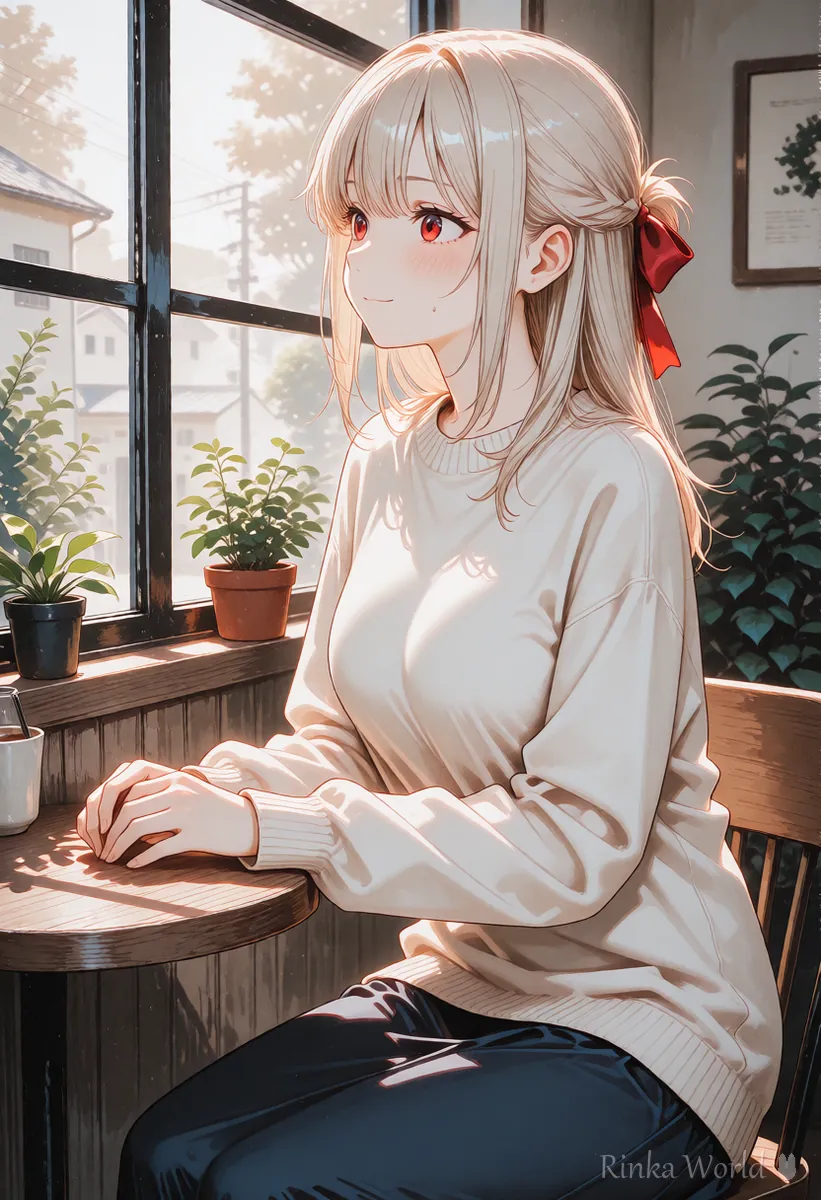
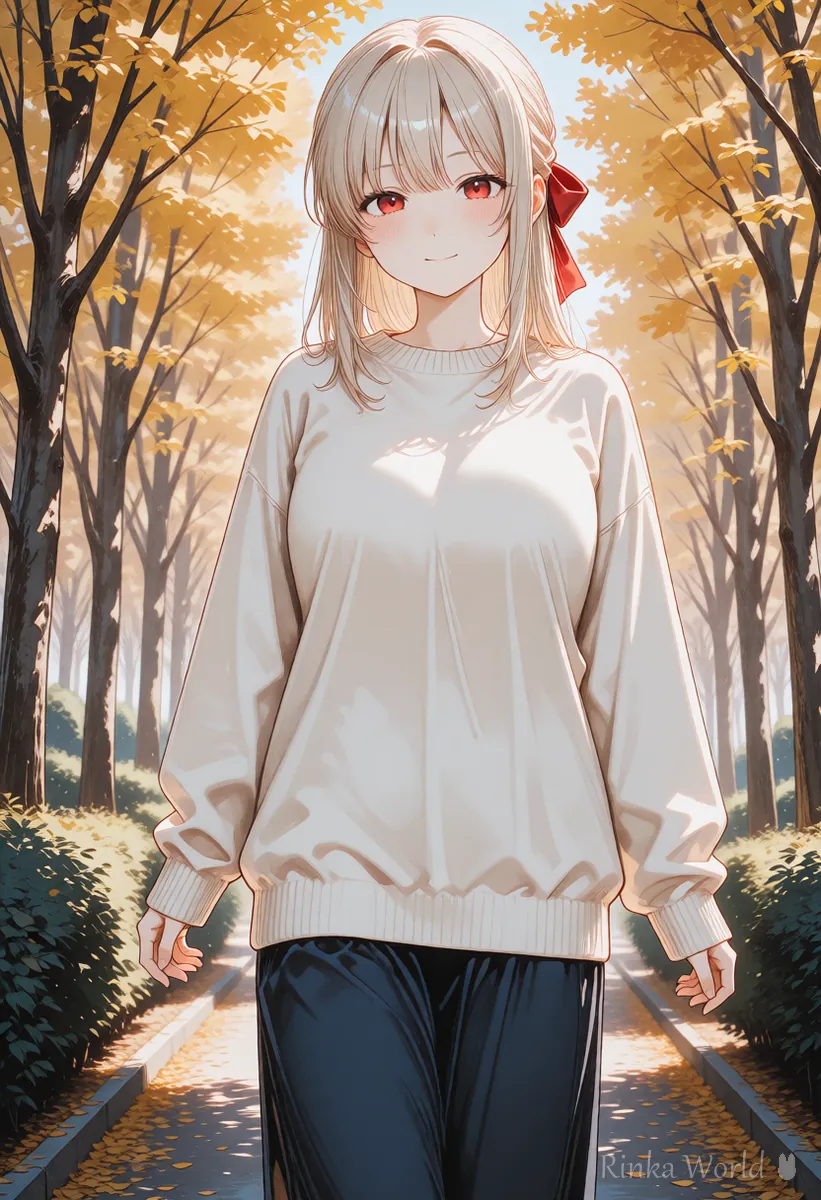
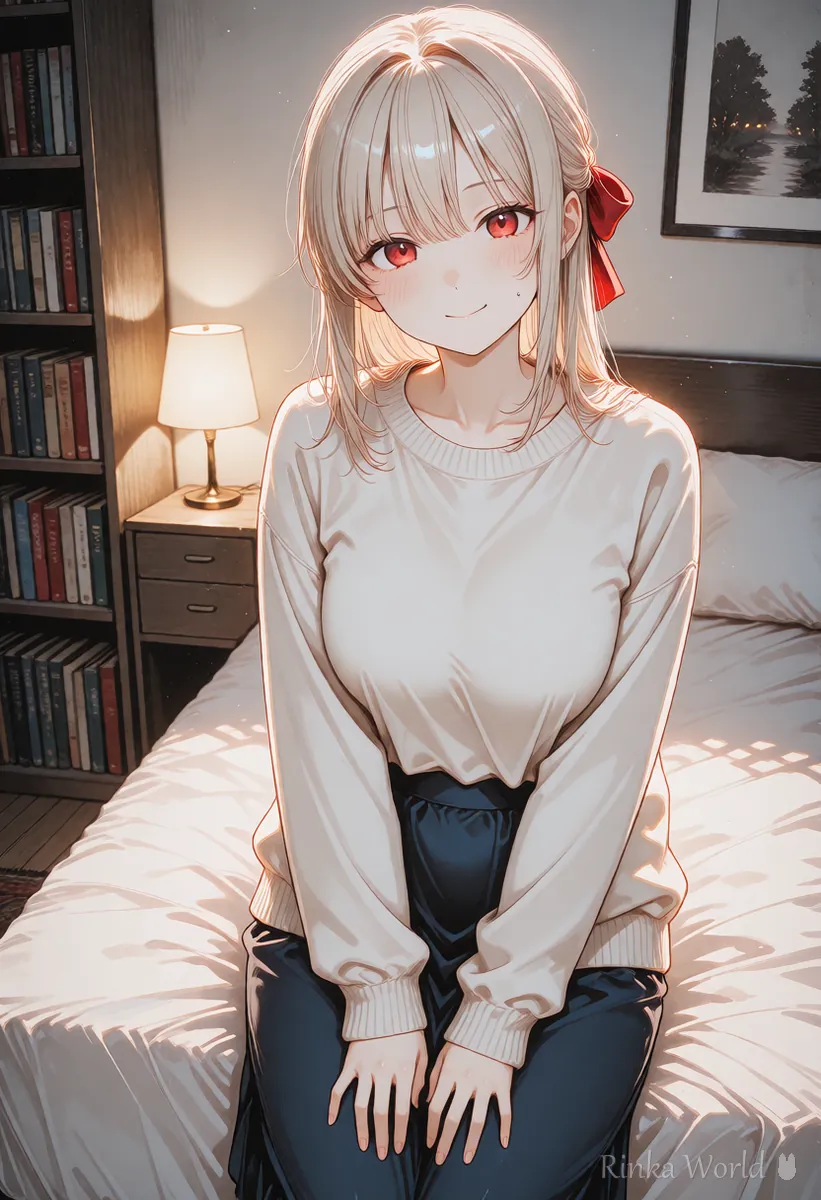
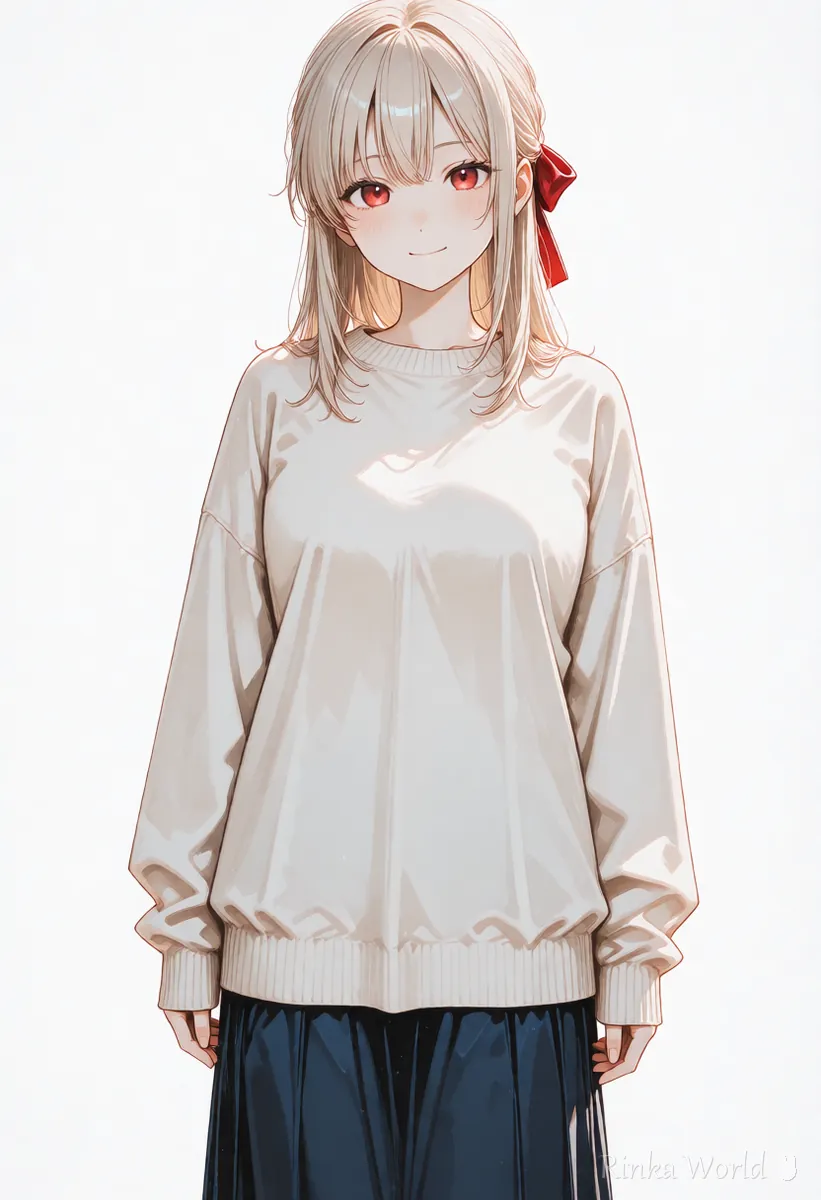
Using the same look as the girl in this image (long black hair, red eyes, a red ribbon, a cream sweater), please make a scene of her sitting by a cafe window and looking outside. Keep the same art style too.Face changes or the background looks pasted on in Gemini? (Fixes)
The usual causes are not saying what to keep, or light that does not match.
Gemini or ChatGPT: when to use which
Both let you make images through conversation, so they are used in very similar ways. When you want to edit your own images step by step, or fix things many times in one conversation, try whichever feels easier. Strengths, usage limits and terms can change for both, so check the official sites before relying on them.
For how to ask ChatGPT for images, see How to Prompt ChatGPT for Images (Asking and Editing) →
For comparing AI image tools by type, see AI Image Generators Compared (How to Choose by Type) →
For the character sheet approach to keeping a character consistent, see Full-Body Standing Art, Turnaround and Character Sheet Prompts (Plus Expression Variants) →
FAQ
Frequently Asked Questions
Can I ask Gemini for images in plain sentences?
Yes. If a detail does not come across, rephrase it or restate clearly only the part you want changed.
Can I edit my own images?
You can pass an image and ask to change the outfit, background, colors and so on. Available features can change by plan and over time, so check the official docs.
Can I pass photos of people?
Only use photos of yourself or photos you have the person's permission to use. Do not edit other people's photos without permission or make misleading images.
Can I use the images commercially?
It depends on the terms of use. Conditions can change, so check the official terms before using images.
RINKA WORLD
Play in Rinka World
MORE




