PROMPT GUIDE
How to Edit Only Part of an Image in ChatGPT (Background, Clothes, Expression)
A picture made in ChatGPT, or one you upload, can be edited in part by asking in conversation to change only one spot. But if your request is vague, even the face and composition may change. This guide explains how to ask so that only the background, clothes or expression changes, and how to fix things when too much has changed.
Last updated: approx. 3 min read
The short answer
To edit part of an image in ChatGPT, describe just one thing you want changed, specifically, and add "do not change anything else." Asking for one thing at a time makes the face and composition less likely to change. Available editing features and limits change, so check the official guide.
How do you ask ChatGPT to change only part of an image?
Describe one thing you want changed, specifically, and add "do not change anything else."
ChatGPT lets you edit images through conversation. But with a vague request such as "make it prettier," the whole picture gets remade. If you write specifically what to change and how, such as "change only the background to a library" or "change only the clothing color to red," and then say what must stay the same, only the part you meant is more likely to change. Available editing features, limits and screen appearance can change, so check the official guide as well.
What are the steps for editing part of an image?
Steps for editing in conversation
- Bring the picture you want to fix into the conversation (upload it, or use a picture you just made)
- Choose just one spot to fix and describe it specifically
- Add "Please do not change anything else" and send it
- Look at the result and check that nothing else has changed
- Ask for the next spot to fix, one request at a time
- Save the picture you like in the end
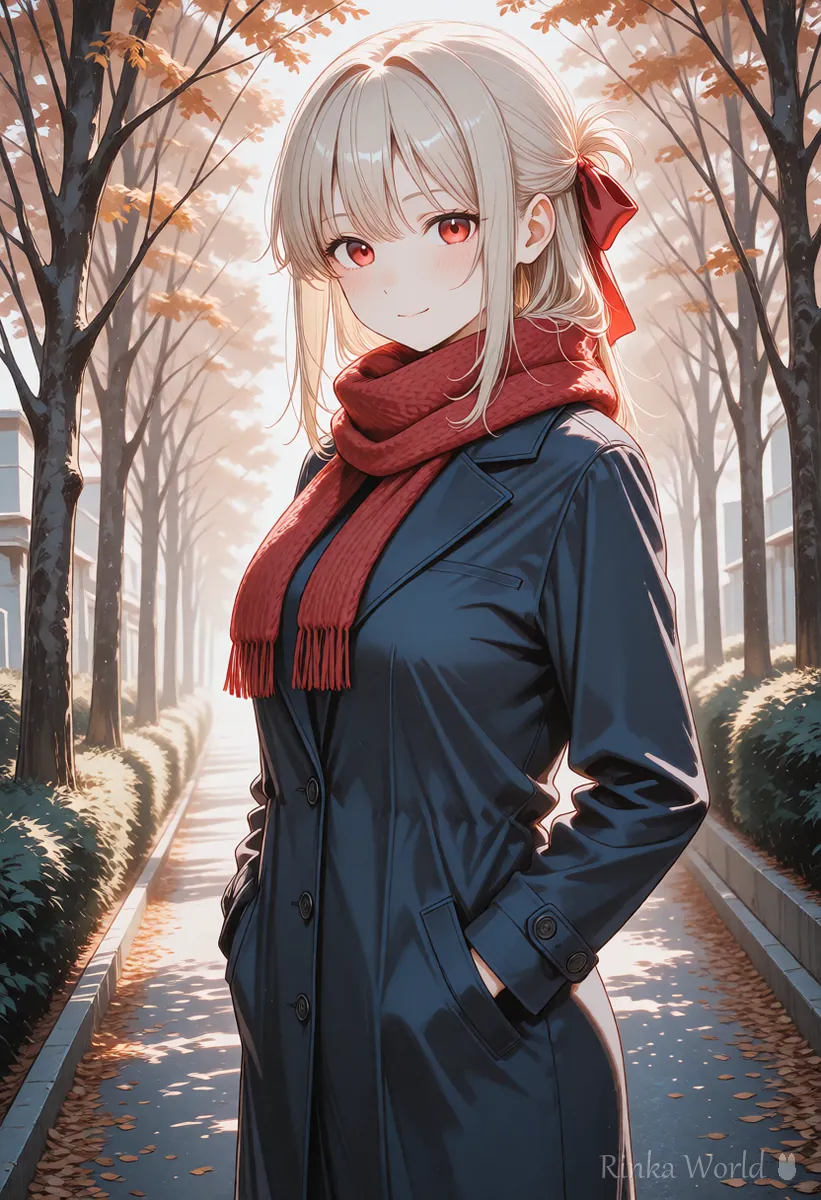
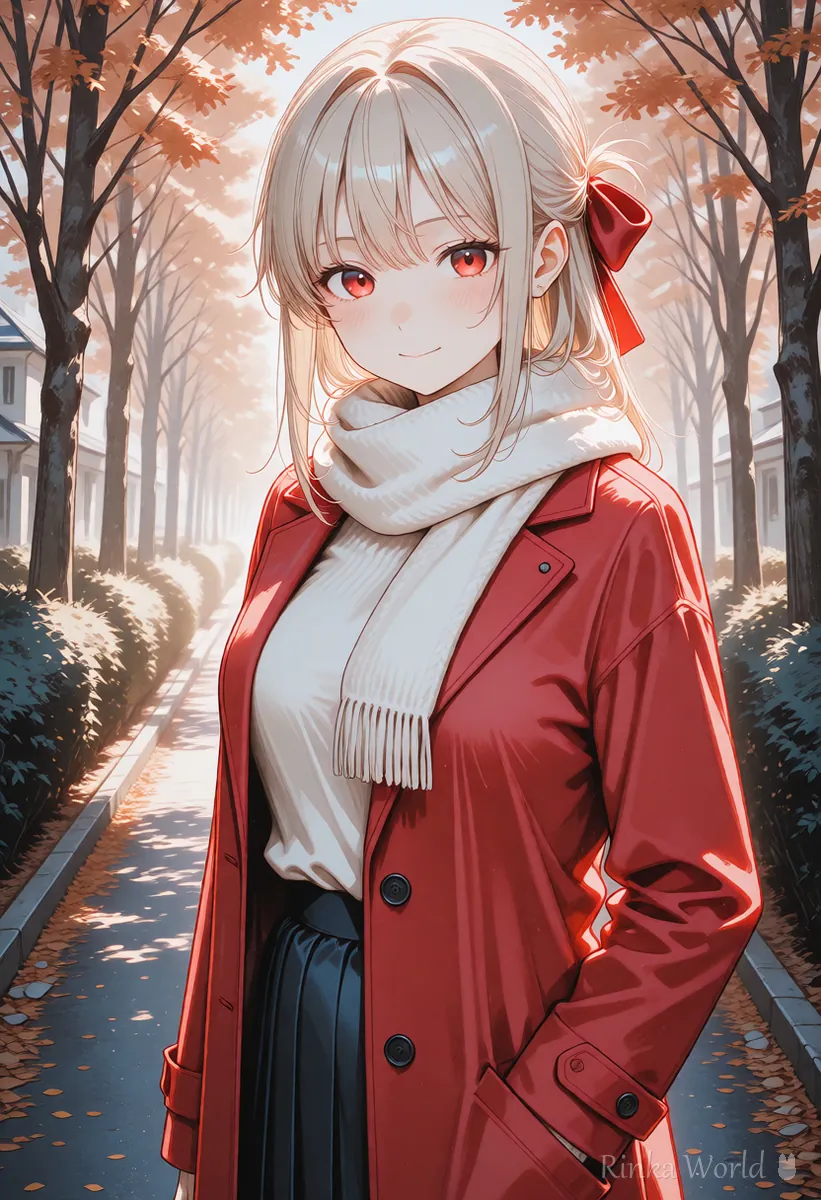
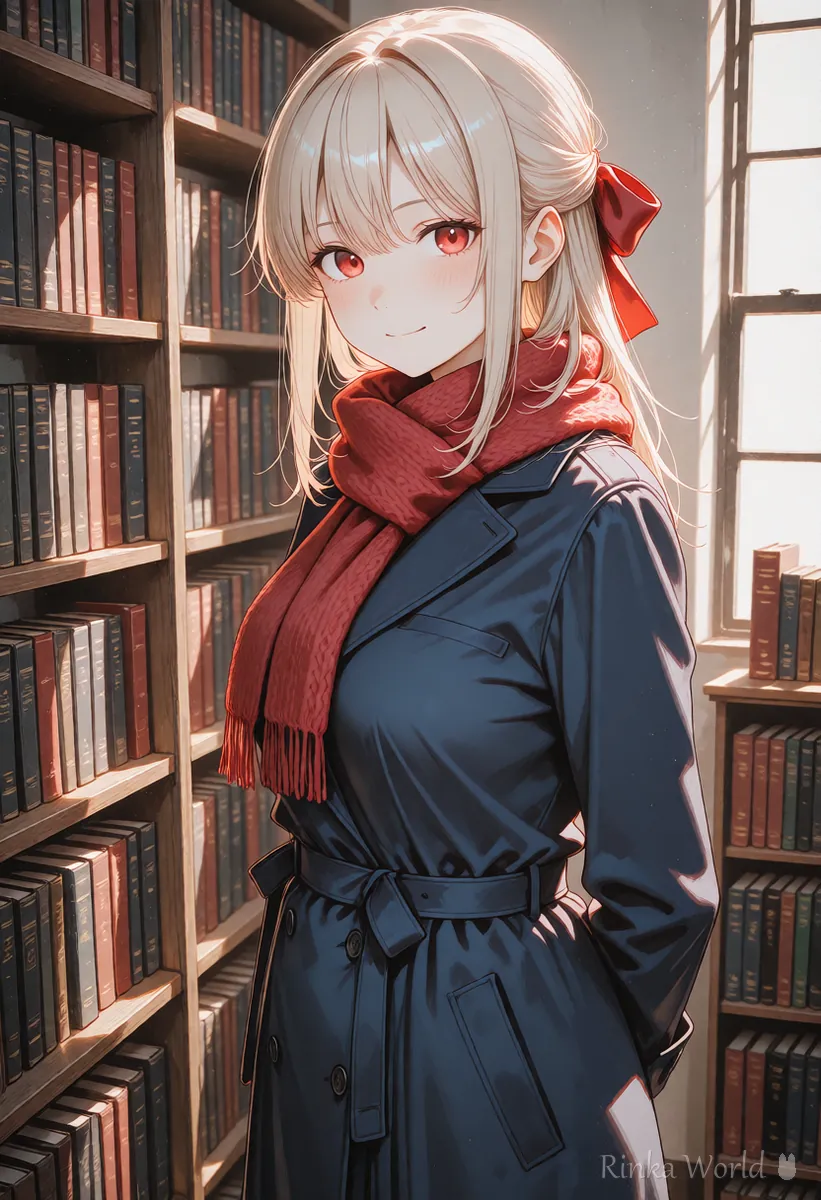
Please change only the background of this picture to a seaside at sunset. Do not change the face, hair, clothes or pose of the person.Please change only the color of the coat from navy blue to a bright red. Keep everything else exactly as in the original picture.Rinka's tips
- Ask for only one thing at a time. If you ask for clothes and background together, even the face may change
- The more specifically you write what must not change (face, hair, pose, clothes and so on), the more likely it is to be kept
- Save the original picture. Then you can go back if you do not like the edited one
What if other parts change too? (Common failures and fixes)
The main causes are a vague request and asking for too much at once.
Is there a feature that lets you select the area to fix?
A feature that lets you select part of an image and edit it may be provided.
On some screens you can select the area you want to fix on the picture and then write how to fix it. When you can select an area, only the part you meant is more likely to be fixed than when you ask in words alone. Whether it is available and how to operate it change between screens and versions, so check the official ChatGPT guide.
What is the trick for finishing a picture little by little by continuing the conversation?
Do not try to make it perfect in one go. Ask for one spot at a time, and when that is done, ask for the next.
- First say "keep the overall mood as it is," then write what you want fixed
- When a picture you like is made, save it and start the next fix from that picture
- If it does not get fixed, do not repeat the same sentence. Ask in different words
- When the images pile up and start to mix, bring the fixed picture into a new conversation and continue there
- At the end, zoom in and check for broken faces, hands or text
For the basics of asking ChatGPT for pictures, see How to Prompt ChatGPT for Images (Asking and Editing) →
For the difference between ChatGPT and Gemini editing, see ChatGPT vs Gemini Image Generation (Asking, Editing and Choosing) →
To remove something that got into the picture, see How to Remove Unwanted Objects with an AI Eraser (Tips for Clean Results) →
To change only the scene with the same character, see How to Keep the Same Character in AI Art (Face, Hair and Outfit) →
FAQ
Frequently Asked Questions
Can I edit just part of an image in ChatGPT?
Often, yes, if you write specifically what to fix and add "do not change anything else." If there is a feature for selecting an area, you can use that too.
Why does the face change?
When a request is vague, the whole picture may be remade. State that the face and hair stay the same, and limit the fix to one spot.
I want to change only the background.
Ask "Change only the background to ... Do not change the person." Adding that the position and clothes of the person stay the same makes it more stable.
Can I fix text inside the picture?
Text breaks easily, so it is more reliable to make a picture without text and add the text in a separate app.
Is there a limit on how many times I can do it?
Available limits and features change with your plan and the time. Check the official guide before you use it.
RINKA WORLD
Play in Rinka World
MORE




