PROMPT GUIDE
Why AI Art Faces Get Distorted and How to Fix Them (Full Body, Distant Shots, Inpaint)
When an AI illustration has a strange face or warped eyes, the usual cause is that the face is too small in the frame. In full-body or distant shots the face gets very few pixels, so the AI cannot draw it in detail. This guide explains why faces break and how to fix them in Stable Diffusion, starting with the easiest methods.
Last updated: approx. 4 min read
The short answer
The main cause of distorted faces is that the face is drawn small in full-body or wide compositions. The basic fixes are: (1) use a composition where the face is large, (2) raise the resolution with Hires.fix, and (3) redraw only the face with inpaint, set to enlarge just the masked area. Extensions that automatically detect and redraw faces do step 3 for you.
Why do faces in AI art get distorted?
The most common cause is that the face is too small in the frame, so there are not enough pixels to draw it in detail.
In a full-body picture 1216 pixels tall, for example, the face may be only about 100 pixels high. Trying to fit eyes, lashes and a mouth into that small area, the AI cannot hold the shapes together, so the eyes differ in size or the outline warps. In upper-body or bust shots the face is large, so the same prompt gives a much more stable face.
Faces also break with styles or angles the model is not good at (straight from above or below), overly strong weights or LoRAs, and too many eye or expression tags. Checking face size first and then the prompt makes the cause easier to find.
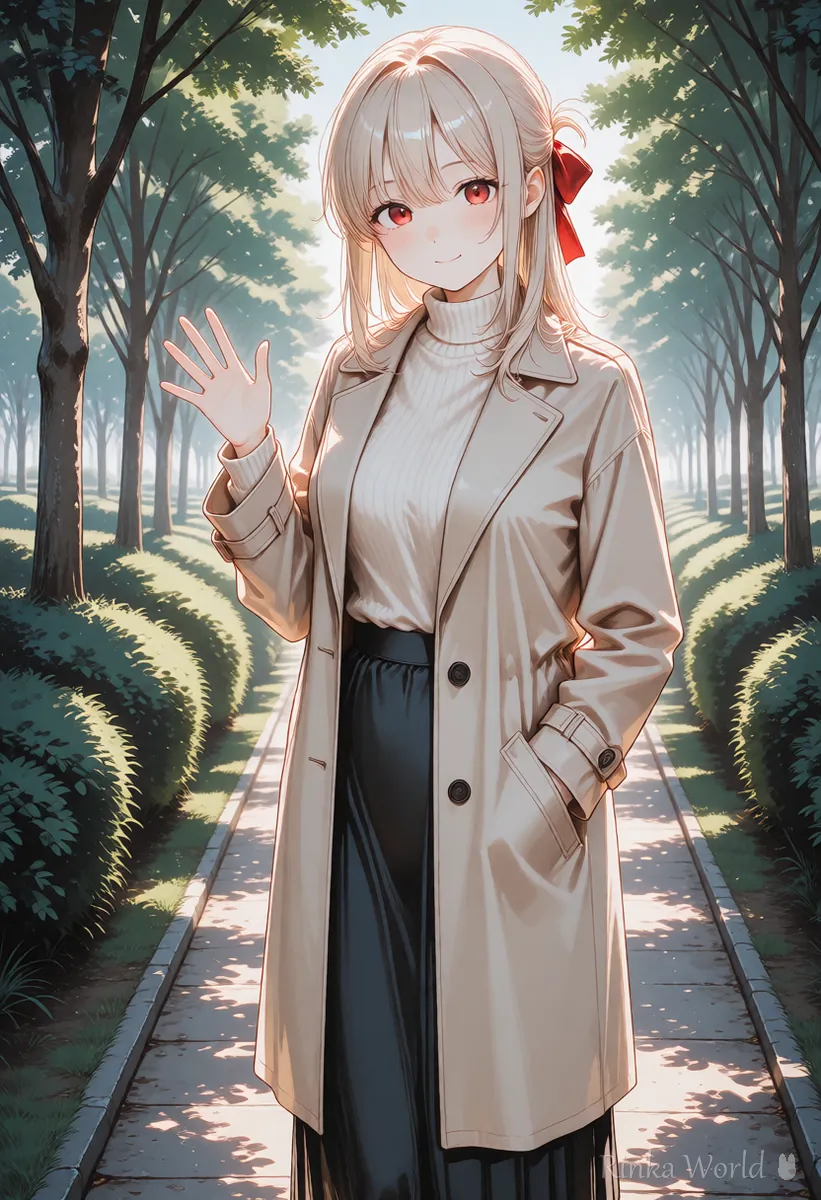
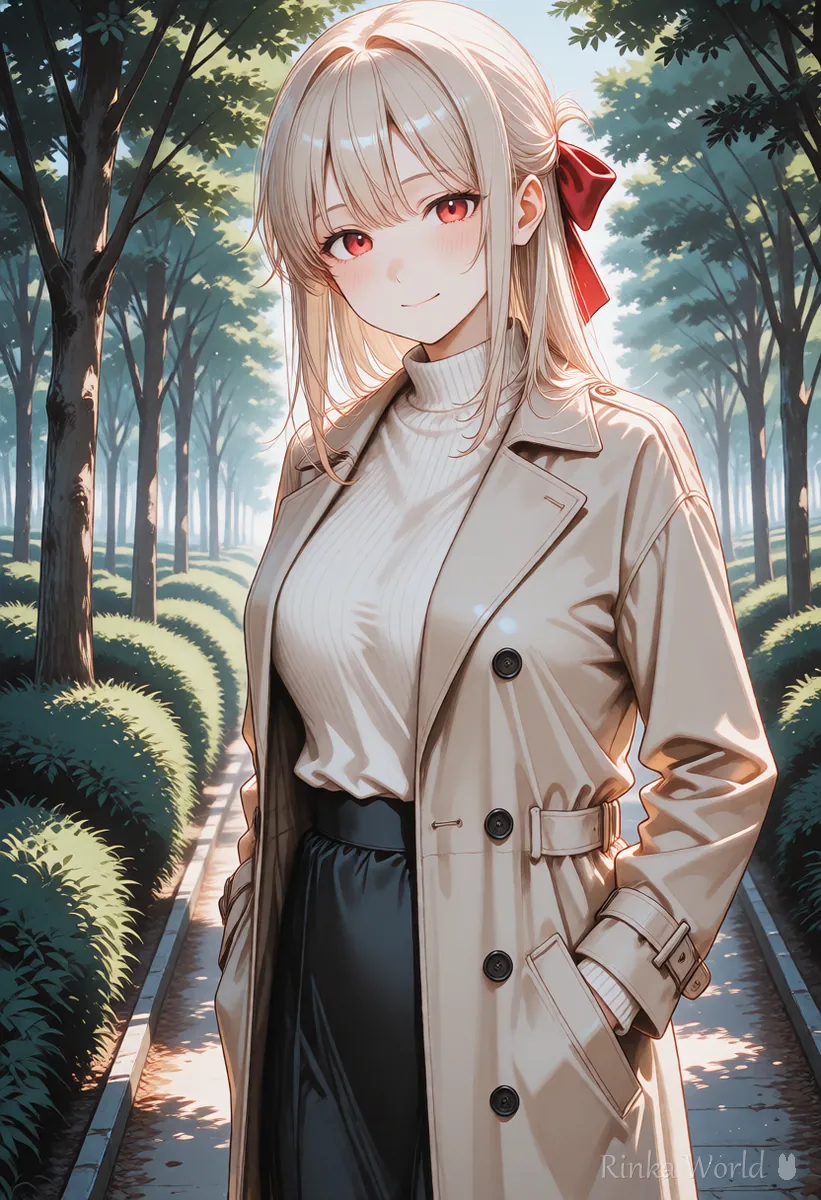
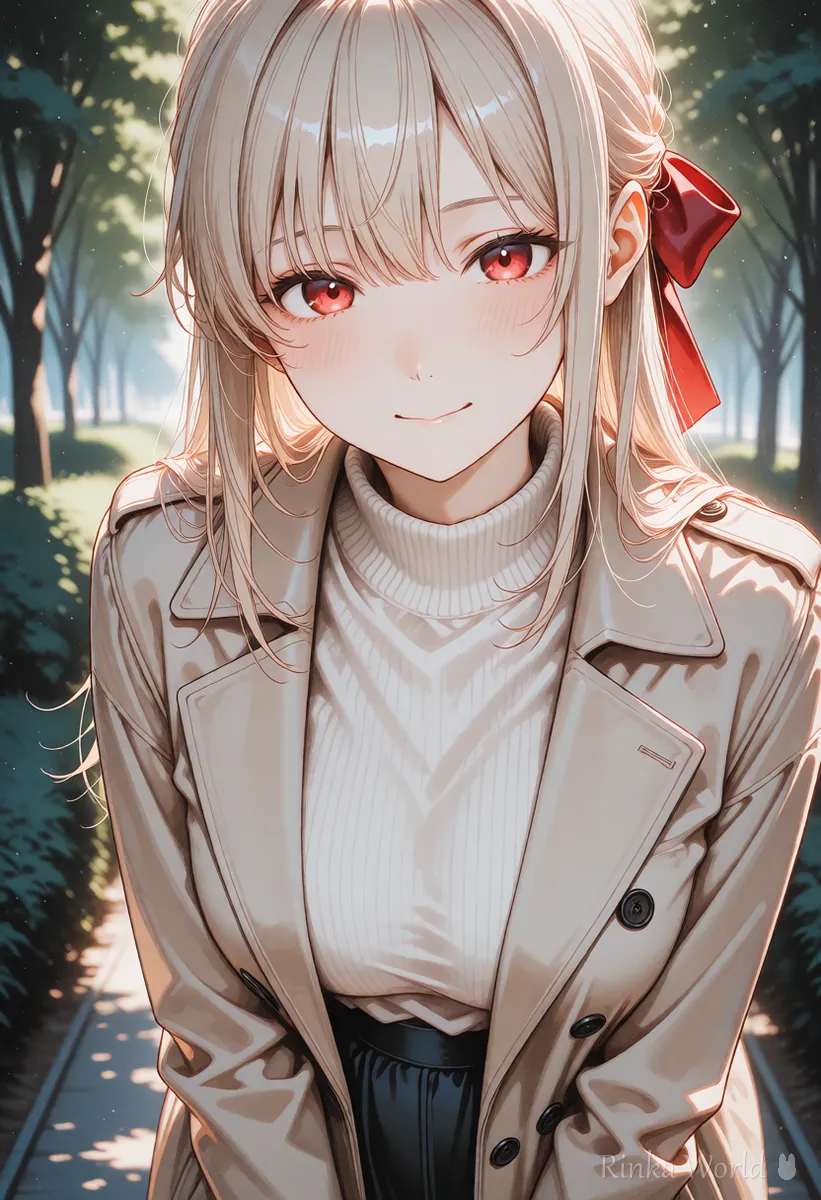
How do you fix a distorted face? (Easiest first)
Try in this order: make the face bigger through composition, raise the resolution, then redraw only the face.
How do you fix only the face with inpaint?
Mask the face and redraw with a low denoising strength, using the setting that enlarges only the masked area.
Steps to redraw only the face with inpaint
- Put the broken image into img2img inpaint (a PNG with generation info also brings the prompt)
- Mask (paint over) the face plus a little of the hairline
- Set the inpaint area to "Only masked". The face is enlarged before drawing, so it can be drawn in detail
- Start with a denoising strength of 0.3–0.5. Lower stays closer to the original face; higher redraws more
- Use the original prompt, adding a few expression or eye tags if needed
- Make several and choose the face that fits the mood of the original
With "Only masked", the face area is cut out, enlarged, drawn, then shrunk back and pasted in. The point is that even a small face can be drawn as finely as in a close-up. If the edge stands out, increase the mask blur a little.
1girl, solo, face, detailed eyes, smile, looking at viewer (for face inpainting; keep the hair and eye colors from the original prompt)worst quality, low quality, bad anatomy, deformed face, asymmetrical eyes, extra eyes, blurry face (example negative prompt when fixing faces)What is a face-fixing extension?
It is an extension that automatically finds faces in the image and redraws only that area with inpaint.
In AUTOMATIC1111 and Forge, extensions that "find and redraw faces", such as ADetailer, are widely used. They redraw faces automatically on every generation, which is handy when making many full-body images. However, the face can drift from the original, so start with a low strength (denoising) and check the result with your own eyes. Face restoration features meant for photos are not suited to anime art, as they can make faces look photographic.
Rinka's tips
- Automatic fixing is handy, but you do not have to use it on every image. On images with a large face, skipping it can keep the original feel
- If eye or hair colors change, put color tags in the face prompt
- Extension usage and setting names change between versions, so also check the distribution page
What if the face still breaks after fixing?
Check whether the cause is on the prompt side: weights, LoRAs, angles, or too many tags.
Hires.fix settings to finish full-body images at high resolution: Hires.fix Settings (Upscale Ratio, Denoising Strength, Upscaler) →
The basics of inpaint and img2img: How to Use img2img and Inpaint (Fixing Only Part of an Image) →
Fixing broken hands, eyes and legs by symptom: AI Art Troubleshooting Guide (Look Up Fixes by Symptom) →
Composition prompts with a large face (upper body, close-up): Composition Prompt Tag List (Framing, Camera Angles, Foreground Blur) →
FAQ
Frequently Asked Questions
Why do faces in AI art get distorted?
The most common cause is a face drawn small in full-body or wide compositions, without enough pixels for detail. Strong weights, LoRAs and difficult angles can also break faces.
How do I get a clean face in a full-body image?
Raising the resolution with Hires.fix, or redrawing only the face with inpaint set to "Only masked", works well.
What denoising strength should I use for face inpainting?
Start at about 0.3–0.5. Lower stays closer to the original face; higher redraws more.
Should I use a face-fixing extension?
It is handy when making many full-body images. But the face can change, so start with a low strength and check the result.
RINKA WORLD
Play in Rinka World
MORE




