PROMPT GUIDE
What Is a VAE? Why Colors Look Dull, and How to Choose and Set a VAE
If your Stable Diffusion images look dull and greyish or washed out, checking the VAE setting can fix it. This guide explains what a VAE is, how it differs from a checkpoint (model) or a LoRA, how to set it, and the common mistakes.
Last updated: approx. 3 min read
The short answer
A VAE is the part that turns the small "draft" (latent image) the AI draws into a final color image. A mismatched VAE, or none at all, can make colors dull, washed out or completely black. Most models include a VAE, so leave it on automatic and pick a matching VAE only when the colors look wrong.
What is a VAE?
A VAE turns the AI's "draft" into the color image we see.
Stable Diffusion does not draw the picture directly at full size; it draws in a shrunken "latent image" draft space, because that is lighter to compute. The translator that turns the finished draft back into a normal image (pixels) is the VAE (Variational AutoEncoder). If the translator does not match, the shapes stay the same but the colors and brightness come out wrong.
When you start from an image, as in img2img, the VAE is also used the other way round, to turn the image into a draft. So the VAE is involved at both the start and the end of generation.
How is a VAE different from a checkpoint or a LoRA?
The checkpoint is the main model that draws, a LoRA is extra training, and the VAE turns the result into a color image at the end.
Rinka's tips
- Changing the VAE barely changes pose or composition. It changes color, brightness and detail
- Many distributed models include a VAE (often called baked in). In that case you do not need to choose another
- Use a VAE that matches the model type, such as SD1.5 or SDXL
Is the VAE to blame for dull or washed-out colors?
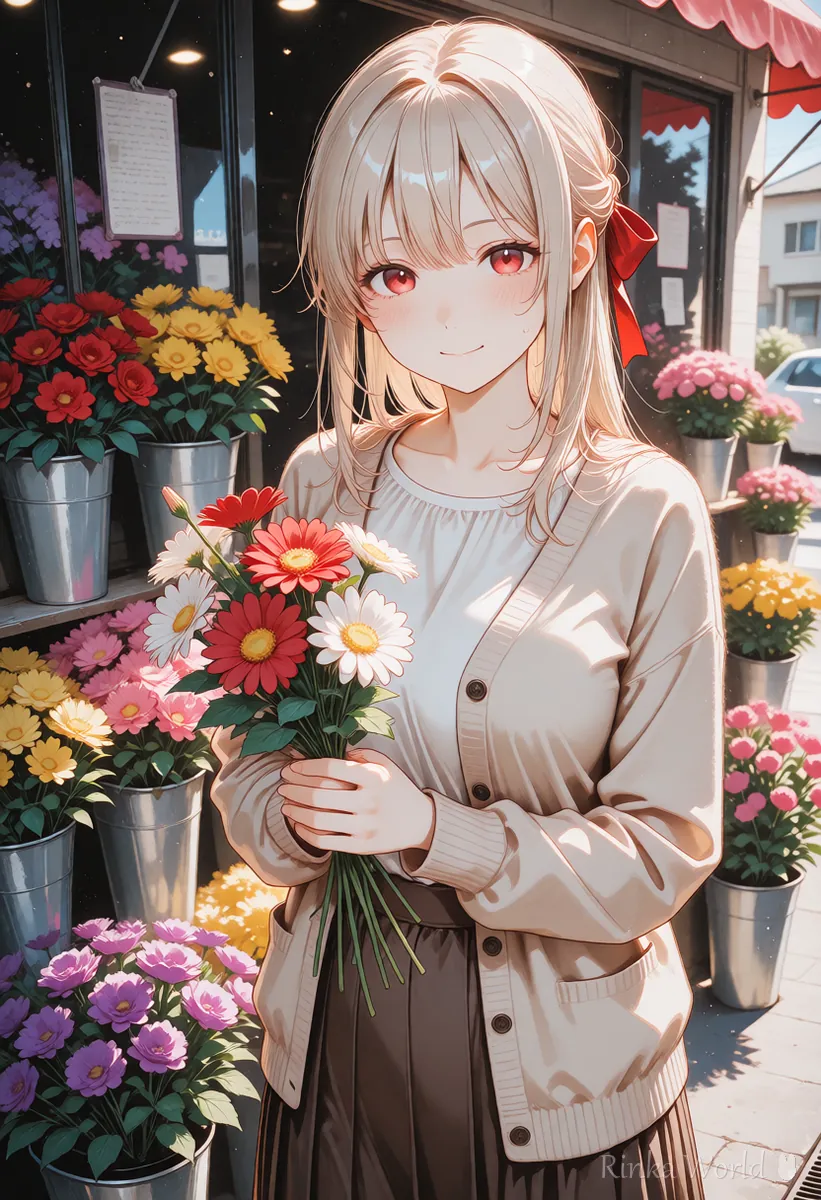
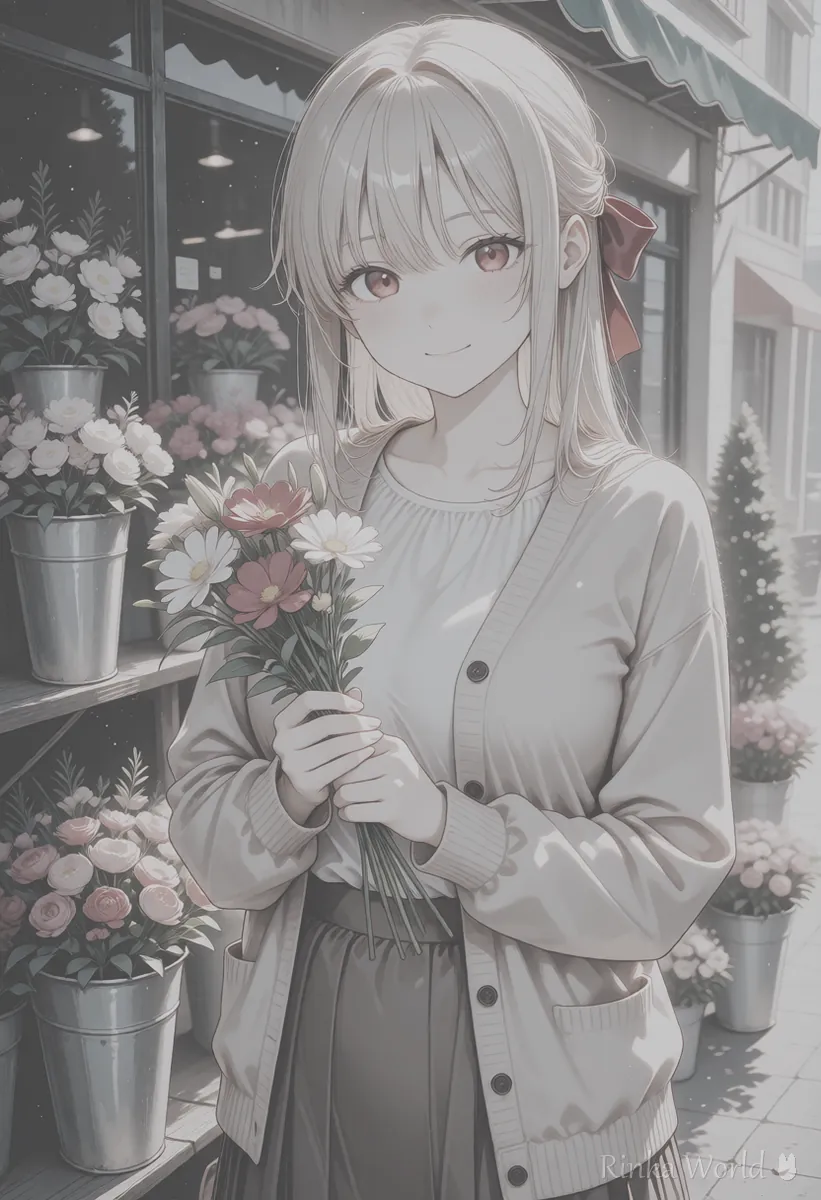
It is one of the common causes. Using a model without a built-in VAE and no VAE selected tends to make colors greyish and dull.
When the shapes are clean but the whole picture is whitish, hazy or low in contrast, suspect the VAE. On the other hand, when colors are too strong or look burnt, the cause is more often a CFG scale that is too high. Telling them apart by symptom helps you find the cause faster.
How do you set the VAE?
Put the VAE file in the right folder and select it in the tool's VAE field.
Steps to set a VAE
- Read your model's page to see whether it includes a VAE or recommends one
- If a VAE is needed, get the recommended VAE file and put it in the tool's VAE folder
- In AUTOMATIC1111 or Forge, choose it in "SD VAE" under the Stable Diffusion settings (showing it at the top of the screen makes switching easy)
- In ComfyUI, add a VAE loader node (Load VAE) and connect it to VAE Decode
- With the same seed, compare the image before and after changing the VAE
- Use the one with better colors and note the model and VAE combination
"Automatic" in the VAE field uses a VAE with the same name as the model if there is one, and otherwise the VAE inside the model (behavior can differ slightly by version). "None" uses the VAE built into the model. If unsure, try automatic first.
Model: [model name] / VAE: automatic (built into the model) / If colors look dull -> switch VAE to [recommended VAE name] and compare with the same seedNote: SD1.5 model -> SD1.5 VAE / SDXL model -> SDXL VAE (do not mix types)How much does changing the VAE change the image?
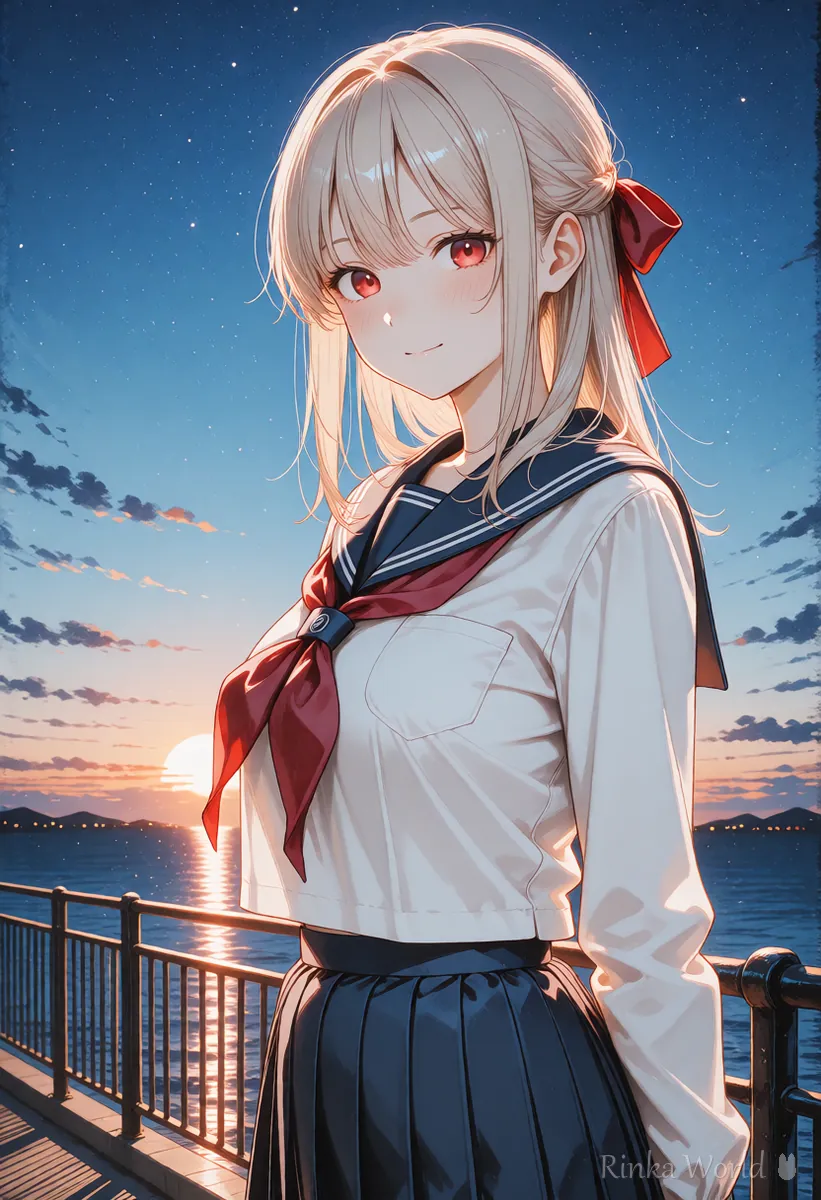
Shapes and poses barely change; color vividness, brightness and crispness of detail do.
The VAE is the "final printer", so the content itself does not change. A matching VAE can make dull colors clearer and fine lines in eyes and hair crisper. Conversely, if your colors already look good, there is no need to change it. If you only want a different color mood, adjusting the color words, or saturation and contrast words, in the prompt is more reliable than changing the VAE.
How to set the CFG scale, a common cause of burnt colors: What Is CFG Scale? How to Choose Steps and Samplers →
Adjusting saturation, brightness and contrast with prompts: Saturation, Brightness and Contrast Prompts for AI Art →
How to use LoRAs and set their strength: How to Use LoRA (Syntax, Strength and Trigger Words) →
How to fix the seed when comparing VAEs: What Is a Seed? Fixed, Random, and Reproducing the Same Image →
FAQ
Frequently Asked Questions
What is a VAE?
It is the part that turns the small draft (latent image) the AI draws into a final color image. If it does not match, colors and brightness look wrong.
Do I always need to set a VAE?
Many distributed models include a VAE, so automatic is usually fine. Set it only when colors look dull or the model page specifies one.
Is the VAE why my colors look dull?
It is a common cause. Using a model without a VAE and no VAE selected tends to give greyish, dull colors. Choosing a matching VAE often fixes it.
I get completely black images.
This often happens when the SDXL VAE runs in half precision. Use an SDXL VAE fixed to work in half precision, or raise the precision in the tool's settings.
How is a VAE different from a LoRA?
A LoRA is extra training that changes what is drawn (characters, style, outfits). The VAE turns the finished drawing into a color image. Changing the VAE barely changes what is drawn.
RINKA WORLD
Play in Rinka World
MORE




