PROMPT GUIDE
Why AI art eyes break and how to fix them (uneven, distorted, too much white)
The picture is lovely, but the eyes are different sizes, the pupils point in different directions or the highlights smear. Eyes shape the impression of an illustration more than anything else, so even small flaws stand out. This guide focuses on the eyes rather than the whole face and explains why they break and how to fix them.
Last updated: approx. 3 min read
The short answer
AI art eyes usually break because the face is too small, too many eye tags conflict, or the resolution is too low. First use a framing where the face is large, cut the eye tags down to two or three, and if that is not enough, redraw only the area around the eyes with inpainting.
Why do the eyes break in AI art?
The two most common causes are a face too small to get enough pixels and too many eye tags giving conflicting instructions.
An image generator draws within a limited number of pixels. In full-body or wide shots the face is only a small part of the frame, so the eyes get even fewer pixels. That makes it easy for the eyes to be different sizes or for the pupils to be misshapen. Adding many tags for eye color, shape, highlights and lashes at once can also make them compete, so one eye ends up a different shape.
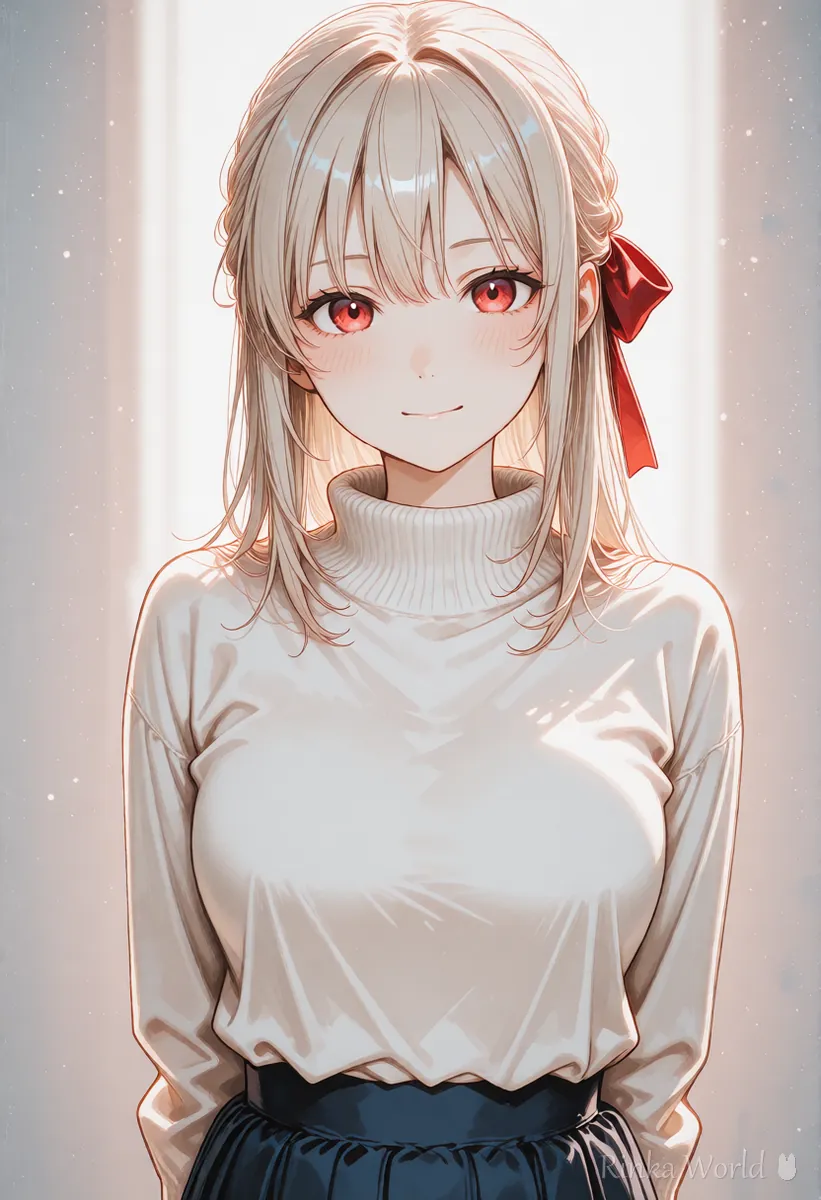
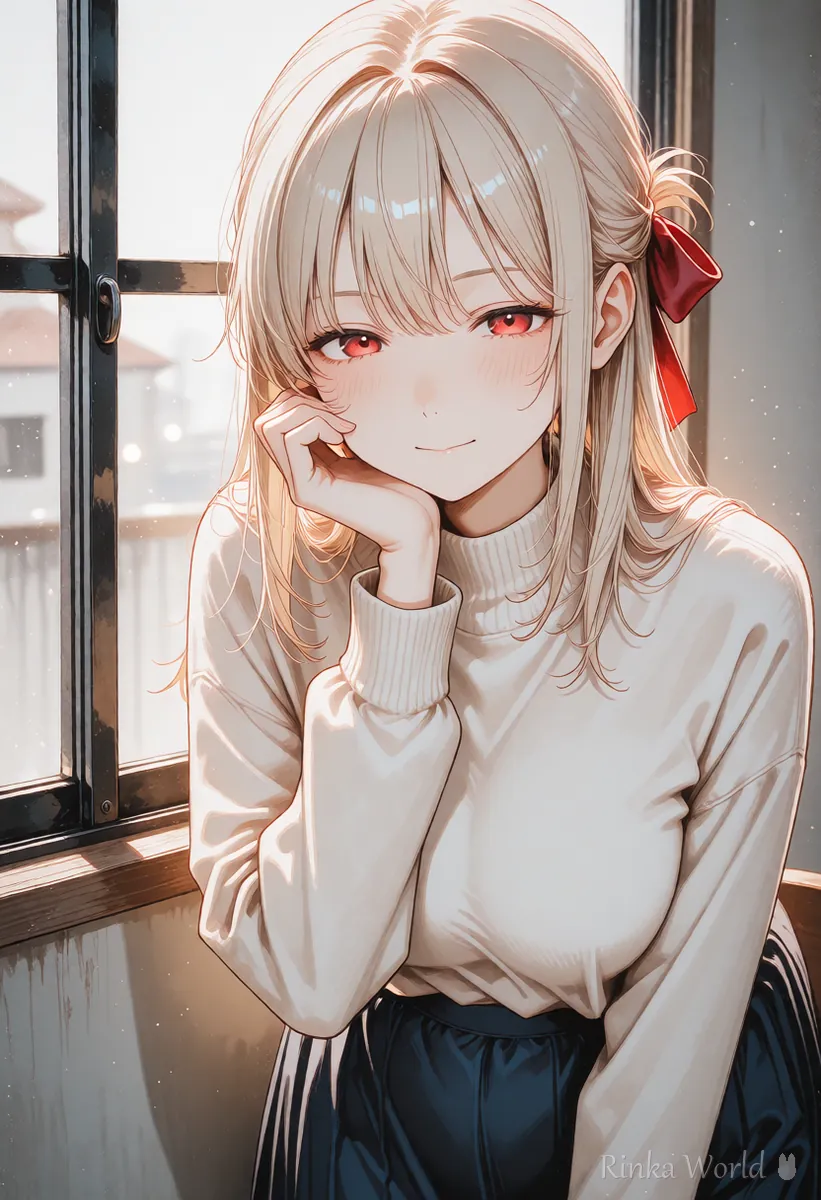
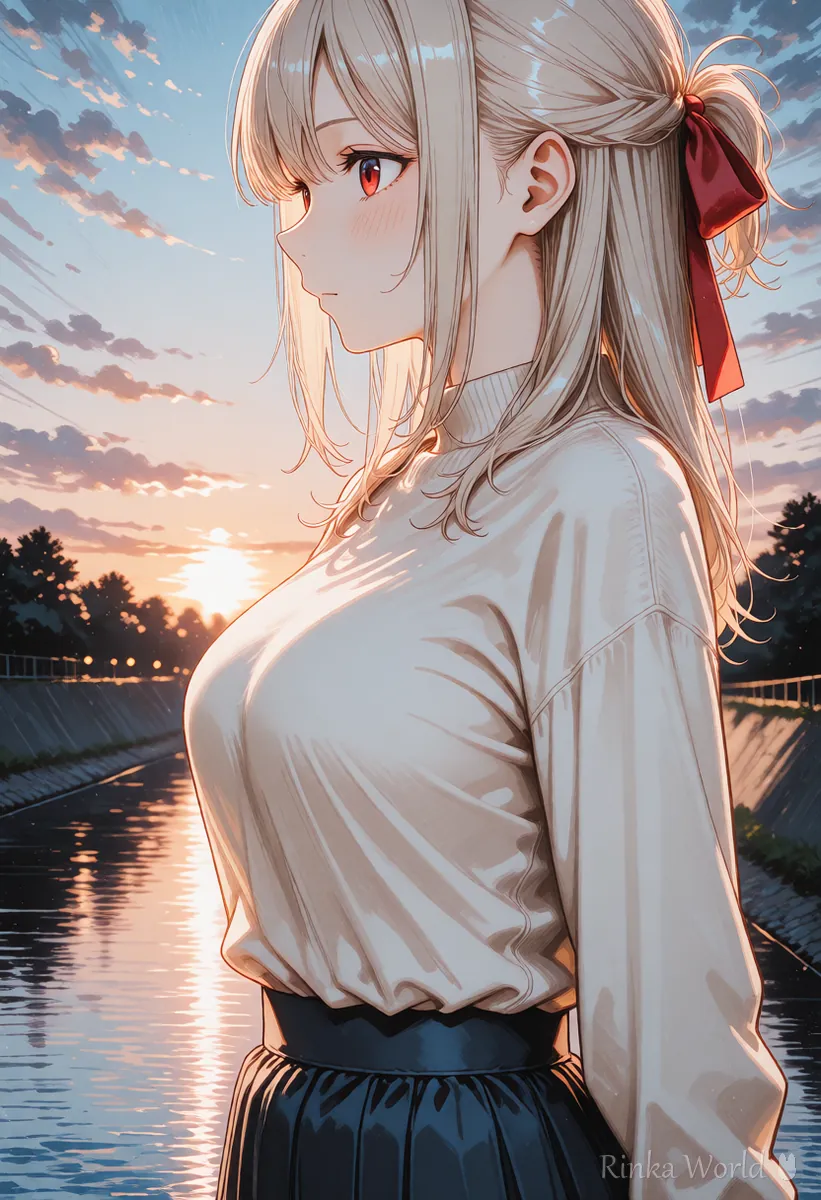
Which tags help draw clean eyes?
Keep it to one eye color plus one shape or expression, and add one gaze word for stable results.
Rinka's tips
- Limit eye tags to color, shape and gaze; do not add highlights, lashes and pupils all at once
- You can add bad eyes or asymmetrical eyes to the negative prompt, but how well it works depends on the model
- Special pupils such as heart or star shapes break easily, so check each image
What are the steps to fix broken eyes?
Try the easy fixes first, in this order: framing, tags, upscaling, then partial redraw.
Steps to fix broken eyes
- Use an upper-body or bust framing so the face fills at least a quarter of the frame
- Reduce eye tags to one color and one gaze word, and delete conflicting expression tags
- Add words that avoid broken eyes to the negative prompt and generate again
- Once the shape looks right, use upscaling to draw the details of the eyes
- If only one eye is broken, redraw just the area around it with inpainting
- If it still fails, switch to closed eyes or a side view where the eyes stand out less
1girl, solo, blue eyes, looking at viewer, light smile, upper body, masterpiece, best qualityNegative: worst quality, low quality, bad eyes, asymmetrical eyes, extra eyes, blurryWhat if only one eye is broken? (fix it with inpainting)
Mask only the area around the broken eye and inpaint it, keeping the eye color from the original prompt.
Inpainting redraws only the masked area. When fixing an eye, mask a little wider to include the eyelid and eyebrow, and start with a low to medium redraw strength (denoise) so it blends with the rest. Too strong changes the eye shape a lot; too weak leaves the flaw. Setting names and typical values differ by tool, so check each tool's documentation.
How img2img and inpainting work and how to set the strength: How to Use img2img and Inpaint (Fixing Only Part of an Image) →
When the whole face breaks, not just the eyes: Why AI Art Faces Get Distorted and How to Fix Them (Full Body, Distant Shots, Inpaint) →
What if the eyes still break? (common mistakes and fixes)
Check the table for conditions that stack up and remove them one at a time.
A list of eye tags for eye color, droopy eyes, sharp eyes and more: Eye Tags Guide: Eye Color, Eye Shape and Gaze Prompts →
Upscaling settings that add detail to the eyes: Hires.fix Settings (Upscale Ratio, Denoising Strength, Upscaler) →
FAQ
Frequently Asked Questions
Why are the eyes different in AI art?
Usually the face is too small to get enough pixels. Simply moving in to an upper-body or bust framing often fixes it.
Will detailed eyes make the eyes look better?
It works with some models, but it can make things worse when it overlaps with other eye tags. Reducing eye tags is usually more effective first.
Can the negative prompt alone fix the eyes?
It can prevent some problems, but if the cause is framing or resolution, the negative prompt alone will not fix it. Combine it with framing, tags and upscaling.
Is there a way to fix only one eye?
Yes, mask only the area around the broken eye and redraw it with inpainting. Masking a little wider, out to the eyelid and eyebrow, helps it blend in.
RINKA WORLD
Play in Rinka World
MORE




