PROMPT GUIDE
Add Movement with Pose Tags
Pose tags are the shortcut to moving beyond stiff, standing-still images. Build them in three layers, whole-body posture, then hand gestures, then head direction, and you get natural, lively poses.
Last updated: approx. 1 min read
Basic postures (standing, sitting, lying)
Hand and arm gestures
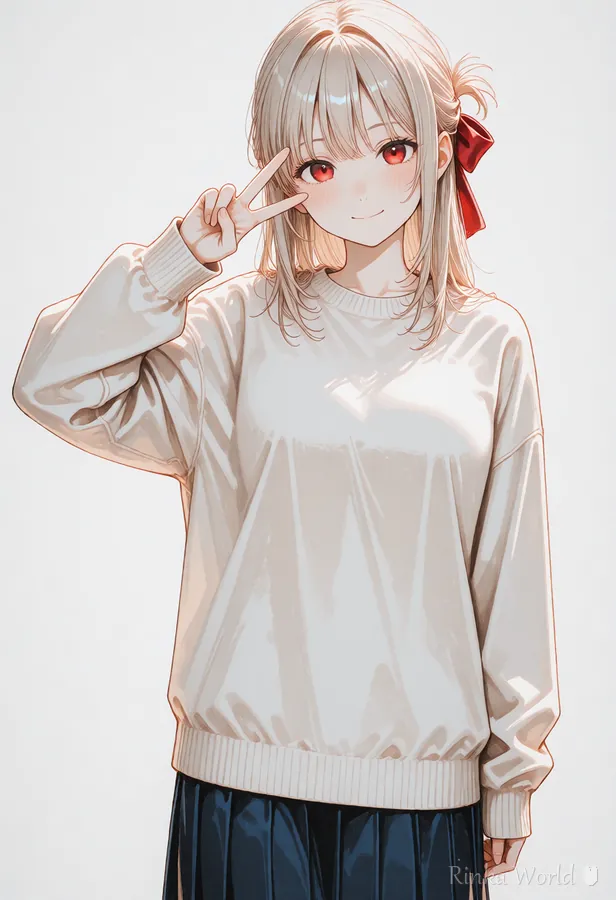
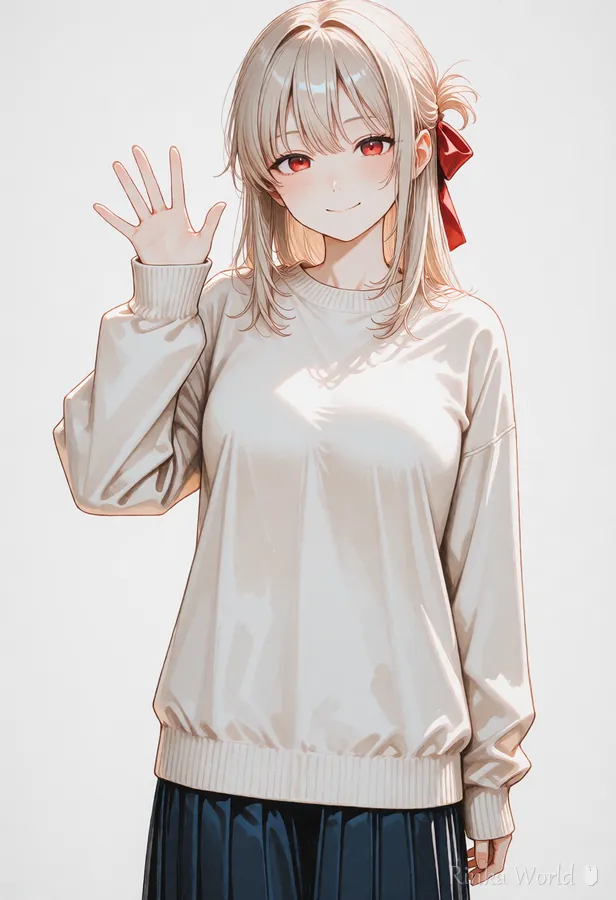
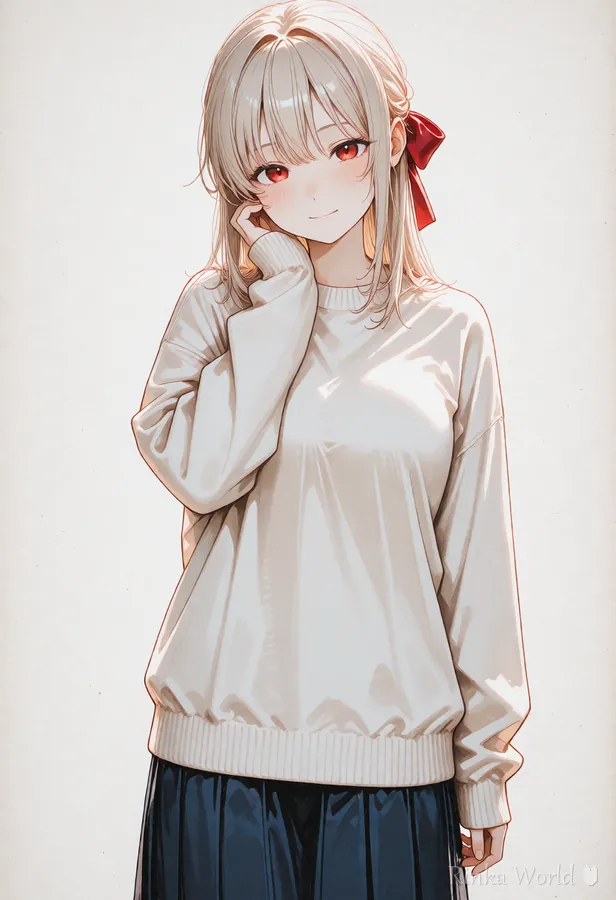
Action poses
How do I keep poses from breaking?
- Use only 1-2 pose tags. Stacking 3 or more makes the body likely to contradict itself
- The harder the pose, the more you should add full body to fit the whole figure in the frame
- If hands break, narrow it down to a single hand gesture or switch to a composition where the hands are less prominent
- Think in "pose x composition" sets, like looking back + upper body
Rinka's tips
- Adding wind (wind, floating hair) to movement doubles the sense of motion
- walking + looking at viewer gives an eye-catching "looking at the camera while walking" shot
- For sitting poses, also write what she is sitting on (a chair, the floor) for more stable results
1girl, solo, looking back, waving, smile, wind, floating hair, full body, streetFor sitting styles like wariza and knee-hugging, see Sitting Pose Prompts (Wariza, Hugging Knees, Cross-Legged, Yokozuwari, Seiza) →
FAQ
Frequently Asked Questions
I get a different pose from the one I specified.
The more complex the pose, the lower the success rate. The three basic fixes are: break the tag into simpler elements, add weight with (tag:1.2), and generate several images to choose from. If you need to lock the composition precisely, helper tools like ControlNet are the reliable option.
I just can't fix broken hands and fingers.
Hands are the part AI struggles with most. Put bad hands-type tags in the negative prompt, then use compositions that reduce how much hand detail is shown: keep hands small, in pockets, or clasped behind the back.
Can I do two-person poses (standing side by side, holding hands)?
Yes, by combining a character-count tag with interaction tags, like 2girls, holding hands, side-by-side. It breaks more often than a solo image, though, so generating more images is recommended.
RINKA WORLD
Play in Rinka World
MORE




