PROMPT GUIDE
How to Write Luma Dream Machine Prompts
Luma Dream Machine is an AI video generator that creates videos from text or images. This guide covers how to write prompts that control motion and camera in Luma, and tips for image to video. Features and settings change with updates, so check the official site for the latest steps.
Last updated: approx. 3 min read
The short answer
Luma Dream Machine prompts work best as natural English describing the scene, motion and camera movement. For image to video, focus on motion and camera; if you can set a first and last frame, describe how things move between the two for stable results. Features, pricing and models change, so check Luma's official site.
What are the basics of a Luma Dream Machine prompt?
Write the scene, motion and camera in order, as natural English.
Luma Dream Machine understands natural sentences that describe a scene better than lists of tags. Write "where, who, how they move and how the camera films it" as short separate sentences. Keeping one thing happening per shot makes the motion stable.


How do you write prompts for image to video in Luma?
Do not over-describe what is already in the image; focus on motion and camera.
For image to video, the image decides how the person and background look. In the prompt, write how that picture moves next. Re-describing the look in detail can conflict with the image and change the face or clothes. Keeping to one motion and one camera move gives a calm result.
Steps to make a video from an image in Luma
- Prepare the first image. One with a clear face and a background with depth shows camera movement well
- Decide one motion (hair swaying, turning around, starting to walk, etc.)
- Decide one camera move (slow push in, orbit to the side, static, etc.)
- Write the motion and camera in natural English. Do not over-describe what is in the image
- If you can set a first and last frame, describe how things move between the two images
- Watch the result and, if it breaks, make the motion smaller and regenerate. Check the official site for available features
Tips for setting a first and last frame
Keep the difference between the two images small and write just one motion in between for a natural transition.
When you can set a first and last frame (keyframes), a big difference between the two tends to make the motion in between unnatural. Two images of the same character on the same background, differing only slightly in expression or direction, connect smoothly. Putting the same image at the start and end also works for a video that loops. Feature names and which plans include them can change, so check the official site.
What are the common mistakes and fixes?
Rinka's tips
- Starting with a slow push in for the camera gives fewer failures
- Images with depth in the background (a road, a hallway, a seaside) show a 3D feel when the camera moves
- Specs and pricing change, so match the official docs and on-screen labels before you start
Copy-paste prompts
Examples for image to video, with a plain-language explanation after each.
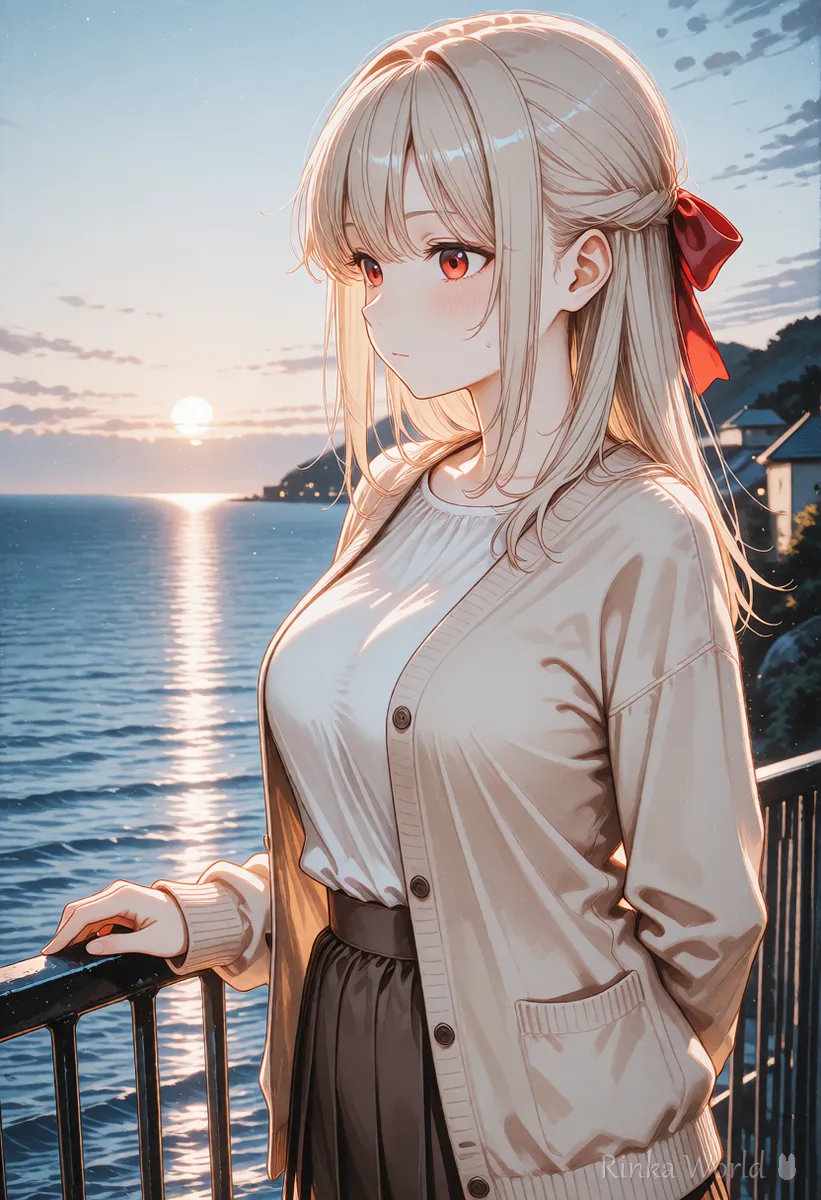
She looks out at the sea as the wind gently moves her hair. The camera slowly pushes in from the side. Soft golden morning light.(Meaning) She gazes at the sea while the wind softly moves her hair. The camera slowly moves in from the side. Soft golden morning light.
The camera is static. She turns to face the camera and gives a small smile. Petals drift slowly in the background.(Meaning) The camera stays still. She turns toward the camera and smiles a little. Petals float slowly in the background.
The basic workflow for turning an image into a video: How to Use Image-to-Video AI (Steps to Animate a Still Image) →
English camera move terms (pan, dolly, orbit): Camera Movement Prompts for AI Video Generators →
How to make a loop video by matching the first and last frames: How to Make an AI Video Loop (Tips to Hide the Seam) →
How to write Pika prompts: How to Write Pika Prompts →
FAQ
Frequently Asked Questions
Should I write Luma Dream Machine prompts in English?
Natural English sentences come across well, so they are recommended. Support for other languages can change between versions, so check the official site.
Can I set a first and last frame in Luma?
A feature for setting the first and last images (keyframes) may be available. Whether you can use it and what it is called can change with versions and plans, so check the official site.
How do I keep the camera still in Luma?
Writing The camera is static. makes it easier to hold the camera still.
What are Luma's pricing and video lengths?
They change with plans and versions, so check the latest details on Luma's official site.
RINKA WORLD
Play in Rinka World
MORE




