PROMPT GUIDE
How to Write Runway Prompts
Runway is a service that combines video generation and video editing. When making video from an image, the trick is to describe only the motion and camera, simply, instead of repeating the picture. This guide covers prompt structures that work well in Runway, how to write camera moves, and fixes. Models and features change often, so check the official site for the latest details.
Last updated: approx. 3 min read
The short answer
When making video from an image in Runway, do not repeat the description of the picture; write only the motion and the camera move in one to three simple sentences. Give the camera its own sentence and slow it down with slowly to keep the frame from warping.
What should a Runway prompt say? (Just the motion, simply)
Runway's own guidance also recommends that, when making video from an image, you describe the motion rather than what is in the picture. The loaded image decides the content, so the prompt only needs to say briefly who moves and how, and how the camera moves. Long descriptions, or content that differs from the picture, tend to make the motion unnatural.
Steps for making a video from an image in Runway
- Crop the picture to the same aspect ratio as the video you want
- Load the image in the video generation screen
- Write the motion and camera move in one to three sentences
- Choose settings such as length and ratio and generate (the options depend on your plan and model)
- Check the result: soften the words if the motion is too big, or add specific moving things if it is frozen
How do you specify camera moves in Runway?
Camera moves in Runway also come across better with standard English film terms. Put the camera in its own sentence, separate from the person's motion, and add the speed (slowly, smoothly).
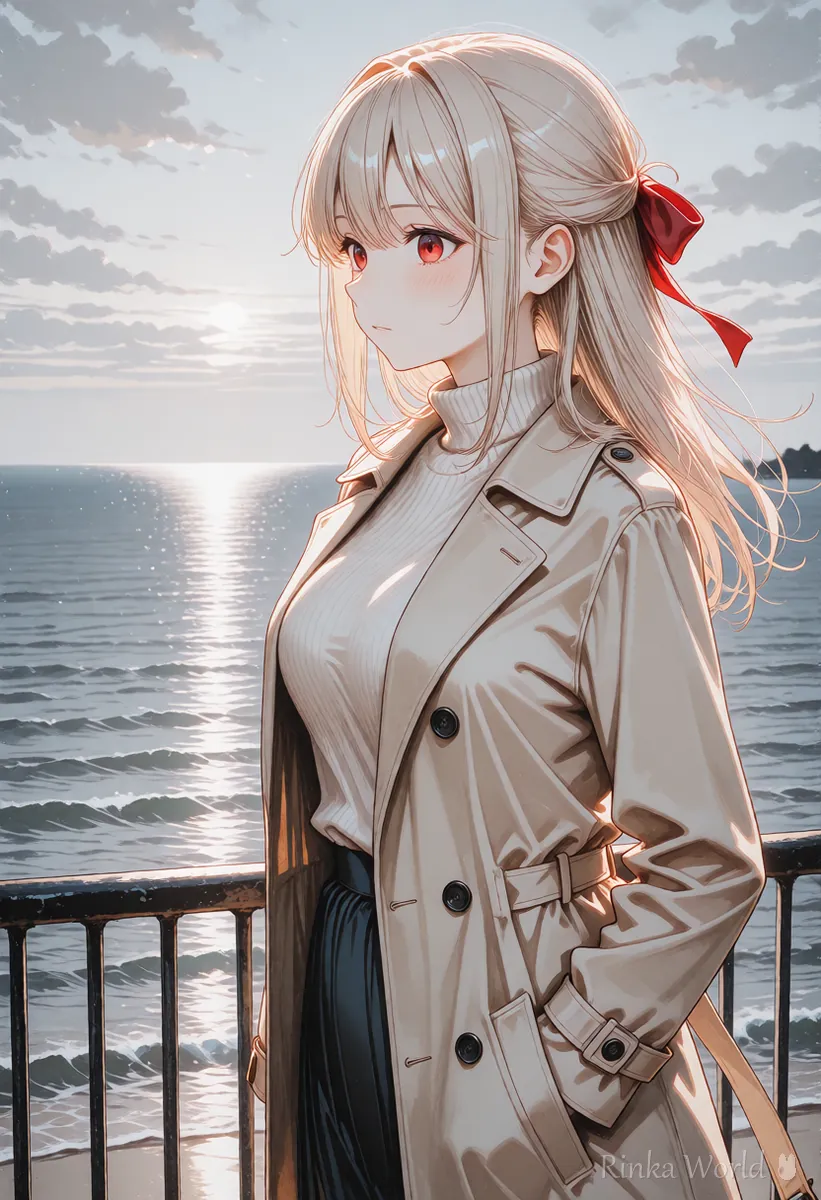
The camera slowly dollies in toward the girl as she looks out over the sea. Her hair moves in the ocean breeze. Overcast soft light.What it does: the camera moves slowly toward the girl as she gazes out at the sea, her hair moving in the sea breeze, under soft overcast light.
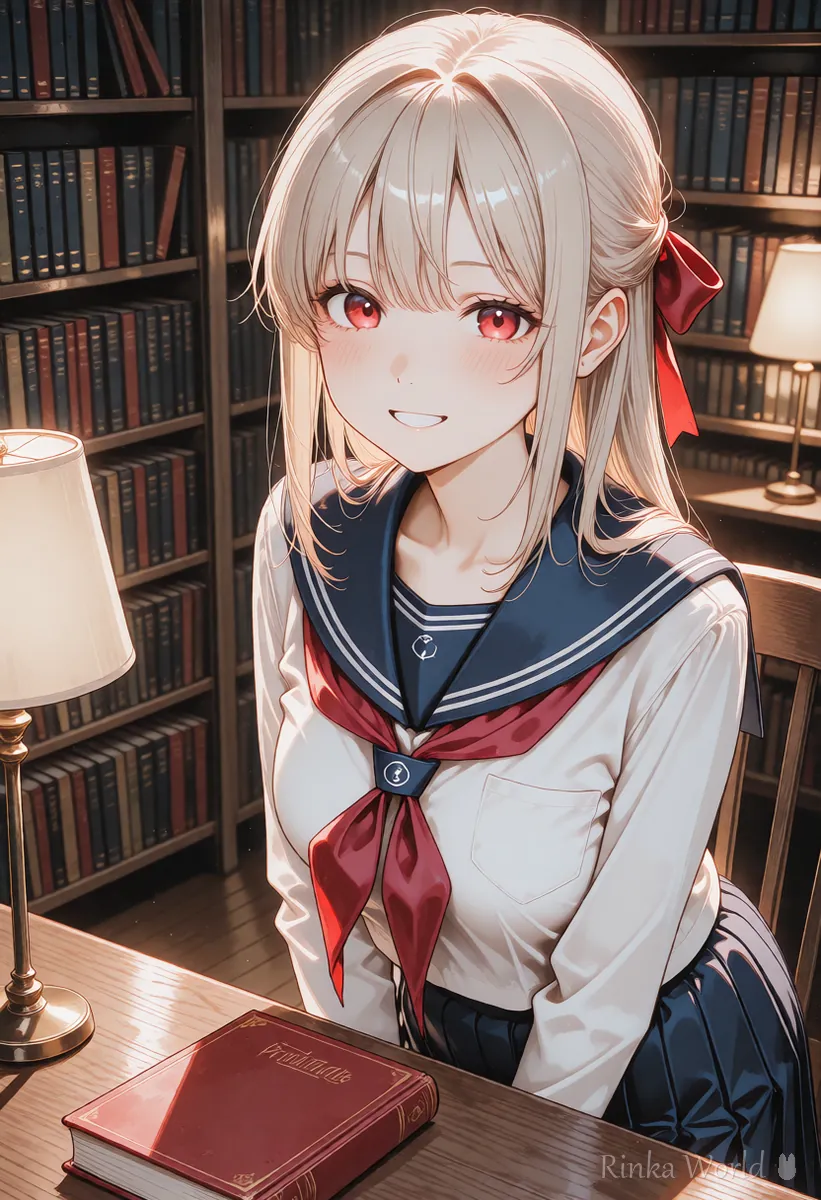
Static camera. The girl closes her book, looks up and smiles at someone off screen. Warm lamp light in a quiet library.What it does: with a still camera, the girl closes her book, looks up and smiles at someone outside the frame, in warm lamp light in a quiet library.
Motion words that work well in Runway
Small movements of the face and hair break less than large body movements. Start with the words near the top of the table and move to bigger motions once those work.
What if the face differs from the picture in Runway? (Problems and fixes)
Removing the description of the look from the prompt and leaving only the motion brings it closer to the original picture.
Rinka's tips
- Try with one sentence first, then add what is missing one piece at a time, so you know which words worked
- Combined with editing features (trimming and joining), short clips can be lined up into one video
- Features, prices and model names change often. Check the official guidance for the latest
How do you join short clips into one video in Runway?
Making several clips of a few seconds and joining them gives cleaner results with less breakage than making a long video in one go.
- Break the video into three or four short clips (for example: a wide view, a back view walking, a close-up turning around)
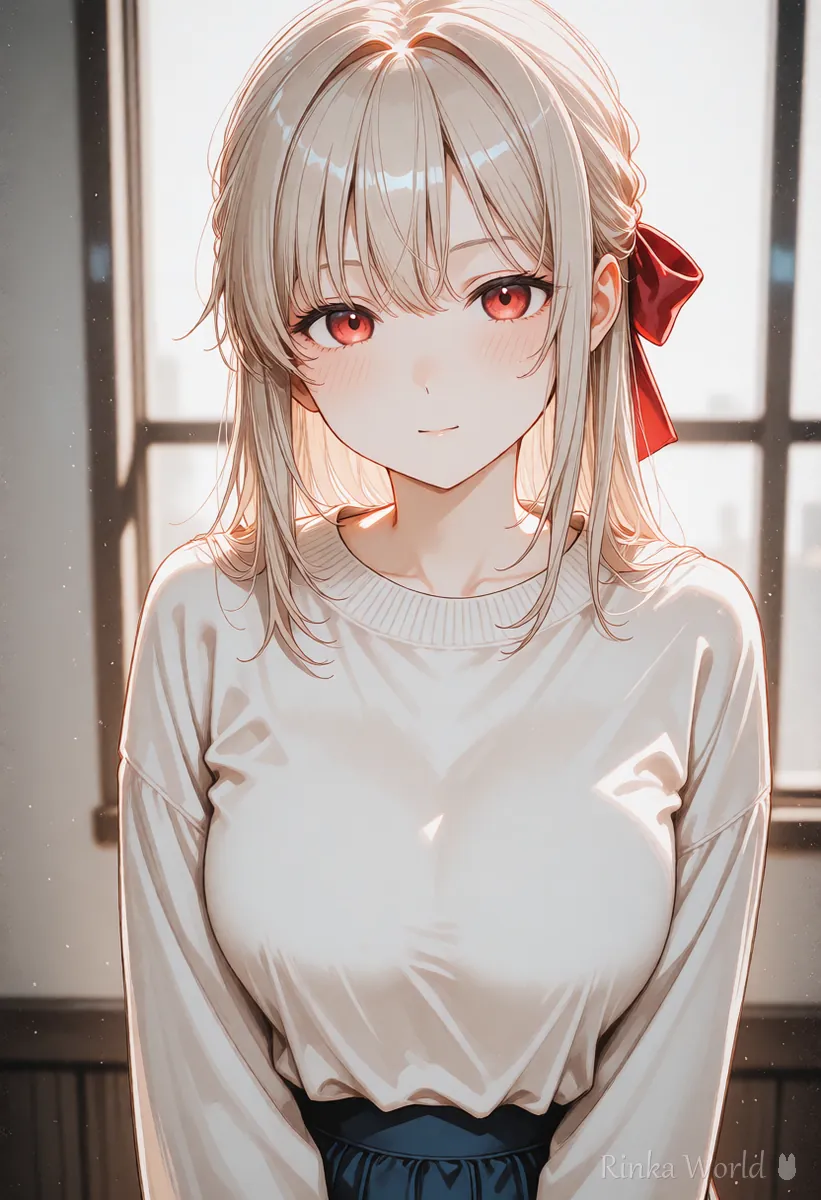
- Prepare a first frame for each clip. For the same person, keep the outfit, hairstyle and light direction consistent
- Write just one motion and one camera move for each clip and generate
- Cut out only the parts of each clip that did not break
- Line them up in order. Matching the direction of motion and the brightness at each cut makes it look natural
With a service that includes editing, such as Runway, you can generate, trim and join in one place. Even if you use separate editing software, deciding the length and order of each clip first reduces the number of retries.
For a list of camera movement terms: Camera Movement Prompts for AI Video Generators →
For the basic order of a video prompt: How to Write AI Video Prompts (Motion, Camera and Time) →
For fixes for breakage and flicker: Why AI Videos Break and How to Fix Them →
FAQ
Frequently Asked Questions
Are longer Runway prompts better?
For image to video, short and simple prompts often work better. Start by writing the motion and camera in one to three sentences.
Can I write Runway prompts in languages other than English?
It is safest to assume English is the norm. Language support may differ by model, so check the official guidance.
How much does Runway cost and how long can videos be?
It depends on the plan and model, so this guide does not list it. Check the official Runway site for the latest information.
The face differs from my picture.
Check whether the prompt describes the look. In image to video, leaving the look to the picture and writing only the motion keeps it closer to the original.
RINKA WORLD
Play in Rinka World
MORE




