PROMPT GUIDE
How to Draw Multiple Characters in NovelAI (Count, Position, Color Mixing)
When you draw several characters in NovelAI, write the person-count tag first and describe each character in its own separate chunk. If everything goes into one prompt, hair colors and outfits tend to swap. This guide covers prompts that keep two-character pictures stable, and how to fix them when features get mixed up.
Last updated: approx. 4 min read
The short answer
To draw multiple characters in NovelAI, put a count tag such as 2girls first and write each character's features as a separate chunk. On models that support it, splitting characters into their own input boxes reduces mixing. Input box names and position features change between versions, so check the official NovelAI guide.
How do you write a prompt for multiple characters in NovelAI?
Write the count tag (such as 2girls) first, then describe each character in a separate chunk.
NovelAI builds a prompt from a list of tags, just as it does for a single character. With two or more people, though, the AI can easily confuse which hair color belongs to which character. So first state how many people there are, then write each character's features one chunk at a time. On models that offer per-character input boxes, writing each character in its own box is the method least likely to mix features.
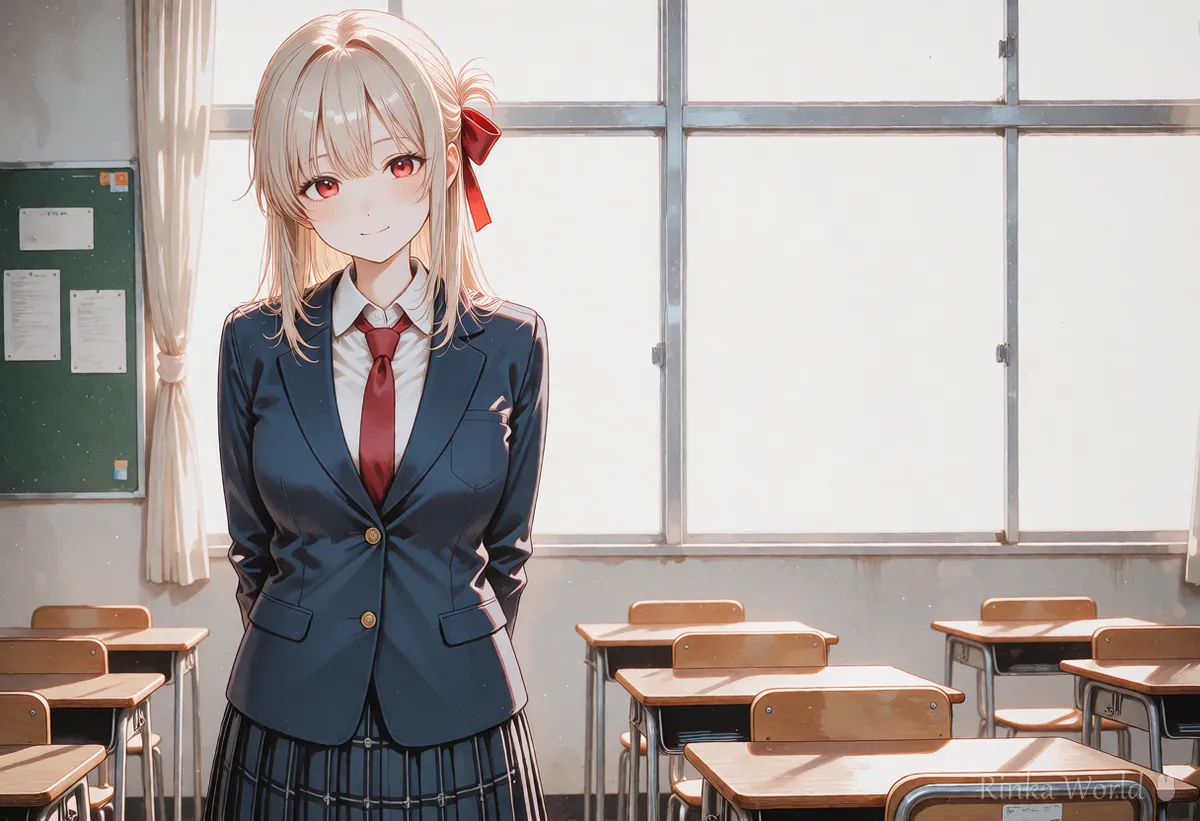
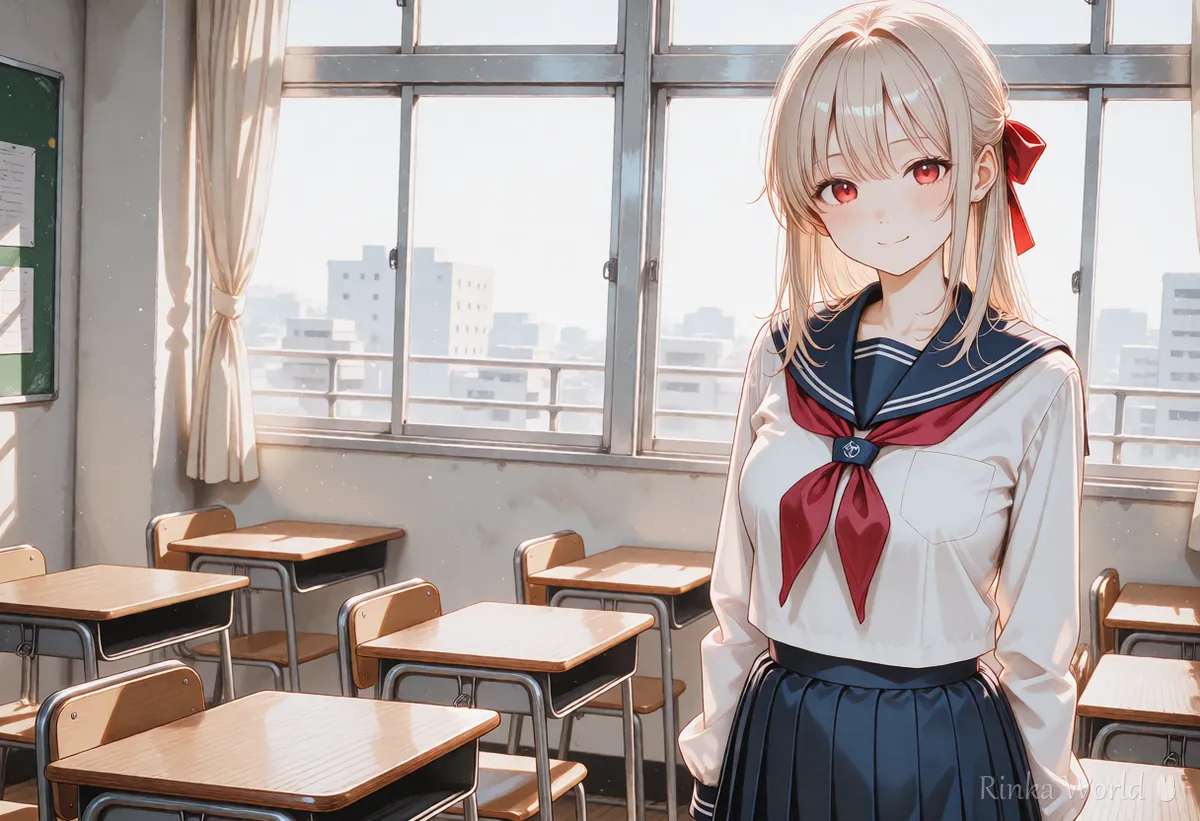
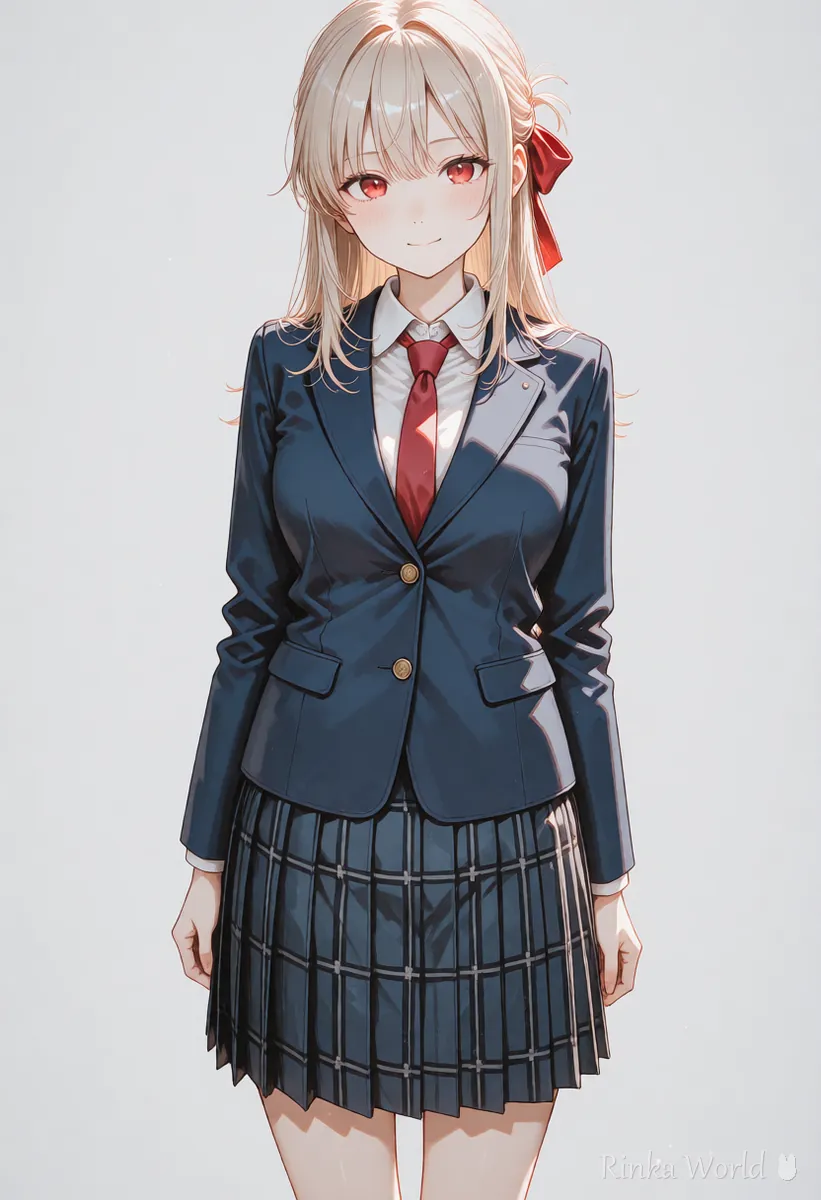
If English tags feel hard, use this site's prompt translation tool to turn words like "hair color" and "clothes" into English tags, then paste them into each character chunk.
What are the steps for making a two-character picture in NovelAI?
Steps for your first two-character picture
- Write the count tag (2girls, multiple girls and so on) first
- Write the place and light (classroom, window, sunlight and so on) as the part shared by everyone
- Write the first character's hair, eyes and clothes as one chunk (in her own input box if one exists)
- Write the second character's hair, eyes and clothes as a separate chunk
- Add the arrangement (side by side and so on) to the shared part and make one image first
- If colors swapped, shorten each character's features by one item and try again
2girls, multiple girls, standing side by side, school classroom, window, sunlight, smile, upper bodyCharacter 1: 1girl, long black hair, red ribbon, sailor uniform
Character 2: 1girl, short blonde hair, blue eyes, blazer, necktieRinka's tips
- Do not write too many features. Hair color and clothes alone are enough to tell characters apart
- Change the clothing colors of the two characters as much as you can (with the same color, it is hard to tell whose clothes are whose)
- Make a picture of the two simply standing together first, and add actions and props once that works
How do you decide left-right or front-back positions?
Write position words such as on the left or on the right for each character, or use a position feature if your model supports one.
When you want to fix positions, add words such as "on the left", "on the right" or "in the background" next to each character's features. Some models have a feature that splits the canvas into a grid so you can pick positions. Whether it is available, and what it is called, changes between versions, so check the official NovelAI guide. When positions are written in words they may swap, so make several images and pick one even if the first try does not work.
What if hair colors or clothes get mixed up? (Common failures and fixes)
Most of the time the cause is too many features for one character, or two characters whose features are too similar.
What should you watch for with three or more characters, or a boy-and-girl pair?
The more people there are, the easier it is to mix features, so keep each person's features short and start with everyday scenes such as friends or family.
- With three or more people, first make a picture with only the count (such as 3girls) and check the composition
- Rather than describing everyone in detail, describe only the one or two you want to stand out and keep the rest simple
- For a boy-and-girl pair, choose an everyday scene (walking to school, a cafe, a stroll) with fully dressed, all-ages pictures
- If features keep mixing, consider making each person separately and combining them afterward
For how to write a basic NovelAI prompt, see How to Write NovelAI Prompts (Emphasis, Quality Tags, UC) →
For tags for actions between two people (holding hands, back to back), see Duo Composition Tags That Show the Relationship Between Two Characters →
To draw characters apart by splitting the canvas into regions in Stable Diffusion, see How to Use Regional Prompter (Split the Image to Draw Two People) →
To keep drawing the same character picture after picture, see How to Keep the Same Character in AI Art (Face, Hair and Outfit) →
FAQ
Frequently Asked Questions
Is there a trick for drawing two characters in NovelAI?
Write the count tag first and keep each character's features in a separate chunk. Making the hair and clothing colors of the two characters very different also reduces mix-ups.
Can per-character input boxes be used on every model?
It depends on the model and the version. Check whether the input boxes appear on your screen, and confirm names and usage in the official NovelAI guide.
The hair colors of my two characters keep swapping.
Write each color word right next to its hair tag and split the characters into separate chunks. Limiting each character to three features or fewer often fixes it.
The positions swap even when I set left and right.
Position words are not absolute, so make several images and choose one. If your model has a feature for setting positions, using it is more reliable.
Can I draw pictures with three or more characters?
Yes, but the more people there are, the easier it is for features to mix. Check the composition with the count alone first, and give details only to the people you want to stand out.
RINKA WORLD
Play in Rinka World
MORE




