PROMPT GUIDE
How to make game backgrounds with AI (no people, morning to night variants)
Backgrounds for visual novels and RPGs are used with character sprites on top. Even a beautiful scene is unusable if there is a big object in the middle or a person in the shot. This guide covers prompts that suit game backgrounds, how to keep time-of-day variants of the same place consistent, and common mistakes.
Last updated: approx. 3 min read
The short answer
When making game backgrounds with AI, include no humans and scenery so you get a background with no characters. For visual novels that need morning, day, sunset and night of the same place, keep the place words fixed and change only the time and light words. Since characters go on top, eye-level views with nothing in the center are the easiest to use.
How do you make game backgrounds with AI?
Add no humans and scenery to remove people, and use an eye-level view with nothing large in the center.
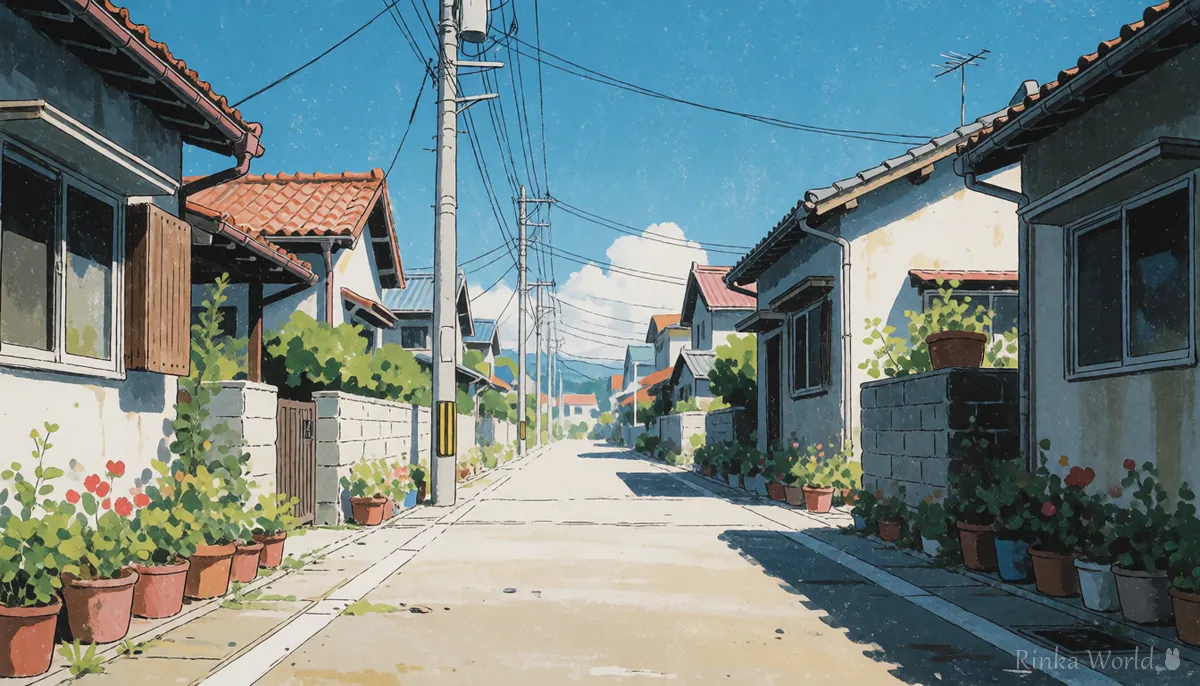
Character sprites and dialogue boxes sit on top of the background. The easiest backgrounds keep the center (where the character stands) and the lower part (where the dialogue box goes) clean, and create depth with the sides and distant scenery. An eye-level view, the same height as the characters, keeps sprites from looking like they float.
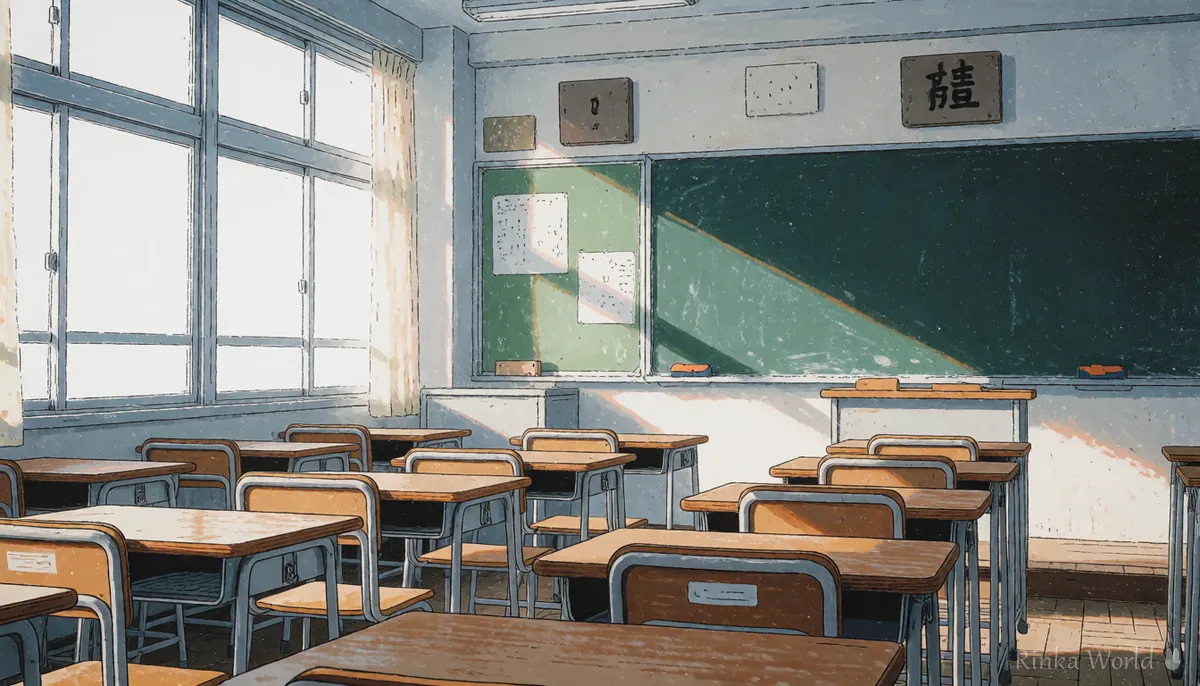
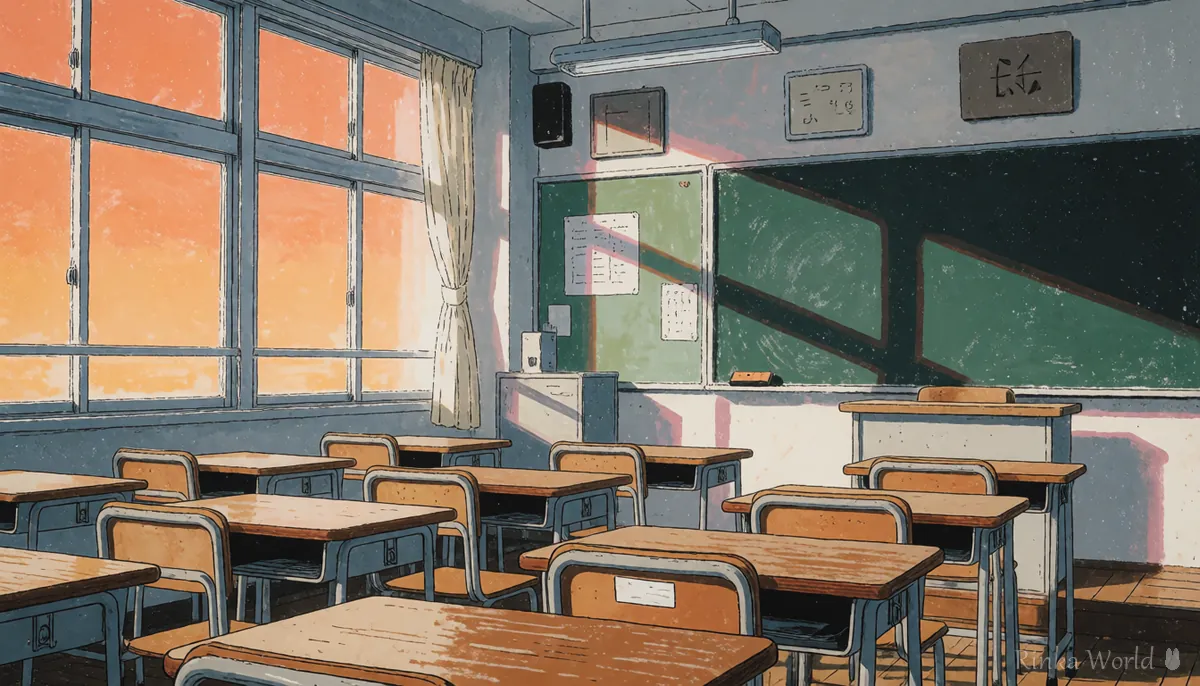
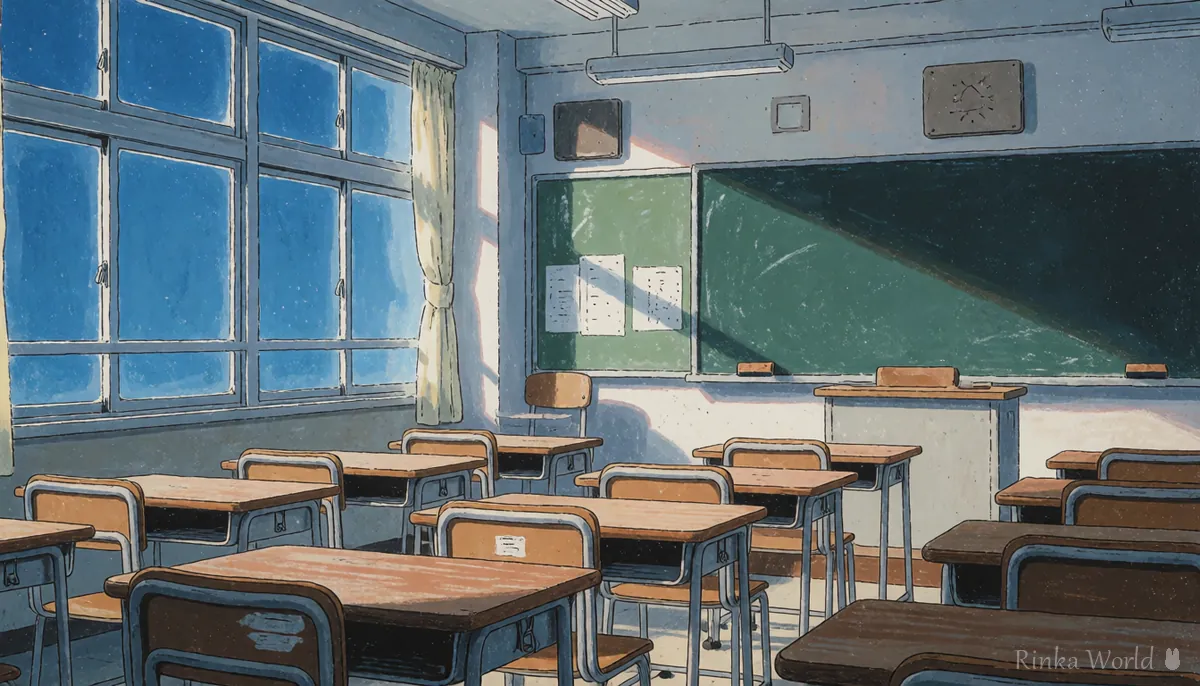
What are the steps to match morning, day and night of the same place?
Steps to make a game background with time-of-day variants
- Describe the place in one line (for example a classroom with large windows, rows of wooden desks and a chalkboard)
- Combine that line with no humans, scenery, eye level, wide shot to make the daytime background
- Pick the best daytime image and record its prompt and seed
- Keep the place line the same and swap only the time and light words to morning, sunset or night
- If desks or windows move, use the daytime image as a base and change only color and light (img2img)
- Crop to your game's screen size and check how it looks with a sprite on top
scenery, no humans, classroom, wooden desks, large windows, chalkboard, eye level, wide shot, morning, soft sunlight, light rays, anime backgroundscenery, no humans, classroom, wooden desks, large windows, chalkboard, eye level, wide shot, sunset, orange sky through the windows, long shadows, anime backgroundWhich background locations are common in games?
Five families of locations, school, rooms, town, nature and fantasy, cover most scenes.
Rinka's tips
- Keep important objects out of the lower third of the screen, where the dialogue box sits
- For variants of the same place, stating the number of windows and desks in words keeps them consistent
- Night backgrounds get too dark, so add light words such as street lamps or moonlight
Words for rooms, cafes and other interiors: Interior and Room Tags for a Lived-In Indoor Background →
What are the common game background mistakes and fixes?
What should you watch when using backgrounds in games?
Avoid backgrounds that clearly show real shops or buildings, or that imitate locations from other works. For games you sell, check the generation service's terms and the sales platform's rules on their official pages.
How to write scenery-first wallpapers without people: Wallpaper and Scenery Prompts: Landscapes With No Humans →
Background tags for interiors, schools, white backgrounds and more: Background and Location Prompt Tag List →
To turn a daytime image into night (img2img): How to Use img2img and Inpaint (Fixing Only Part of an Image) →
FAQ
Frequently Asked Questions
How do I remove people from a game background?
Write no humans and scenery at the start of the prompt. If people still appear, reduce words for places that naturally have people, such as towns and stations.
How do I keep morning, day and night of the same place consistent?
Keep the place words the same and swap only the time and light words. If positions shift, changing only the light based on the daytime image (img2img) is the reliable method.
What ratio should game backgrounds be?
Match your game's screen ratio. For a common wide 16:9 screen, generating wide from the start reduces cropping.
Can I use AI backgrounds in a game I sell?
It depends on the generation service's terms and the sales platform's rules. These can change, so check the official terms.
RINKA WORLD
Play in Rinka World
MORE




